
The Dell XPS 13 (2026) continues to push the boundaries of ultraportable computing with its striking seamless glass touchpad and bleeding-edge Intel Core Ultra processors. While its minimalist design remains as divisive as ever, the breathtaking Tandem OLED display and astonishing battery life make it a formidable daily driver. If you are looking for the absolute pinnacle of sleek Windows hardware, this year’s iteration demands your attention.
Table of Contents
Key Specifications
| Feature | Detail |
|---|---|
| Processor | Intel Core Ultra 7 358V (3rd Gen) |
| Display | 13.4-inch Tandem OLED (2880 x 1800), 120Hz, Touch |
| RAM | 16GB or 32GB LPDDR6x (Onboard) |
| Storage | 512GB, 1TB, or 2TB PCIe Gen 5 NVMe SSD |
| Battery | 60Whr, 65W USB-C Fast Charging |
| Ports | 2x Thunderbolt 5 (USB-C) |
| Weight | 2.5 lbs (1.13 kg) |
| Connectivity | Wi-Fi 8, Bluetooth 5.4 |
Design & Build Quality
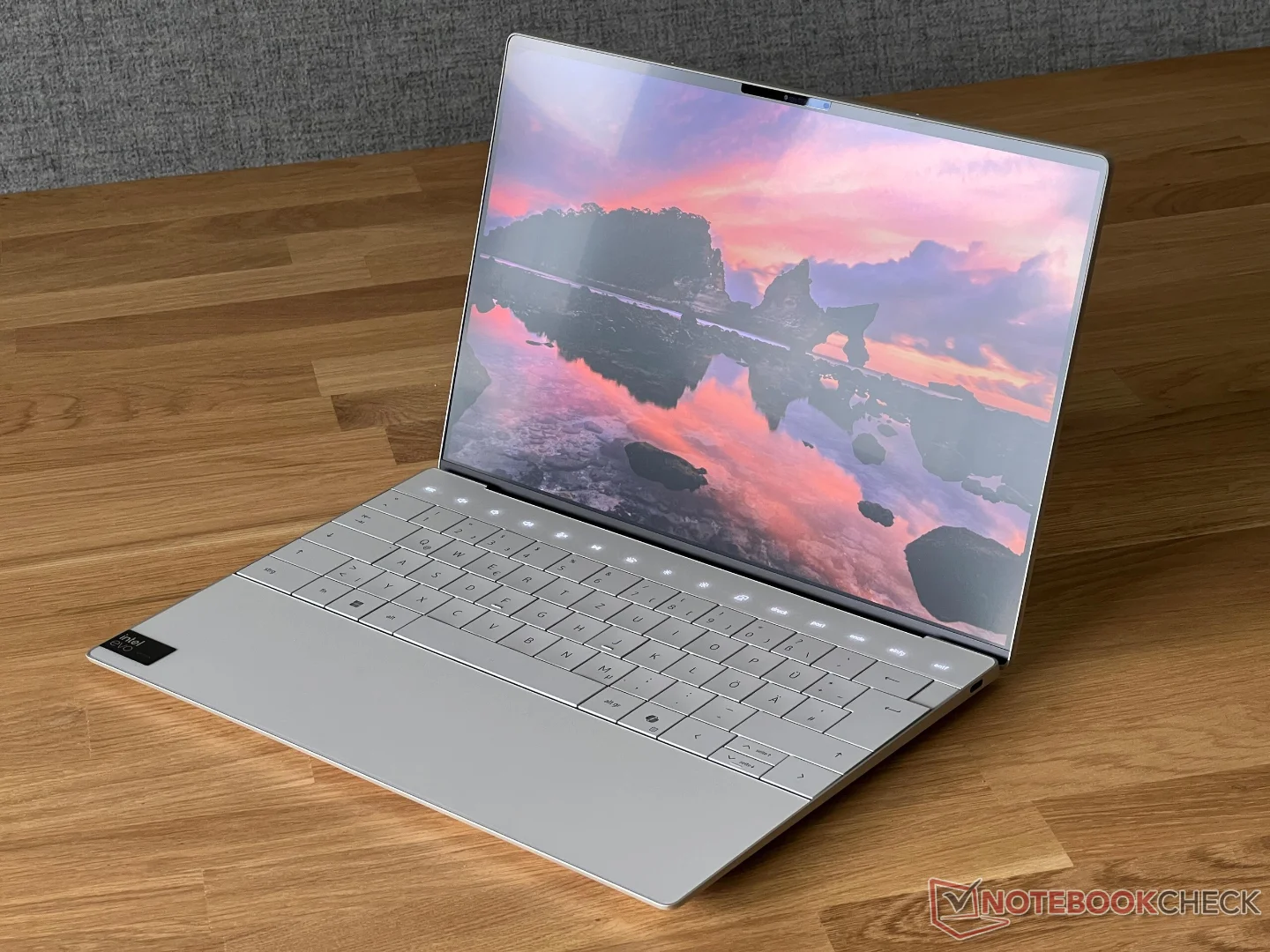
Dell hasn’t abandoned the controversial, hyper-minimalist design language introduced a few years ago; instead, they have meticulously refined it. The 2026 Dell XPS 13 remains a masterclass in CNC-machined aluminum and Gorilla Glass, feeling impossibly dense and premium in the hand. The zero-lattice keyboard makes a triumphant return, offering surprisingly tactile feedback despite the flat, tightly packed keycaps. Below it, the invisible haptic glass touchpad remains a sleek, futuristic centerpiece, albeit one that still requires a slight learning curve for newcomers adjusting to its borderless layout.
At just 2.5 pounds and 14.8mm thin, this is an ultraportable that truly lives up to the moniker. New for 2026 is the introduction of a gorgeous “Lunar Titanium” colorway, which does a far better job of repelling fingerprints compared to older matte dark finishes. However, Dell’s stubborn insistence on a port-starved chassis continues. You are given exactly two Thunderbolt 5 ports—one on each side—meaning dongles remain a necessary evil for any professional needing USB-A, an HDMI out, or an SD card reader.
Performance
Under the hood, the Dell XPS 13 (2026) is powered by Intel’s latest 3rd-generation Core Ultra architecture, and the performance leap over the 2024 and 2025 models is palpable. Whether you are compiling heavy codebases in Visual Studio, batch-exporting high-resolution RAW files in Lightroom, or managing dozens of Chrome tabs alongside 4K video playback, the XPS 13 handles it without a single stutter. The integrated Intel Arc Pro graphics have also seen a massive bump, allowing for smooth 1080p light gaming and surprisingly robust local AI workload processing.
Thermally, Dell has completely overhauled the internal dual-fan vapor chamber system. Even during synthetic benchmark stress tests, the laptop maintains a remarkably cool palm rest. Fan noise is virtually nonexistent during typical office tasks, only spinning up to a polite, audible hum when aggressively maxing out the CPU across all cores.
Perhaps the most impressive performance metric this year is the battery life. Thanks to the raw efficiency of the new LPDDR6x memory and Intel’s heavily optimized NPU routing background tasks, the XPS 13 comfortably achieves 15 hours of real-world usage. It is the first time an x86 Windows machine of this size truly rivals Apple’s ARM-based silicon for multi-day, unplugged reliability.
Features & Software
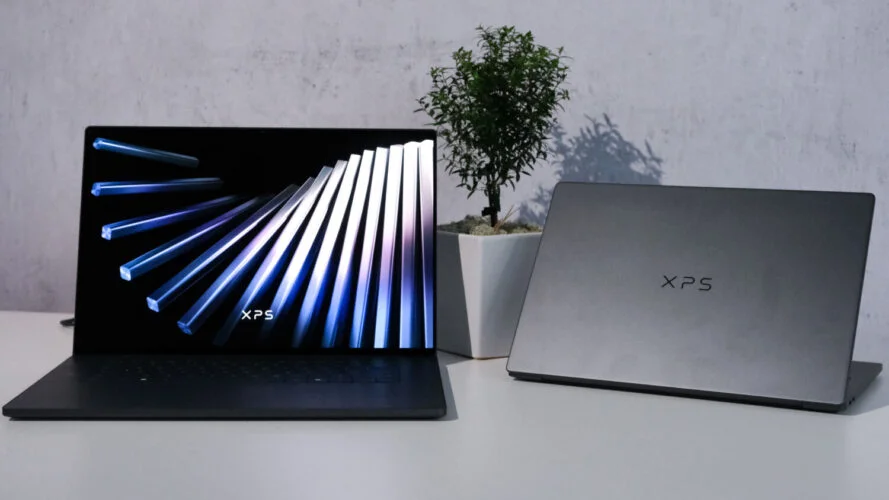
The absolute star of the show is the new 13.4-inch Tandem OLED display. By stacking two OLED panels, Dell has doubled the peak brightness to an astonishing 1,200 nits, effectively eliminating the outdoor glare issues that plagued previous glossy screens. Watching HDR content on this display is an absolute revelation, characterized by infinite, inky blacks and vibrant, color-accurate highlights. Complementing the display is a new 5MP Windows Hello webcam that utilizes the onboard NPU for flawless background blurring, auto-framing, and eye-contact correction without putting any drain on the main battery.
On the software front, the XPS 13 ships with a remarkably clean installation of Windows 11 (2026 Update). Dell has finally stripped back its bloated proprietary management software, condensing updates, power profiles, and customer support into a single, lightweight “MyDell” application. The built-in local AI assistant, powered directly by the Core Ultra NPU, allows you to search your local files, summarize complex PDFs, and adjust system settings instantly without ever relying on cloud computing.
Value Proposition
The Dell XPS 13 (2026) comes with an undeniably premium price tag, starting at $1,399 for the base model and scaling well past $2,000 for upgraded RAM and storage. This positions it firmly in the luxury tier of ultraportables. However, when you factor in the bleeding-edge Tandem OLED technology, the massive leap in battery endurance, and the sheer architectural build quality, the pricing feels justified for power users who demand uncompromising aesthetics.
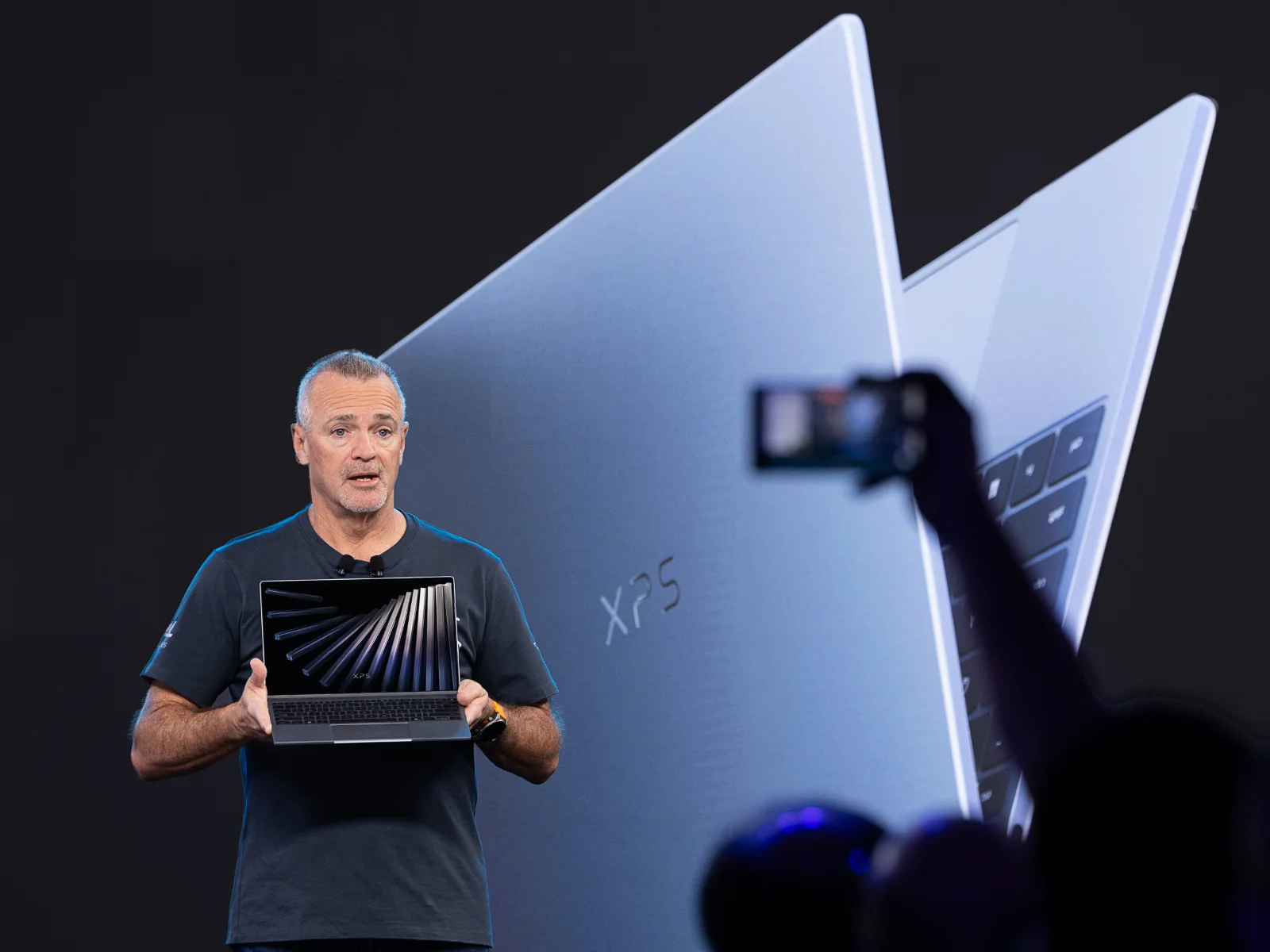
While budget-conscious buyers can easily find similar raw performance in cheaper, bulkier chassis, the XPS 13 isn’t just about benchmark scores. You are paying for the engineering marvel of fitting a genuine powerhouse into an impossibly thin frame, making it a highly compelling investment for traveling professionals, executives, and digital nomads who want the best Windows experience available.
How It Compares
When pitted against the Apple MacBook Air M4, the XPS 13 (2026) finally closes the gap on battery life while offering a vastly superior OLED display compared to Apple’s traditional LCD panel. However, the MacBook Air still holds a slight edge in sustained, fanless thermal performance and speaker depth. Compared to the Lenovo ThinkPad X1 Carbon Gen 14, the Dell feels much more modern and media-focused, though the ThinkPad easily wins over pragmatic enterprise users with its superior tactile keyboard and generous array of legacy ports.
Pros and Cons
Pros
- Features a breathtaking, ultra-bright 120Hz Tandem OLED display.
- Delivers all-day battery life that finally rivals ARM-based competitors.
- Offers best-in-class build quality with premium aluminum and glass materials.
- Operates with whisper-quiet thermals during everyday multitasking workloads.
Cons
- Lacks legacy ports, offering only two Thunderbolt 5 connections.
- Features a steep learning curve for the invisible haptic touchpad.
- Solders RAM to the motherboard, preventing future memory upgrades.
- Commands a very high starting price compared to mainstream laptops.
FAQ
Q: Does the Dell XPS 13 (2026) have a headphone jack?
A: No, Dell has completely removed the 3.5mm headphone jack in this model. You will need to use Bluetooth headphones or a dedicated USB-C adapter.
Q: Can I upgrade the RAM or storage after purchase?
A: The ultra-fast LPDDR6x RAM is soldered directly to the motherboard and cannot be upgraded. However, the PCIe Gen 5 SSD is user-replaceable if you are comfortable opening the chassis.
Q: Is the new zero-lattice keyboard comfortable for long typing sessions?
A: While it takes a few days of adjustment due to the lack of traditional spacing between the keys, the tactile switches provide a highly satisfying and responsive typing experience once you build the muscle memory.
Q: How does the Tandem OLED affect battery life?
A: Despite being significantly brighter, the Tandem OLED technology is highly energy efficient. When paired with the new Intel Core Ultra processors, overall battery life is actually improved over older standard OLED models.
Verdict
The Dell XPS 13 (2026) is the ultimate ultraportable for traveling professionals and tech enthusiasts who refuse to compromise on display quality and design. While the limited port selection and invisible touchpad won’t appeal to everyone, its phenomenal battery life and Tandem OLED screen set an incredibly high new benchmark for Windows laptops. If you have the budget and want a machine that turns heads while effortlessly chewing through daily workloads, this is the laptop to buy.
Where to Buy
Pros
- ✓ Features a breathtaking, ultra-bright 120Hz Tandem OLED display.
- ✓ Delivers all-day battery life that finally rivals ARM-based competitors.
- ✓ Offers best-in-class build quality with premium aluminum and glass materials.
- ✓ Operates with whisper-quiet thermals during everyday multitasking workloads.
Cons
- ✗ Lacks legacy ports, offering only two Thunderbolt 5 connections.
- ✗ Features a steep learning curve for the invisible haptic touchpad.
- ✗ Solders RAM to the motherboard, preventing future memory upgrades.
- ✗ Commands a very high starting price compared to mainstream laptops.
Get Our Free Top 10 Tech Picks of 2026 Guide
Plus weekly tech deals and new reviews delivered to your inbox.
[cp_email_signup]
No spam. Unsubscribe anytime.
Ready to buy the Dell XPS 13 (2026)?
Affiliate link — we may earn a commission at no extra cost to you.