










The Lenovo IdeaPad 3i has long been a staple in the budget laptop market, but the latest iteration aims to deliver premium productivity without the hefty price tag. We put the 15-inch model through its paces to see if its upgraded silicon and refined chassis make it the ultimate everyday workhorse. Read on to discover if this affordable machine deserves a spot on your desk in 2026.
Table of Contents
Key Specifications
| Feature | Detail |
|---|---|
| Processor | Up to Intel Core i5-1335U (10 Cores, 12 Threads) |
| Graphics | Intel Iris Xe Integrated Graphics |
| RAM | 8GB or 16GB DDR4 (3200MHz) |
| Storage | 256GB or 512GB PCIe NVMe SSD |
| Display | 15.6-inch FHD (1920 x 1080) IPS, Anti-glare, 300 nits |
| Battery | 45Whr with Rapid Charge Boost |
| Weight | 3.59 lbs (1.63 kg) |
| Ports | 1x USB-C 3.2 Gen 1, 2x USB-A, 1x HDMI 1.4, SD Card Reader, Audio Jack |
Design & Build Quality
Lenovo has refined the IdeaPad 3i for 2026, ditching the chunky aesthetics of older budget models in favour of a sleeker, more minimalist profile. Constructed predominantly from high-quality PC/ABS plastics, the chassis feels surprisingly rigid with minimal deck flex during intensive typing sessions. While it lacks the premium cold-to-the-touch feel of an all-aluminium ThinkPad or Yoga, the brushed faux-metal finish does an excellent job of resisting unsightly fingerprints and smudges.
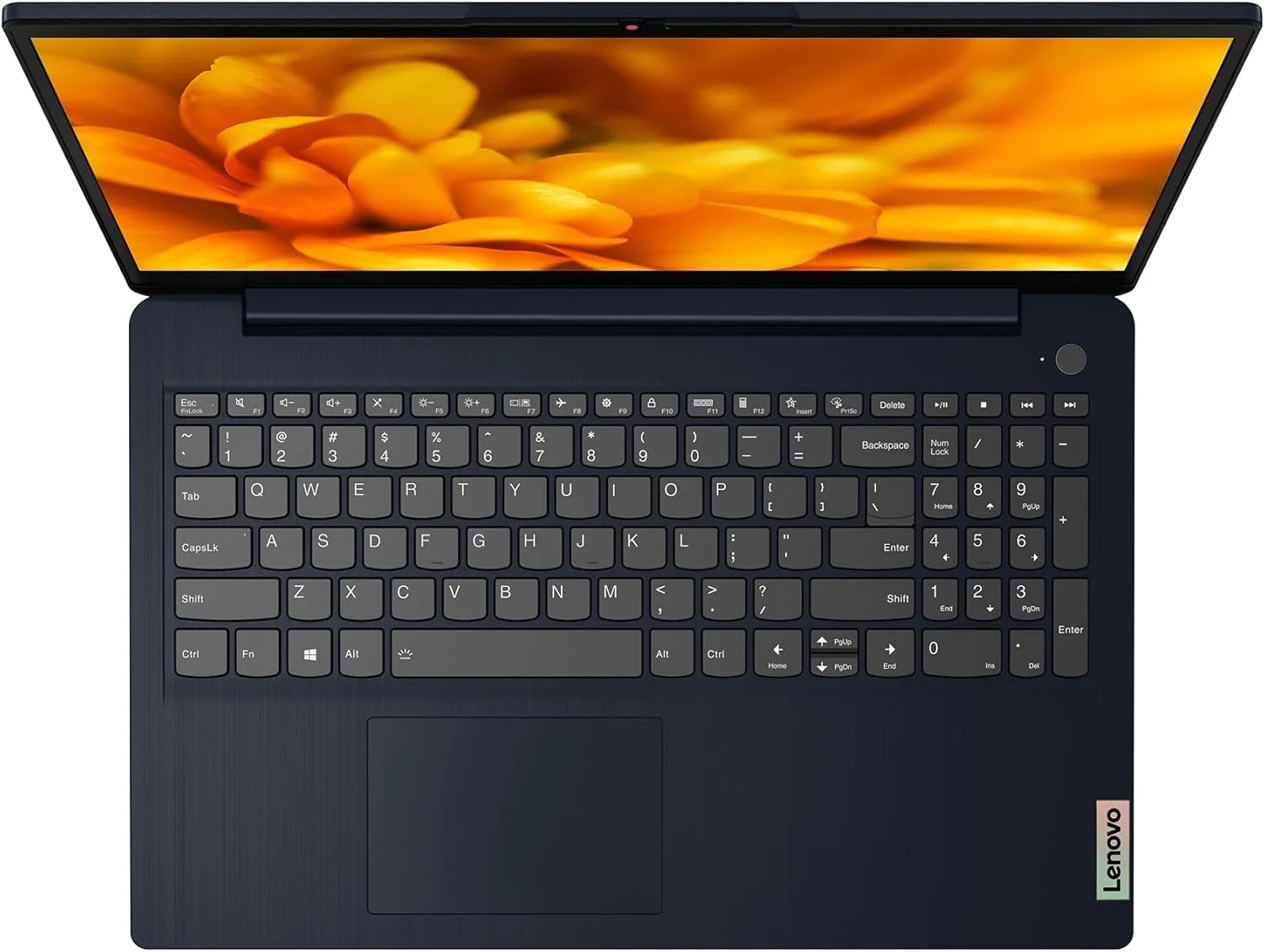
Ergonomically, the 15.6-inch form factor provides ample real estate for a full-sized keyboard, complete with a dedicated numeric keypad that data analysts and students will instantly appreciate. The keys offer 1.5mm of travel, providing the tactile, responsive typing experience Lenovo is globally renowned for. Additionally, the hinge mechanism is smooth enough to allow for easy one-handed opening but firm enough to keep the screen completely stable when working on your lap.
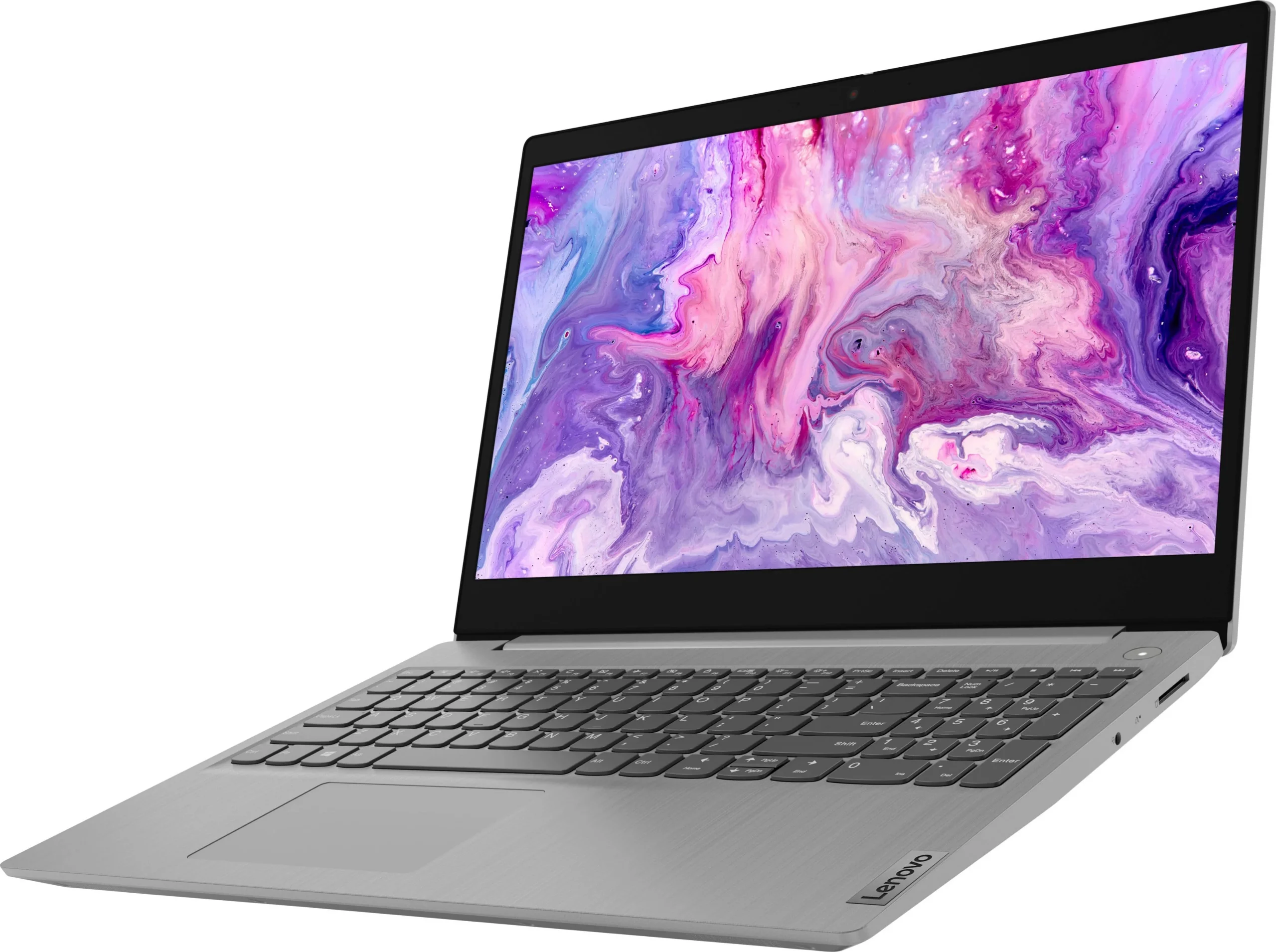
At just 1.63 kg (3.59 lbs), it is highly portable for a 15-inch device. The slim side bezels surrounding the display help shrink the overall footprint, making it effortless to slide into a standard backpack. However, the slightly bulky bottom chin reminds you that this is still a budget-oriented machine, housing a decent but unremarkable 720p webcam that is thankfully equipped with a physical privacy shutter.
Performance
Under the hood, the Lenovo IdeaPad 3i is powered by Intel’s highly efficient U-series processors, scaling up to the capable Core i5-1335U. In our real-world testing, this 10-core architecture proved more than robust enough to handle heavy daily productivity tasks. Whether we were juggling thirty Chrome tabs, streaming Spotify, and running complex Excel macros simultaneously, the IdeaPad 3i maintained snappy responsiveness without suffering from aggressive thermal throttling.
When subjected to synthetic benchmarks, the laptop posts respectable scores that align perfectly with the upper echelon of the budget segment in 2026. Geekbench and Cinebench runs highlight the processor’s strong single-core performance, which translates to incredibly fast boot times and instantaneous application launches, aided significantly by the brisk PCIe NVMe SSD. However, the Intel Iris Xe integrated graphics clearly indicate this is not a gaming machine; while light photo editing and casual indie titles run fluidly, modern AAA games will heavily struggle even on the lowest settings.
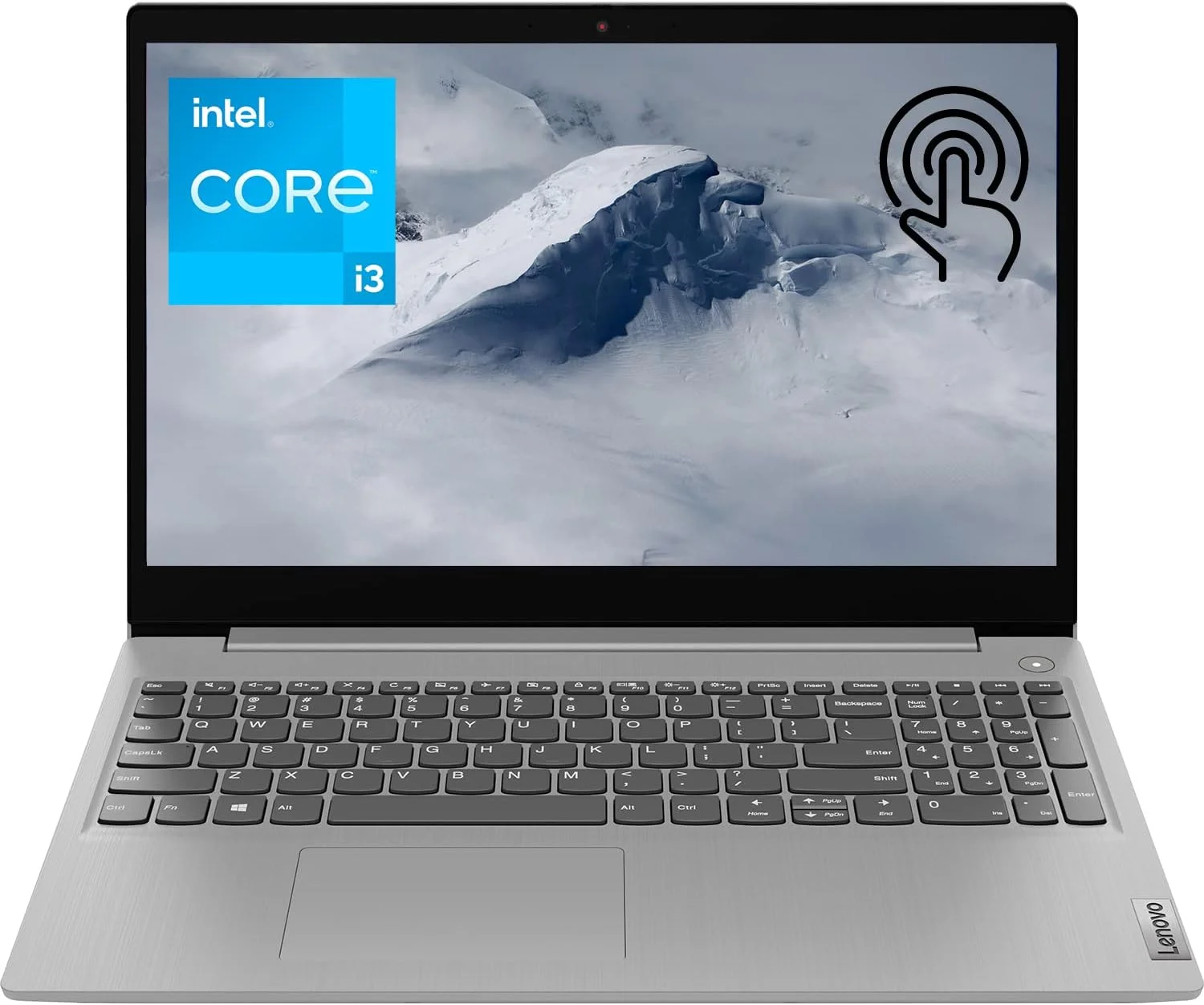
Thermal management is handled admirably through Lenovo’s built-in Q-Control software. In ‘Intelligent Cooling’ mode, the fan noise remains barely a whisper during standard office work. Pushing the CPU to its absolute limits in ‘Extreme Performance’ mode does spin up the fans to noticeable levels, but the chassis never gets uncomfortably hot to the touch. The 45Whr battery reliably delivers around 7 to 8 hours of moderate use, which should safely get you through a standard workday without frantically hunting for an outlet.
Features & Software
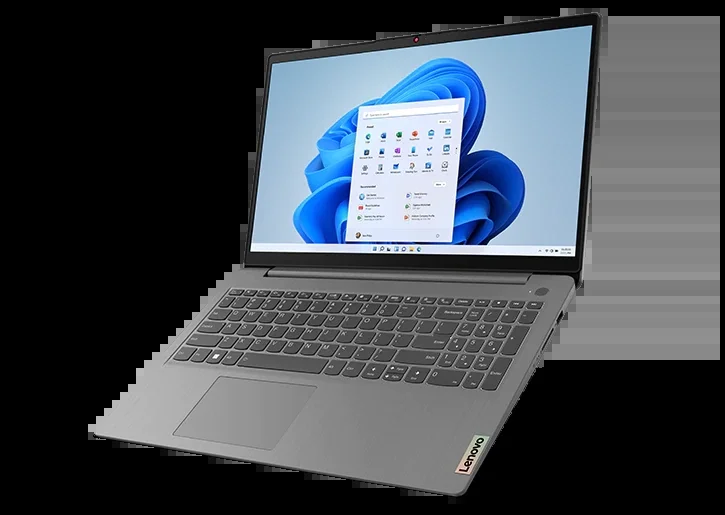
The IdeaPad 3i ships with Windows 11 Home and incorporates Lenovo’s Vantage software, which remains one of the most useful and least intrusive OEM utilities on the market today. Vantage allows you to easily tweak power profiles, run hardware diagnostics, and manage critical system updates from a single, clean interface. The inclusion of Lenovo Aware is also a brilliant touch for 2026, providing smart posture reminders and break notifications during excessively long working sessions.
Connectivity is solid, featuring Wi-Fi 6 and Bluetooth 5.1 to ensure fast and stable wireless connections. The port selection covers all the essentials, including a USB-C 3.2 Gen 1 port, though it is disappointingly limited to data transfer and lacks Power Delivery or DisplayPort functionality. A pleasant surprise, however, is the inclusion of a full-sized SD card reader, a rarity nowadays that will undoubtedly please casual photographers and content creators.
Value Proposition
In an era where flagship laptops easily clear the two-thousand-dollar mark, the Lenovo IdeaPad 3i stands out as an exceptionally sensible investment. Priced comfortably within the budget tier, it delivers the core competencies of a high-end machine—specifically processing power, reliability, and typing comfort—without forcing buyers to pay for superfluous bells and whistles. It strikes a meticulous balance between cost and everyday capability.
For students, administrative office workers, and home users who need a reliable workhorse, the return on investment here is massive. You are essentially getting a dependable, future-proofed Intel architecture and Lenovo’s legendary keyboard engineering at a fraction of the cost of a premium ultra-portable, making it one of the most compelling value propositions in the entire 2026 laptop landscape.
How It Compares
When pitted against the Acer Aspire 5, the IdeaPad 3i pulls ahead in keyboard comfort and overall chassis rigidity, though the Acer often includes slightly better webcam hardware for video conferencing. Compared to the HP Pavilion 15, the Lenovo device offers a noticeably cleaner software experience with less bloatware right out of the box. While the HP Pavilion might edge out the IdeaPad in terms of audio quality thanks to its B&O tuned speakers, the IdeaPad 3i’s superior thermal management and robust hinge design make it the better long-term daily driver for most professionals.
Pros and Cons
Pros
- Features a highly comfortable, full-sized keyboard with a dedicated numeric keypad.
- Delivers excellent everyday performance thanks to modern Intel Core U-series processors.
- Includes a physical privacy shutter on the webcam for enhanced user security.
- Offers a clean, bloatware-free software experience through the intuitive Lenovo Vantage app.
Cons
- The USB-C port does not support Power Delivery charging or external display outputs.
- The 720p webcam produces grainy, washed-out images in low-light environments.
- The display brightness caps out at 300 nits, making outdoor visibility quite challenging.
- Integrated graphics severely limit video editing speeds and gaming capabilities.
FAQ
Q: Can I upgrade the RAM and storage on the Lenovo IdeaPad 3i?
A: Yes, the laptop features an accessible M.2 slot for SSD upgrades and at least one SODIMM slot for memory expansion, though base 8GB models may have some RAM permanently soldered to the motherboard.
Q: Does the Lenovo IdeaPad 3i support USB-C charging?
A: No, the included USB-C port is for data transfer only. You must use the proprietary Lenovo barrel charger included in the box to power the device.
Q: Is this laptop good for gaming?
A: The IdeaPad 3i is not designed for modern gaming. Its Intel Iris Xe integrated graphics can handle light, older titles and casual 2D games, but not demanding AAA 3D games.
Q: Does the keyboard have a backlight?
A: Keyboard backlighting is an optional feature on the IdeaPad 3i. You will need to verify that the specific configuration you are purchasing includes this option if working in the dark is important to you.
Verdict
The Lenovo IdeaPad 3i (15-inch) is a remarkably well-rounded budget laptop perfectly tailored for students, remote workers, and everyday home users. While it compromises on display brightness and port functionality to keep costs down, its stellar keyboard, reliable Intel performance, and solid build quality make it a standout choice. If you need a dependable, no-nonsense productivity machine in 2026 that won’t break the bank, this laptop should be at the very top of your list.
Where to Buy
Pros
- ✓ Features a highly comfortable, full-sized keyboard with a dedicated numeric keypad.
- ✓ Delivers excellent everyday performance thanks to modern Intel Core U-series processors.
- ✓ Includes a physical privacy shutter on the webcam for enhanced user security.
- ✓ Offers a clean, bloatware-free software experience through the intuitive Lenovo Vantage app.
Cons
- ✗ The USB-C port does not support Power Delivery charging or external display outputs.
- ✗ The 720p webcam produces grainy, washed-out images in low-light environments.
- ✗ The display brightness caps out at 300 nits, making outdoor visibility quite challenging.
- ✗ Integrated graphics severely limit video editing speeds and gaming capabilities.
Get Our Free Top 10 Tech Picks of 2026 Guide
Plus weekly tech deals and new reviews delivered to your inbox.
[cp_email_signup]
No spam. Unsubscribe anytime.
Ready to buy the Lenovo IdeaPad 3i (15-inch)?
Affiliate link — we may earn a commission at no extra cost to you.