








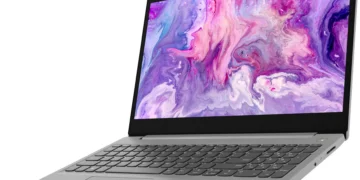

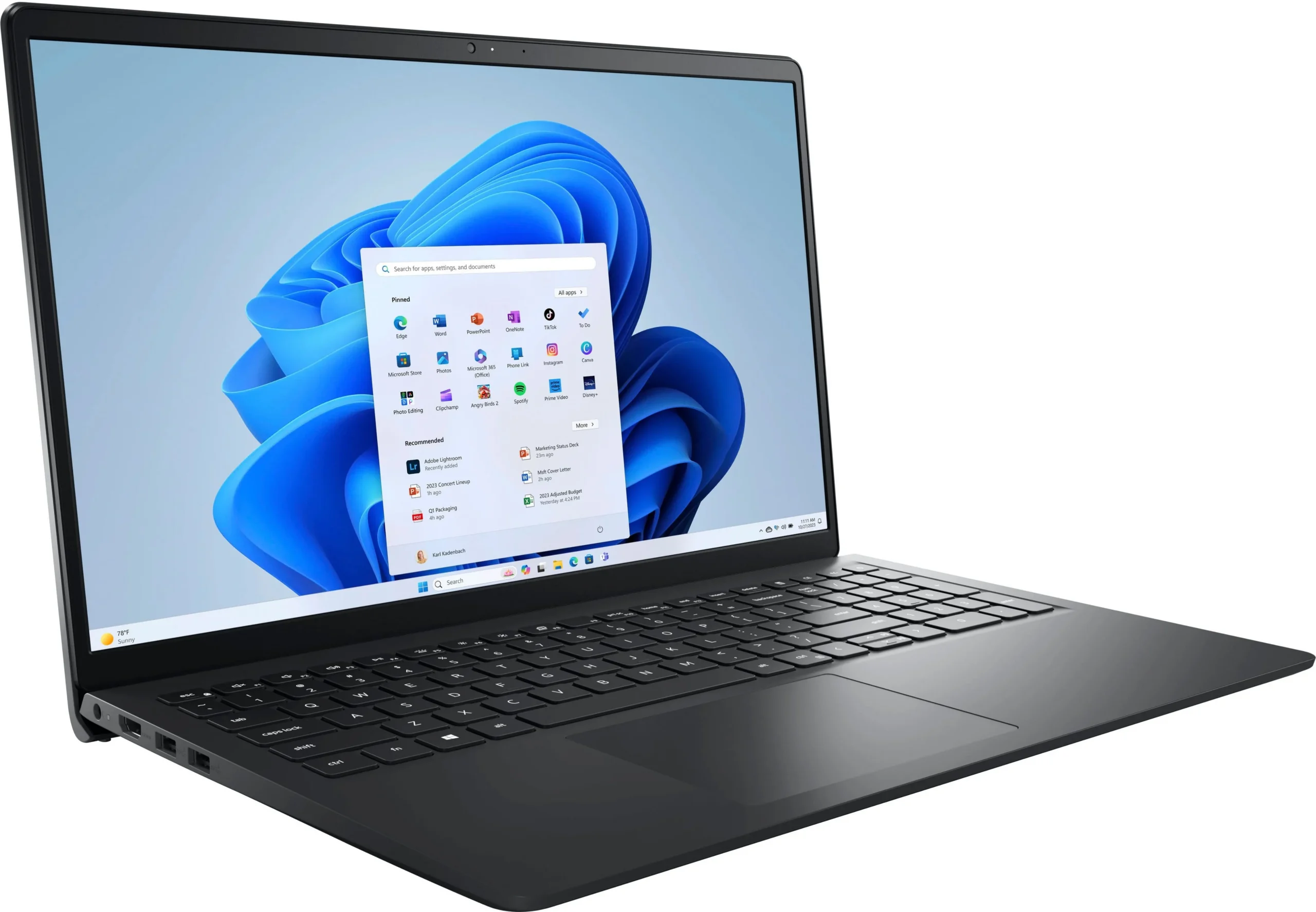
The Dell Inspiron 15 3520 remains a staple in the budget laptop market for 2026, offering reliable everyday computing at an accessible price. We put this workhorse to the test to see if its 12th Gen Intel processors and 120Hz display still hold up against newer competition. Read our full review to find out if it deserves a spot on your desk.
Table of Contents
Key Specifications
| Feature | Detail |
|---|---|
| Processor | Up to 12th Gen Intel Core i5-1235U or i7-1255U |
| Display | 15.6-inch FHD (1920 x 1080), 120Hz, WVA, Anti-Glare |
| RAM | 8GB or 16GB DDR4 2666MHz (User Upgradable) |
| Storage | 256GB, 512GB, or 1TB PCIe NVMe M.2 SSD |
| Graphics | Intel UHD Graphics or Intel Iris Xe Graphics |
| Battery | 3-cell 41Wh or 4-cell 54Wh |
| Weight | 3.65 lbs (1.65 kg) |
Design & Build Quality
The Dell Inspiron 15 (3520) embraces a minimalist, strictly utilitarian aesthetic that aligns well with its budget-friendly positioning. Constructed entirely from post-consumer recycled plastics, the chassis is available in understated shades like Carbon Black and Platinum Silver. While the plastic build means it lacks the premium, cool-to-the-touch rigidity of an XPS model, the casing is reasonably sturdy, exhibiting only minor flex on the keyboard deck when typing forcefully. It is a pragmatically designed machine that looks perfectly at home in a classroom or a corporate cubicle.
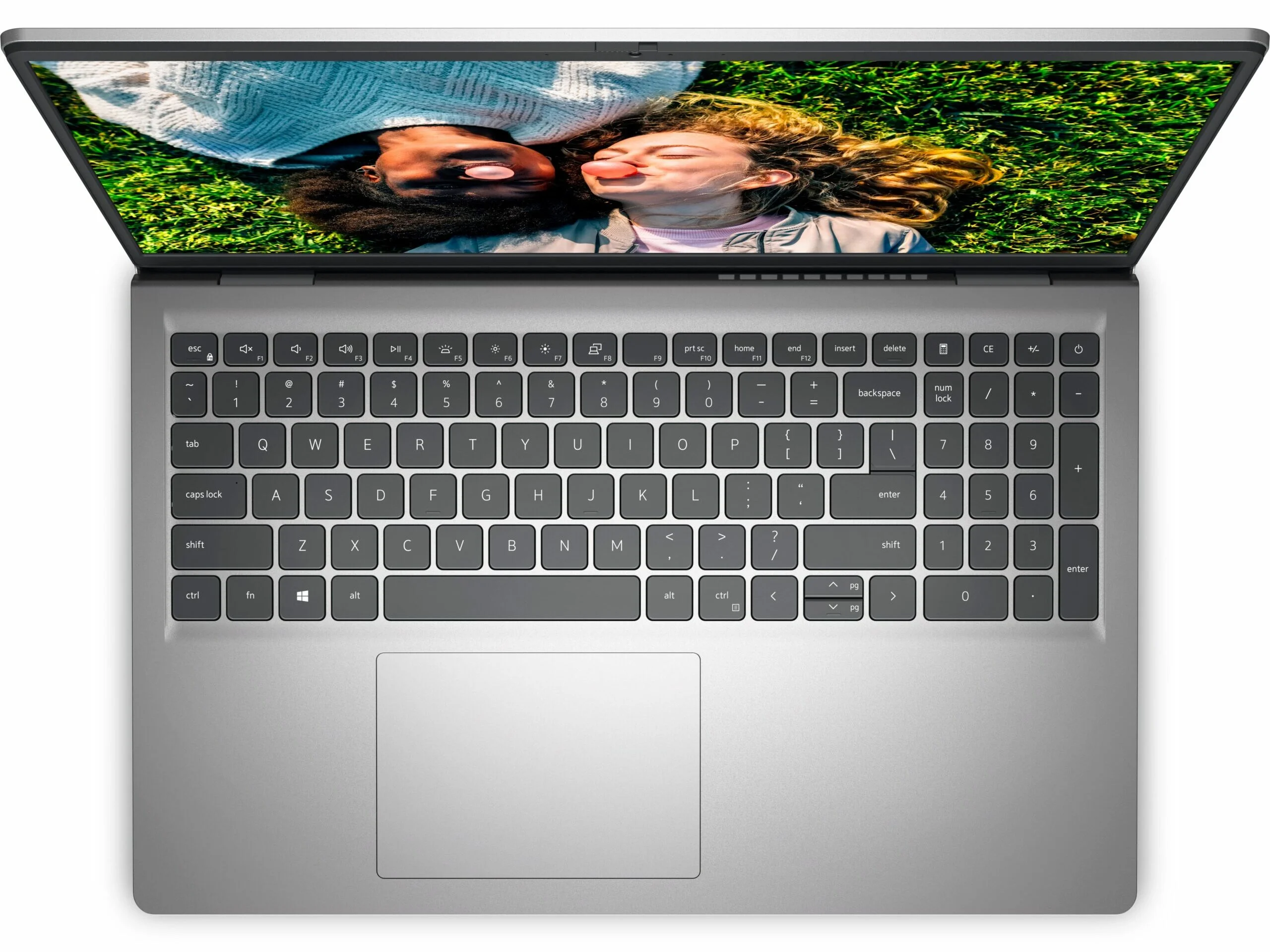
Ergonomics are where the Inspiron 15 truly shines. Dell has integrated its signature ErgoLift hinge, which slightly elevates the rear of the keyboard deck when the lid is opened. This incline provides a vastly superior typing angle compared to flat-laying laptops and simultaneously improves airflow to the intake vents underneath. The keyboard itself features adequately sized keys with a satisfying tactile bump, complete with a dedicated numeric keypad—a massive boon for spreadsheet heavy-users and data entry professionals.
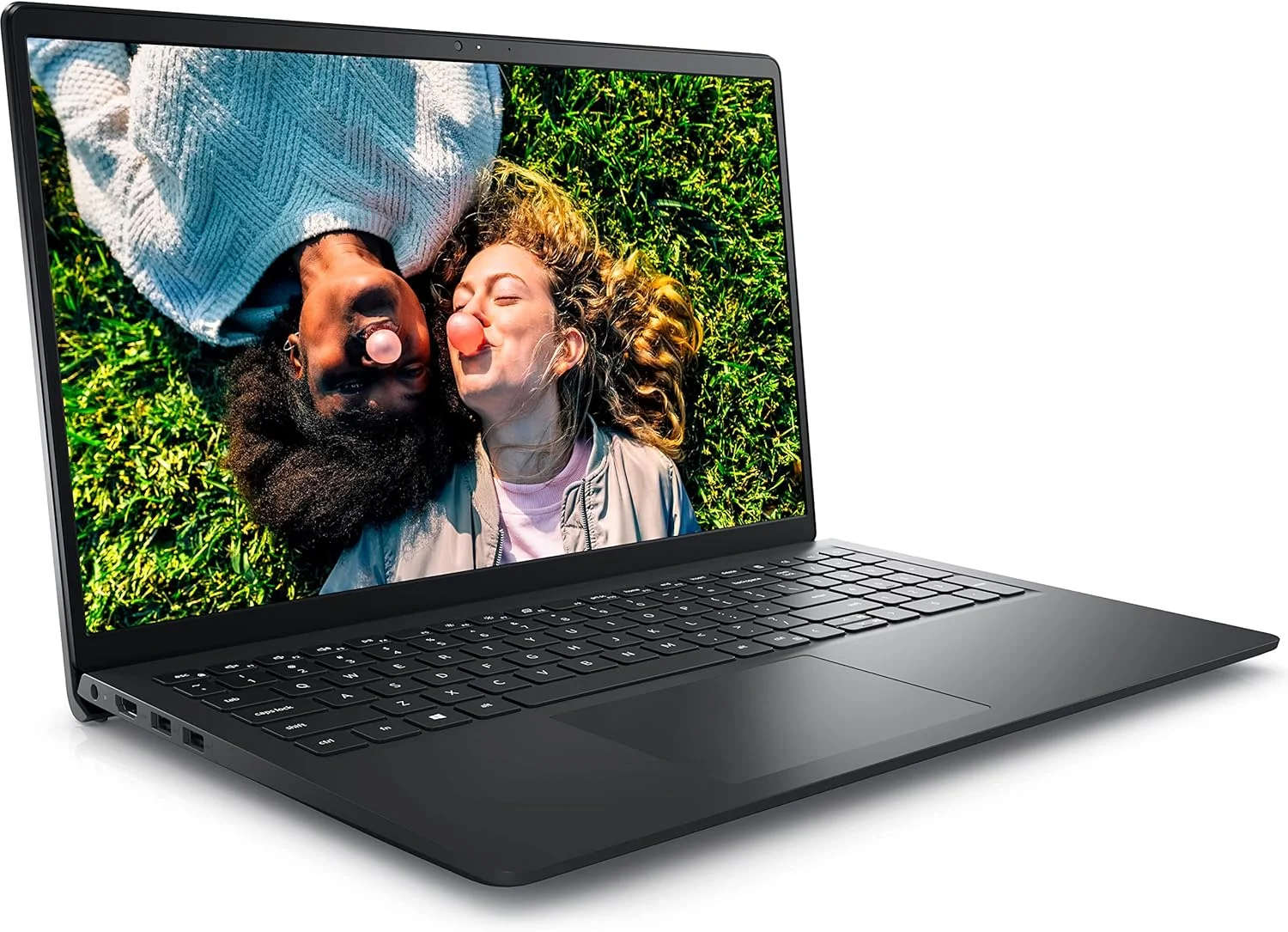
In terms of connectivity, the 3520 offers a generous, if slightly dated, port selection. You will find two USB 3.2 Gen 1 Type-A ports, a legacy USB 2.0 port, an HDMI 1.4 output, a headphone jack, and a highly welcome full-sized SD card reader. The glaring omission here is the lack of standard USB-C charging across all base configurations, which feels somewhat archaic for a device being reviewed in 2026. Weighing in at 3.65 pounds, it is light enough to commute with, though its 15.6-inch footprint requires a properly sized backpack.
Performance
Under the hood, the Dell Inspiron 15 (3520) utilizes Intel’s 12th-generation U-series processors, which strike a delicate balance between energy efficiency and multitasking capability. Even a few years post-launch, the Core i5-1235U configuration we tested proves more than capable of tearing through modern office workloads. Having twenty Chrome tabs open while actively streaming a video and updating a dense Excel sheet resulted in zero noticeable stutter. The CPU’s combination of performance and efficiency cores allocates resources intelligently, keeping everyday Windows 11 navigation brisk and responsive.
The standout performance enhancer isn’t actually the processor, but rather the inclusion of a 120Hz refresh rate display. This is a rarity in the budget productivity space. The doubled refresh rate works wonders for perceived speed; scrolling through long web pages, dragging windows across the desktop, and navigating UI menus feel incredibly fluid. However, it is important to note that the integrated Intel Iris Xe graphics are not equipped to push 120 frames per second in modern gaming. While you can certainly enjoy light indie titles, Minecraft, or cloud gaming, this is decidedly not a gaming laptop.
Thermal management is handled competently, largely thanks to the lift-hinge design creating extra breathing room. During typical web browsing and document editing, the single cooling fan remains virtually silent. It is only when pushed with synthetic benchmarks or light video rendering that the fan spins up to an audible hum. Even under sustained load, the palm rests and primary typing keys remain comfortably cool to the touch, ensuring that your workflow isn’t interrupted by an overheating chassis.
Features & Software
Dell packs the Inspiron 15 (3520) with a handful of quality-of-life software features, most notably Dell ComfortView. This built-in blue light reduction software helps minimize eye strain during extended late-night study or work sessions. Additionally, the Dell ExpressCharge capability is a lifesaver for users constantly on the move, allowing the battery to charge up to 80% in just 60 minutes when plugged into the wall.
On the software front, the laptop ships with Windows 11 Home, which runs smoothly on this hardware. However, Dell’s tendency to pre-install bloatware remains a slight annoyance. Out of the box, you will need to spend a few minutes uninstalling unwanted McAfee trial software and a few redundant Dell optimization utilities to reclaim storage space and prevent annoying pop-up notifications. Once cleaned up, the software experience is impressively clean and stable.
Value Proposition
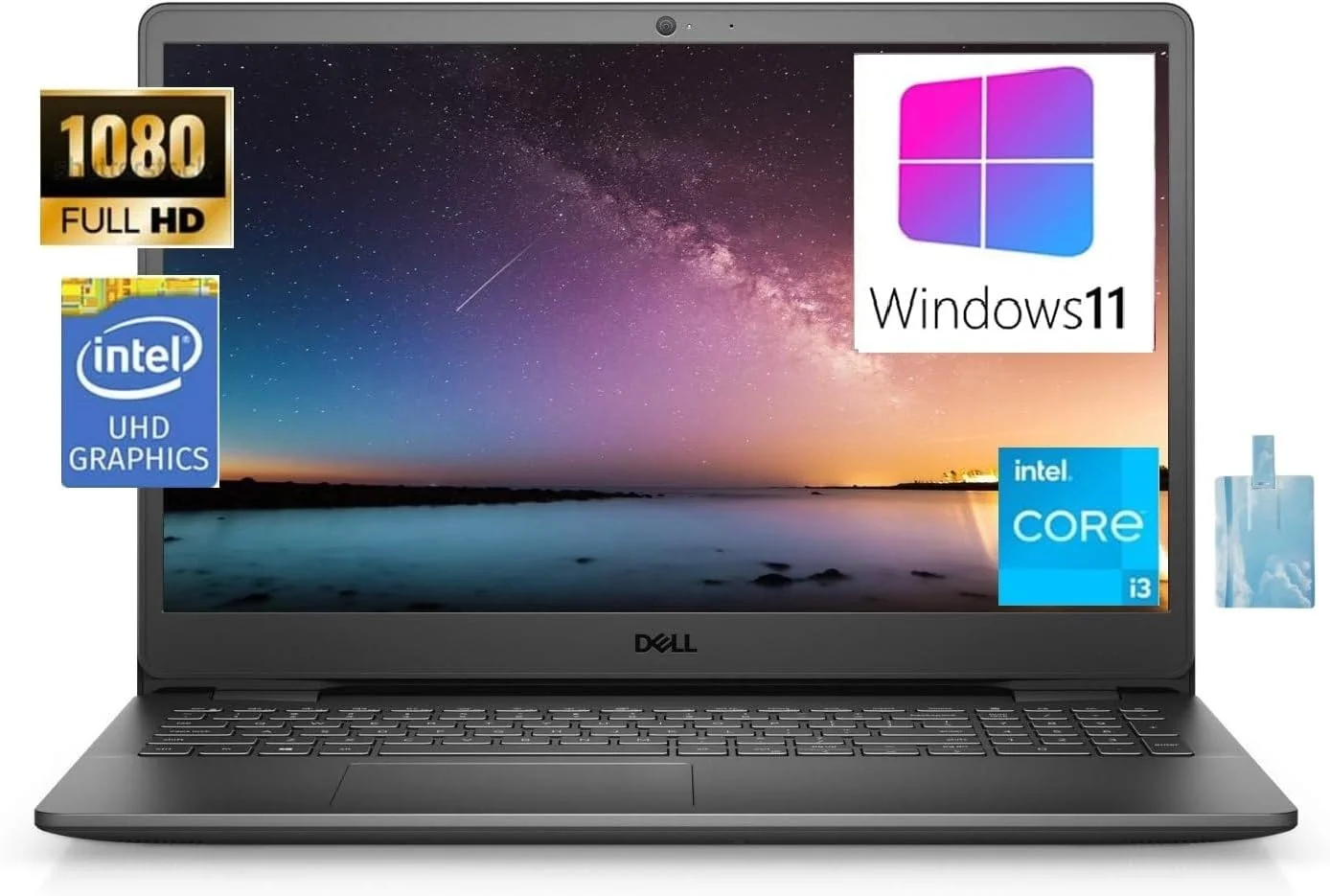
In 2026, the value proposition of the Dell Inspiron 15 (3520) hinges heavily on its price-to-performance ratio. Sitting comfortably in the budget tier, it delivers a large screen, surprisingly good typing ergonomics, and a 120Hz display—features often reserved for higher price brackets. It is a highly accessible entry point for students, home office users, and families needing a shared PC.
While you are undeniably making compromises in build materials, webcam quality, and battery longevity, the core computing experience remains remarkably solid. Because the RAM and NVMe storage are easily accessible and user-upgradable, this laptop offers excellent longevity for the price, allowing budget-conscious buyers to extend the machine’s lifespan for years to come.
How It Compares
When pitted against the Acer Aspire 5, the Inspiron 3520 loses out on build quality, as the Acer features a more premium aluminum top cover and better webcam. However, the Dell easily wins on display fluidity thanks to its 120Hz panel, which the 60Hz Acer cannot match. Compared to the Lenovo IdeaPad 3, the Dell falls slightly behind in battery endurance, but it claws back an advantage with its superior ErgoLift typing angle and inclusion of a full-sized SD card reader—a feature content creators will deeply appreciate.
Pros and Cons
Pros
- Features a remarkably smooth 120Hz refresh rate display that makes UI navigation feel incredibly responsive.
- The ergonomic lift-hinge design significantly improves typing comfort during long work sessions.
- Provides a solid variety of legacy and modern ports, including a built-in SD card reader.
- Expandable RAM and storage options give it excellent longevity for a budget machine.
Cons
- The all-plastic build quality feels undeniably cheap when compared to metal-clad competitors.
- Battery life falls short of the all-day standard, typically requiring a proprietary charger after five hours of mixed use.
- The 720p webcam produces grainy and washed-out video that is sub-par for professional video conferencing.
- The screen’s peak brightness is lacking, making it difficult to use in brightly lit rooms or outdoors.
FAQ
Q: Can the Dell Inspiron 15 (3520) run modern games?
A: It can handle lightweight indie games and older titles on low settings thanks to Intel Iris Xe graphics, but it is not built for demanding AAA gaming.
Q: Does the Dell Inspiron 15 (3520) have a backlit keyboard?
A: A backlit keyboard is available as an optional upgrade, so be sure to check the specific configuration details before purchasing.
Q: Is the RAM upgradable on the Inspiron 3520?
A: Yes, the laptop features two SODIMM slots, allowing users to easily upgrade the DDR4 memory to a maximum of 16GB or 32GB depending on the exact chipset.
Q: Does it charge via USB-C?
A: No, most configurations of the 3520 rely on Dell’s proprietary barrel charger, as USB-C power delivery is notably absent on base models.
Verdict
The Dell Inspiron 15 (3520) remains a highly practical and affordable choice in 2026 for students, remote workers, and casual users seeking reliable everyday performance. While it compromises on battery life and premium build materials, the inclusion of a fluid 120Hz display and an ergonomic typing experience make it a strong contender in the budget tier. It is best suited for those who need a dependable, stationary workhorse rather than a highly portable travel companion.
Where to Buy
Pros
- ✓ Features a remarkably smooth 120Hz refresh rate display that makes UI navigation feel incredibly responsive.
- ✓ The ergonomic lift-hinge design significantly improves typing comfort during long work sessions.
- ✓ Provides a solid variety of legacy and modern ports, including a built-in SD card reader.
- ✓ Expandable RAM and storage options give it excellent longevity for a budget machine.
Cons
- ✗ The all-plastic build quality feels undeniably cheap when compared to metal-clad competitors.
- ✗ Battery life falls short of the all-day standard, typically requiring a proprietary charger after five hours of mixed use.
- ✗ The 720p webcam produces grainy and washed-out video that is sub-par for professional video conferencing.
- ✗ The screen’s peak brightness is lacking, making it difficult to use in brightly lit rooms or outdoors.
Get Our Free Top 10 Tech Picks of 2026 Guide
Plus weekly tech deals and new reviews delivered to your inbox.
[cp_email_signup]
No spam. Unsubscribe anytime.
Ready to buy the Dell Inspiron 15 (3520)?
Affiliate link — we may earn a commission at no extra cost to you.