
Finding a reliable, budget-friendly monitor in 2026 can feel like navigating a minefield of subpar displays. The Sceptre E248W-19203R promises to deliver a crisp 1080p resolution, a 75Hz refresh rate, and sleek aesthetics without breaking the bank. Let’s dive in to see if this ultra-affordable screen is actually worth your hard-earned cash or if it cuts too many corners to hit its price point.
Table of Contents
Key Specifications
| Feature | Detail |
|---|---|
| Screen Size | 23.8 Inches |
| Resolution | 1920 x 1080 (Full HD) |
| Refresh Rate | 75Hz |
| Response Time | 5ms |
| Panel Type | LED (TN) |
| Ports | 2x HDMI, 1x VGA, 3.5mm Audio In/Out |
| VESA Compatibility | Yes (100mm x 100mm) |
| Audio | Built-in Speakers (2W x 2) |
Design & Build Quality
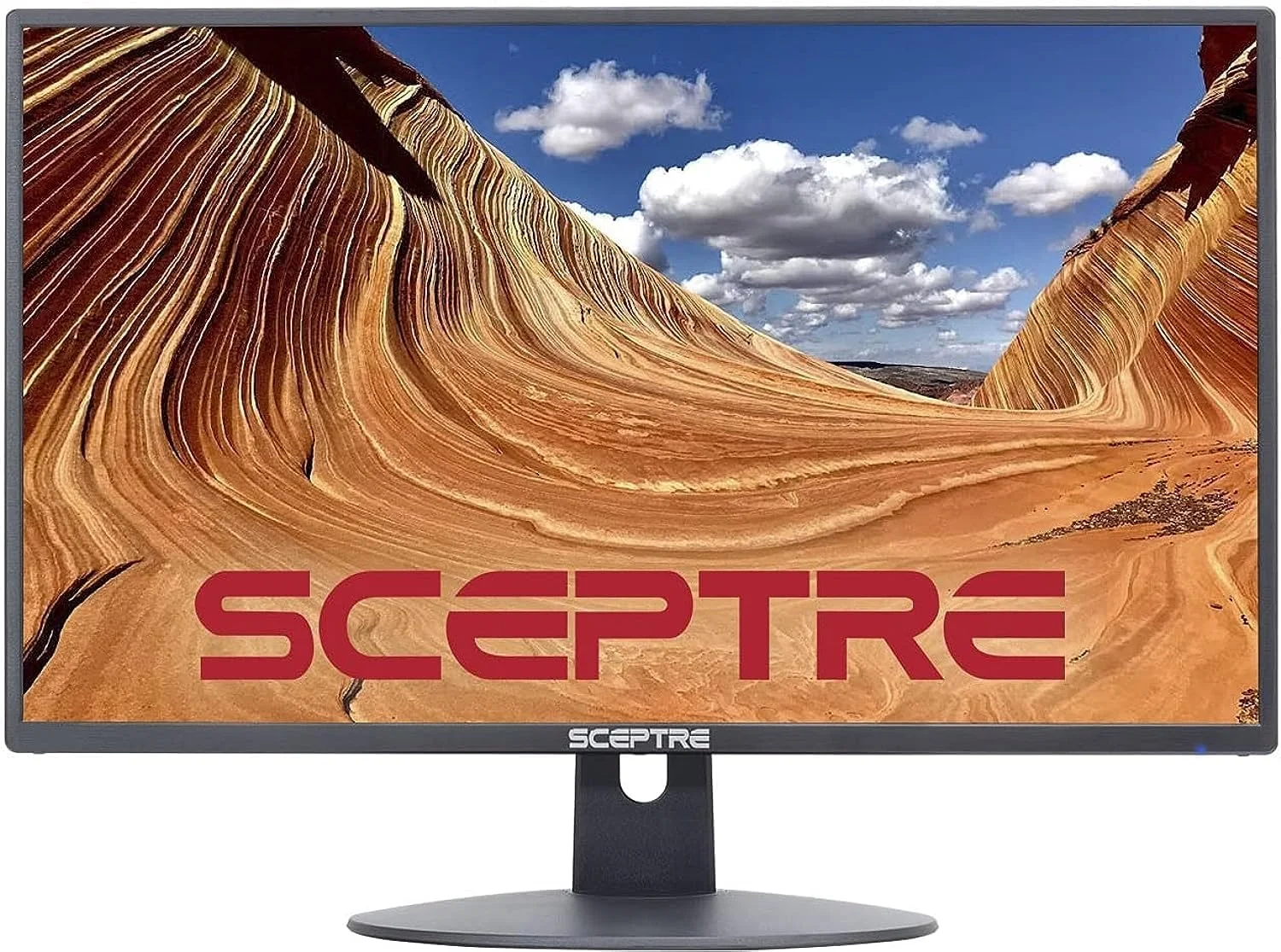
Despite positioned firmly at the entry-level of the monitor market, the Sceptre E248W-19203R punches above its weight class visually. Sceptre has implemented an impressively slim profile with ultra-thin top and side bezels, known as an edge-to-edge design. This makes it an incredibly attractive option for a seamless, budget-friendly dual-monitor setup. The chassis features a brushed metallic finish that successfully mimics higher-end aluminium frames, though it is constructed entirely of lightweight plastic.
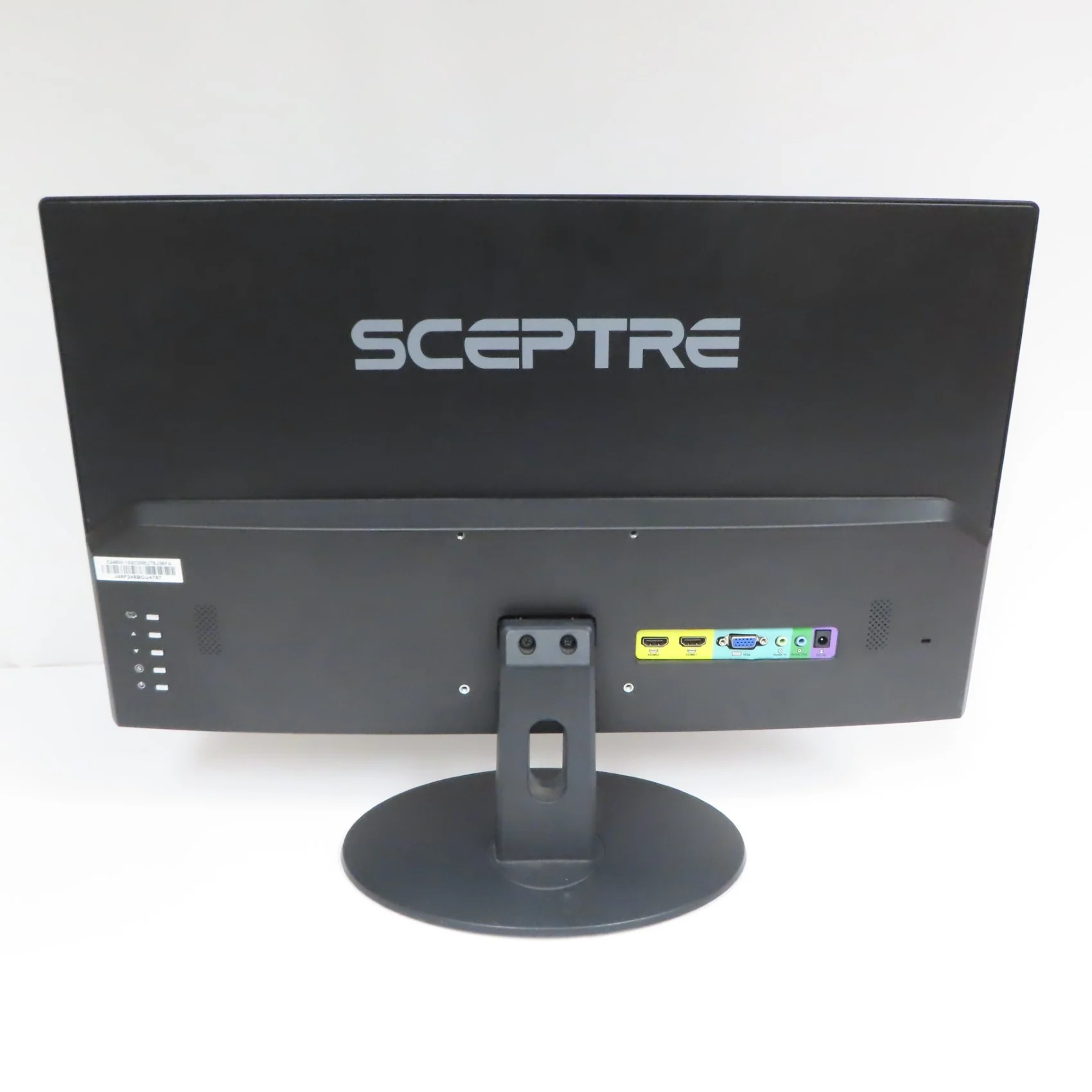
Ergonomically, the monitor reveals its budget constraints. The sleek, circular metallic base provides adequate stability but only offers a basic tilt mechanism ranging from -5 to 15 degrees. There is no height, swivel, or pivot adjustment available natively. However, Sceptre wisely included a 100x100mm VESA mount pattern on the rear panel. This inclusion is a massive saving grace for tech-savvy users who prefer to ditch the stock stand for a fully articulating aftermarket monitor arm.
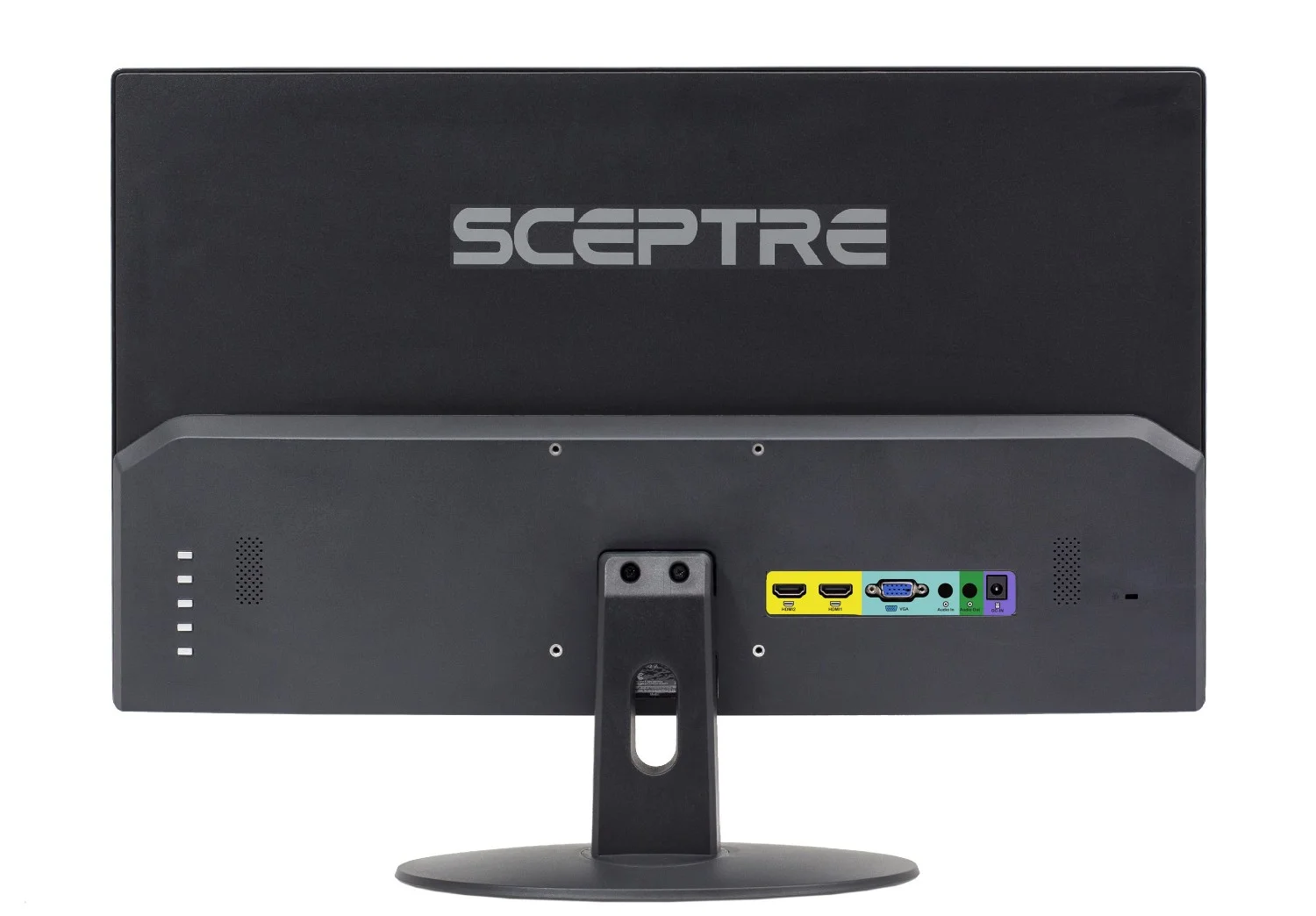
The build quality is largely utilitarian. The plastic casing feels slightly hollow upon tapping, and the monitor wobbles marginally if you type heavily on a flimsy desk. The rear-facing I/O ports are highly accessible, but sticking straight out horizontally means cables will protrude if you are attempting to mount the display completely flush against a wall.
Performance
For day-to-day computing in 2026, a 23.8-inch display running at a 1080p resolution hits a comfortable sweet spot, yielding a pixel density of roughly 92 PPI (Pixels Per Inch). Text remains legible and sharp, making the Sceptre E248W-19203R a perfectly capable workhorse for spreadsheets, word processing, and web browsing. The jump from standard 60Hz to a 75Hz refresh rate provides a subtle but appreciable boost to visual fluidity. Moving your cursor, scrolling through long web pages, and shifting windows around the desktop feels noticeably smoother.
When it comes to gaming and media consumption, expectations must be tempered. The 5ms response time is adequate for casual, single-player titles or strategy games, but competitive esports enthusiasts will easily notice ghosting and motion blur during fast-paced sequences. Furthermore, because it utilizes a TN (Twisted Nematic) panel, the viewing angles are narrow. If you shift too far off-center, you will immediately notice color shifting and contrast degradation. If you are sitting dead-center, however, the color reproduction is surprisingly vibrant for a monitor of this tier, achieving acceptable sRGB coverage for general web use.
Brightness tops out around 250 nits, which is the industry standard for budget displays. Combined with its matte anti-glare coating, the screen easily overpowers standard indoor office lighting. However, if your desk is situated directly next to a sun-drenched window, the backlight will struggle to maintain visibility. Contrast ratios are equally average, resulting in deep greys rather than true inky blacks in dimly lit rooms.
Features & Software
The Sceptre E248W-19203R comes equipped with integrated 2-watt stereo speakers. While it’s convenient to have audio right out of the box without purchasing a secondary soundbar, the audio quality is exceptionally tinny and lacks any semblance of bass. They are strictly functional—fine for a quick video call, a podcast, or basic system notification sounds, but abysmal for immersive gaming or cinematic movie watching.
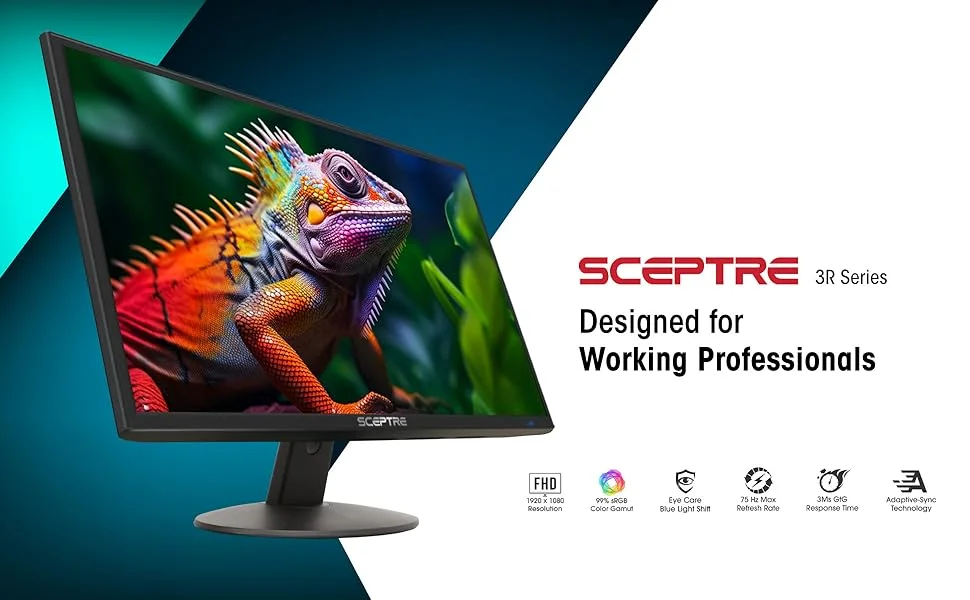
On the software side, the On-Screen Display (OSD) is heavily dated by 2026 standards. Navigating through the settings using the rear-mounted buttons can be tedious. Nevertheless, the menu does include a few modern necessities, such as a Blue Light Shift mode to reduce eye fatigue during late-night productivity sessions. Connectivity is uniquely flexible for a budget unit; alongside two HDMI ports for a PC and a game console, Sceptre retains a legacy VGA port, making this a highly sought-after display for older point-of-sale systems or retro hardware.
Value Proposition
The true power of the Sceptre E248W-19203R lies in its unmatched value proposition. Frequently hovering comfortably under the $100 threshold, it remains one of the absolute cheapest paths to a reliable, modern-looking 1080p display. It aggressively targets college students, remote workers operating on tight personal budgets, and IT managers looking to bulk-purchase secondary displays for vast office spaces.
You ultimately get exactly what you pay for, alongside a couple of unexpected bonuses like the 75Hz refresh rate and out-of-the-box VESA compatibility. If you treat this monitor as an economical secondary screen or a basic daily driver for administrative tasks, the return on investment is stellar.
How It Compares
When stacked against the Acer R240HY, the Sceptre model generally wins on pure affordability. However, the Acer boasts a far superior IPS panel, providing significantly wider viewing angles and richer color accuracy, making it the better choice for amateur photo editors despite its 60Hz limitation.
Similarly, the AOC 24B2XH matches the Sceptre’s 75Hz refresh rate and ultra-thin bezels but utilizes an IPS panel for better visual fidelity. The Sceptre counters by regularly undercutting the AOC’s price tag and including built-in speakers, maintaining its crown as the absolute bare-minimum budget king for those trying to save every possible dollar.
Pros and Cons
Pros
- Offers an incredibly affordable entry price for budget-conscious buyers in 2026.
- Features a 75Hz refresh rate that provides slightly smoother motion than standard 60Hz displays.
- Includes VESA mounting compatibility for easy integration into multi-monitor desk setups.
- Boasts an impressively slim profile with relatively thin bezels that look modern on a desk.
- Features dual HDMI ports alongside a legacy VGA port for excellent connectivity flexibility.
Cons
- Utilizes an older TN panel technology that results in narrow viewing angles and washed-out colors off-axis.
- Features incredibly weak 2W built-in speakers that are virtually useless for anything beyond basic system alerts.
- Lacks any ergonomic adjustments aside from basic tilt, missing height, swivel, or pivot capabilities.
- Uses a dated OSD menu that can be frustrating to navigate via the clunky rear-mounted buttons.
FAQ
Q: Can I mount the Sceptre E248W-19203R on a monitor arm?
A: Yes, the monitor features a standard 100mm x 100mm VESA mounting pattern on the back, allowing it to easily attach to third-party desk arms and wall mounts.
Q: Does this monitor support AMD FreeSync or NVIDIA G-Sync?
A: No, this specific model does not feature Variable Refresh Rate (VRR) technologies like FreeSync or G-Sync, though it does run at a static 75Hz refresh rate.
Q: Are the built-in speakers good enough for watching movies or gaming?
A: No, the integrated 2W speakers are very weak and lack low-end bass. We highly recommend using dedicated desktop speakers or a headset for media consumption and gaming.
Q: Is a 75Hz refresh rate good for gaming in 2026?
A: A 75Hz refresh rate is acceptable for very casual, slow-paced gaming, but most modern gamers will want at least a 144Hz or 165Hz monitor for fluid, tear-free competitive gameplay.
Q: Does it come with an HDMI cable in the box?
A: Yes, Sceptre typically includes a basic HDMI cable in the box along with the power adapter, so you can connect it to your PC right away.
Verdict
The Sceptre E248W-19203R remains an excellent, highly practical choice for budget-conscious home office workers, students, and casual users who need a functional display without spending a fortune. While it predictably falls short for professional color grading or competitive high-framerate gaming, its crisp 1080p resolution, slim bezels, and 75Hz refresh rate deliver tremendous utilitarian value at a rock-bottom price point.
Where to Buy
Pros
- ✓ Offers an incredibly affordable entry price for budget-conscious buyers in 2026.
- ✓ Features a 75Hz refresh rate that provides slightly smoother motion than standard 60Hz displays.
- ✓ Includes VESA mounting compatibility for easy integration into multi-monitor desk setups.
- ✓ Boasts an impressively slim profile with relatively thin bezels that look modern on a desk.
- ✓ Features dual HDMI ports alongside a legacy VGA port for excellent connectivity flexibility.
Cons
- ✗ Utilizes an older TN panel technology that results in narrow viewing angles and washed-out colors off-axis.
- ✗ Features incredibly weak 2W built-in speakers that are virtually useless for anything beyond basic system alerts.
- ✗ Lacks any ergonomic adjustments aside from basic tilt, missing height, swivel, or pivot capabilities.
- ✗ Uses a dated OSD menu that can be frustrating to navigate via the clunky rear-mounted buttons.
Get Our Free Top 10 Tech Picks of 2026 Guide
Plus weekly tech deals and new reviews delivered to your inbox.
[cp_email_signup]
No spam. Unsubscribe anytime.
Ready to buy the Sceptre E248W-19203R?
Affiliate link — we may earn a commission at no extra cost to you.