










In an era where cloud subscriptions are soaring, the Toshiba Canvio Basics reminds us why local storage remains king. Offering plug-and-play simplicity and reliable performance, this minimalist external hard drive is a staple for digital hoarders and professionals alike. Let us dive into how it holds up in 2026 against a market flooded with ultra-fast NVMe SSDs.
Table of Contents
Key Specifications
| Feature | Detail |
|---|---|
| Capacities | 1TB, 2TB, 4TB |
| Interface | USB 3.2 Gen 1 (Micro-B to USB-A) |
| Drive Type | 2.5-inch Mechanical HDD (5400 RPM) |
| Dimensions | 109 x 78 x 14 mm (1TB/2TB) |
| Weight | 149g (1TB/2TB), 217.5g (4TB) |
| Warranty | 1-Year Limited Warranty |
Design & Build Quality
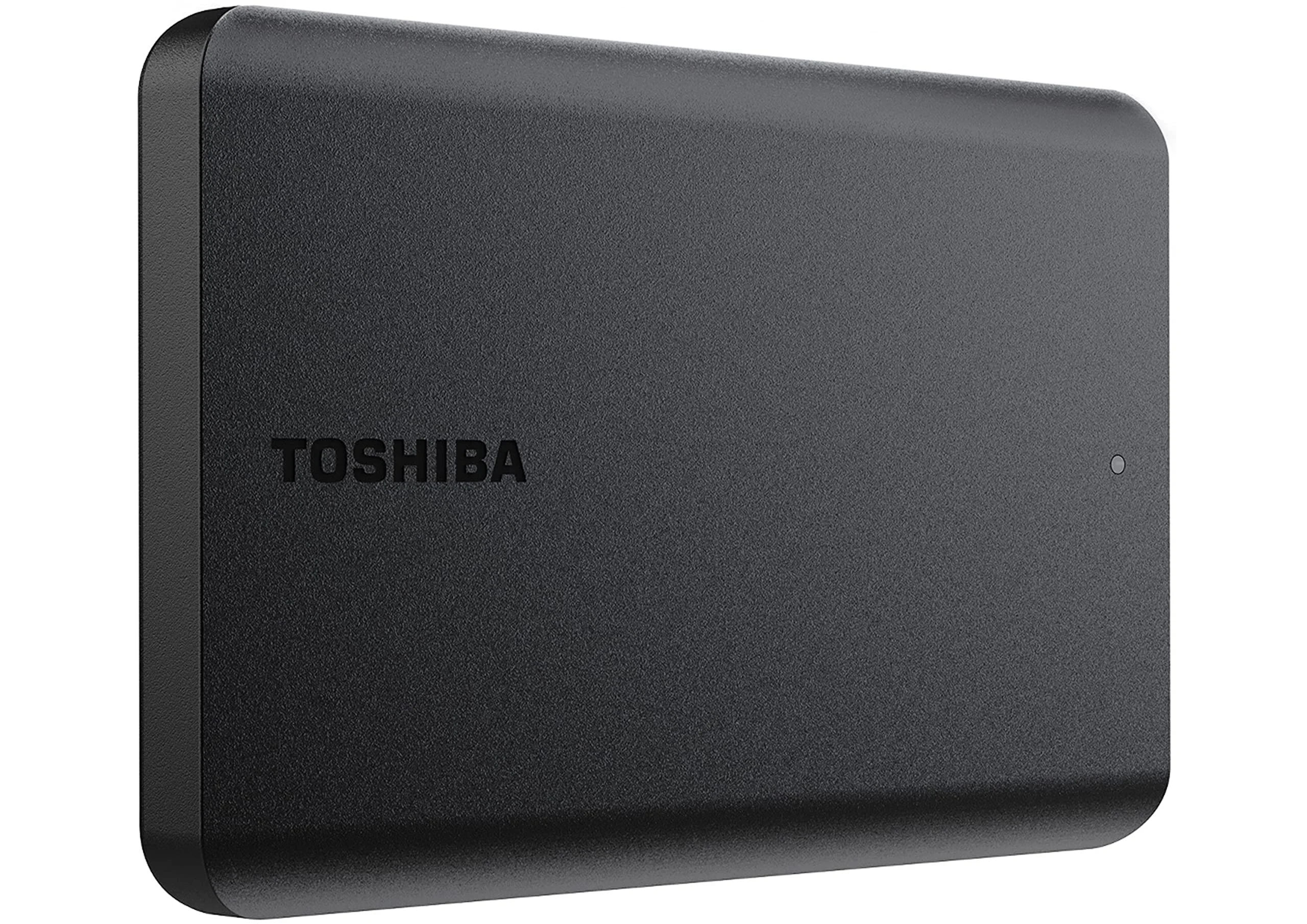
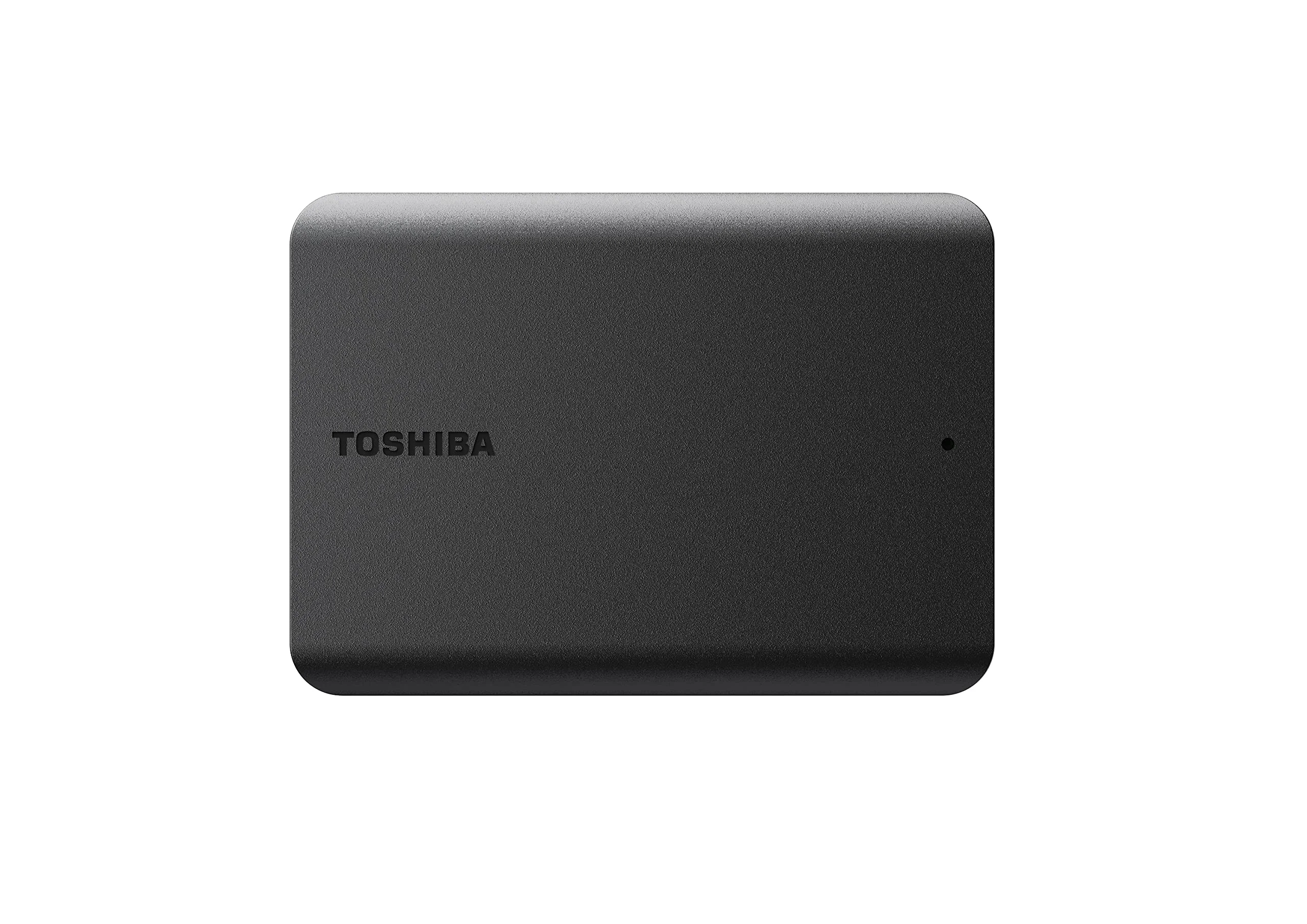
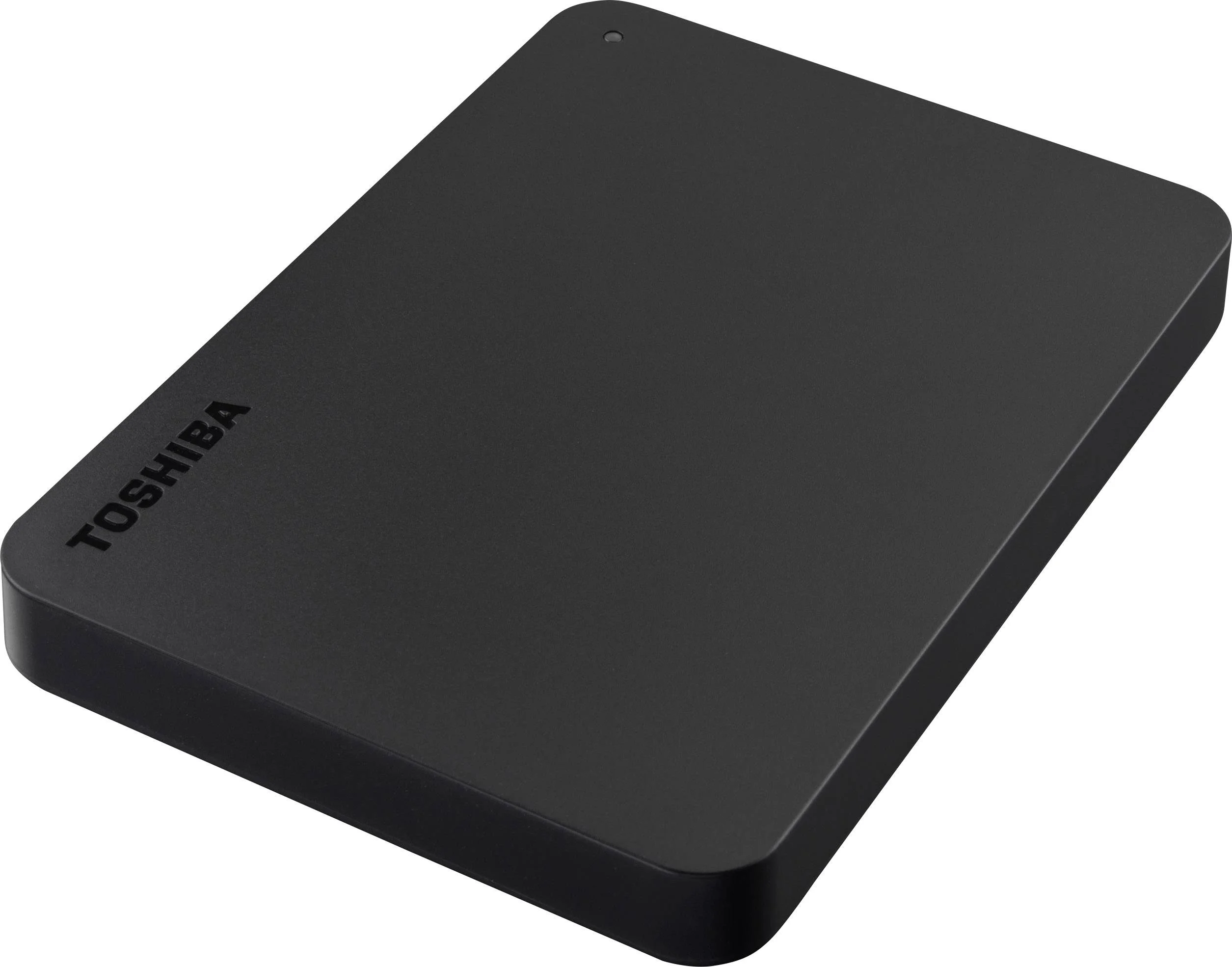
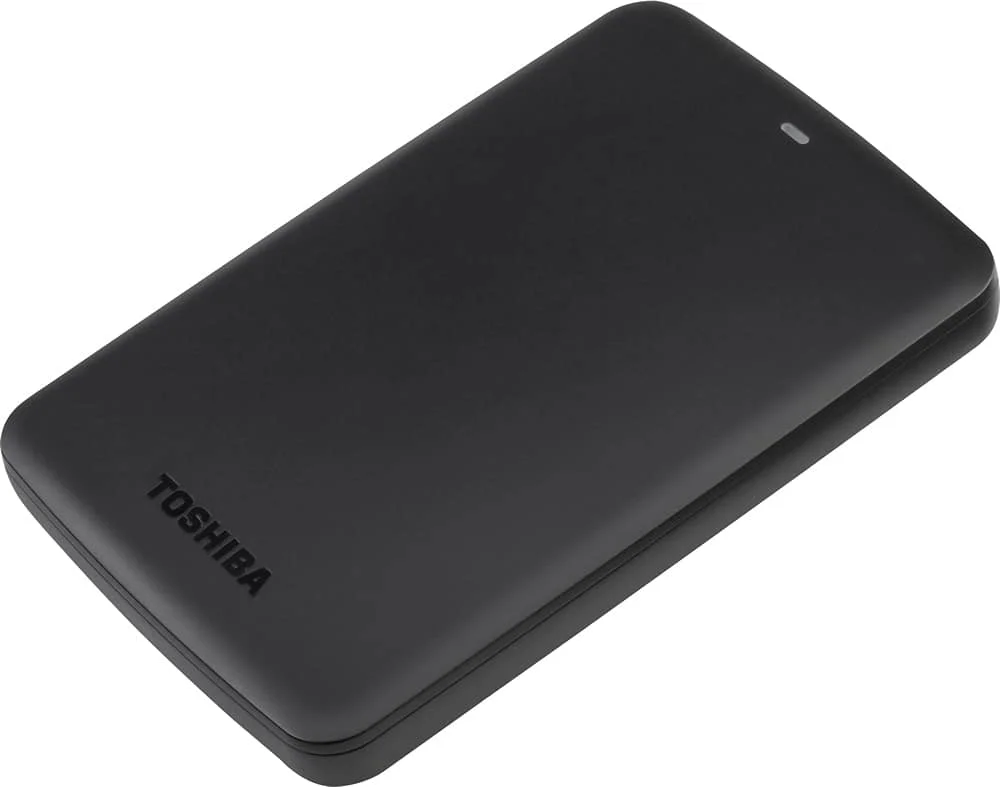
The Toshiba Canvio Basics stays true to its moniker with a minimalist, no-nonsense aesthetic. Wrapped in a matte black plastic chassis, it resists fingerprints and smudges far better than the glossy finishes found on older portable drives. The stealthy profile is only interrupted by a subtle etched Toshiba logo and a tiny blue LED status indicator that lets you know when the drive is active and transferring data.
Ergonomically, it is a masterclass in pocketable storage. The 1TB and 2TB models measure a mere 14mm thick, making them effortless to slip into a laptop bag or even a jacket pocket. While the plastic casing does not offer the premium, cold-to-the-touch feel of aluminum-clad competitors, it feels robust enough to survive the rigours of daily commutes. However, the lack of rubberized bumpers means it lacks official rugged drop protection, so users should still handle it with care.
Performance
Under the hood, the Canvio Basics houses a traditional 5400 RPM 2.5-inch mechanical hard drive. Connected via its USB 3.2 Gen 1 interface, our benchmark tests in 2026 yield sequential read and write speeds hovering around 130 MB/s to 140 MB/s. While these numbers naturally pale in comparison to modern portable SSDs that easily push past 1,000 MB/s, they represent the absolute ceiling of what traditional 2.5-inch platter drives can achieve.
In real-world scenarios, performance is remarkably consistent for large, sequential file transfers like backing up 4K video files or archiving massive photo libraries. Transferring a 50GB folder of mixed media takes roughly six to seven minutes. Predictably, the drive struggles with random read/write operations; attempting to run demanding applications or edit raw video directly off the Canvio Basics will result in noticeable bottlenecking and stuttering.
Acoustically, the drive operates with a quiet, unobtrusive hum, and thermal management is excellent. Even after an hour of continuous sustained writes, the plastic enclosure remained only mildly warm to the touch, ensuring the internal mechanical components stay within safe operating temperatures for long-term longevity.
Features & Software
As the name implies, the Canvio Basics is completely devoid of bloatware. It embraces a strict plug-and-play philosophy, coming pre-formatted in NTFS for Windows straight out of the box. There is no bundled backup software, encryption utility, or cloud storage trial forcing you into an ecosystem. For tech-savvy users who prefer using their own robust backup tools like Macrium Reflect, Time Machine, or Windows File History, this bare-bones approach is actually a refreshing relief from the intrusive software suites often forced upon consumers by other manufacturers.
Value Proposition
In 2026, the value proposition of a mechanical HDD lies entirely in its cost-per-gigabyte, and the Toshiba Canvio Basics excels in this metric. Retailing for a fraction of the cost of an equivalently sized portable SSD, it allows budget-conscious users to amass terabytes of backup space without breaking the bank. If your primary goal is cold storage, archiving files, or routine system backups where blazing speed is secondary to sheer capacity, the Canvio Basics represents an incredibly economical investment.
How It Compares
When pitted against the WD Elements Portable, the Canvio Basics is nearly identical in read/write performance, but Toshiba’s drive often edges out WD slightly in competitive pricing. The WD Elements feels a fraction more robust in its casing, though the real-world difference is marginal. Compared to the Seagate Expansion Portable, the Canvio Basics is noticeably sleeker and less aggressively styled. Seagate occasionally bundles data recovery services, which Toshiba lacks on this base model, but for pure, unadulterated storage hardware, the Canvio Basics remains the cleaner, simpler choice.
Pros and Cons
Pros
- Offers an outstanding cost-per-gigabyte ratio for bulk media storage.
- Features a matte, smudge-resistant finish that maintains a clean look over time.
- Operates with true plug-and-play simplicity without any annoying pre-installed bloatware.
- Maintains a compact, lightweight form factor that is incredibly easy to travel with.
Cons
- Utilises the older USB Micro-B connector instead of the modern USB-C standard.
- Mechanical platter speeds of 140 MB/s cannot compete with modern SSD alternatives.
- Lacks hardware encryption and bundled software for users who want an all-in-one security solution.
- Does not feature any shock resistance or rubberized protection against accidental drops.
FAQ
Q: Will the Toshiba Canvio Basics work with a Mac?
A: Yes, but it comes pre-formatted in NTFS for Windows, so you will need to reformat it to exFAT or APFS using Disk Utility before using it with macOS.
Q: Can I use this drive with my PS5 or Xbox Series X?
A: You can use it to store and play backward-compatible PS4 and Xbox One games, or to securely offload current-gen games, but you cannot play PS5 or Xbox Series X/S games directly from it.
Q: Does the Canvio Basics require an external power supply?
A: No, the drive is entirely bus-powered, meaning it draws all necessary power directly through the single USB cable connected to your device.
Q: Is the data cable included in the box?
A: Yes, it includes a short USB Type-A to Micro-B cable for immediate connection to your PC or laptop.
Verdict
The Toshiba Canvio Basics remains a champion of affordable, high-capacity cold storage in 2026. It is best suited for students, professionals, and digital hoarders who need to back up large media libraries on a strict budget. If you can overlook the slower mechanical speeds and the legacy USB connector, it provides unparalleled bang for your buck.
Where to Buy
Pros
- ✓ Offers an outstanding cost-per-gigabyte ratio for bulk media storage.
- ✓ Features a matte, smudge-resistant finish that maintains a clean look over time.
- ✓ Operates with true plug-and-play simplicity without any annoying pre-installed bloatware.
- ✓ Maintains a compact, lightweight form factor that is incredibly easy to travel with.
Cons
- ✗ Utilises the older USB Micro-B connector instead of the modern USB-C standard.
- ✗ Mechanical platter speeds of 140 MB/s cannot compete with modern SSD alternatives.
- ✗ Lacks hardware encryption and bundled software for users who want an all-in-one security solution.
- ✗ Does not feature any shock resistance or rubberized protection against accidental drops.
Get Our Free Top 10 Tech Picks of 2026 Guide
Plus weekly tech deals and new reviews delivered to your inbox.
[cp_email_signup]
No spam. Unsubscribe anytime.
Ready to buy the Toshiba Canvio Basics External Hard Drive?
Affiliate link — we may earn a commission at no extra cost to you.



