










The ASUS TUF Gaming VG27AQ has long been praised as a sweet-spot monitor for 1440p gaming, but how does it hold up in 2026? We dive deep into its IPS panel performance, ELMB Sync technology, and overall value to see if it still deserves a place in your PC setup.
Table of Contents
Key Specifications
| Feature | Detail |
|---|---|
| Screen Size | 27 Inches |
| Resolution | 2560 x 1440 (QHD) |
| Panel Type | IPS (In-Plane Switching) |
| Refresh Rate | 165Hz (Overclocked) |
| Response Time | 1ms (MPRT) |
| Adaptive Sync | G-Sync Compatible, FreeSync Premium |
| HDR Support | HDR10 |
| Ports | 2x HDMI 2.0, 1x DisplayPort 1.2, 3.5mm Audio |
Design & Build Quality
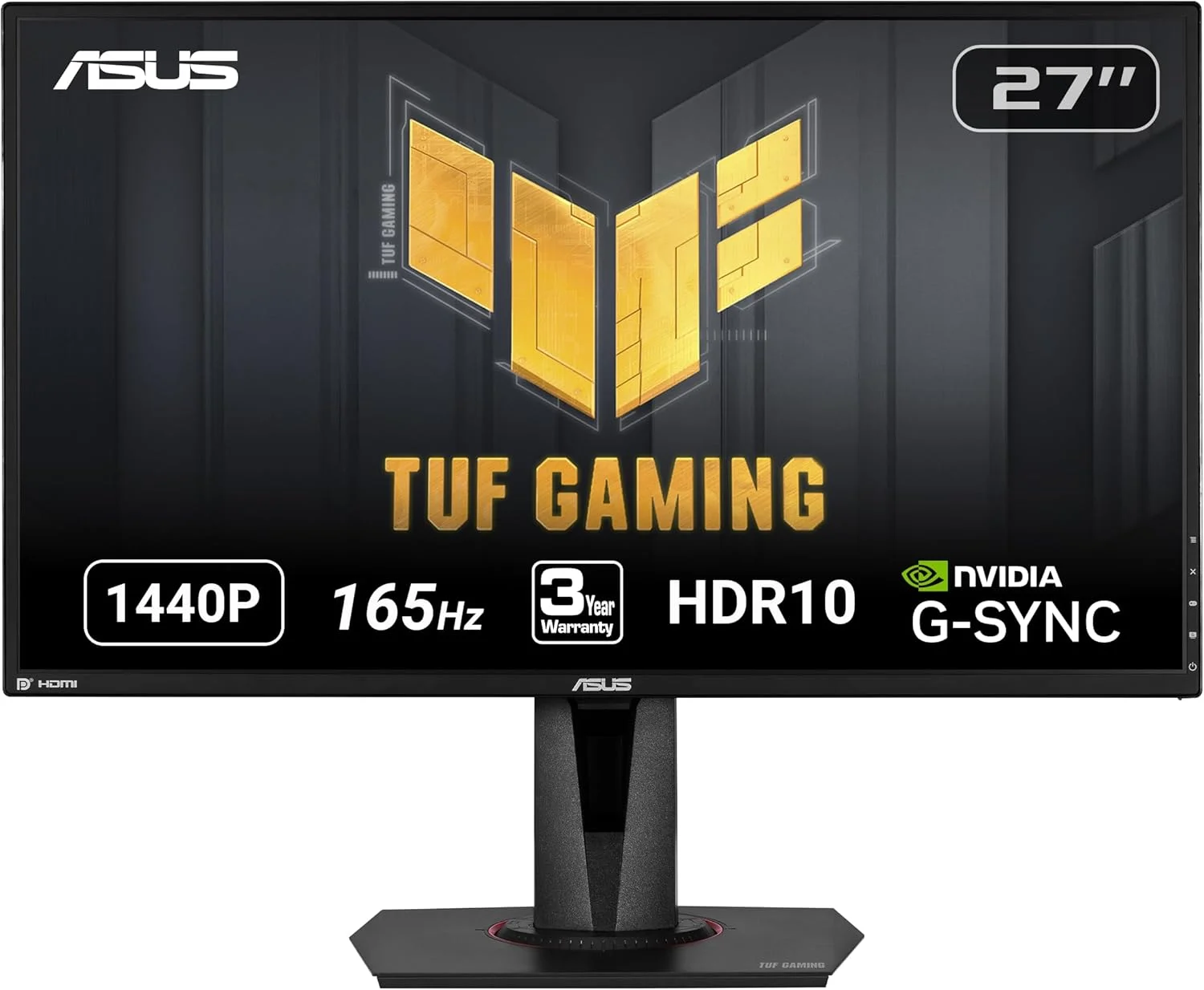
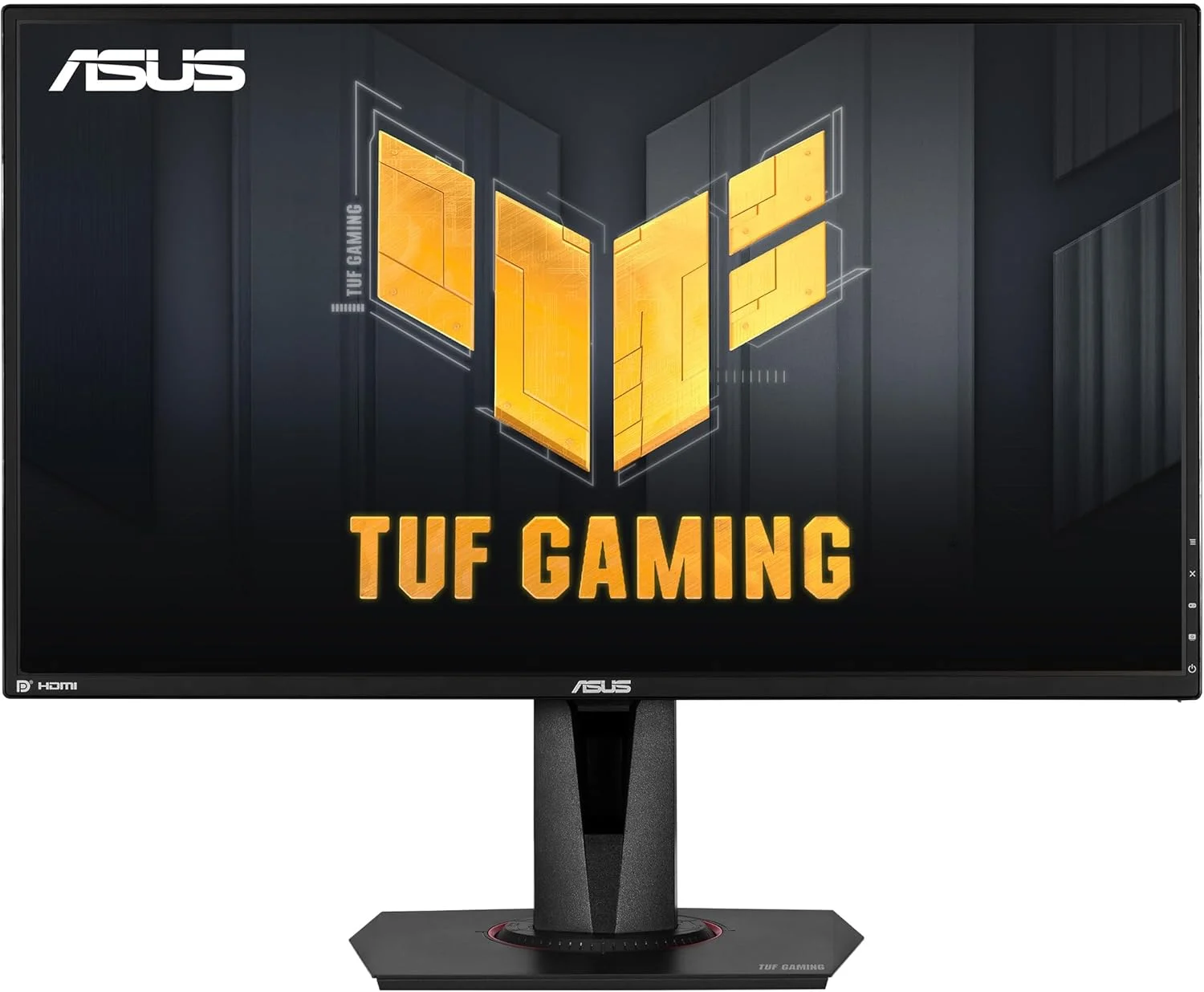
ASUS TUF products are known for their rugged, utilitarian aesthetics, and the VG27AQ is no exception. It skips the aggressive RGB lighting often found on premium ROG models in favour of a stealthy, matte-black plastic chassis with sharp angles and subtle red accents. The bezels are remarkably thin on three sides, making it an excellent candidate for seamless, multi-monitor desk setups. The build quality feels distinctly robust, with plastics that resist flexing and creaking even when making physical adjustments.
Where this monitor truly shines physically is in its highly versatile, ergonomic stand. It offers an impressive range of adjustments, including 130mm of height travel, 90 degrees of pivot for portrait mode, 90 degrees of swivel, and a generous tilt range. This robust stand prevents the screen from wobbling during intense gaming sessions and eliminates the immediate need for a third-party monitor arm. However, if you do prefer a floating setup, a standard 100x100mm VESA mounting pattern is conveniently tucked behind the stand mount.
Performance
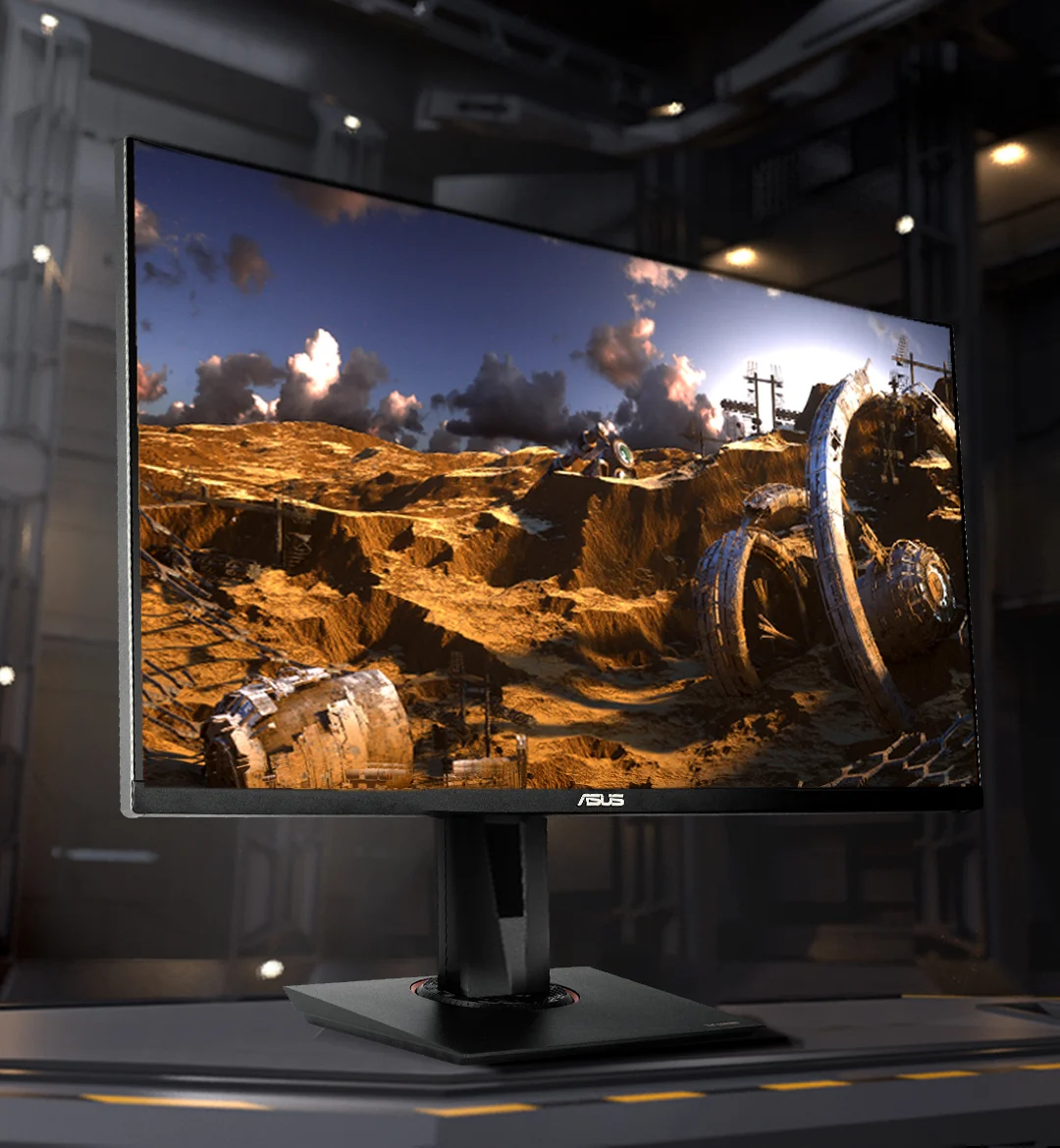
At the heart of the ASUS TUF Gaming VG27AQ is a brilliant 27-inch IPS panel that perfectly balances resolution and frame rate requirements. The 2560 x 1440 (QHD) resolution results in a crisp pixel density of 109 PPI, providing razor-sharp text and highly detailed in-game textures without demanding the crushing GPU compute power of a 4K display. Colors are vibrant with 99% sRGB coverage, and the IPS technology ensures viewing angles remain exceptionally wide without color wash-out.
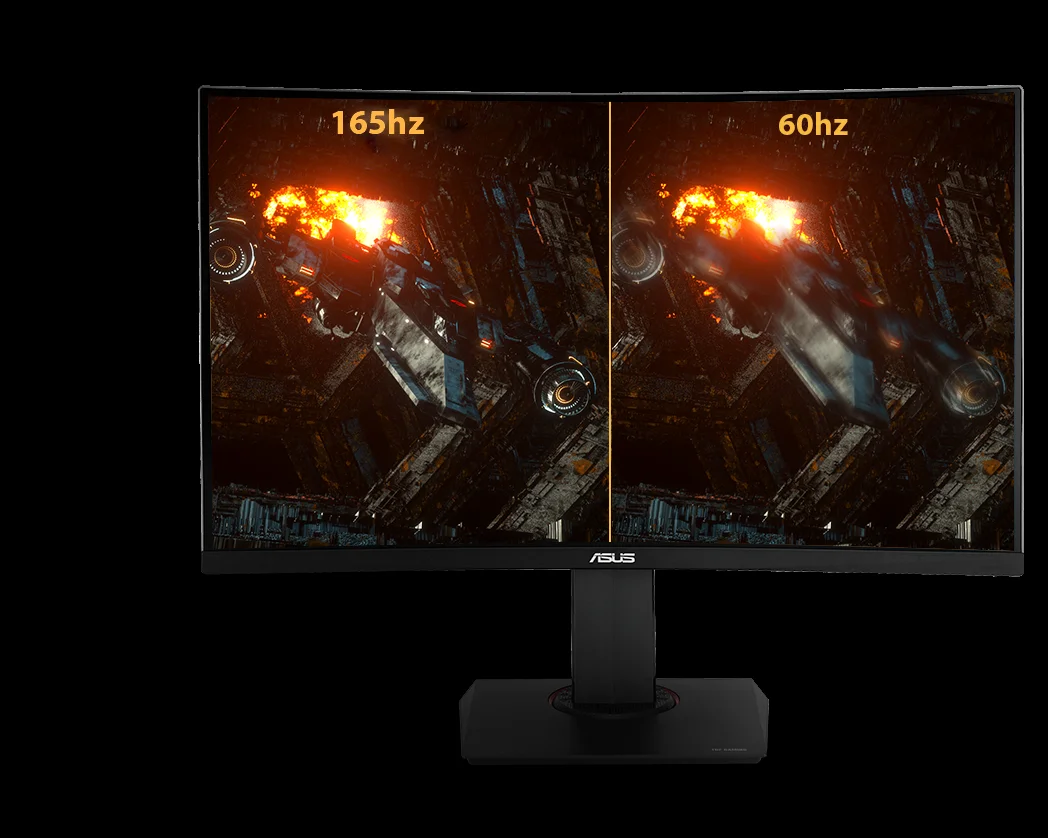
When it comes to speed, the monitor boasts a native 144Hz refresh rate that easily overclocks to 165Hz via the OSD. Combined with a 1ms MPRT response time, the VG27AQ delivers buttery-smooth motion clarity that competitive FPS and sim-racing fans will immediately appreciate. Input lag is exceptionally low, ensuring that your mouse flicks and keyboard inputs translate to on-screen actions with zero perceptible delay.
While the monitor officially supports HDR10, its peak brightness hovers around 350 nits and it entirely lacks local dimming zones. Consequently, the HDR experience is somewhat lacklustre, acting more as a box-checking feature rather than a true visual upgrade. For standard SDR gaming, however, the contrast ratio is incredibly solid for an IPS panel, producing deep enough blacks to maintain immersion in atmospheric, story-driven titles.
Features & Software
The standout feature of the VG27AQ is undoubtedly ASUS’s proprietary Extreme Low Motion Blur Sync (ELMB Sync). Unlike traditional strobe backlights that force you to disable variable refresh rate (VRR) technologies, ELMB Sync allows you to run motion blur reduction and G-Sync or FreeSync simultaneously. This practically eliminates ghosting and screen tearing at the exact same time, resulting in incredibly pristine moving images during fast-paced firefights.
Navigating the OSD is a breeze thanks to the intuitive 5-way joystick located on the rear right side of the display. ASUS includes their standard GamePlus toolkit, offering hardware crosshairs, FPS counters, and display alignment tools. The Shadow Boost feature is particularly useful for competitive players; it intelligently brightens dark areas of a map without blowing out the highlights, making it significantly easier to spot enemies hiding in shadowy corners.
Value Proposition
Even in 2026, the 1440p/165Hz category remains the absolute sweet spot for the vast majority of PC gamers, and the VG27AQ continues to hold incredible value. While newer OLED and Mini-LED monitors have firmly entered the mainstream market, they still command a massive premium. The VG27AQ delivers 90% of the premium gaming experience at a fraction of the cost, making it an outstanding mid-range investment.
You are paying for top-tier motion handling, reliable panel technology, and robust ergonomics rather than flashy extras. For gamers who want a high-performance monitor that balances competitive speed with visual fidelity without draining their wallet, this display remains one of the smartest bang-for-your-buck options available.
How It Compares
When stacked against the popular LG 27GL850-B, the VG27AQ holds its own nicely. While the LG boasts a slightly faster Nano IPS panel with marginally better pixel response times at max refresh rates, the ASUS takes the lead with superior contrast and its unique ELMB Sync technology. Additionally, compared to the Dell S2721DGF, the ASUS offers similar raw gaming performance but comes out slightly ahead in terms of its versatile ergonomic adjustments. If you prioritize motion clarity technologies and a heavy-duty stand, the VG27AQ remains the clear winner in its weight class.
Pros and Cons
Pros
- Features a sharp 1440p IPS panel with excellent color reproduction and wide viewing angles.
- ELMB Sync technology allows for simultaneous motion blur reduction and variable refresh rate.
- Highly ergonomic stand offers superb height, tilt, pivot, and swivel adjustments.
- Overclockable 165Hz refresh rate provides a fluid and highly responsive gaming experience.
Cons
- HDR performance is underwhelming due to low peak brightness and a lack of local dimming.
- Outdated HDMI 2.0 and DisplayPort 1.2 connections limit total bandwidth compared to modern standards.
- The built-in 2W speakers are incredibly weak and lack any real bass or clarity.
FAQ
Q: Does the ASUS TUF Gaming VG27AQ support both NVIDIA G-Sync and AMD FreeSync?
A: Yes, the monitor is officially certified as G-Sync Compatible by NVIDIA and also supports AMD FreeSync Premium, ensuring tear-free gaming regardless of your GPU brand.
Q: Can I use ELMB Sync on the PS5 or Xbox Series X?
A: While the monitor works perfectly with current-gen consoles at 1440p 120Hz, ELMB Sync is primarily optimized for PC use where variable refresh rates fluctuate more drastically. Standard VRR, however, works flawlessly on compatible consoles.
Q: Does this monitor come with a DisplayPort cable in the box?
A: Yes, ASUS typically includes both a DisplayPort cable and an HDMI cable in the box, though standard accessories can occasionally vary by regional retailer.
Q: Is the VG27AQ good for photo and video editing?
A: Thanks to its IPS panel and 99% sRGB color gamut coverage, it handles entry-level and intermediate content creation exceptionally well, though professional colorists will still want a dedicated calibration tool.
Verdict
The ASUS TUF Gaming VG27AQ remains a masterclass in mid-range monitor design, perfectly bridging the gap between competitive speed and immersive visual fidelity. It is best suited for PC gamers who want a flawless 1440p experience with exceptional motion clarity, without paying the early-adopter premium for OLED tech. If you value robust ergonomics, reliable IPS colors, and tear-free gaming, this monitor absolutely deserves a spot on your desk.
Where to Buy
Pros
- ✓ Features a sharp 1440p IPS panel with excellent color reproduction and wide viewing angles.
- ✓ ELMB Sync technology allows for simultaneous motion blur reduction and variable refresh rate.
- ✓ Highly ergonomic stand offers superb height, tilt, pivot, and swivel adjustments.
- ✓ Overclockable 165Hz refresh rate provides a fluid and highly responsive gaming experience.
Cons
- ✗ HDR performance is underwhelming due to low peak brightness and a lack of local dimming.
- ✗ Outdated HDMI 2.0 and DisplayPort 1.2 connections limit total bandwidth compared to modern standards.
- ✗ The built-in 2W speakers are incredibly weak and lack any real bass or clarity.
Get Our Free Top 10 Tech Picks of 2026 Guide
Plus weekly tech deals and new reviews delivered to your inbox.
[cp_email_signup]
No spam. Unsubscribe anytime.
Ready to buy the ASUS TUF Gaming VG27AQ?
Affiliate link — we may earn a commission at no extra cost to you.