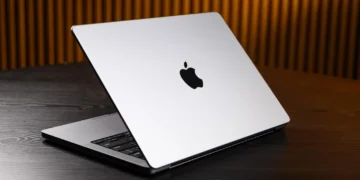

The Apple MacBook Pro 16-inch M2 Max remains a powerhouse for creative professionals, seamlessly blending desktop-class performance with extraordinary battery life. Even a few years post-launch, this silicon marvel continues to define what a high-end mobile workstation should be. Discover if this enduring flagship is still the right upgrade for your demanding workflows.
Table of Contents
Key Specifications
| Feature | Detail |
|---|---|
| Processor | Apple M2 Max (12-core CPU) |
| Graphics | Up to 38-core GPU |
| Memory | Up to 96GB Unified Memory |
| Storage | Up to 8TB SSD |
| Display | 16.2-inch Liquid Retina XDR (3456 x 2234, 120Hz) |
| Ports | 3x Thunderbolt 4, HDMI 2.1, SDXC card slot, MagSafe 3 |
| Battery Life | Up to 22 hours video playback |
| Weight | 4.76 lbs (2.16 kg) |
Design & Build Quality
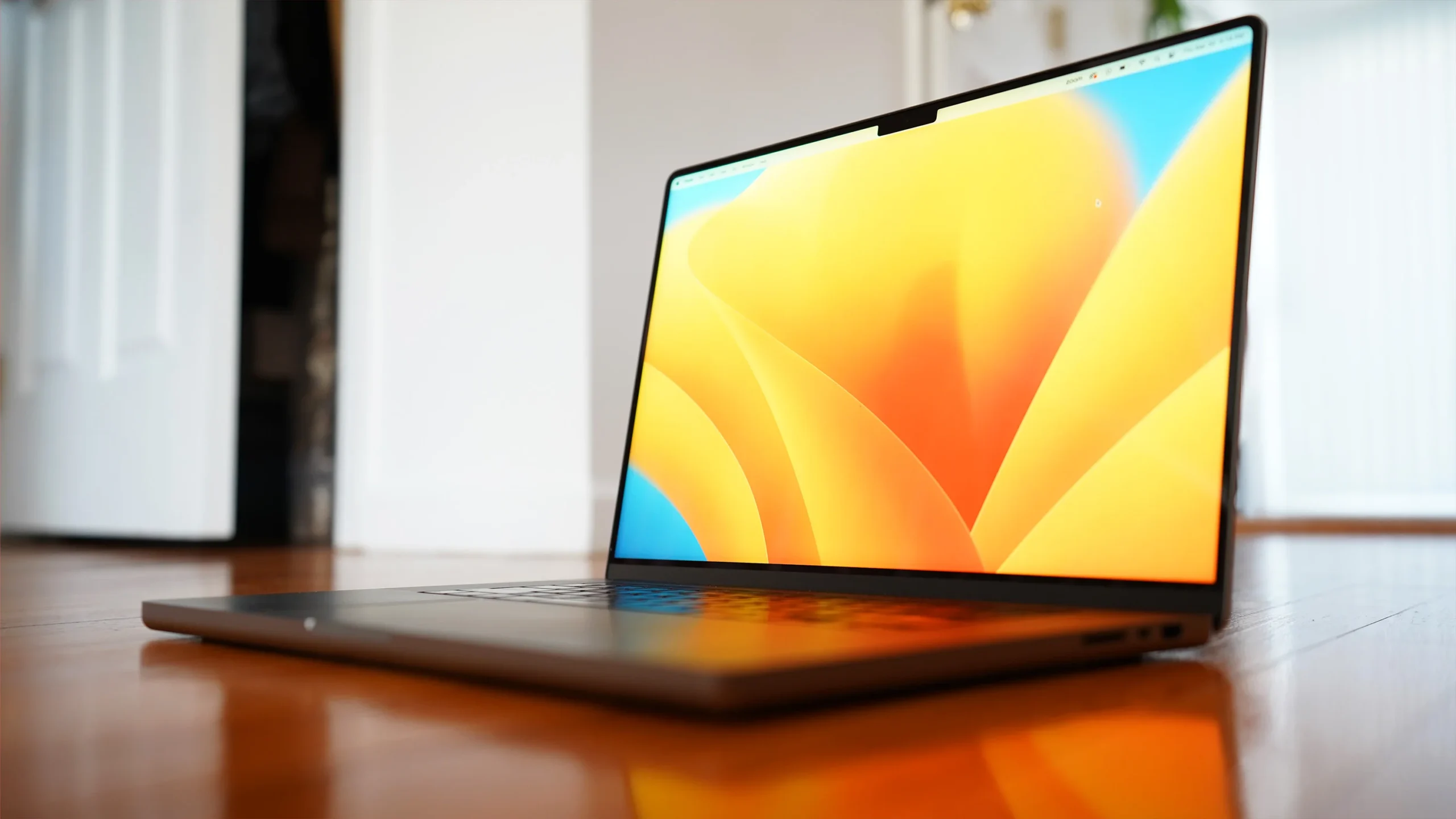
The 16-inch MacBook Pro with the M2 Max chip retains the utilitarian, squared-off chassis introduced in the 2021 redesign, and frankly, it still looks as modern in 2026 as it did on day one. Crafted from 100% recycled aluminum, the chassis feels incredibly rigid, exhibiting zero flex across the keyboard deck or the display lid. Weighing in at 4.76 pounds, it is undeniably a substantial machine, but the trade-off is a workstation that feels indestructible and houses a formidable thermal architecture capable of taming its massive processor.
Ergonomically, Apple continues to hit the mark. The Magic Keyboard delivers satisfying key travel and tactile feedback, making long coding or writing sessions a breeze. Flanking the keyboard are the best-in-class, room-filling speakers that still set the gold standard for laptop audio. Below, the sprawling Force Touch trackpad remains unmatched in precision and palm rejection, ensuring a seamless navigational experience regardless of how frantic your workflow becomes.
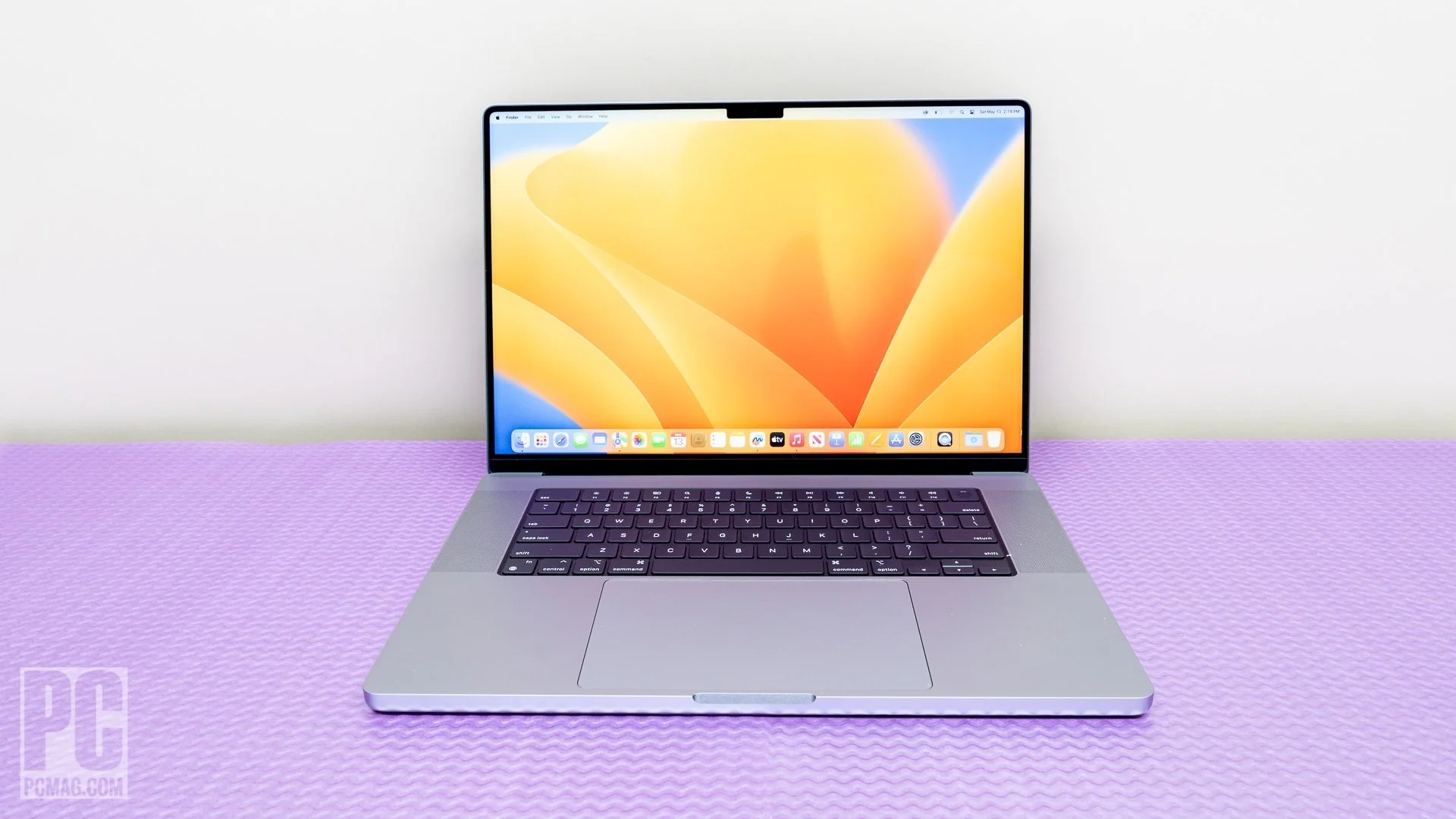
The expansive 16.2-inch Liquid Retina XDR display is bordered by impressively thin bezels, though the controversial notch housing the 1080p webcam remains an aesthetic compromise. However, the sheer brilliance of the mini-LED panel, capable of 1,000 nits sustained brightness and smooth 120Hz ProMotion refresh rates, completely eclipses this minor design quirk, offering a flawless canvas for HDR grading and digital art.
Performance
Under the hood, the M2 Max silicon is nothing short of a computational beast. Equipped with a 12-core CPU and up to a 38-core GPU, alongside a staggering 400GB/s of memory bandwidth, this laptop devours intensive workloads that would bring lesser machines to a halt. Whether you are rendering complex 3D environments in Cinema 4D, compiling massive Xcode projects, or scrubbing through multiple streams of 8K ProRes video in Final Cut Pro, the M2 Max handles it with unwavering stability and speed.
What remains most impressive about this architecture in 2026 is its performance-per-watt ratio. Unlike traditional x86 Windows workstations that severely throttle performance when unplugged, the M2 Max MacBook Pro delivers identical benchmark scores on battery power as it does when connected to a wall outlet. The advanced thermal management system rarely spins up its dual fans during everyday use, and even under sustained heavy loads, the acoustic profile is barely a whisper, keeping your workspace blissfully quiet.
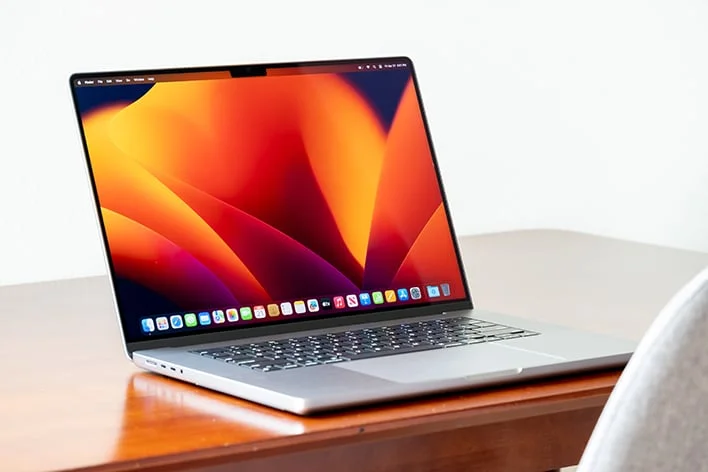
Real-world benchmarks consistently validate Apple’s engineering prowess. Export times for massive media files are remarkably brief, and the availability of up to 96GB of unified memory allows for an unprecedented level of multitasking. You can easily run several heavy virtual machines while simultaneously keeping dozens of browser tabs and resource-heavy creative applications open without experiencing a single stutter or spinning beachball.
Features & Software
The MacBook Pro 16-inch M2 Max arrived with macOS Ventura but absolutely shines on the latest macOS updates in 2026, taking full advantage of the robust Apple ecosystem. Features like Universal Control, Sidecar, and Handoff turn this laptop into the ultimate command center for users who also own an iPad or iPhone. The inclusion of an HDMI 2.1 port, supporting 8K displays up to 60Hz or 4K displays up to 240Hz, alongside three Thunderbolt 4 ports and an SDXC card reader, means dongle anxiety is permanently a thing of the past.
Furthermore, the hardware-software integration yields incredible battery life. Apple claims up to 22 hours of video playback, and in practical, mixed-use scenarios, achieving 14 to 16 hours of continuous demanding work is entirely realistic. The 1080p FaceTime HD camera, bolstered by the M2 Max’s advanced image signal processor, delivers crisp, well-exposed video for remote work, while the studio-quality three-mic array ensures your voice is captured with stunning clarity during virtual meetings.
Value Proposition
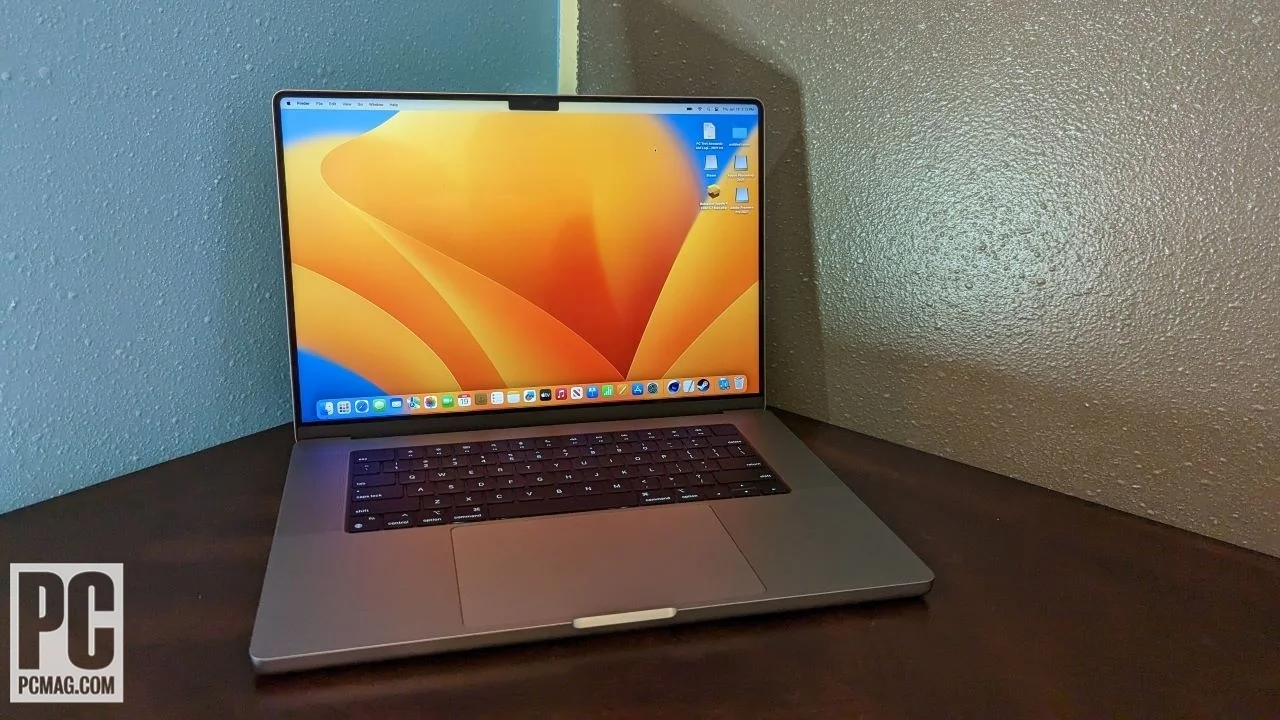
Evaluating the value of the MacBook Pro 16-inch M2 Max requires looking at its target audience: high-end professionals whose time equals money. The initial entry price was famously steep, and configuring it with maximum memory and storage pushed it into astronomical territory. However, its longevity, reliability, and sheer capability make it a long-term investment rather than an off-the-cuff expense.
When compared to building a dedicated desktop rig, you are getting comparable, if not superior, performance in a portable form factor with a reference-quality monitor built right in. For a video editor, 3D artist, or senior developer, the time saved in rendering and compiling easily justifies the premium price tag. For casual users, however, a standard M-series chip or a MacBook Air offers vastly better bang for the buck.
How It Compares
When stacked up against the Dell XPS 17, the MacBook Pro M2 Max pulls ahead significantly in battery life and unplugged performance. While the XPS 17 offers a gorgeous 4K touch display and strong NVIDIA RTX graphics options, it suffers from heavy thermal throttling when disconnected from the wall and has vastly inferior endurance away from an outlet. Alternatively, compared to the newer MacBook Pro 16-inch M3 Max, the M2 Max holds its ground incredibly well. While the M3 Max brings hardware-accelerated ray tracing and a modest CPU bump, the M2 Max remains so overpowered for 95% of professional workflows that the upgrade to the newer generation is largely unnecessary for existing users, making the M2 Max a fantastic value on the secondary or refurbished market today.
Pros and Cons
Pros
- Delivers unmatched performance-per-watt, running at full speed even on battery power.
- The 16.2-inch mini-LED Liquid Retina XDR display is breathtakingly bright and color-accurate.
- Offers best-in-class battery life that easily lasts through a full day of intensive professional use.
- Reintroduces a comprehensive port selection, including HDMI 2.1 and a high-speed SDXC card reader.
- The built-in six-speaker sound system provides the best audio experience available on a laptop.
Cons
- The chassis is quite bulky and heavy, making it less ideal for frequent travelers or hybrid workers.
- Upgrading unified memory or storage at the time of purchase is exorbitantly expensive.
- The display notch can intrude on menu bar items for users with many background applications.
- Completely locked-down architecture means post-purchase hardware upgrades are impossible.
FAQ
Q: Can I upgrade the RAM or storage on the M2 Max MacBook Pro later?
A: No, the memory and storage are integrated directly into the Apple Silicon system-on-a-chip and logic board, meaning you must definitively choose your configuration at the time of purchase.
Q: Does the MacBook Pro M2 Max support multiple external displays?
A: Yes, the M2 Max chip supports up to four external displays simultaneously (three 6K displays over Thunderbolt and one 4K display via HDMI).
Q: Is the 16-inch M2 Max too heavy for daily commuting?
A: At 4.76 pounds (2.16 kg), it is noticeably heavier than a MacBook Air or the 14-inch Pro model. While fine for occasional commuting, frequent travelers might find it cumbersome in a backpack.
Q: How does the M2 Max perform for gaming?
A: While the GPU is incredibly powerful and easily rivals dedicated PC graphics cards, gaming on Mac remains limited by the macOS ecosystem. However, optimized titles utilizing Apple’s Metal 3 run exceptionally well with high frame rates.
Verdict
The Apple MacBook Pro 16-inch M2 Max remains an elite mobile workstation tailor-made for creative professionals, software engineers, and power users who require desktop-tier performance on the go. If your daily workflow involves heavy 3D rendering, complex 8K video timelines, or massive code compilations, this machine will absolutely transform your productivity. However, if your computing needs are strictly light productivity or web browsing, this incredibly capable laptop is delightfully overkill.
Where to Buy
Pros
- ✓ Delivers unmatched performance-per-watt, running at full speed even on battery power.
- ✓ The 16.2-inch mini-LED Liquid Retina XDR display is breathtakingly bright and color-accurate.
- ✓ Offers best-in-class battery life that easily lasts through a full day of intensive professional use.
- ✓ Reintroduces a comprehensive port selection, including HDMI 2.1 and a high-speed SDXC card reader.
- ✓ The built-in six-speaker sound system provides the best audio experience available on a laptop.
Cons
- ✗ The chassis is quite bulky and heavy, making it less ideal for frequent travelers or hybrid workers.
- ✗ Upgrading unified memory or storage at the time of purchase is exorbitantly expensive.
- ✗ The display notch can intrude on menu bar items for users with many background applications.
- ✗ Completely locked-down architecture means post-purchase hardware upgrades are impossible.
Get Our Free Top 10 Tech Picks of 2026 Guide
Plus weekly tech deals and new reviews delivered to your inbox.
[cp_email_signup]
No spam. Unsubscribe anytime.
Ready to buy the Apple MacBook Pro 16-inch M2 Max?
Affiliate link — we may earn a commission at no extra cost to you.