
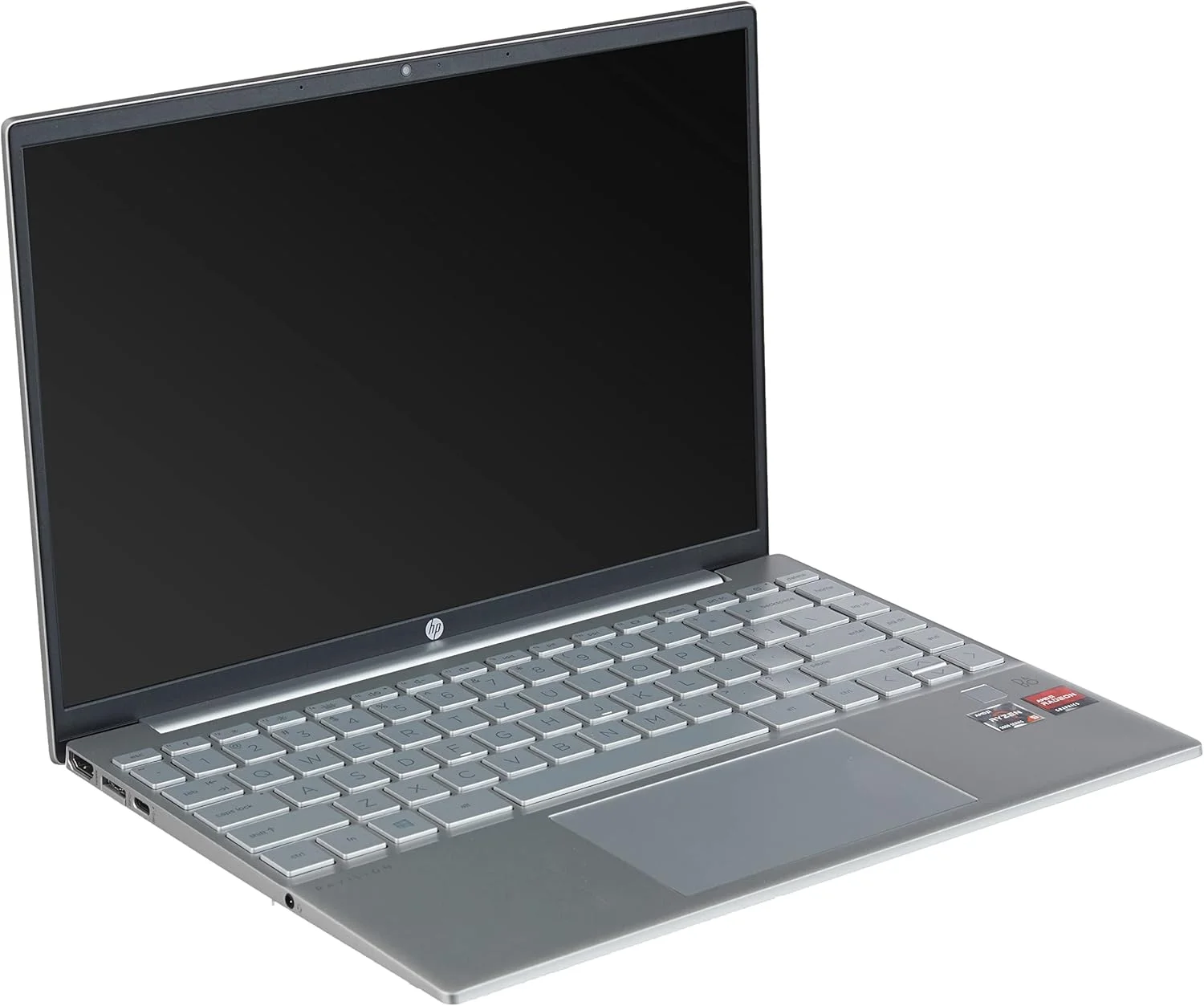
The 2026 HP Pavilion Aero 13 continues to redefine what an ultraportable laptop can achieve without breaking the bank. Weighing under a kilogram, this featherlight machine packs next-generation AMD Ryzen processors and a stunning 16:10 display into a magnesium-alloy chassis. It is the ultimate everyday companion for students and professionals who refuse to compromise on mobility or power.
Table of Contents
Key Specifications
| Feature | Detail |
|---|---|
| Processor | AMD Ryzen 7 8840U (with Ryzen AI NPU) |
| Graphics | AMD Radeon 780M Integrated |
| RAM | 16GB LPDDR5x (Soldered) |
| Storage | 1TB M.2 PCIe Gen 4 NVMe SSD |
| Display | 13.3-inch, 16:10, 2.5K (2560 x 1600) IPS, 400 nits, Anti-glare |
| Weight | 0.98 kg (2.16 lbs) |
| Battery | 43 Whr Li-ion |
| Connectivity | Wi-Fi 7, Bluetooth 5.4 |
| Ports | 2x USB-C (10Gbps, PD, DP 1.4), 2x USB-A (5Gbps), 1x HDMI 2.1, 1x Audio Jack |
Design & Build Quality
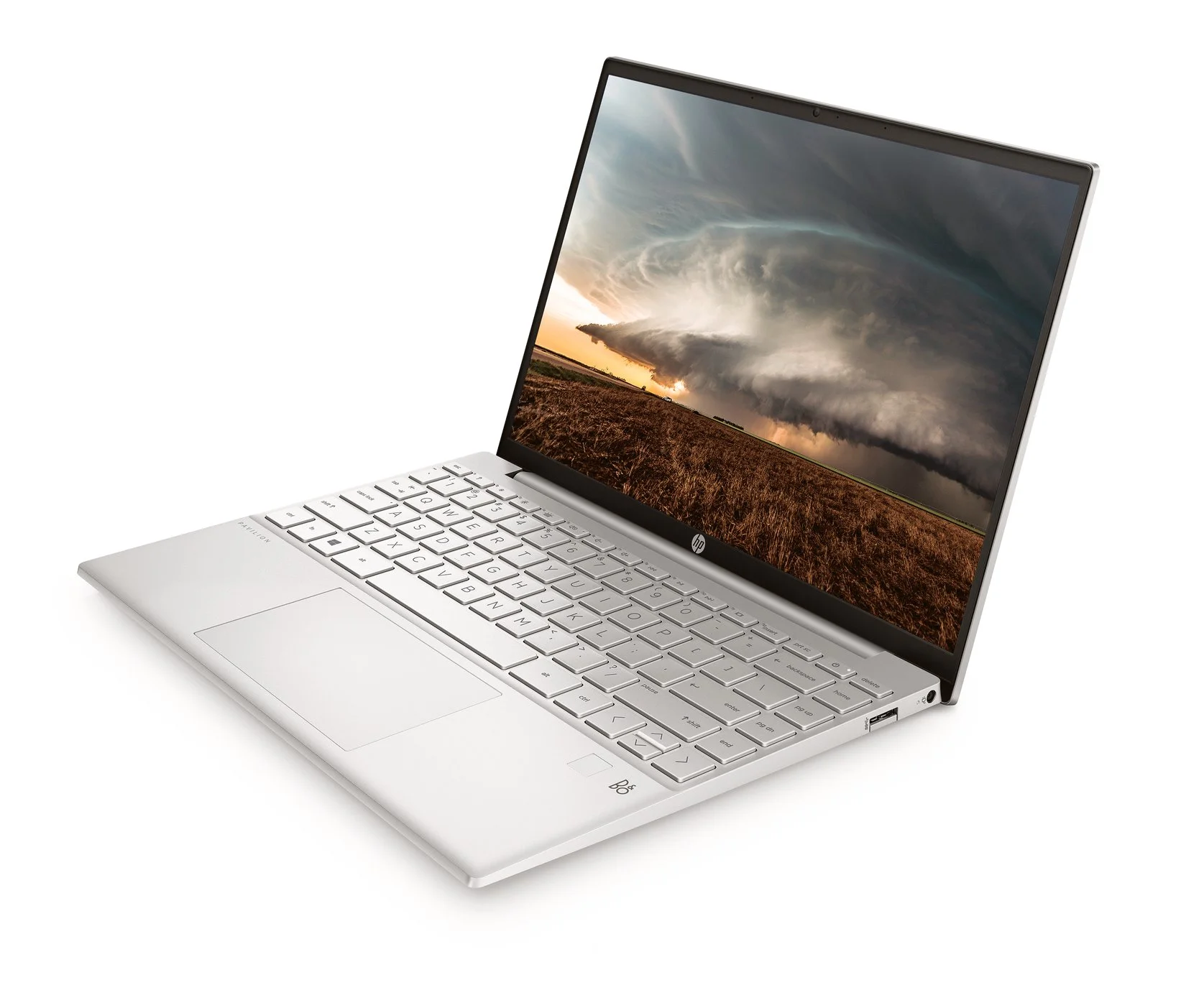
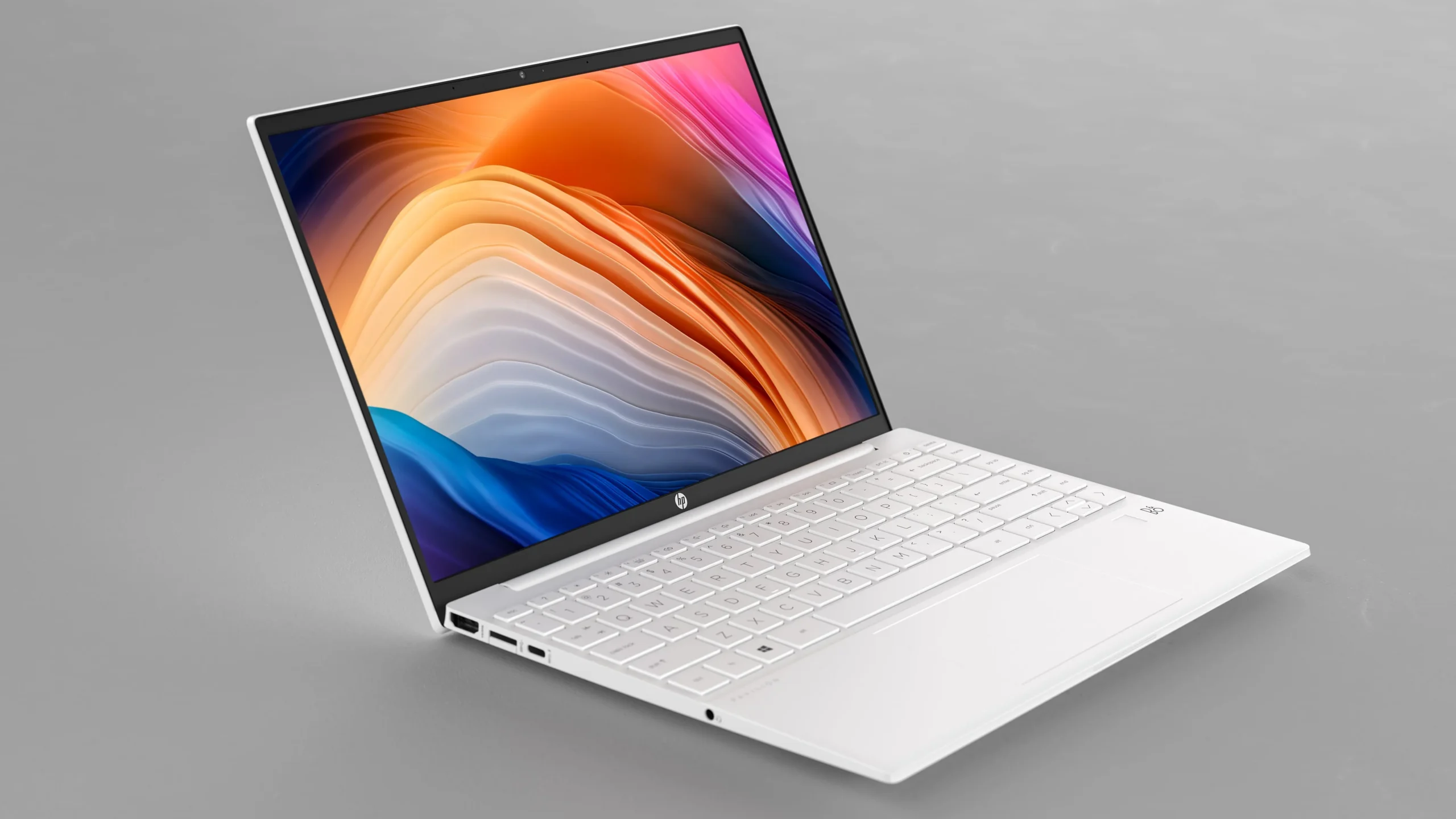
HP’s commitment to ultra-mobility remains the defining trait of the 2026 Pavilion Aero 13. Tipping the scales at a mere 0.98 kg (2.16 lbs), the laptop utilises a premium magnesium-alloy chassis that feels remarkably robust despite its featherlight profile. There is practically no flex in the keyboard deck, and the minimalist matte finish elegantly repels fingerprint smudges, making it an ideal device for hot-desking professionals.
Ergonomically, the Aero 13 punches well above its weight class. HP has managed to squeeze in a satisfyingly tactile edge-to-edge keyboard with crisp 1.5mm key travel, ensuring long typing sessions remain comfortable. The generously sized Precision touchpad is equally impressive, offering smooth tracking and satisfyingly quiet clicks. Despite the incredibly slimline footprint, the port selection is highly practical. It boasts dual USB-C ports, two drop-jaw USB-A ports, and a full-sized HDMI 2.1 output, successfully mitigating the dreaded “dongle life.”
Performance
Under the hood, the 2026 iteration of the Pavilion Aero 13 is powered by AMD’s latest Ryzen 7 8840U processor, paired with 16GB of rapid LPDDR5x memory. This combination delivers blisteringly fast real-world performance for everyday computing. Whether you are juggling three dozen Chrome tabs, streaming high-definition media, or manipulating hefty Excel spreadsheets, the Aero 13 handles multitasking with zero perceptible stutter or lag.
Benchmarks further solidify its status as a productivity powerhouse. The integrated AMD Radeon 780M graphics allow for competent light gaming and hardware-accelerated creative workflows in applications like Adobe Photoshop and Premiere Pro. Additionally, the inclusion of AMD’s dedicated Ryzen AI NPU offloads background tasks like Windows Studio Effects—blurring your webcam background and enhancing voice clarity—without cannibalising battery life or CPU cycles.
Thermally, HP has done a commendable job balancing performance and acoustics. Under normal workloads, the laptop remains whisper-quiet and cool to the touch. It is only when pushing the graphical limits during synthetic stress tests that the single internal fan becomes audible, though the pitch is low enough to easily fade into ambient room noise.
Features & Software
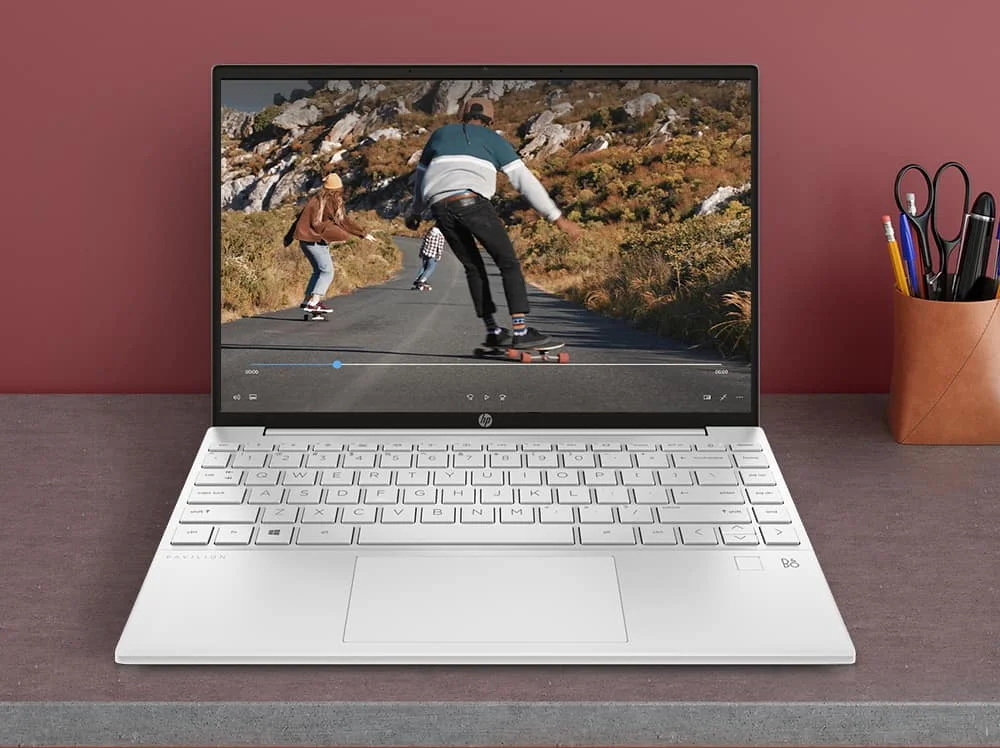
The crown jewel of the Aero 13 is undeniably its 13.3-inch 2.5K (2560 x 1600) IPS display. With an anti-glare coating, a peak brightness of 400 nits, and 100% sRGB colour coverage, the screen is vibrant and legible even under harsh office lighting. Complementing the display is a superb 5MP IR webcam with facial recognition for seamless Windows Hello logins.
On the software front, the experience is mostly clean, running Windows 11 with fully integrated Copilot AI features right out of the box. However, HP still insists on pre-loading a handful of proprietary utility apps alongside a McAfee antivirus trial. While easily uninstallable, this minor bloatware remains a slight blemish on an otherwise stellar out-of-the-box experience.
Value Proposition
The HP Pavilion Aero 13 has always existed in a sweet spot, and the 2026 model reinforces this legacy. It offers the ultra-portability and build materials traditionally reserved for flagship devices costing substantially more, making it a disruptive force in the midrange ultrabook market.
For tech-savvy consumers, the value proposition is hard to ignore. You are securing cutting-edge AMD architecture, an AI-ready NPU, and a gorgeous 16:10 display in a sub-1kg chassis. It essentially democratises premium portability, ensuring you do not have to empty your wallet to travel light.
How It Compares
When pitted against the Apple MacBook Air M3, the Pavilion Aero 13 wins on sheer weight-saving portability and legacy port selection, though it inevitably falls short of Apple’s legendary battery longevity and audio quality. Meanwhile, compared to the Asus Zenbook 14 OLED, the Aero 13 is significantly lighter and generally more affordable, but sacrifices the infinitely deep blacks and high contrast ratio of an OLED panel. Ultimately, the Aero 13 remains the undisputed champion for buyers who prioritise shedding weight and maximising budget above all else.
Pros and Cons
Pros
- Weighs under 1kg for effortless, fatigue-free ultra-portability.
- Phenomenal everyday performance from the AMD Ryzen 8840U processor and its dedicated NPU.
- Excellent, vibrant 16:10 2.5K display that easily fights off glare with 400 nits of brightness.
- Generous, dongle-free port selection including USB-A and HDMI 2.1.
Cons
- Soldered RAM prevents any future memory upgrades.
- The 43 Whr battery is relatively small, often requiring a charger for longer, intensive workdays.
- Ships with annoying bloatware like McAfee that requires manual removal.
- Downward-firing speakers lack bass and overall maximum volume.
FAQ
Q: Can the HP Pavilion Aero 13 handle gaming?
A: While not a dedicated gaming laptop, the integrated Radeon 780M graphics can comfortably run eSports titles like Valorant, CS2, and lighter indie games at 1080p on medium settings.
Q: Does the laptop support USB-C charging?
A: Yes, both USB-C ports support Power Delivery, allowing you to charge the laptop with a standard high-wattage GaN charger or power bank.
Q: Is the RAM or SSD upgradable?
A: The M.2 NVMe SSD is user-upgradable, but the LPDDR5x RAM is soldered directly to the motherboard. We highly recommend purchasing the 16GB model to ensure long-term usability.
Q: Does the keyboard have a backlight?
A: Yes, the keyboard features a two-stage white LED backlight that provides excellent visibility in low-light environments.
Verdict
The 2026 HP Pavilion Aero 13 is the quintessential ultraportable for students, frequent flyers, and remote workers who want snappy performance in a featherlight package. While the battery capacity and speakers are distinctly average, its premium magnesium chassis, rapid AMD Ryzen processing, and gorgeous display make it an absolute steal. If your priority is finding a powerful, sub-1kg daily driver without paying a flagship premium, this laptop deserves your attention.
Where to Buy
Pros
- ✓ Weighs under 1kg for effortless, fatigue-free ultra-portability.
- ✓ Phenomenal everyday performance from the AMD Ryzen 8840U processor and its dedicated NPU.
- ✓ Excellent, vibrant 16:10 2.5K display that easily fights off glare with 400 nits of brightness.
- ✓ Generous, dongle-free port selection including USB-A and HDMI 2.1.
Cons
- ✗ Soldered RAM prevents any future memory upgrades.
- ✗ The 43 Whr battery is relatively small, often requiring a charger for longer, intensive workdays.
- ✗ Ships with annoying bloatware like McAfee that requires manual removal.
- ✗ Downward-firing speakers lack bass and overall maximum volume.
Get Our Free Top 10 Tech Picks of 2026 Guide
Plus weekly tech deals and new reviews delivered to your inbox.
[cp_email_signup]
No spam. Unsubscribe anytime.
Ready to buy the HP Pavilion Aero 13?
Affiliate link — we may earn a commission at no extra cost to you.