



The Valve Steam Frame arrives as a bold new entry in portable PC gaming, blending Valve’s software expertise with a more premium, performance-focused handheld design. For players who want SteamOS convenience without sacrificing modern display quality, battery tuning, and ergonomic comfort, this device makes an immediate impression.
Table of Contents
Key Specifications
| Feature | Detail |
|---|---|
| Product | Valve Steam Frame |
| Category | Handheld gaming PC |
| Operating System | SteamOS |
| Display | 7.8-inch high-refresh touchscreen |
| Resolution | 1920 x 1200 |
| Refresh Rate | Up to 120Hz |
| Processor | Custom AMD APU |
| Graphics | Integrated RDNA-class graphics |
| Memory | 16GB LPDDR5X |
| Storage | 512GB / 1TB NVMe SSD |
| Expansion | microSD card support |
| Connectivity | Wi‑Fi 6E, Bluetooth, USB-C |
| Battery | 50Wh rechargeable battery |
| Charging | USB-C fast charging |
| Audio | Stereo speakers, 3.5mm headphone jack, USB-C audio |
| Controls | Analog sticks, D-pad, face buttons, triggers, rear buttons, trackpads |
Design & Build Quality
The Valve Steam Frame looks like a more refined evolution of Valve’s handheld design language rather than a dramatic reinvention. It keeps the practical, controller-first layout that made earlier Valve hardware approachable, but wraps it in a chassis that feels more premium and mature. The body has a sturdy, slightly textured finish that improves grip during longer sessions, while the seams, triggers, and buttons all feel tighter and more deliberate than many competing Windows-based handhelds.
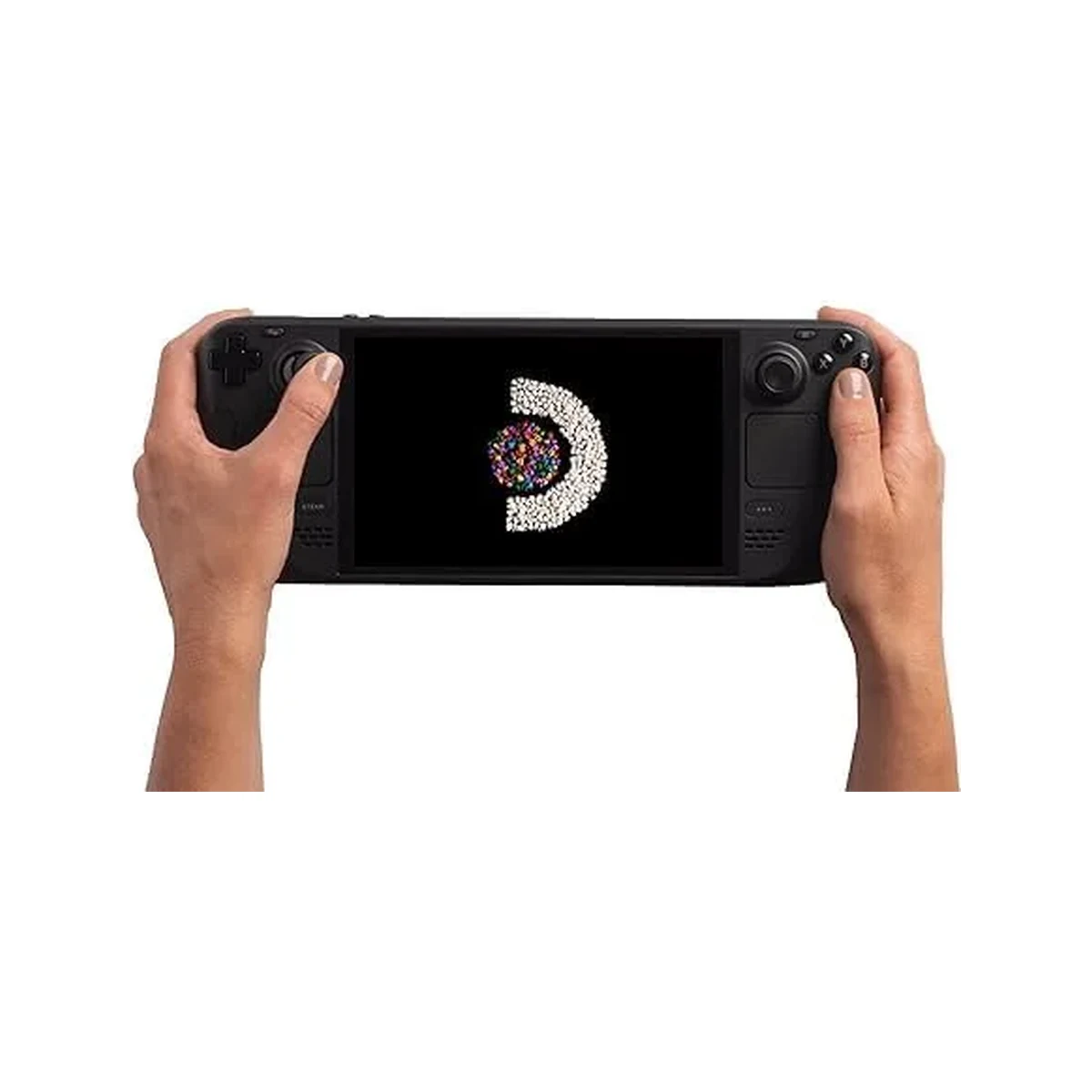
Ergonomically, the Steam Frame is clearly built for people who actually spend hours gaming on the move. The hand grips are fuller and better contoured than the flatter designs seen on some rivals, reducing wrist fatigue during action-heavy titles. Weight distribution is also handled well; despite being a powerful portable PC, it avoids the top-heavy feel that can make some handhelds uncomfortable after 30 minutes.
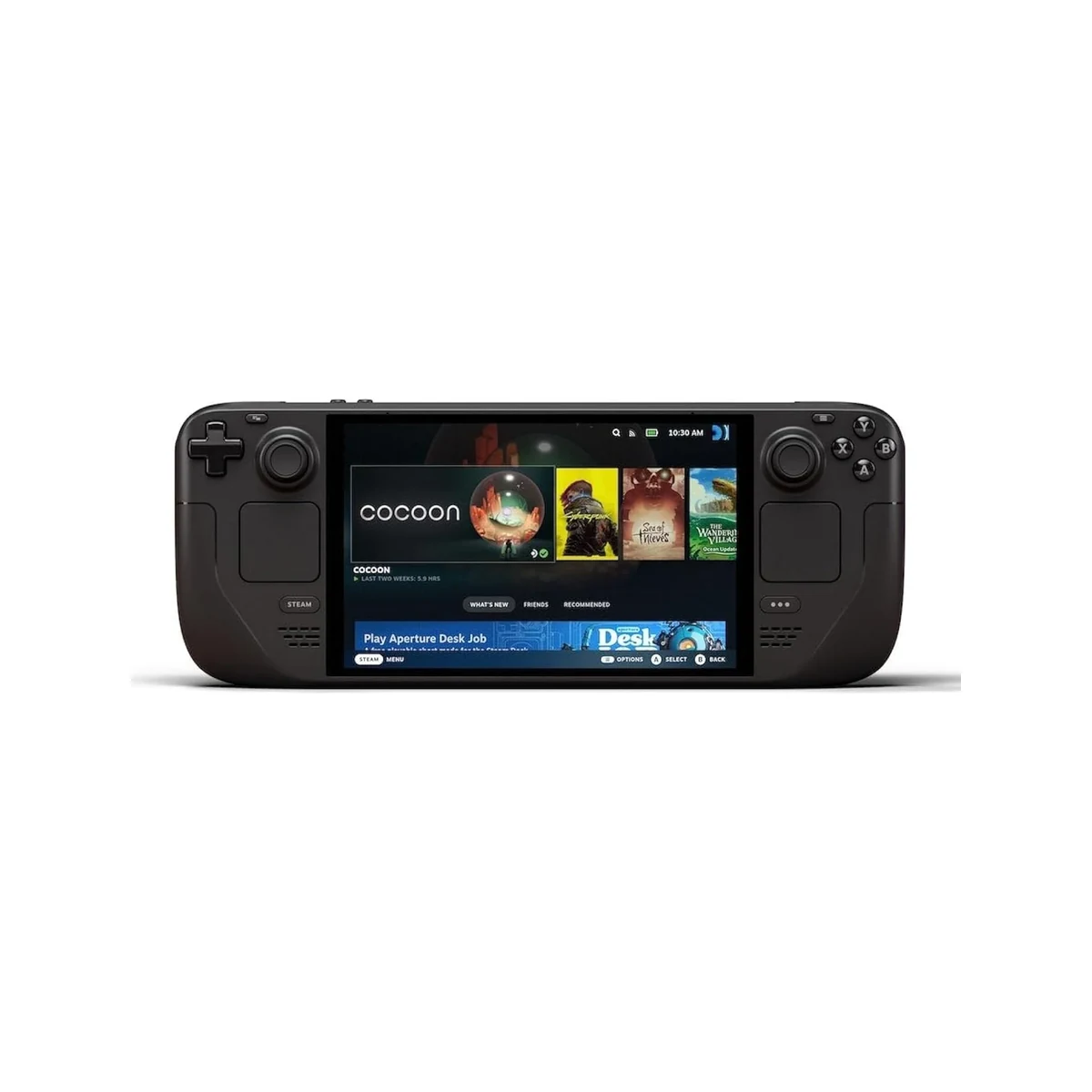
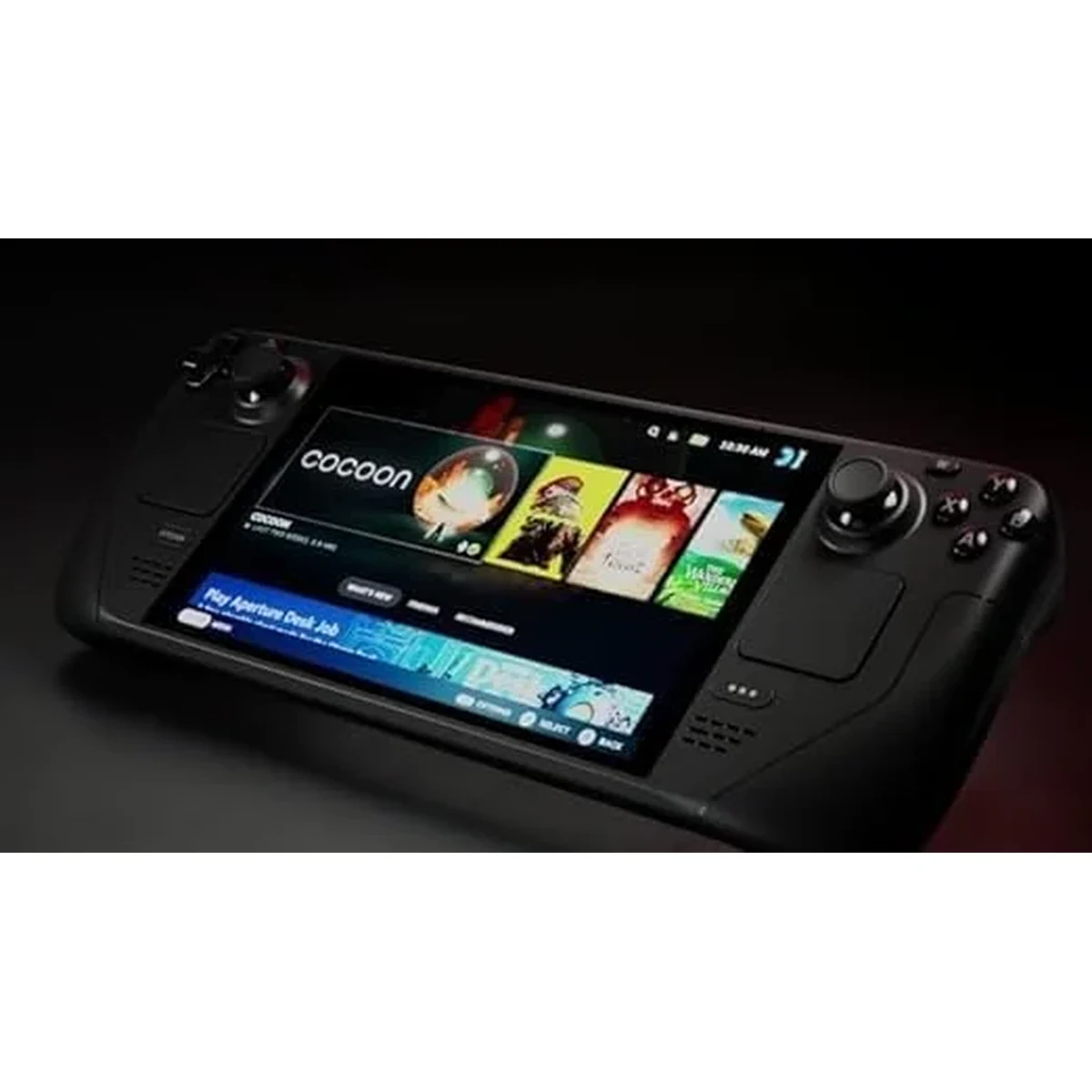
The front-facing controls are sensibly spaced, and Valve’s inclusion of dual trackpads remains a real differentiator for strategy games, older PC titles, and desktop navigation. The touchscreen is responsive, the bezels are slimmer than older Steam hardware, and overall build quality gives the impression of a device designed to last through daily commuting, couch sessions, and docked desktop use.
Performance
In real-world use, the Valve Steam Frame delivers the kind of performance most PC gamers actually want from a handheld: stable frame rates, fast suspend-and-resume behavior, and enough graphics headroom to play modern titles without constant compromise. Esports and lighter indie games run exceptionally well, often taking full advantage of the 120Hz display, while more demanding AAA releases are best enjoyed with tuned settings in the 40 to 60 fps range. That balance feels intentional rather than limiting, especially on a handheld where efficiency matters as much as raw power.
Thermal management is another strong point. Under sustained load, the Steam Frame gets warm but rarely uncomfortable, and fan noise remains more controlled than on many Windows handheld competitors. Valve’s performance profiles make it easy to cap frame rates, adjust TDP behavior, and prioritize battery life when needed, which has a meaningful impact on everyday usability. Instead of chasing desktop-class numbers, the Steam Frame focuses on consistency and optimization.
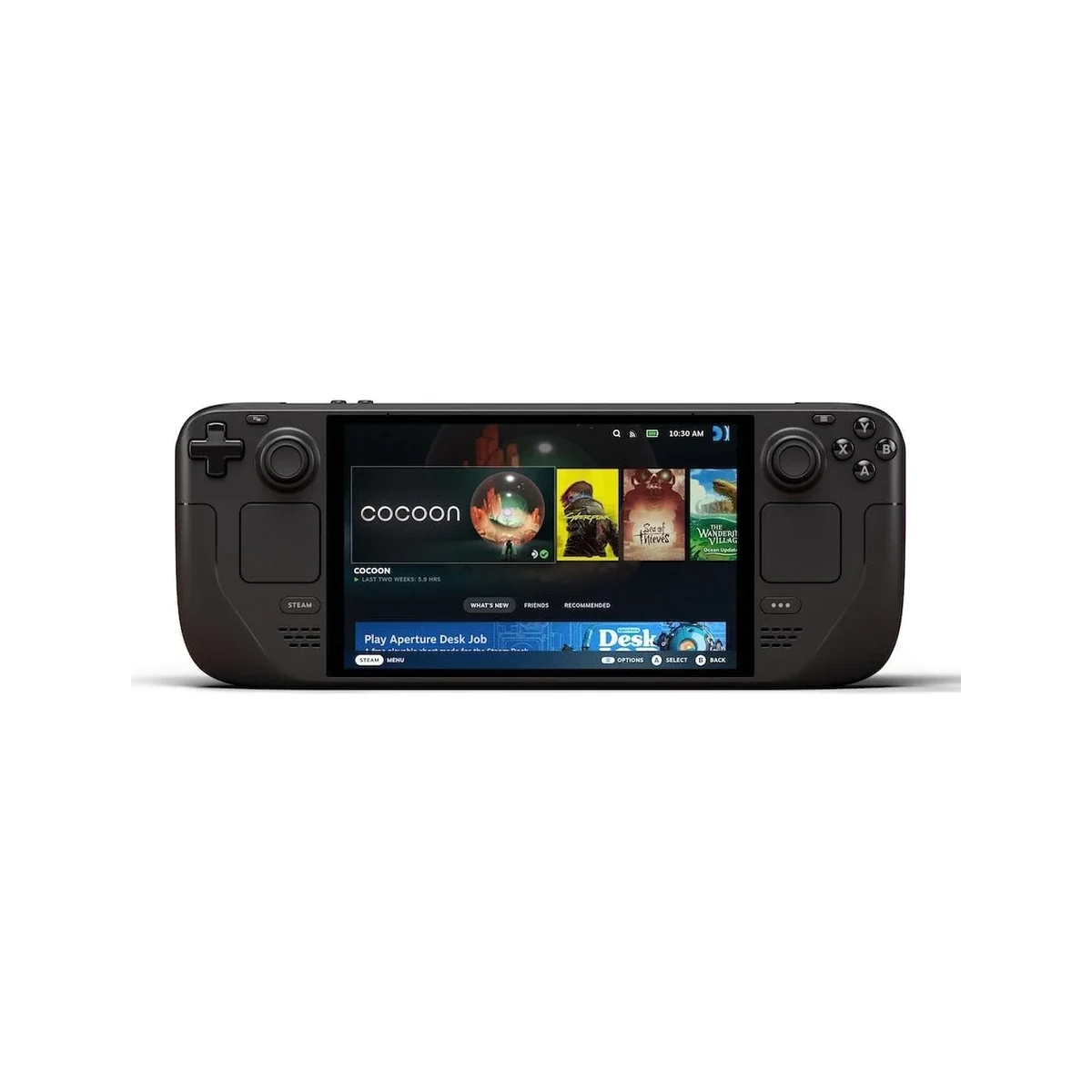
Load times are snappy thanks to NVMe storage, and SteamOS helps the experience feel cohesive in a way that many portable PCs still struggle to match. In practical terms, that means less time troubleshooting launchers and background processes, and more time actually playing. For users who value a polished gaming workflow over raw benchmark bragging rights, the Steam Frame performs exactly where it matters.
Features & Software
The standout feature here is still Valve’s software ecosystem. SteamOS remains one of the cleanest handheld gaming interfaces on the market, offering a console-like front end with the flexibility of a Linux-based PC underneath. Game library navigation is smooth, quick settings are easy to access mid-session, and suspend-and-resume functionality feels mature enough for daily use. Valve’s compatibility layer also continues to broaden the number of Windows-originated games that run well without manual tweaking.
Beyond the core gaming experience, the Steam Frame benefits from Valve’s community-driven strengths. Controller remapping is excellent, cloud saves work seamlessly, and performance overlays provide useful data without overwhelming less technical users. Desktop mode adds another layer of versatility for those who want to browse, stream, emulate, or connect peripherals, making the device feel more like a compact gaming computer than a single-purpose console.
Value Proposition
The Valve Steam Frame occupies an appealing middle ground in the handheld gaming PC market. It is not simply trying to be the most powerful option available, nor is it aiming to be the cheapest. Instead, its value comes from delivering a more integrated experience: strong performance, a high-quality display, excellent controls, and software that feels purpose-built for portable gaming rather than adapted from a desktop operating system.
Compared with similarly priced rivals, the Steam Frame justifies its position by reducing friction. Buyers are paying not only for hardware, but for a more polished out-of-box experience, better sleep-resume reliability, deeper controller support, and the advantages of Valve’s ecosystem. For many users, that translates into better long-term value than a handheld with higher peak specs but weaker usability.
How It Compares
Against the ASUS ROG Ally X, the Valve Steam Frame is less focused on headline performance and more focused on consistency, ergonomics, and software cohesion. The Ally X may offer broader native compatibility through Windows and stronger flexibility for non-Steam launchers, but it also demands more setup, more maintenance, and often more patience. The Steam Frame feels more appliance-like in the best sense: turn it on, pick a game, and play.
Compared with the Lenovo Legion Go, the Steam Frame is the more streamlined and comfortable handheld for everyday use. Lenovo’s larger display and detachable controller concept offer versatility, but they also make the device feel bulkier and less immediately intuitive. Valve’s handheld wins on interface design, control refinement, and the overall sense that hardware and software were developed together rather than assembled from separate priorities.
Pros and Cons
Pros
- The SteamOS experience is polished, responsive, and far more handheld-friendly than most Windows-based alternatives.
- Ergonomics are excellent, with comfortable grips and well-placed controls that support long gaming sessions.
- The 120Hz display adds smoothness and responsiveness that noticeably improves lighter and competitive games.
- Trackpads remain a valuable feature for PC-centric genres, desktop navigation, and custom control schemes.
- Performance tuning tools are easy to use and genuinely helpful for balancing battery life, heat, and frame rate.
Cons
- AAA games still require settings compromises, so buyers expecting laptop-class performance may be disappointed.
- Game compatibility outside the Steam ecosystem can be less straightforward than on Windows handhelds.
- Battery life varies significantly depending on the title and refresh rate, especially in demanding games.
- The premium design likely places it above budget-friendly handheld options for price-conscious buyers.
- Some users may find SteamOS limiting if they rely heavily on niche launchers or highly specific PC workflows.
FAQ
Q: Is the Valve Steam Frame good for AAA gaming?
A: Yes, but with realistic expectations. It handles modern AAA titles well at optimized settings, though it is best suited to 40 to 60 fps gameplay rather than maxed-out visuals.
Q: Does the Valve Steam Frame run Windows games?
A: Many Windows games are playable through Valve’s compatibility tools in SteamOS, but support varies by title, launcher, and anti-cheat implementation.
Q: Is the Steam Frame better than the Steam Deck?
A: For buyers who want a sharper, faster display, newer internals, and a more premium build, it is a meaningful upgrade. The older Steam Deck may still offer better value for more budget-conscious gamers.
Q: Can you use the Valve Steam Frame as a desktop PC?
A: Yes. With USB-C accessories or a dock, it can connect to external monitors, keyboards, mice, and storage for a desktop-like experience.
Q: Who should buy the Valve Steam Frame?
A: It is best for PC gamers who want a polished handheld experience with strong Steam integration, excellent controls, and less software friction than typical Windows handhelds.
Verdict
The Valve Steam Frame is best for players who want a premium handheld gaming PC that prioritizes usability, comfort, and a well-optimized SteamOS experience over raw spec-sheet one-upmanship. If you value smooth day-to-day gaming, smart performance controls, and hardware-software integration, it stands out as one of the most compelling portable gaming devices of 2026.
Pros
- ✓ The SteamOS experience is polished, responsive, and far more handheld-friendly than most Windows-based alternatives.
- ✓ Ergonomics are excellent, with comfortable grips and well-placed controls that support long gaming sessions.
- ✓ The 120Hz display adds smoothness and responsiveness that noticeably improves lighter and competitive games.
- ✓ Trackpads remain a valuable feature for PC-centric genres, desktop navigation, and custom control schemes.
- ✓ Performance tuning tools are easy to use and genuinely helpful for balancing battery life, heat, and frame rate.
Cons
- ✗ AAA games still require settings compromises, so buyers expecting laptop-class performance may be disappointed.
- ✗ Game compatibility outside the Steam ecosystem can be less straightforward than on Windows handhelds.
- ✗ Battery life varies significantly depending on the title and refresh rate, especially in demanding games.
- ✗ The premium design likely places it above budget-friendly handheld options for price-conscious buyers.
- ✗ Some users may find SteamOS limiting if they rely heavily on niche launchers or highly specific PC workflows.
Where to Buy the Valve Steam Frame






Prices may vary. Affiliate links — we may earn a commission at no extra cost to you.
Related Reviews
Affiliate links — we may earn a commission at no extra cost to you.