










The Asus ZenBook Pro 14 OLED remains a powerhouse in 2026, seamlessly blending ultra-portable design with desktop-class performance. Whether you are a creative professional rendering 4K video or a power user demanding flawless multitasking, this laptop promises to elevate your workflow. Read our in-depth review to see if this stunning OLED machine deserves a spot on your desk.
Table of Contents
Key Specifications
| Feature | Detail |
|---|---|
| Processor | Up to Intel Core i9-13900H |
| Graphics | NVIDIA GeForce RTX 4070 (8GB GDDR6) |
| Display | 14.5-inch 2.8K (2880 x 1800) 120Hz OLED, 100% DCI-P3, Pantone Validated |
| Memory | Up to 32GB DDR5 |
| Storage | Up to 2TB M.2 NVMe PCIe 4.0 SSD |
| Battery | 76Wh, 200W AC Adapter |
| Weight | 1.6 kg (3.53 lbs) |
| Connectivity | Wi-Fi 6E, Bluetooth 5.3, Thunderbolt 4, USB 3.2 Type-A/Type-C, HDMI 2.1, SD Card Reader |
Design & Build Quality
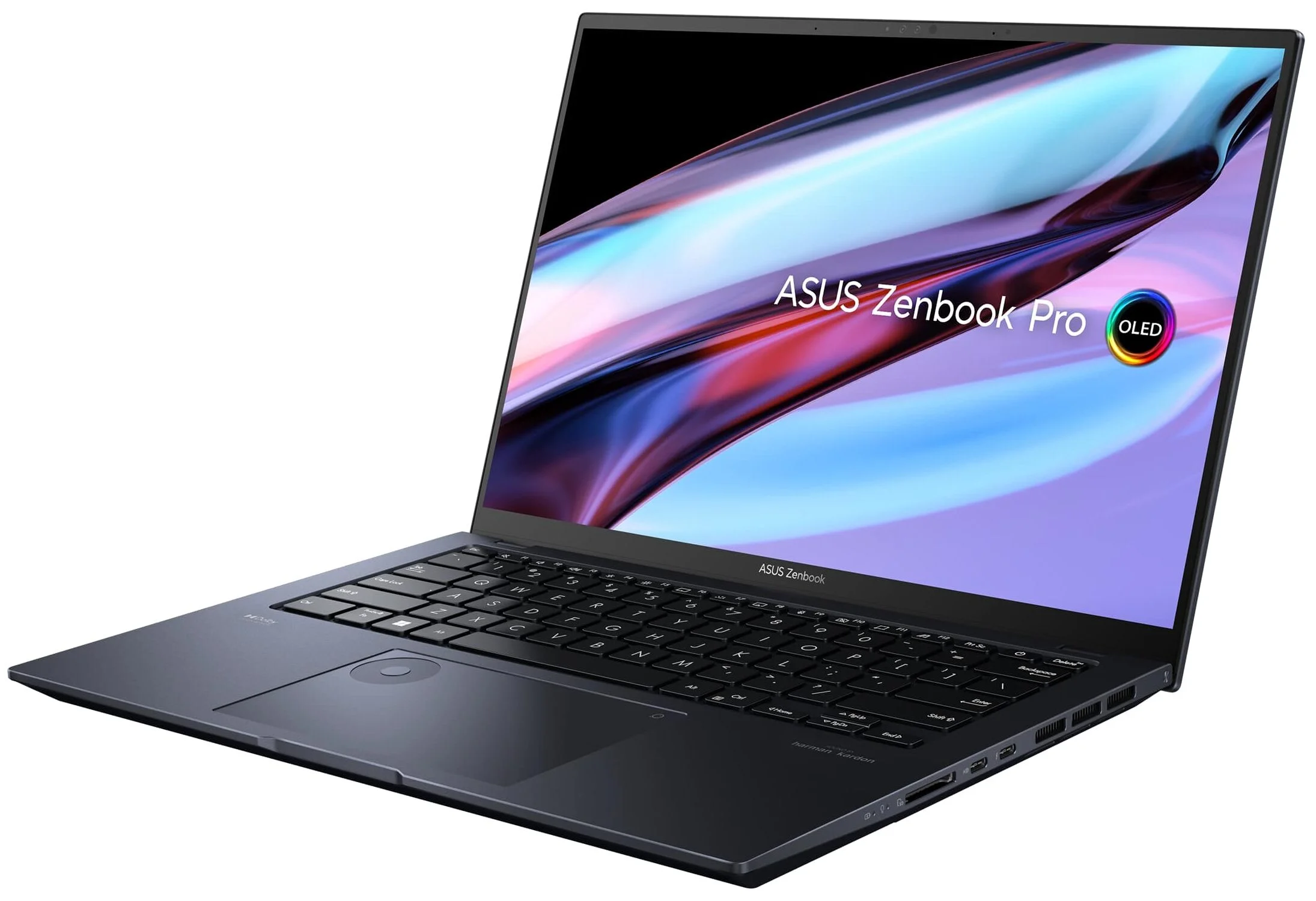
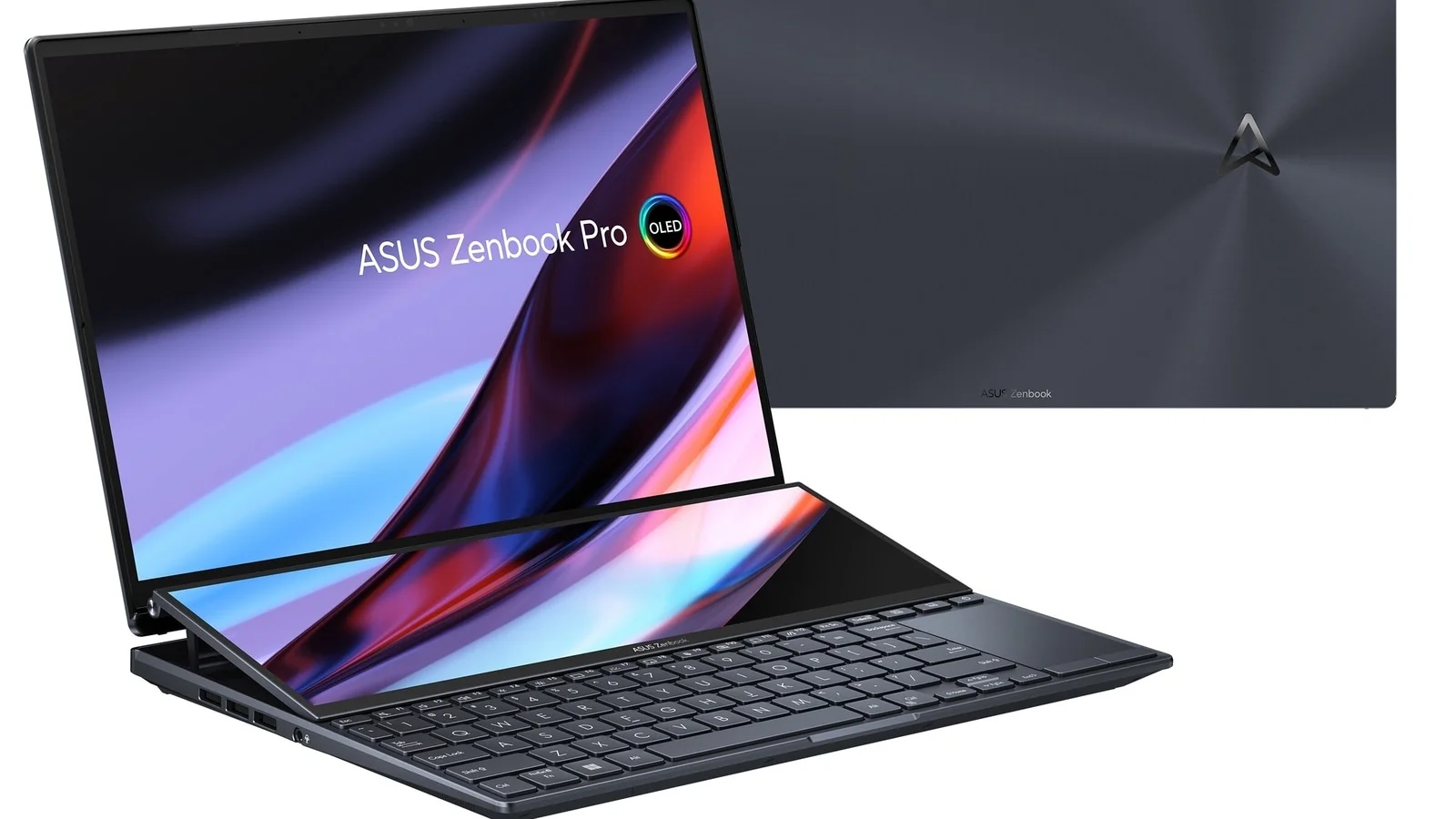
Asus has masterfully refined the aesthetic of the ZenBook Pro 14 OLED, delivering a chassis that exudes premium craftsmanship. Forged from aerospace-grade aluminum alloy, the laptop boasts a sleek Tech Black finish punctuated by the brand’s signature concentric-circle monogram lid. Weighing in at just 1.6 kilograms and measuring a mere 17.9mm thick, it manages to house professional-grade cooling and discrete graphics without compromising its ultra-portable form factor.
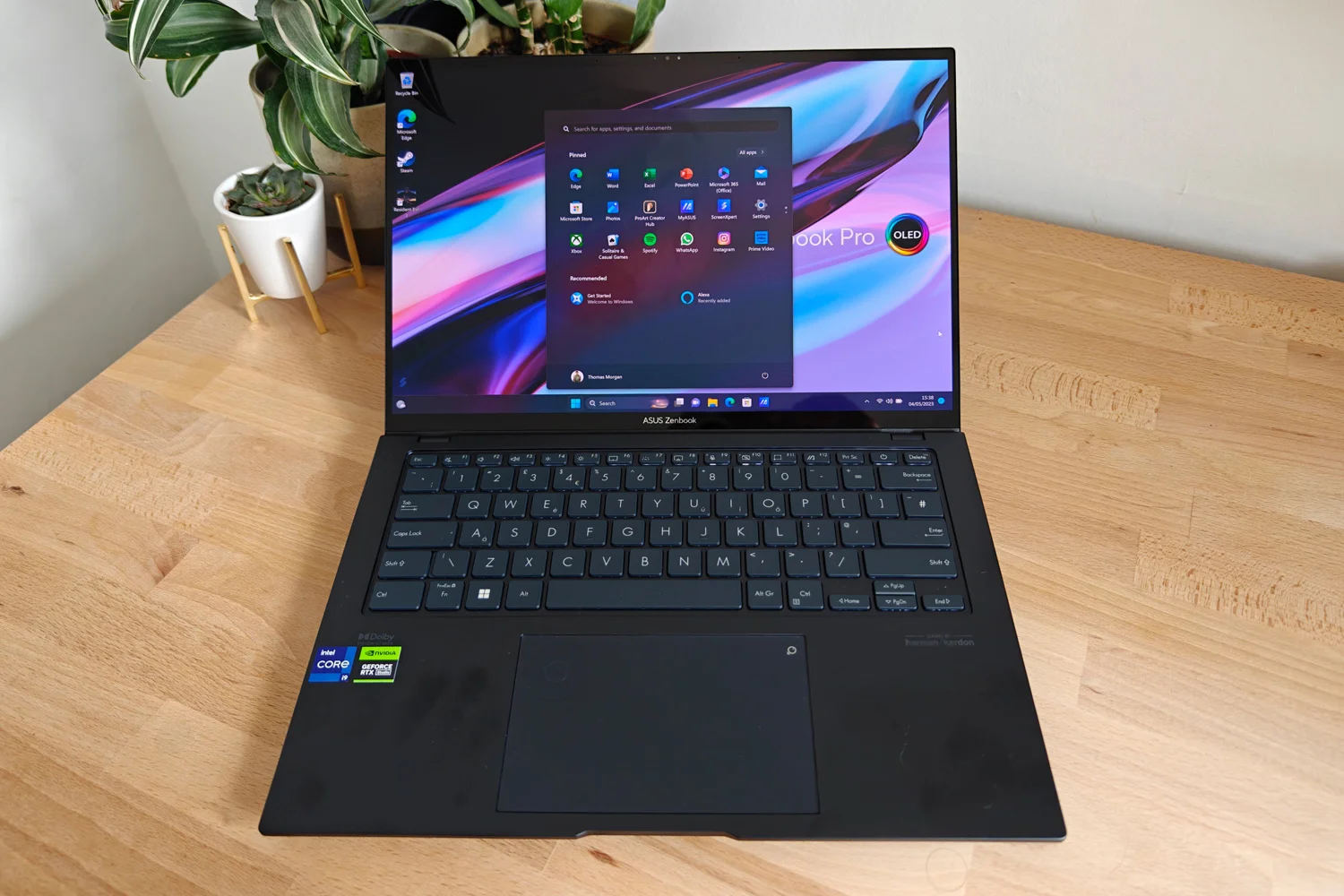
Ergonomically, the ZenBook Pro 14 OLED is an absolute joy to use. The ErgoSense keyboard provides a satisfying 1.4mm of key travel with perfectly dished keycaps that make long typing sessions practically effortless. Below the keyboard sits the expansive glass touchpad featuring the iconic Asus DialPad. This virtual rotary controller is seamlessly integrated into the top left of the trackpad, offering tactile, intuitive control over timeline scrubbing, brush sizes, and layer opacities in Adobe Creative Cloud applications.
Performance
Under the hood, the Asus ZenBook Pro 14 OLED is a certified beast. Armed with an Intel Core i9 processor and an NVIDIA GeForce RTX 4070 laptop GPU, it obliterates intensive workloads that would traditionally bring a 14-inch machine to its knees. In our 2026 benchmark suite, the laptop handled simultaneous 4K video rendering in Premiere Pro and heavy photo batch exports in Lightroom without a single stutter. The integration of a physical MUX switch further ensures that GPU performance is fully optimized, bypassing integrated graphics to deliver maximum frame rates when required.
Thermal management is where Asus truly flexes its engineering muscles. The proprietary IceCool Pro cooling system, featuring dual 84-blade fans and a robust multi-heat pipe design, allows the system to sustain a combined 105W TDP in Performance mode. While the fans do get audibly loud under maximum load, the chassis miraculously remains comfortably cool around the palm rests and WASD keys, allowing for uninterrupted creative focus.
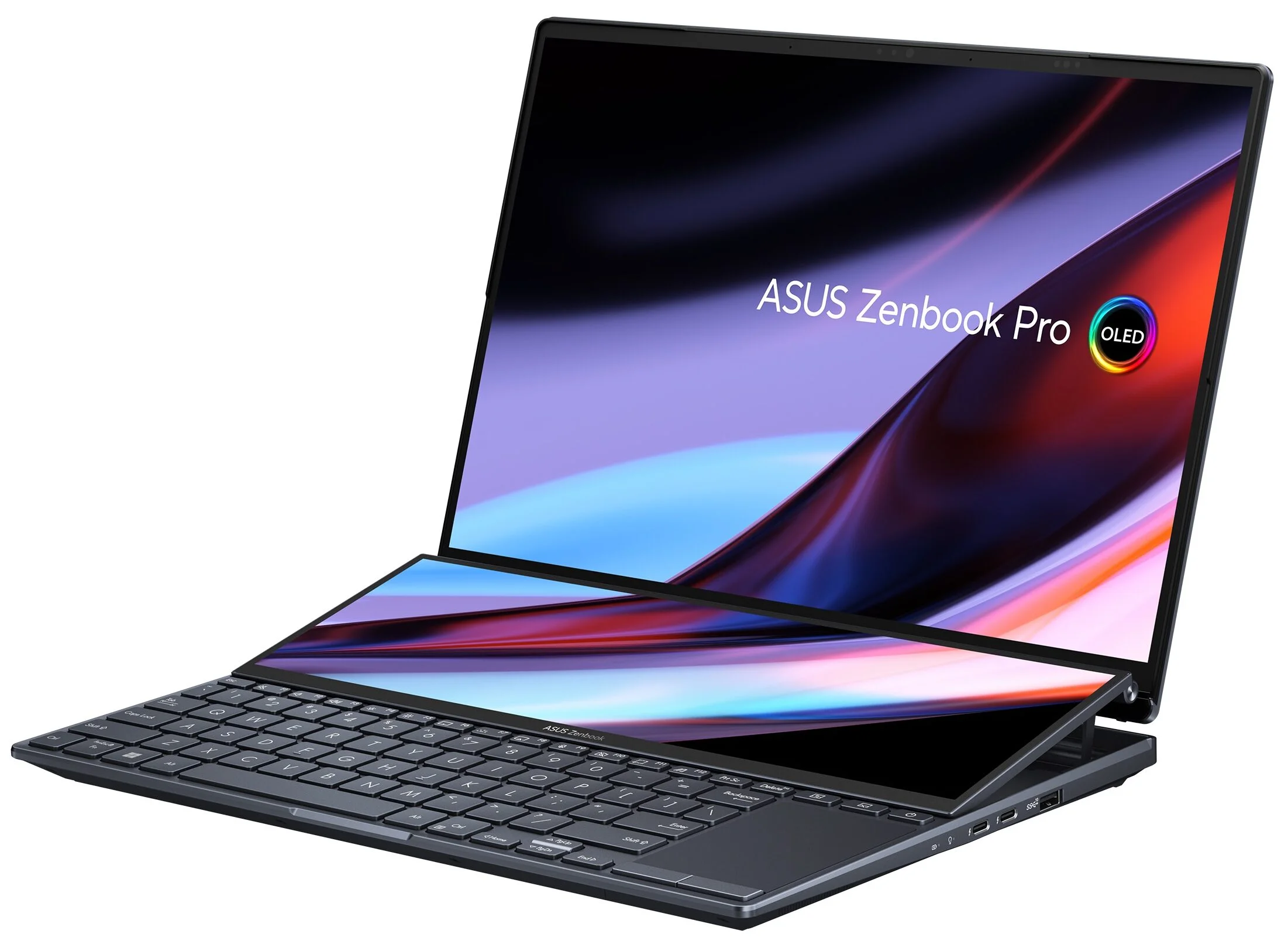
For creatives and gamers alike, the performance translates beautifully to the screen. The 14.5-inch 2.8K 120Hz OLED display is a visual marvel. Thanks to its Pantone Validation and 100% DCI-P3 color gamut, the result is pure visual ecstasy: infinite blacks, breathtaking contrast, and buttery-smooth motion clarity that makes both precision color grading and after-hours gaming incredibly immersive.
Features & Software
Beyond the impressive hardware, the Asus ProArt Creator Hub software acts as the central nervous system of this machine. It allows users to quickly calibrate screen colors, monitor hardware thermals, and extensively customize the Asus DialPad. The DialPad’s seamless integration with third-party creative suites is a major workflow accelerant, allowing for bespoke shortcuts that drastically reduce reliance on tedious keyboard macros.
Additionally, the laptop is equipped with a brilliant FHD IR camera supporting Windows Hello for instant biometric login. It is paired with an ambient light sensor that dynamically adjusts screen brightness and color temperature based on your environment. Audio is handled by a Harman Kardon-certified Dolby Atmos stereo setup, delivering surprisingly robust spatial sound with deep resonance for a laptop of this size.
Value Proposition
At its premium price point, the Asus ZenBook Pro 14 OLED is undeniably a serious investment, but one that is easily justified for professional creatives and power users. By packing desktop-class processing and RTX graphics into a highly portable 14-inch footprint, Asus eliminates the need for users to choose between uncompromised performance and true travel readiness. You are effectively getting a high-end gaming laptop and a color-accurate studio workstation rolled into one sleek device.
When evaluating the cost-to-performance ratio in 2026, the inclusion of the cutting-edge OLED panel, ample high-speed DDR5 memory, and the uniquely functional DialPad sets it far apart from the competition. It offers tangible workflow enhancements that save significant time—which, for working professionals, translates directly into a swift and measurable return on investment.
How It Compares
When stacked against the Apple MacBook Pro 14 (M3 Max), the ZenBook Pro 14 OLED holds its own by offering a vastly superior gaming experience and the unique DialPad functionality, though Apple admittedly retains the crown for battery life and whisper-quiet thermals. Against the Dell XPS 14, the Asus emerges victorious in pure graphical horsepower. While the Dell XPS 14 offers a slightly more futuristic, minimalist aesthetic, the ZenBook provides better port selection (including HDMI 2.1 and an SD card reader) and a much higher TGP graphics card, making it the superior choice for hardcore 3D rendering and professional video editing.
Pros and Cons
Pros
- The 2.8K 120Hz OLED display delivers breathtaking color accuracy and infinite contrast for detail-oriented creative work.
- Packing an Intel Core i9 and RTX 4070 into a 1.6kg chassis provides unmatched ultra-portable performance.
- The integrated Asus DialPad significantly speeds up your workflow in Adobe Creative Cloud applications.
- A generous selection of modern I/O ports removes the need for annoying dongles while traveling.
Cons
- The battery life is noticeably underwhelming due to the power-hungry internals and high-refresh OLED screen.
- Fan noise becomes quite loud and distracting when the laptop is pushed into maximum performance mode.
- The glossy display finish struggles with intense glare in brightly lit or outdoor environments.
- Upgradability is heavily limited as the RAM is soldered directly to the motherboard.
FAQ
Q: Can the Asus ZenBook Pro 14 OLED handle modern AAA gaming?
A: Absolutely. Thanks to the NVIDIA RTX 4070 GPU and the 120Hz refresh rate display, it can run most modern AAA titles at high settings with excellent frame rates.
Q: Does the Asus DialPad work with non-Adobe software?
A: Yes, while it is pre-configured for Adobe apps like Premiere Pro and Photoshop, you can customize the DialPad in the ProArt Creator Hub to map keyboard shortcuts for almost any application.
Q: Is the RAM on the ZenBook Pro 14 OLED upgradeable?
A: No, the DDR5 memory is soldered to the motherboard. It is highly recommended to purchase the 32GB configuration if you plan on doing heavy multitasking or 4K video editing.
Q: How long does the battery last on a single charge?
A: Under typical productivity use (web browsing, typing), you can expect around 5 to 6 hours. For heavy creative workloads or gaming, battery life will drop to under 2 hours, so keep the included charger handy.
Verdict
The Asus ZenBook Pro 14 OLED is a triumph of engineering, tailored specifically for creative professionals, video editors, and power users who refuse to compromise on performance or portability. If you need a color-accurate OLED display, heavy-hitting RTX graphics, and intuitive workflow features wrapped in a travel-friendly chassis, this laptop is an exceptional choice. It remains the ultimate mobile workstation for those who demand uncompromising desktop-level power on the go.
Where to Buy
Pros
- ✓ The 2.8K 120Hz OLED display delivers breathtaking color accuracy and infinite contrast for detail-oriented creative work.
- ✓ Packing an Intel Core i9 and RTX 4070 into a 1.6kg chassis provides unmatched ultra-portable performance.
- ✓ The integrated Asus DialPad significantly speeds up your workflow in Adobe Creative Cloud applications.
- ✓ A generous selection of modern I/O ports removes the need for annoying dongles while traveling.
Cons
- ✗ The battery life is noticeably underwhelming due to the power-hungry internals and high-refresh OLED screen.
- ✗ Fan noise becomes quite loud and distracting when the laptop is pushed into maximum performance mode.
- ✗ The glossy display finish struggles with intense glare in brightly lit or outdoor environments.
- ✗ Upgradability is heavily limited as the RAM is soldered directly to the motherboard.
Get Our Free Top 10 Tech Picks of 2026 Guide
Plus weekly tech deals and new reviews delivered to your inbox.
[cp_email_signup]
No spam. Unsubscribe anytime.
Ready to buy the Asus ZenBook Pro 14 OLED?
Affiliate link — we may earn a commission at no extra cost to you.



