










Finding the sweet spot between high-end performance and budget-friendly pricing is tough in the modern monitor market. The Acer Nitro XV272U aims to strike that perfect balance with its 1440p IPS panel and lightning-fast refresh rates. Let’s dive into whether this long-standing champion still holds its ground against newer 2026 contenders.
Table of Contents
Key Specifications
| Feature | Detail |
|---|---|
| Screen Size | 27 Inches |
| Panel Type | IPS (In-Plane Switching) |
| Resolution | 2560 x 1440 (QHD) |
| Refresh Rate | 144Hz (Overclockable to 170Hz) |
| Response Time | 1ms (GtG) / 0.5ms (Min) |
| Adaptive Sync | AMD FreeSync Premium (G-Sync Compatible) |
| Color Gamut | 95% DCI-P3 |
| Ports | 2x HDMI 2.0, 1x DisplayPort 1.2, 4x USB 3.0, 1x 3.5mm Audio |
Design & Build Quality
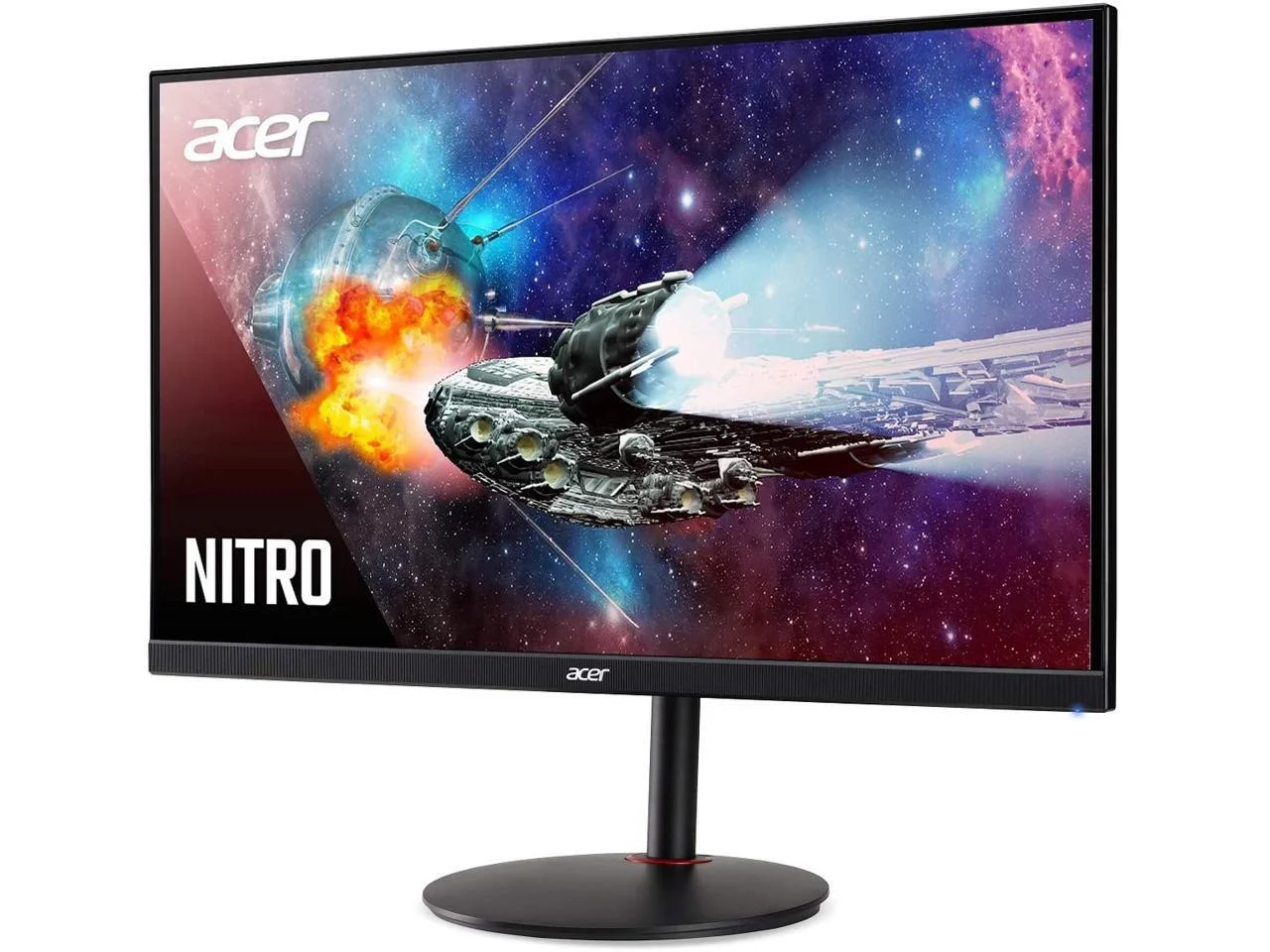
Acer has kept the design of the Nitro XV272U relatively understated compared to the aggressively angular “gamer” aesthetics dominating the market. Sporting a sleek, near-borderless display on three sides, it looks just as professional in a home office setup as it does flanked by RGB lighting. The matte black plastic chassis doesn’t scream premium, but it feels incredibly sturdy and well-constructed, resisting flexing and creaking under pressure.
Where Acer truly shines here is in the ergonomics. The included circular stand offers an impressive range of motion that puts many higher-priced competitors to shame. You get 120mm of height adjustment, -5° to 20° of tilt, 360° of swivel, and full 90° pivot functionality for a vertical orientation. If you prefer to use your own mounting arm, the monitor is also fully VESA 100x100mm compatible, making integration into a multi-monitor battlestation an absolute breeze.
Performance
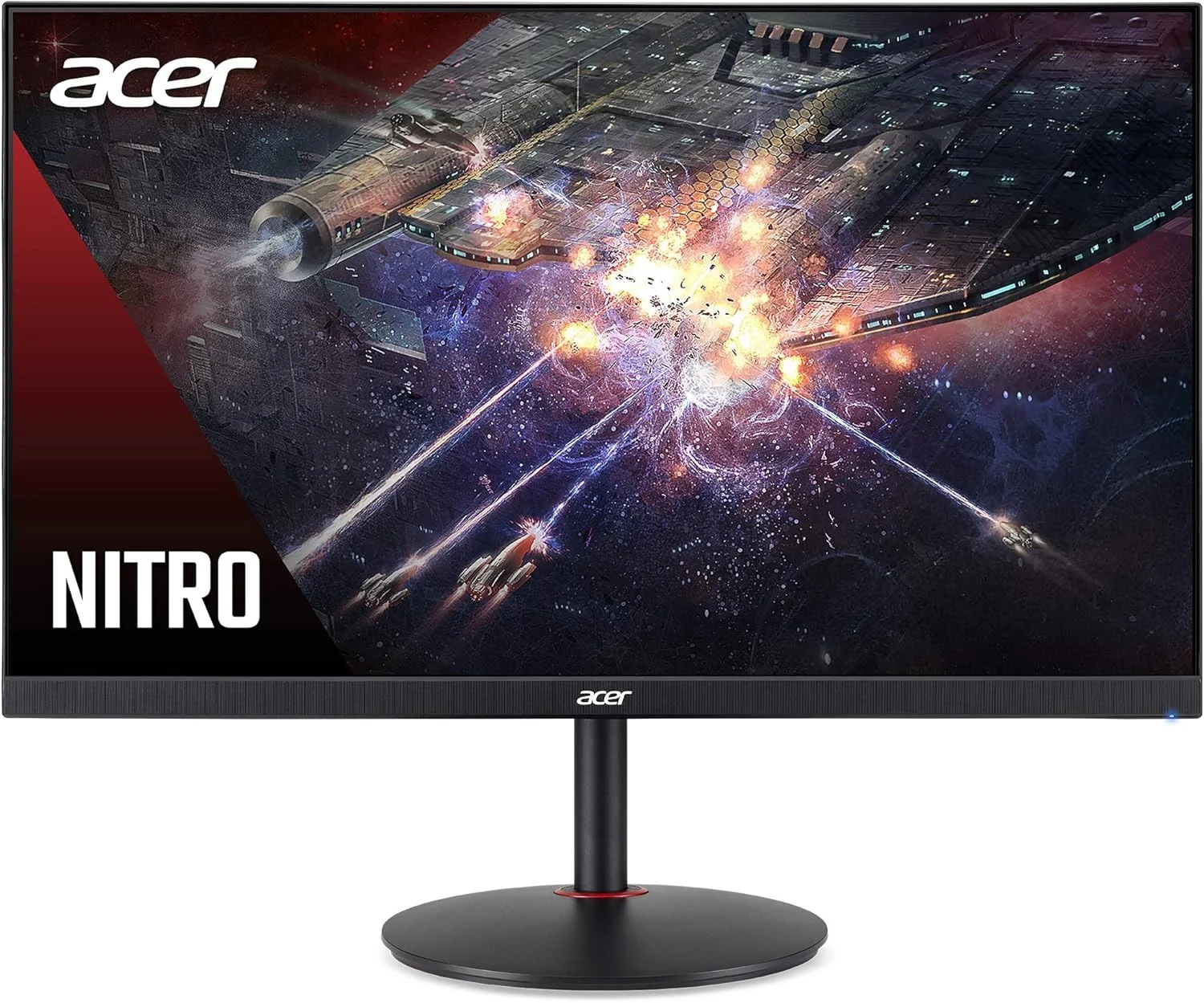
When it comes to real-world performance, the Acer Nitro XV272U punches noticeably above its weight class. The 27-inch 1440p (QHD) IPS panel delivers a crisp pixel density of roughly 109 PPI, hitting the sweet spot for both productivity and gaming in 2026 without demanding the exorbitant GPU power required by 4K displays. Out of the box, the color accuracy is highly respectable thanks to its 95% DCI-P3 color gamut coverage, producing vibrant, punchy colors that make single-player RPGs and open-world titles incredibly immersive.
In fast-paced competitive shooters, the monitor’s 144Hz native refresh rate—easily overclockable to 170Hz via the OSD—ensures butter-smooth motion clarity. Coupled with a true 1ms Gray-to-Gray response time, ghosting and motion blur are kept to an absolute minimum. We ran it through rigorous UFO blur tests and found that utilizing the “Normal” overdrive setting yields the cleanest image, successfully avoiding the inverse ghosting artifacts that occasionally plague the maximum “Extreme” setting.
Furthermore, the inclusion of AMD FreeSync Premium alongside verified NVIDIA G-Sync compatibility guarantees a tear-free gaming experience regardless of your graphics card allegiance. Input lag is exceptionally low, measuring right around the 4ms mark at maximum refresh rate. This means your twitch-reactions in high-stakes games like Valorant or Counter-Strike 2 translate instantly and accurately to the screen.
Features & Software
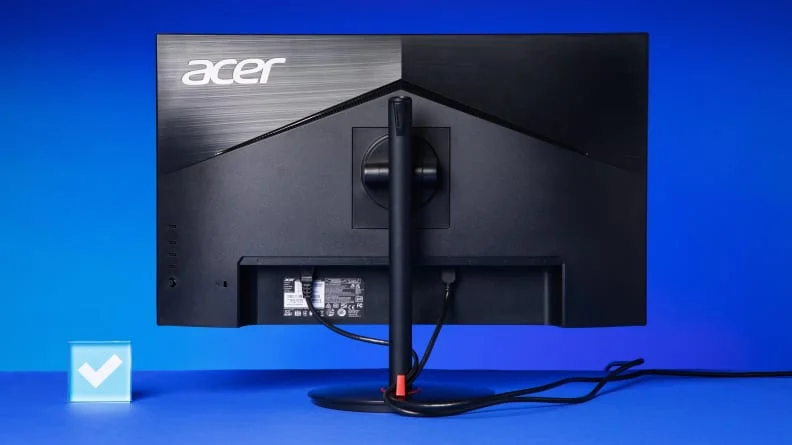
The Acer Nitro XV272U comes equipped with a highly functional, albeit slightly dated, On-Screen Display (OSD). Navigation is handled primarily through a responsive joystick located on the back right side of the monitor, making it easy to toggle between gaming profiles, adjust the black boost for better visibility in dark scenes, and manage the overclocking features. Acer also provides its Display Widget software, allowing you to tweak these settings directly from your desktop using your mouse—a massive quality-of-life improvement.
The monitor also includes built-in 2W speakers, though they lack bass and are relatively tinny; they function fine for system notifications or casual YouTube viewing, but dedicated gamers will certainly want to rely on a headset or external speakers. HDR400 support is present as well, but due to the lack of local dimming zones and a peak brightness hovering around 400 nits, the HDR experience is fairly entry-level and doesn’t drastically improve the image over standard SDR.
Value Proposition
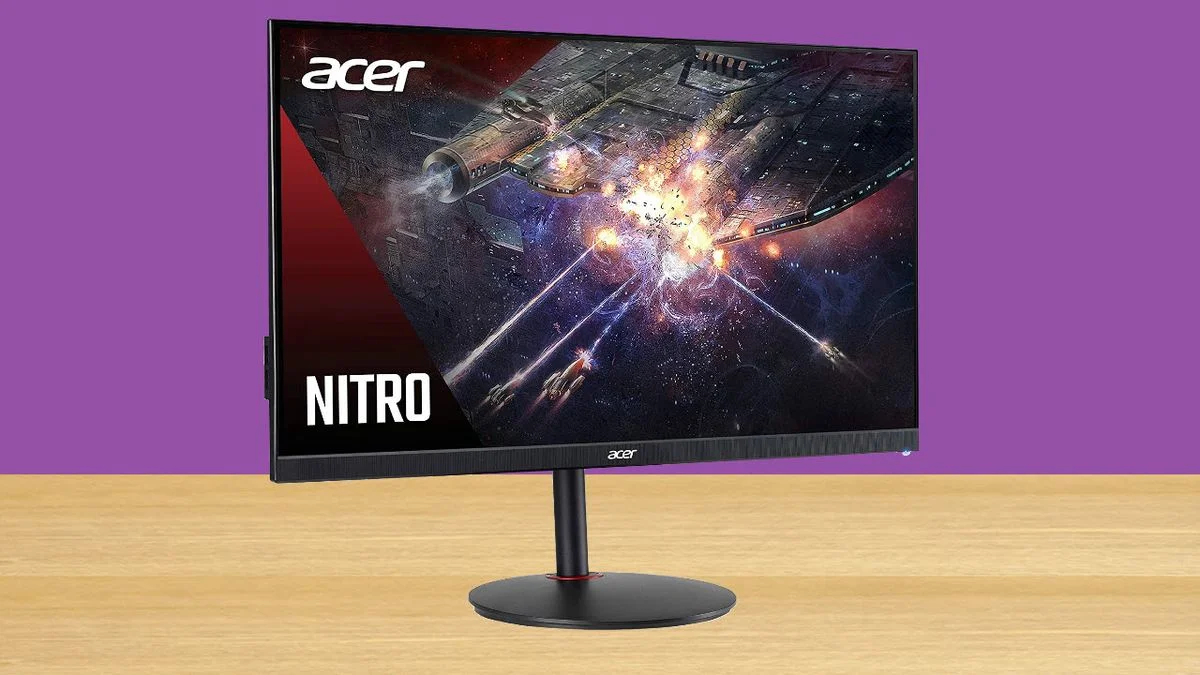
Even in 2026, the 1440p 144Hz+ category remains the most hotly contested segment in PC gaming, and the Acer Nitro XV272U continues to offer tremendous value. Typically retailing for significantly less than its flagship counterparts, it delivers 90% of the premium monitor experience for a fraction of the cost. You are getting top-tier color accuracy, excellent ergonomics, and rock-solid motion performance in a remarkably affordable package.
While you do sacrifice high-end true HDR capabilities and premium metal chassis materials, these are incredibly easy compromises for the budget-conscious gamer. If your priority is pure panel performance and fluid gameplay without breaking the bank, this Acer model remains one of the smartest investments you can make to elevate your gaming rig.
How It Compares
When stacked against the ever-popular Gigabyte M27Q, the Acer Nitro XV272U holds its own with superior ergonomics, offering full swivel and pivot capabilities that the Gigabyte lacks. However, the M27Q edges out the Acer slightly in raw refresh rate stability and includes a built-in KVM switch, which might sway users who frequently alternate between a work laptop and a gaming PC on the same desk.
Compared to the LG 27GP850-B, another heavyweight in this class, the Acer is generally more affordable and offers slightly better contrast ratios out of the box. While LG’s Nano IPS panel boasts marginally faster response times in specific overdrive modes, the Acer Nitro’s out-of-the-box color saturation and highly versatile stand make it a more well-rounded choice for gamers who prioritize viewing comfort and visual pop over absolute tournament-grade speed.
Pros and Cons
Pros
- Delivers excellent color accuracy and vivid image quality right out of the box.
- Outstanding ergonomic stand with full height, tilt, swivel, and pivot adjustments.
- Provides a smooth, tear-free gaming experience with 170Hz overclocking and G-Sync compatibility.
- Extremely competitive pricing makes it a fantastic value for high-refresh 1440p gaming.
Cons
- Built-in 2W speakers are exceptionally weak and largely unnecessary.
- HDR400 implementation is lackluster due to low peak brightness and no local dimming.
- The plastic chassis feels somewhat budget-oriented compared to premium competitors.
- Achieving the advertised 170Hz requires a DisplayPort connection; HDMI is capped at 144Hz.
FAQ
Q: Can the Acer Nitro XV272U run at 120Hz for PS5 and Xbox Series X?
A: Yes, it supports 1440p at 120Hz for both current-generation consoles via its HDMI 2.0 ports.
Q: Does this monitor support NVIDIA G-Sync?
A: Yes, while it natively uses AMD FreeSync Premium, it is officially verified by NVIDIA as G-Sync Compatible, ensuring tear-free gaming on NVIDIA GPUs.
Q: Is the 170Hz refresh rate available over HDMI?
A: No, to achieve the overclocked 170Hz refresh rate, you must connect the monitor using the DisplayPort connection.
Q: Does it have an audio output jack for headphones?
A: Yes, there is a standard 3.5mm audio jack on the monitor to pass through sound to your headphones or external speakers.
Verdict
The Acer Nitro XV272U is an exceptional choice for budget-conscious PC and console gamers who refuse to compromise on visual fidelity and motion clarity. With its impressive color accuracy, smooth 170Hz refresh rate, and unparalleled ergonomics, it remains a dominant force in the 1440p category in 2026. If you want high-end performance without paying the premium “gamer tax,” this monitor absolutely belongs on your desk.
Where to Buy
Pros
- ✓ Delivers excellent color accuracy and vivid image quality right out of the box.
- ✓ Outstanding ergonomic stand with full height, tilt, swivel, and pivot adjustments.
- ✓ Provides a smooth, tear-free gaming experience with 170Hz overclocking and G-Sync compatibility.
- ✓ Extremely competitive pricing makes it a fantastic value for high-refresh 1440p gaming.
Cons
- ✗ Built-in 2W speakers are exceptionally weak and largely unnecessary.
- ✗ HDR400 implementation is lackluster due to low peak brightness and no local dimming.
- ✗ The plastic chassis feels somewhat budget-oriented compared to premium competitors.
- ✗ Achieving the advertised 170Hz requires a DisplayPort connection; HDMI is capped at 144Hz.
Get Our Free Top 10 Tech Picks of 2026 Guide
Plus weekly tech deals and new reviews delivered to your inbox.
[cp_email_signup]
No spam. Unsubscribe anytime.
Ready to buy the Acer Nitro XV272U?
Affiliate link — we may earn a commission at no extra cost to you.



