










The AOC CU34G2X continues to prove that you don’t need to empty your wallet to achieve an immersive ultrawide gaming experience. With its 34-inch curved VA panel and 144Hz refresh rate, it strikes an impressive balance between competitive performance and cinematic visuals. Read on to see how this enduring budget champion holds up for gamers and creators alike in 2026.
Table of Contents
Key Specifications
| Feature | Detail |
|---|---|
| Screen Size | 34 Inches |
| Panel Type | VA (Vertical Alignment) |
| Resolution | 3440 x 1440 (UWQHD) |
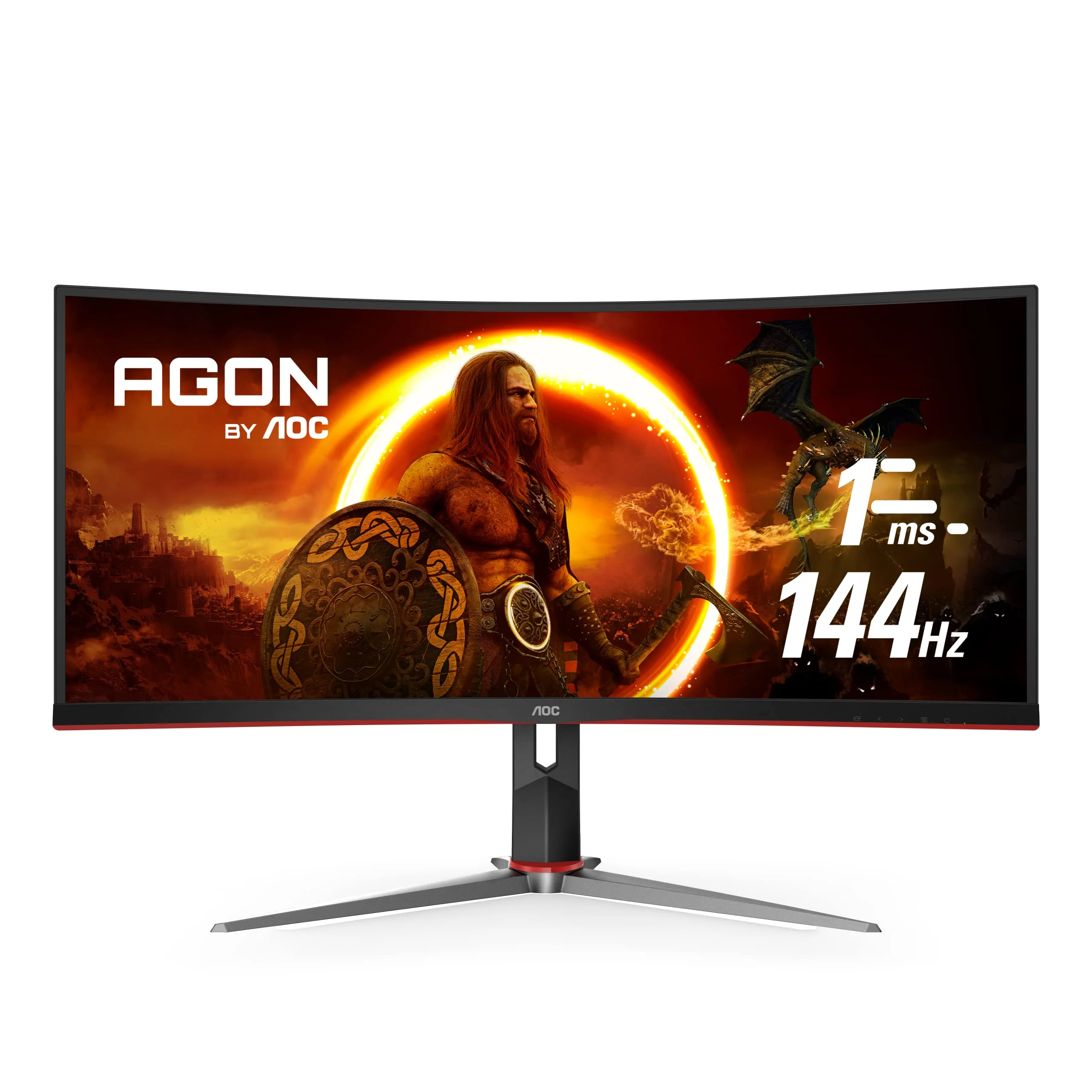
| Refresh Rate | 144Hz |
| Response Time | 1ms (MPRT) / 4ms (GtG) |
| Curvature | 1500R |
| Adaptive Sync | AMD FreeSync Premium |
| Ports | 2x DisplayPort 1.4, 2x HDMI 2.0, 4x USB 3.2 Gen 1, 3.5mm Audio |
Design & Build Quality
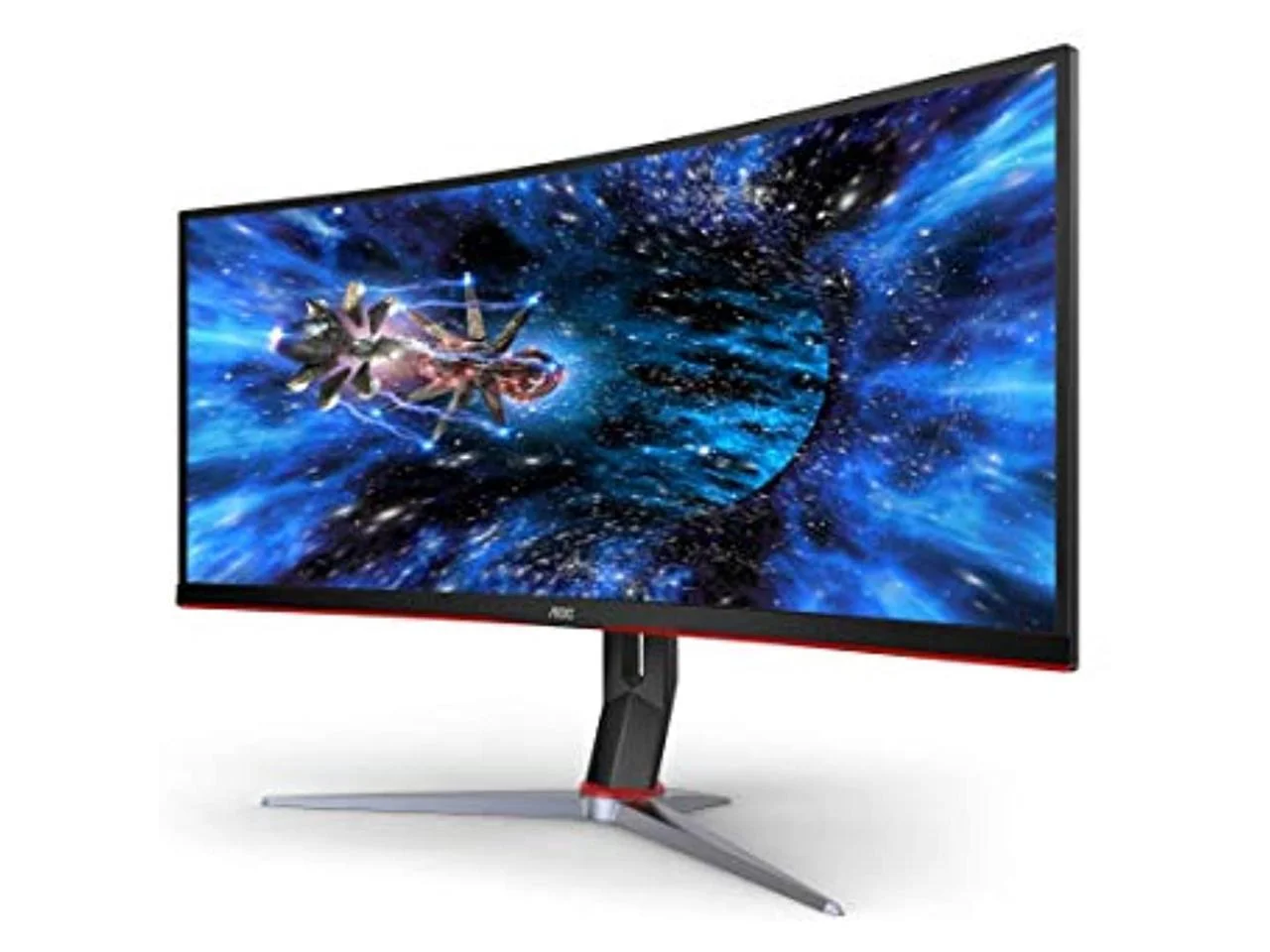
The AOC CU34G2X embraces a stealthy yet distinctly gamer-oriented aesthetic. Featuring a matte black plastic chassis with subtle metallic red accents along the bottom bezel and stand, it manages to look aggressive without being garish. The frameless design on three sides maximizes screen real estate, making it an excellent candidate for multi-monitor setups, though at 34 inches, you likely won’t need a second display. The 1500R curvature is a standout design choice; it aggressively wraps the edges of the screen into your peripheral vision, reducing eye strain and dramatically increasing immersion during long gaming sessions.
Ergonomics are often sacrificed on budget-friendly monitors, but AOC delivers exceptional adjustability here. The included stand is remarkably sturdy, offering up to 130mm of height adjustment, 30 degrees of swivel left and right, and a standard tilt range. This level of flexibility ensures you can easily find the perfect viewing angle to mitigate the inherent viewing angle limitations of a VA panel.
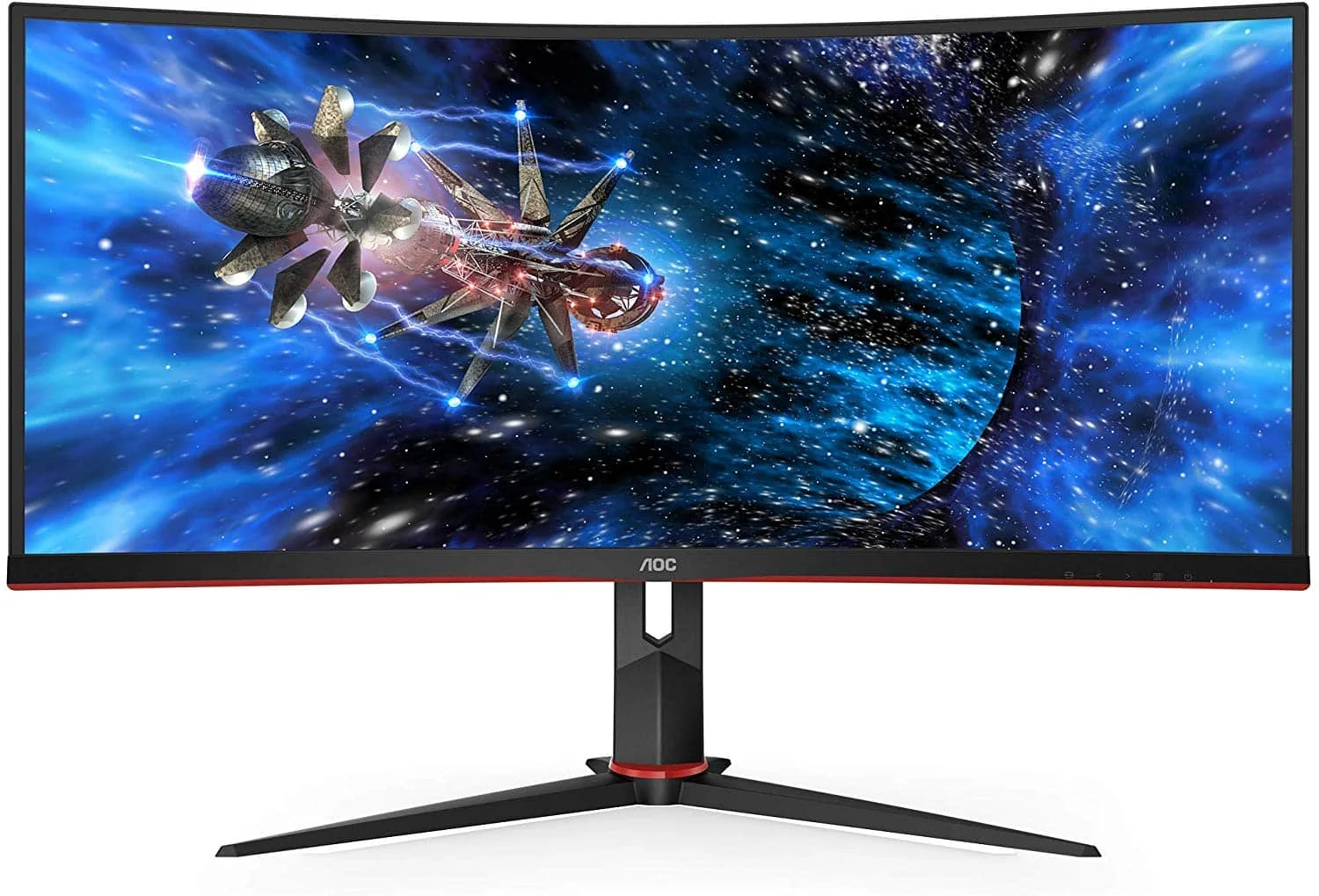
For those looking to reclaim desk space, the stand can be quickly detached to reveal a standard 100x100mm VESA mount. The robust build quality feels premium for the price tier, and the inclusion of a built-in cable management cutout on the stand keeps your battle station looking clean and organized.
Performance
When it comes to real-world performance, the AOC CU34G2X punches well above its weight class. Pushing 5 million pixels at a buttery-smooth 144Hz, the UWQHD resolution provides a striking level of detail that elevates everything from vast open-world RPGs to high-octane sim racing. The defining characteristic of this display is its VA panel, which delivers an outstanding 3000:1 static contrast ratio. Blacks are inky and deep, making games with darker atmospheres, like Cyberpunk 2077 or Alan Wake 2, look incredibly atmospheric compared to standard IPS alternatives.
Motion clarity is generally excellent, though it comes with the standard caveats of VA technology. The 1ms MPRT rating ensures snappy performance for casual competitive play, but discerning esports enthusiasts might notice some black smearing—a subtle ghosting effect in high-contrast, fast-moving scenes. Fortunately, AOC’s built-in overdrive settings do an admirable job of mitigating this issue without introducing aggressive overshoot. Keeping the overdrive on the “Medium” setting offers the best balance of speed and visual fidelity.
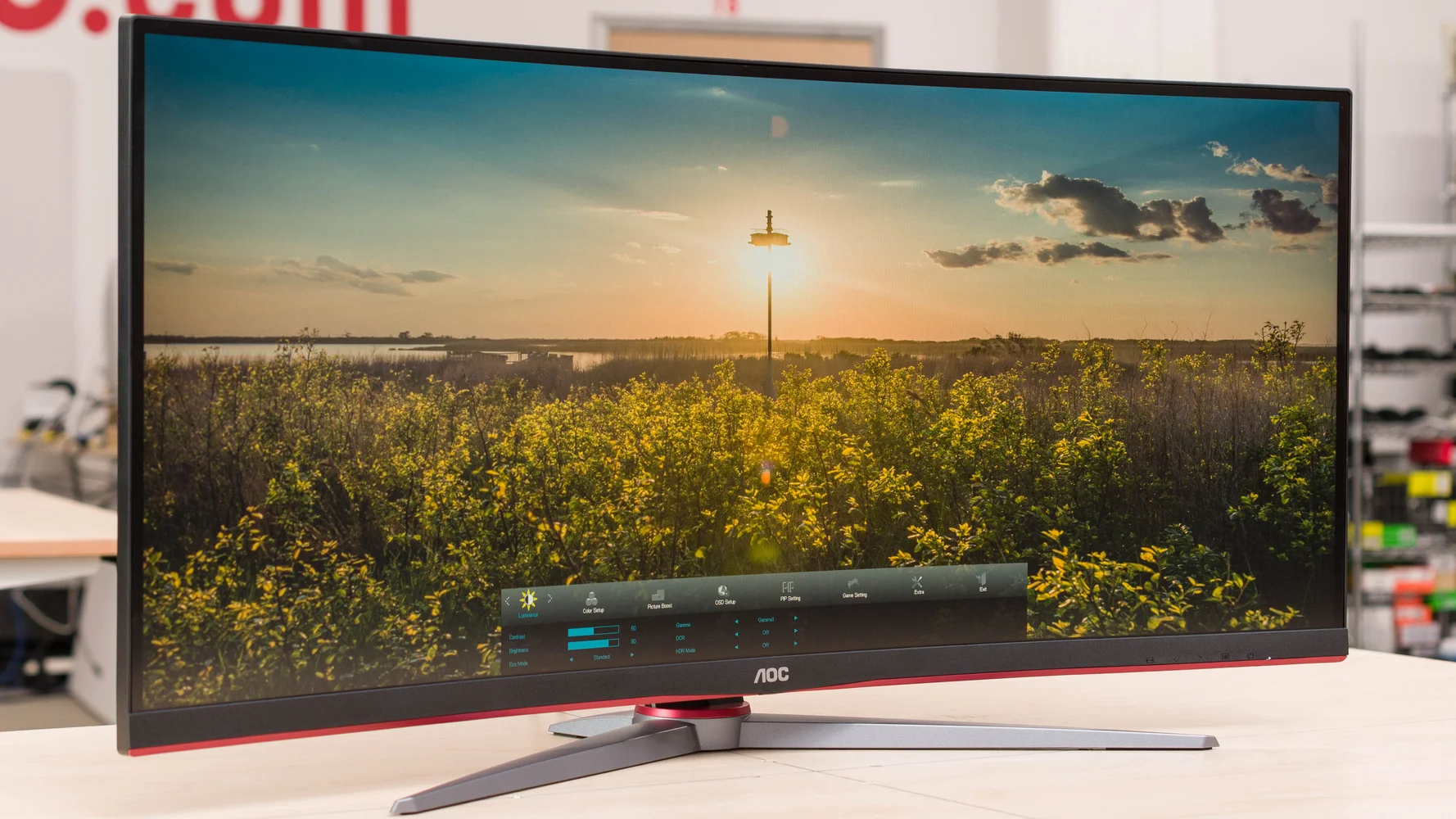
AMD FreeSync Premium is flawlessly implemented, keeping screen tearing and stuttering at bay when your frame rates fluctuate. In our 2026 testing environment, pairing this monitor with a mid-to-high-tier GPU ensures you can comfortably hover near the 144fps cap in most titles, resulting in a seamlessly fluid and highly responsive gaming experience.
Features & Software
AOC has packed the CU34G2X with an array of software-driven features tailored for gamers and multitaskers. Navigating the On-Screen Display (OSD) using the traditional physical buttons under the bottom bezel can feel a bit clunky, but thankfully, AOC offers the G-Menu software. This lightweight desktop application allows you to tweak brightness, contrast, color profiles, and gaming features directly with your mouse, entirely bypassing the physical buttons.
Standout features include Picture-in-Picture (PiP) and Picture-by-Picture (PbP) modes, which are incredibly useful for productivity, allowing you to display inputs from two different sources simultaneously. Gamers will appreciate the Dial Point crosshair overlay, a built-in FPS counter, and Shadow Control, which lets you selectively brighten dark areas of the screen to spot enemies without blowing out the highlights of the entire image.
Value Proposition
Even in 2026, as OLED and Mini-LED technologies dominate the premium monitor market, the AOC CU34G2X remains an undisputed king of value. While those newer technologies command premium prices often exceeding $1,000, this monitor provides about 85% of that premium experience at a fraction of the cost. It is an incredibly cost-effective gateway into the 21:9 ultrawide lifestyle.
For gamers, streamers, and work-from-home professionals upgrading from a standard 16:9 1080p display, the jump in quality and screen real estate is transformative. The combination of high refresh rates, high resolution, and a color-rich VA panel ensures that this display feels like a modern, capable centerpiece for any mid-range to high-end PC setup.
How It Compares
When stacked against direct competitors like the Gigabyte G34WQC and the Dell S3422DWG, the AOC CU34G2X holds its ground remarkably well. The Dell S3422DWG edges out the AOC slightly in peak brightness and offers marginally better HDR performance, making it a strong alternative for well-lit rooms. However, the AOC CU34G2X outshines the Gigabyte G34WQC with noticeably better out-of-the-box color accuracy and superior stand ergonomics. If your priority is a deep, immersive picture with exceptional physical adjustability and a rich USB hub, the AOC remains the more versatile choice.
Pros and Cons
Pros
- Delivers exceptionally deep blacks and high contrast thanks to the VA panel.
- Offers an incredibly immersive 1500R curve perfect for a 34-inch display.
- Includes a highly adjustable, ergonomic stand that outclasses many budget competitors.
- Features a generous built-in USB 3.2 hub for convenient peripheral connectivity.
- Provides excellent value for money as an entry into 1440p ultrawide gaming.
Cons
- Noticeable dark-level smearing (ghosting) during fast motion, typical of budget VA panels.
- HDR performance is basic and lacks the brightness for a true high-dynamic-range experience.
- The physical OSD navigation buttons are stiff and unintuitive to use.
- Lacks built-in speakers, requiring an external audio solution.
FAQ
Q: Is the AOC CU34G2X compatible with Nvidia G-Sync?
A: Yes. While it natively features AMD FreeSync Premium, it is unofficially G-Sync compatible. You can easily enable G-Sync in the Nvidia Control Panel to eliminate screen tearing.
Q: Can this monitor be used for color-accurate creative work?
A: Out of the box, it covers roughly 119% of the sRGB color space, making it perfectly fine for light photo and video editing. However, professional colorists will likely prefer an IPS panel for superior color uniformity.
Q: Does the AOC CU34G2X come with built-in speakers?
A: No, this model does not feature built-in speakers. It does, however, include a 3.5mm audio passthrough jack to easily connect your headphones or external speakers.
Q: Is the 1500R curve too aggressive for daily office work?
A: Not at all. Because of the 34-inch ultrawide form factor, the 1500R curve actually helps keep the edges of the screen at a uniform distance from your eyes, reducing neck strain when reading documents or managing spreadsheets.
Verdict
The AOC CU34G2X is an outstanding recommendation for budget-conscious gamers and multitasking professionals looking to make the leap to a 21:9 ultrawide format without compromising on refresh rate or resolution. While competitive esports players might want to seek out faster IPS alternatives, RPG fans, sim racers, and everyday users will fall in love with its deep contrast, cinematic immersion, and exceptional overall value.
Where to Buy
Pros
- ✓ Delivers exceptionally deep blacks and high contrast thanks to the VA panel.
- ✓ Offers an incredibly immersive 1500R curve perfect for a 34-inch display.
- ✓ Includes a highly adjustable, ergonomic stand that outclasses many budget competitors.
- ✓ Features a generous built-in USB 3.2 hub for convenient peripheral connectivity.
- ✓ Provides excellent value for money as an entry into 1440p ultrawide gaming.
Cons
- ✗ Noticeable dark-level smearing (ghosting) during fast motion, typical of budget VA panels.
- ✗ HDR performance is basic and lacks the brightness for a true high-dynamic-range experience.
- ✗ The physical OSD navigation buttons are stiff and unintuitive to use.
- ✗ Lacks built-in speakers, requiring an external audio solution.
Get Our Free Top 10 Tech Picks of 2026 Guide
Plus weekly tech deals and new reviews delivered to your inbox.
[cp_email_signup]
No spam. Unsubscribe anytime.
Ready to buy the AOC CU34G2X?
Affiliate link — we may earn a commission at no extra cost to you.



