










In an era dominated by cloud subscriptions and lightning-fast NVMe SSDs, the humble mechanical hard drive still holds immense value for bulk storage. We tested the 2026 iteration of the WD My Passport to see if this iconic portable HDD remains the reigning champion for budget-conscious data hoarders. Read on to discover if Western Digital’s classic drive deserves a spot in your modern tech arsenal.
Table of Contents
Key Specifications
| Feature | Detail |
|---|---|
| Capacities | 1TB, 2TB, 4TB, 5TB |
| Interface | USB 3.2 Gen 1 (SuperSpeed USB 5Gbps) |
| Connector | Micro-B to USB-A (USB-C adapter available) |
| Drive Type | 5400 RPM 2.5-inch Mechanical HDD |
| Dimensions | 4.22 x 2.95 x 0.44-0.75 inches (varies by capacity) |
| Encryption | 256-bit AES Hardware Encryption |
| Warranty | 3-Year Limited Warranty |
Design & Build Quality
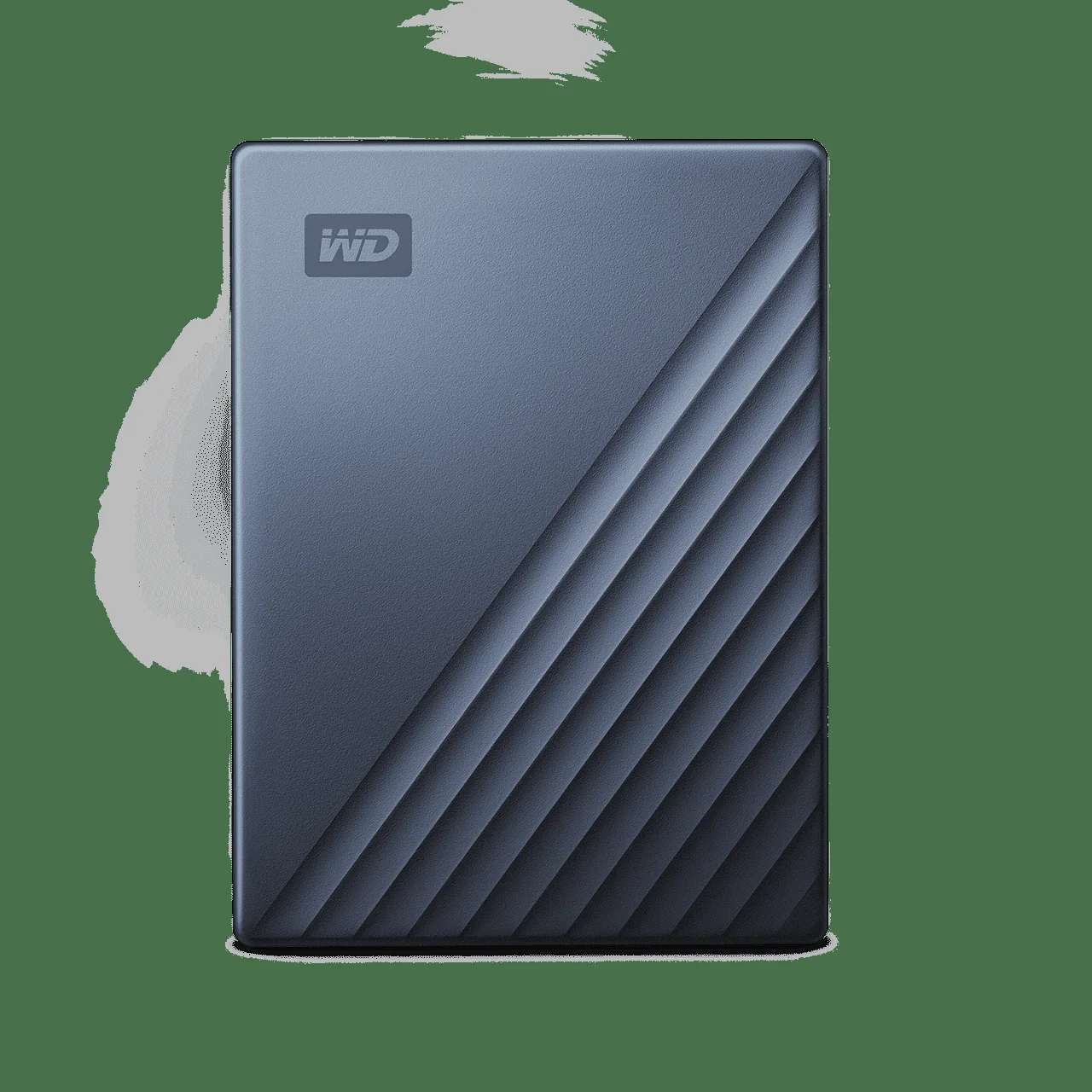
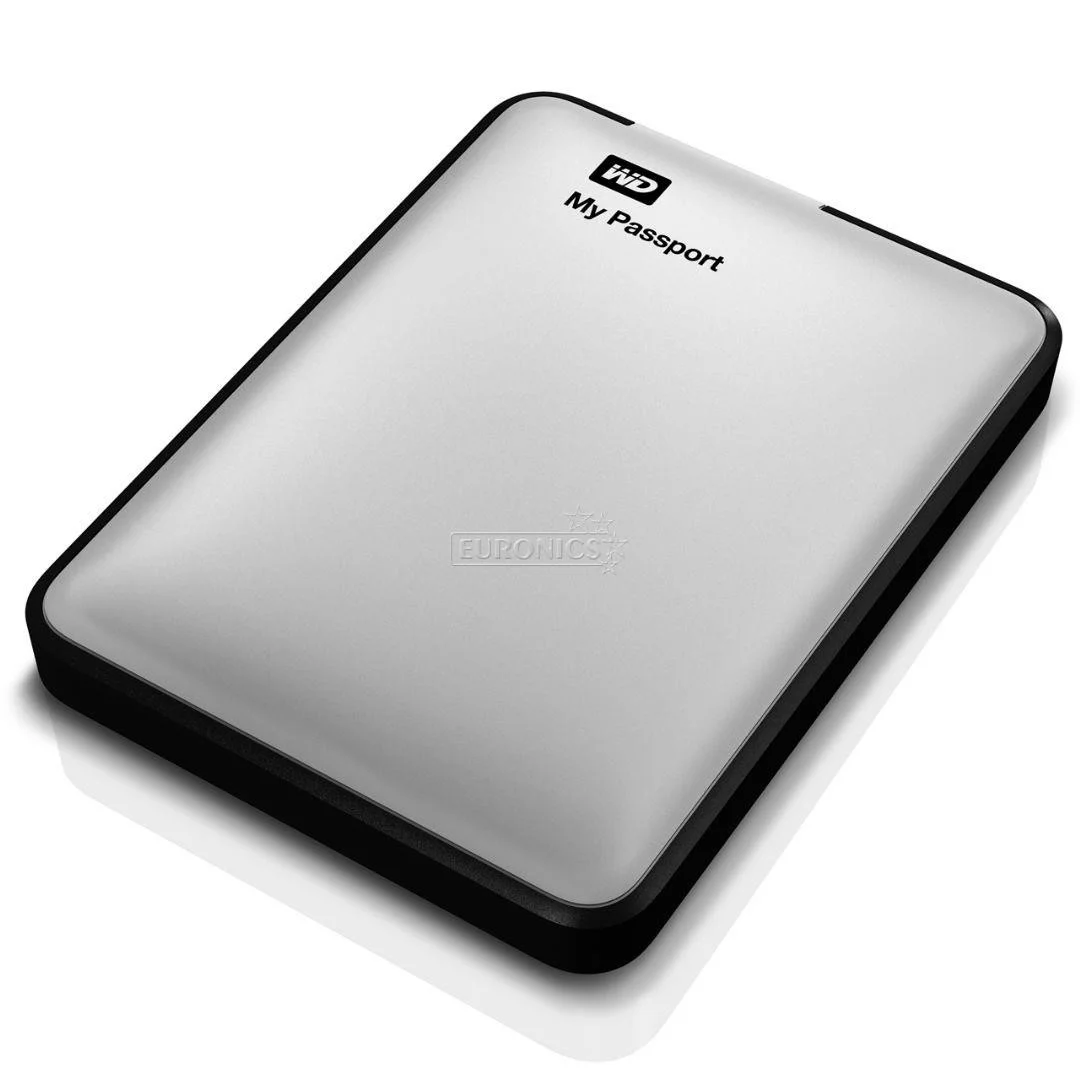
The 2026 iteration of the WD My Passport retains the signature “half-smooth, half-ridged” aesthetic that has defined Western Digital’s consumer lineup for several years. Crafted from durable polycarbonate, the enclosure feels reassuringly sturdy despite its lightweight footprint. While it lacks the ruggedised rubber bumpers of extreme outdoor drives, it handles the daily rigours of being tossed into a backpack or laptop sleeve with ease.
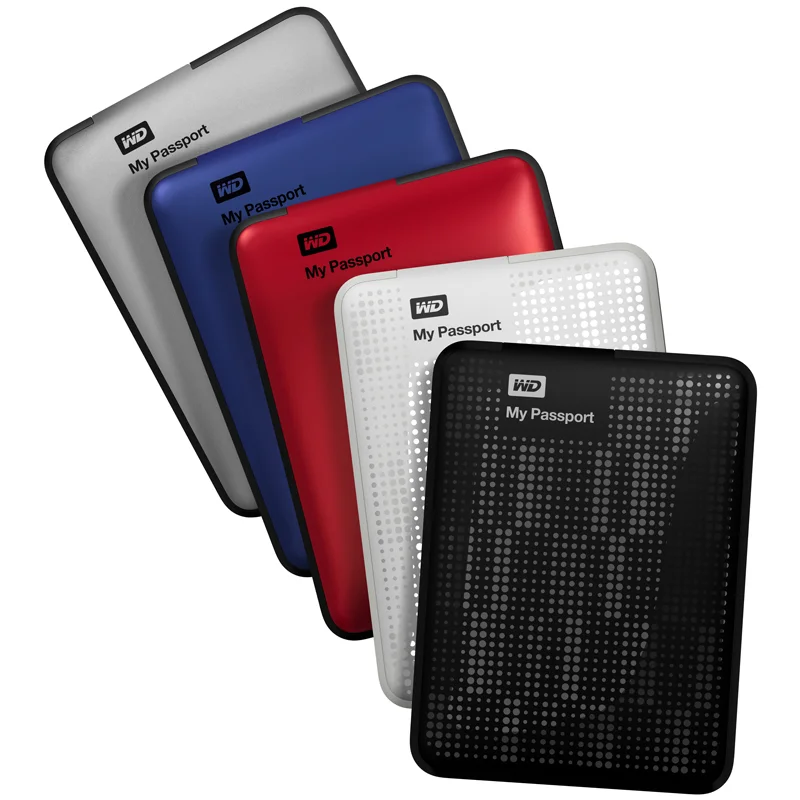
Ergonomically, the drive remains incredibly pocketable. The lower capacities (1TB and 2TB) maintain a razor-thin profile at just 0.44 inches thick, while the massive 4TB and 5TB models step up to 0.75 inches to accommodate the extra internal platters. Western Digital continues to offer the drive in an array of muted, professional colours alongside classic matte black, allowing it to seamlessly blend into any modern desk setup.
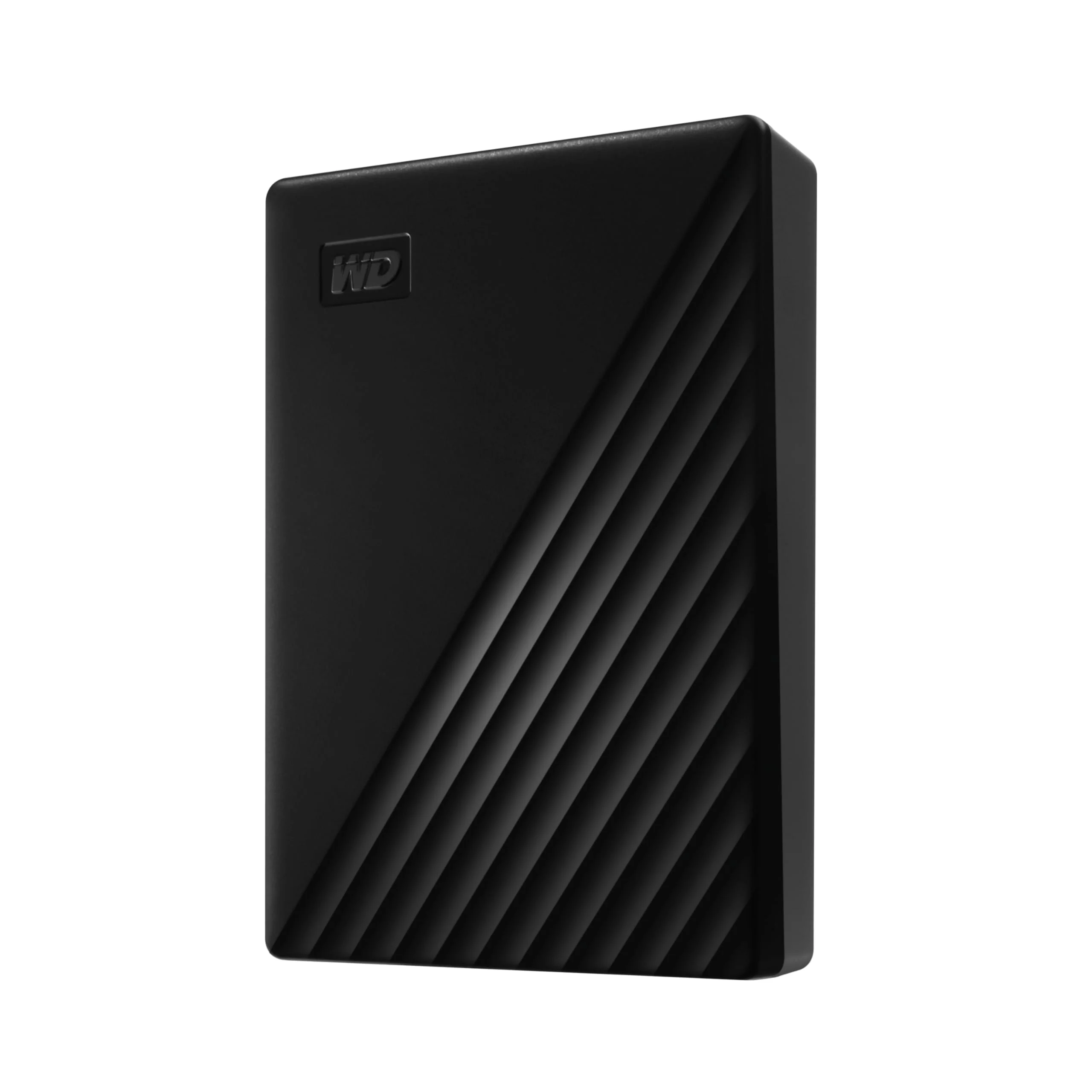
One lingering design frustration is the reliance on the antiquated USB Micro-B connector on the drive side. While the tech industry has almost universally transitioned to USB-C in 2026, Western Digital’s insistence on sticking with Micro-B for its mechanical drives feels like an unnecessary compromise, requiring users to carry a dedicated, single-use cable rather than relying on a universal Type-C cord.
Performance
Let’s address the elephant in the room: as a 5400 RPM mechanical hard drive, the WD My Passport is not designed to compete with the blistering speeds of modern portable NVMe SSDs. However, for a 2.5-inch platter drive connected via USB 3.2 Gen 1, its performance is remarkably consistent and heavily optimised for its intended use case of bulk data archiving and media storage.
In our CrystalDiskMark benchmarks, the 5TB model achieved sequential read speeds of roughly 135 MB/s and write speeds hovering around 128 MB/s. Real-world file transfers paint a similar picture. Moving a 50GB folder of mixed media files (RAW photos, 4K video clips, and documents) took just under seven minutes. While small, random 4K read/write operations drag along at typical HDD speeds, large sequential transfers are steady, with no thermal throttling even during prolonged backup sessions.
For tech-savvy users, it is crucial to temper expectations. You will not want to run operating systems or edit high-bitrate 4K video directly off this drive. Yet, as a “cold storage” vault for system images, massive media libraries, or Steam game backups that you can comfortably transfer overnight, the My Passport delivers exactly the reliable baseline performance Western Digital promises.
Features & Software
Beyond the hardware, Western Digital sets the My Passport apart with its robust suite of bundled software. The newly updated WD Discovery and WD Backup applications offer a seamless, set-and-forget experience for users who need automated backup routines. You can easily schedule hourly, daily, or monthly backups of specific folders or entire drives, syncing effortlessly with cloud services like Dropbox and Google Drive for a comprehensive 3-2-1 backup strategy.
Perhaps the most vital feature for privacy-conscious tech enthusiasts is the inclusion of 256-bit AES hardware encryption. Managed through the WD Security software, setting a password locks down the drive at the hardware level with virtually zero performance penalty. If the drive is lost or stolen, your sensitive data remains cryptographically secure, offering peace of mind that standard software-encrypted drives struggle to match.
Value Proposition
In 2026, the value proposition of the WD My Passport rests entirely on its unmatched cost-per-gigabyte ratio. While portable SSDs have plummeted in price over the years, high-capacity solid-state storage remains significantly more expensive than mechanical equivalents. At roughly $120 to $130 for the massive 5TB model, the My Passport offers a level of storage density for your dollar that flash memory simply cannot yet replicate.
For users who prioritise sheer capacity over breakneck speed, this drive represents a highly economical investment. It bridges the gap between expensive cloud storage subscriptions and premium SSDs, delivering localised, subscription-free mass storage that protects your wallet as well as your data.
How It Compares
When stacked against the Seagate Backup Plus Portable, the WD My Passport trades blows evenly. Both offer similar 5TB maximum capacities and hover around the 120-130 MB/s speed mark. However, Western Digital edges out Seagate with its superior 256-bit AES hardware encryption, making it the better choice for data security. If you compare it to a modern SSD like the Samsung T7 Shield, the My Passport is exponentially slower (130 MB/s vs 1050 MB/s) and physically less durable, but it provides roughly five times the storage capacity for the exact same price, highlighting its distinct role as a deep-storage archiver rather than an active workspace drive.
Pros and Cons
Pros
- Offers massive storage capacities up to 5TB in an easily portable form factor.
- Includes highly secure 256-bit AES hardware encryption with zero performance drop.
- Provides an exceptionally low cost-per-gigabyte compared to modern portable SSDs.
- Features a reliable, set-and-forget automated backup software suite.
Cons
- Still utilizes an outdated USB Micro-B connector instead of the industry-standard USB-C.
- Sequential read/write speeds max out around 135 MB/s, making it unsuitable for direct video editing.
- Mechanical platters are inherently susceptible to catastrophic data loss from drops or physical shocks.
FAQ
Q: Does the WD My Passport work with Mac out of the box?
A: The standard My Passport is pre-formatted in NTFS for Windows. Mac users will need to reformat it to APFS or ExFAT, or purchase the specific “My Passport for Mac” version.
Q: Can I use this drive to expand my PlayStation 5 or Xbox Series X storage?
A: Yes, you can use it to store and play backward-compatible PS4/Xbox One games, or to hold PS5/Xbox Series X games as “cold storage,” but you cannot play current-gen games directly from it.
Q: Is the 256-bit hardware encryption compatible with Linux?
A: The WD Security software required to set up and unlock the hardware encryption does not natively support Linux, so it is best utilized and initialized on Windows or macOS machines.
Verdict
The WD My Passport External Hard Drive remains the undisputed king of budget-friendly mass storage in 2026. While its mechanical speeds and Micro-B port show their age, its exceptional cost-per-gigabyte and robust hardware encryption make it an essential tool for data hoarders. It is the perfect peripheral for tech enthusiasts needing reliable, high-capacity cold storage for media libraries and system backups without paying the premium of a solid-state drive.
Where to Buy
Pros
- ✓ Offers massive storage capacities up to 5TB in an easily portable form factor.
- ✓ Includes highly secure 256-bit AES hardware encryption with zero performance drop.
- ✓ Provides an exceptionally low cost-per-gigabyte compared to modern portable SSDs.
- ✓ Features a reliable, set-and-forget automated backup software suite.
Cons
- ✗ Still utilizes an outdated USB Micro-B connector instead of the industry-standard USB-C.
- ✗ Sequential read/write speeds max out around 135 MB/s, making it unsuitable for direct video editing.
- ✗ Mechanical platters are inherently susceptible to catastrophic data loss from drops or physical shocks.
Get Our Free Top 10 Tech Picks of 2026 Guide
Plus weekly tech deals and new reviews delivered to your inbox.
[cp_email_signup]
No spam. Unsubscribe anytime.
Ready to buy the WD My Passport External Hard Drive?
Affiliate link — we may earn a commission at no extra cost to you.



