










The Elgato Stream Deck MK.2 remains an essential tool for creators and power users alike in 2026. With its customizable LCD keys and robust software ecosystem, it promises to streamline your digital workflow like never before. Discover if this iconic macro pad is still the undisputed king of desktop productivity.
Table of Contents
Key Specifications
| Feature | Detail |
|---|---|
| Dimensions | 118 x 84 x 25 mm |
| Weight | 145g (without stand), 270g (with stand) |
| Keys | 15 customizable LCD keys |
| Interface | USB 2.0 (USB-C to USB-A cable included) |
| Stand | Detachable, 45-degree fixed angle |
| Customization | Interchangeable faceplates |
| OS Compatibility | Windows 10/11, macOS 10.15 or newer |
Design & Build Quality
The Elgato Stream Deck MK.2 takes the familiar 15-key layout of its predecessor and refines it with subtle but highly appreciated physical upgrades. The most notable change is the chassis design; it now features a sleek, matte black finish with interchangeable faceplates. This allows users to easily snap on custom designs to match their setup’s aesthetic, a welcome addition for creators who treat their desk space as a visual canvas.
Ergonomically, Elgato has replaced the flimsy, multi-angle adjustable stand of the original with a robust, fixed 45-degree stand. While some users might miss the adjustable angles, the new base is significantly sturdier and features a rubberized bottom that prevents the device from sliding around during frantic live streams or intense video editing sessions. The tactile feedback of the keys remains exceptional, offering a satisfying membrane press under vibrant, bright LCD screens.
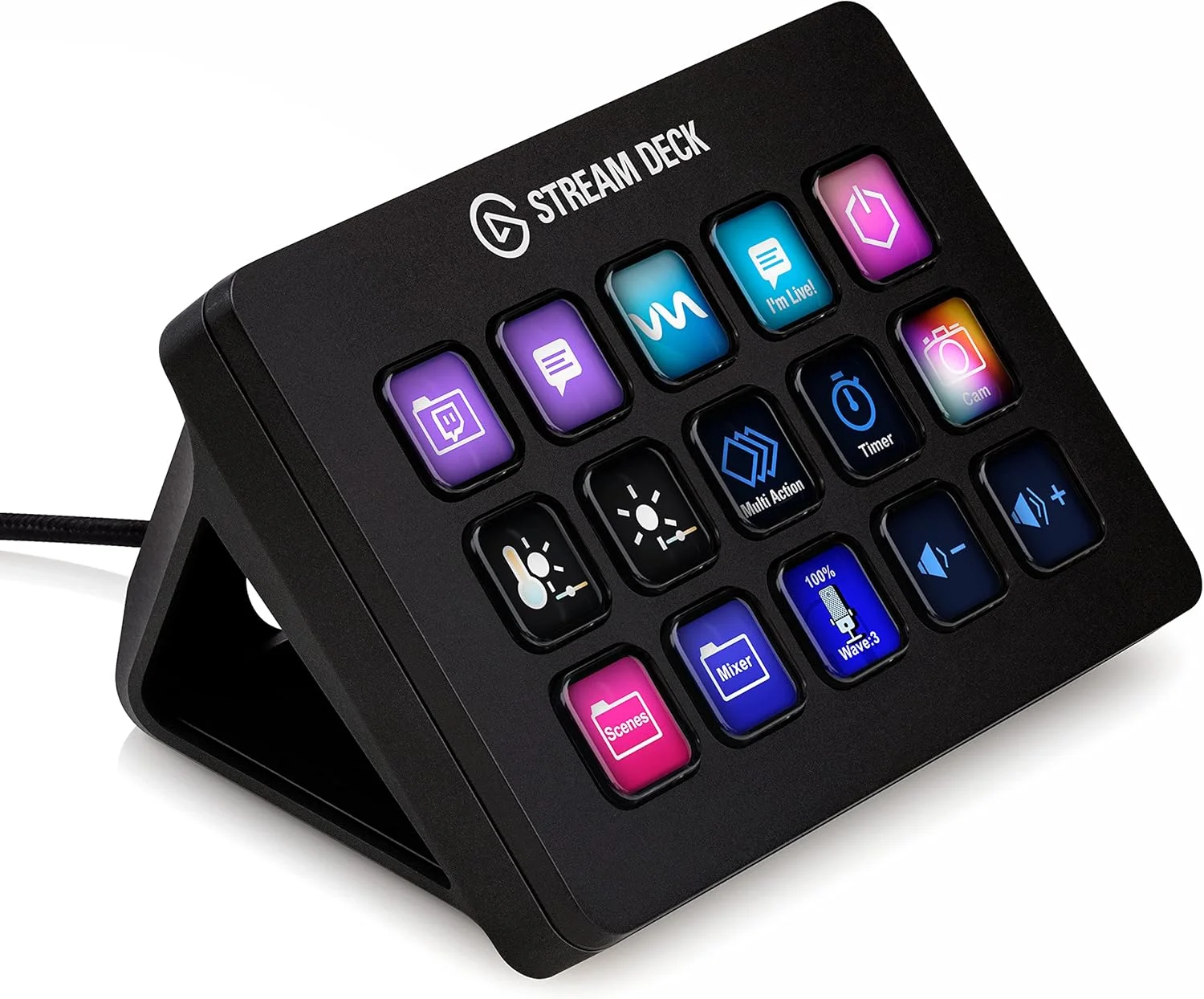
Another major quality-of-life improvement is the inclusion of a detachable USB-C port on the back of the device. Gone is the permanently attached cable of the V1, replaced by a much more versatile and durable standard that allows you to swap in longer, shorter, or coiled cables to suit your specific desktop cable management needs.
Performance
In real-world use, the Stream Deck MK.2 is nothing short of transformative for digital workflows. Whether you are switching scenes in OBS Studio, managing audio levels via Wave Link, or triggering complex multi-action macros in Adobe Premiere Pro, the response time is instantaneous. The USB 2.0 interface might sound dated for a peripheral in 2026, but it provides more than enough bandwidth to update the LCD keys without any noticeable latency or visual stuttering.
When put through rigorous benchmarking tasks—specifically, triggering a sequence of 15 automated keystrokes and application launches in rapid succession—the Stream Deck handled the payload flawlessly. Unlike purely software-based hotkey solutions that can sometimes trip over their own timing, the Elgato hardware passes inputs to the operating system with rock-solid reliability. This consistency is paramount for live streamers who cannot afford a macro failing mid-broadcast.
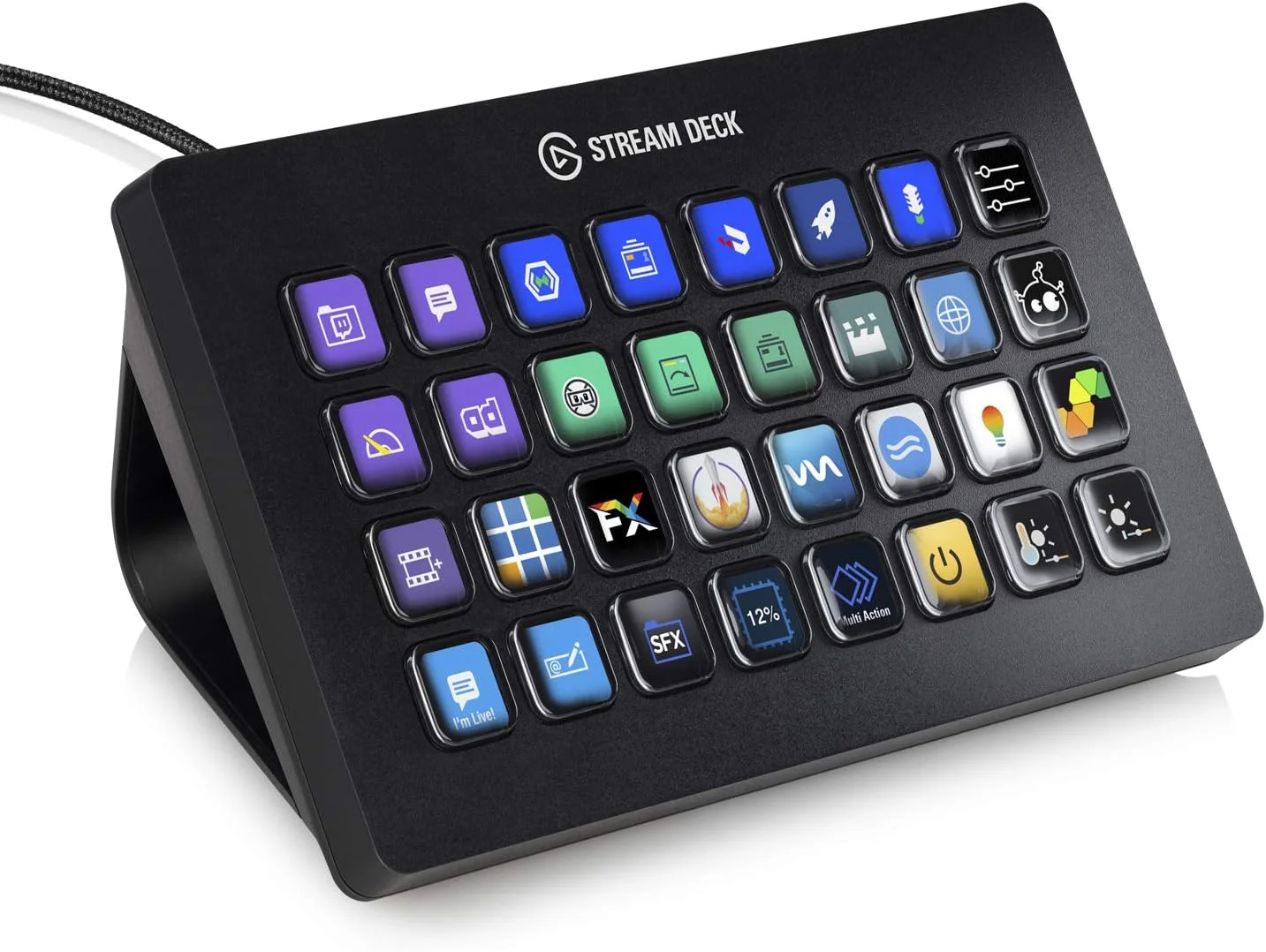
Furthermore, the display quality of the 15 LCD keys remains sharp and vibrant. Even in brightly lit studio environments, the customized icons are easily legible. The mini-screens refresh snappily when navigating through folders and profiles, ensuring that power users who nest dozens of commands within multi-layered directories never feel bogged down by hardware limitations.
Features & Software
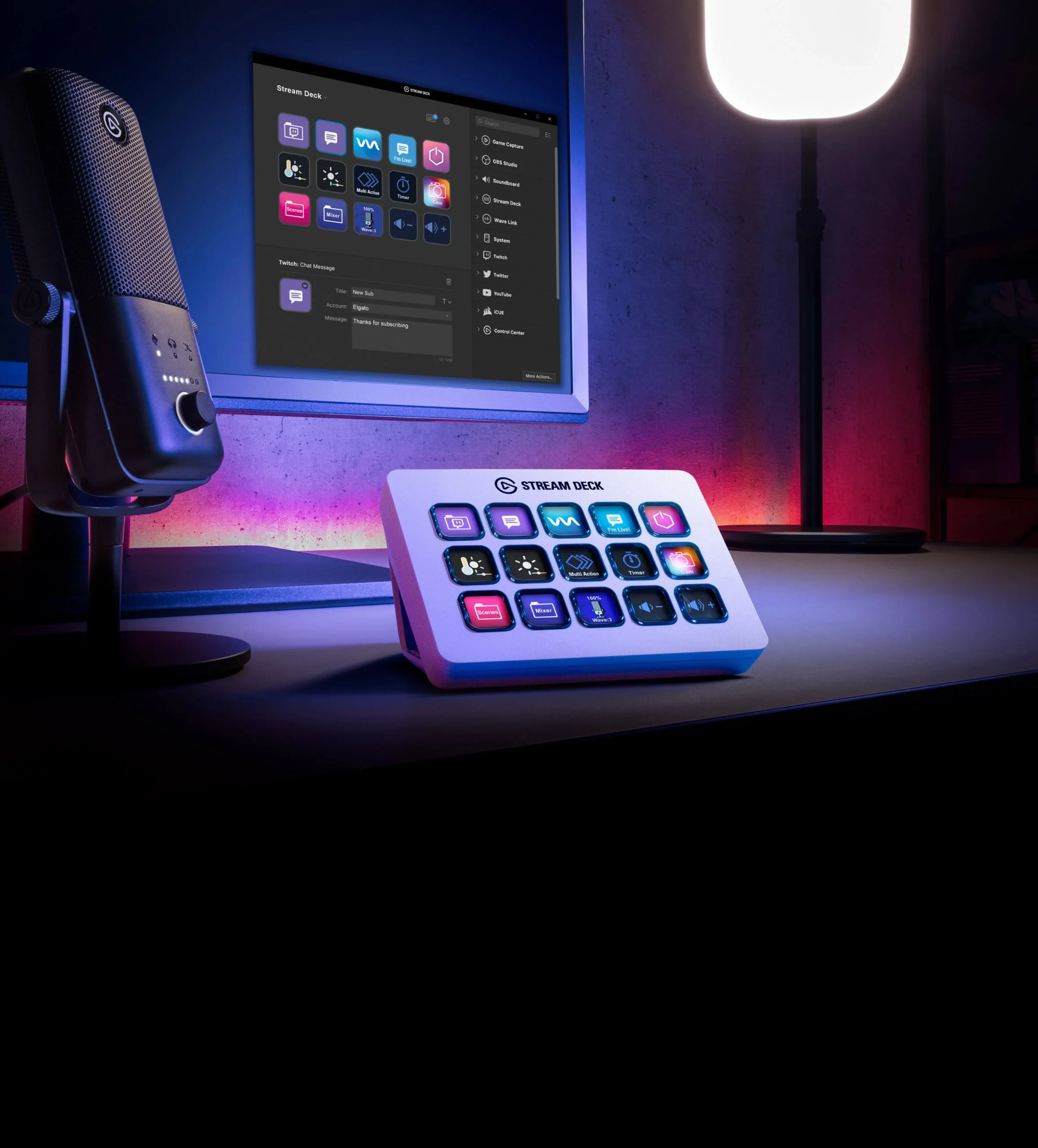
The true magic of the Stream Deck MK.2 lies not in its physical hardware, but in its unparalleled software ecosystem. The Elgato Stream Deck companion application is incredibly intuitive, featuring a drag-and-drop interface that makes programming complex actions a breeze. The plugin store has matured massively by 2026, boasting deep integrations with everything from smart home lights (Philips Hue, Nanoleaf) to productivity suites (Zoom, Microsoft Teams, Discord) and advanced developer tools.
Perhaps the most powerful feature is “Multi-Actions,” which allows a single button press to execute a cascading series of commands. You can turn on your key lights, launch OBS, send an automated “going live” tweet, and switch your audio profile simultaneously. Coupled with Smart Profiles that automatically switch key layouts based on the active foreground application, the Stream Deck software transforms the device from a simple broadcast controller into an adaptive, context-aware productivity powerhouse.
Value Proposition
Priced consistently around the $150 mark, the Stream Deck MK.2 demands a premium for what is essentially a 15-button macro pad. However, evaluating its value strictly on hardware specifications misses the entire point of the device. You are paying for the maturity, stability, and expansive nature of the Elgato ecosystem. For content creators, video editors, and even spreadsheet warriors, the sheer amount of time saved through automated workflows often pays for the device within the first few weeks of use.
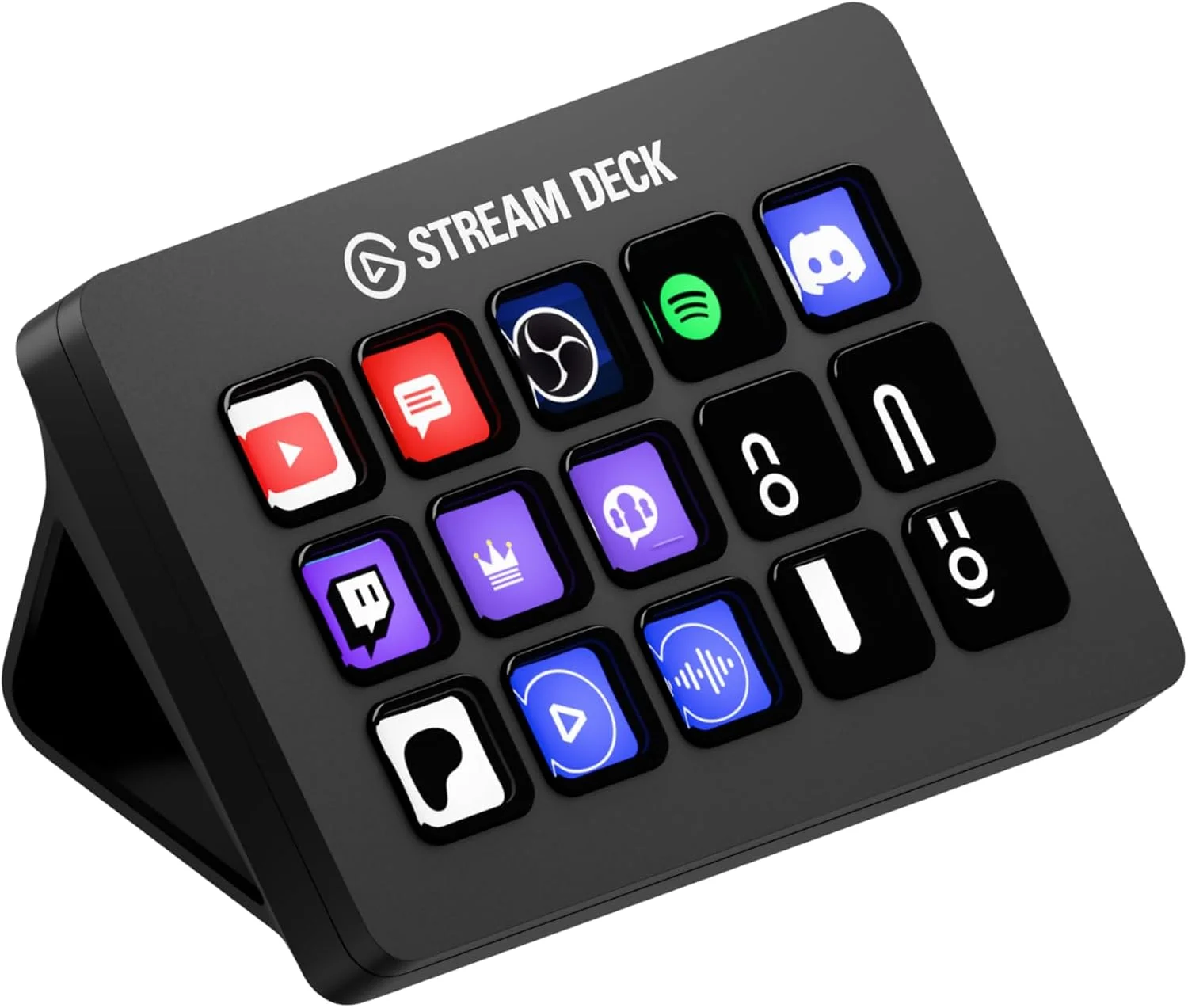
When weighed against cheaper, off-brand macro pads that require clunky, poorly translated software to function, the MK.2 justifies its price tag through sheer reliability and ease of use. It sits right in the sweet spot of affordability and functionality, offering enough keys for most setups without stepping into the highly expensive territory of the 32-key Stream Deck XL.
How It Compares
The most prominent competitor to the Stream Deck MK.2 is the Loupedeck Live. While the Loupedeck offers a more granular level of control with its tactile dials and touch-sensitive screens—making it arguably better for fine-tuned color grading in Premiere or Lightroom—it has a significantly steeper learning curve and a higher price tag. Elgato’s software is far more user-friendly for the average user.
Another strong alternative is the Razer Stream Controller X, which also features 15 LCD keys and utilizes a Loupedeck-powered software backbone. While Razer’s hardware is sleek and fits nicely into an all-Razer ecosystem, Elgato still holds the crown for third-party plugin integration. The massive community surrounding Elgato ensures that if there is a niche application you want to control, someone has likely already built a Stream Deck plugin for it, a distinct advantage Razer hasn’t quite matched.
Pros and Cons
Pros
- The detachable USB-C cable drastically improves longevity and cable management options.
- The Elgato software ecosystem is remarkably intuitive and packed with robust third-party plugins.
- Interchangeable faceplates allow for excellent aesthetic customization to match any desk setup.
- The fixed 45-degree stand is highly stable and prevents slipping during intense, fast-paced usage.
Cons
- The fixed stand removes the ability to adjust the viewing angle to your specific seating preference.
- The device does not include any tactile dials or sliders, limiting fine-tuned audio or editing control.
- The LCD keys still use a membrane switch beneath them, which lacks the premium mechanical feel some typists prefer.
- It carries a premium price tag compared to standard, non-LCD macro keypads on the market.
FAQ
Q: Does the Stream Deck MK.2 work with Mac?
A: Yes, it is fully compatible with macOS 10.15 or newer, featuring a native application that integrates perfectly with Apple’s ecosystem.
Q: Can I use the Stream Deck MK.2 for non-streaming tasks?
A: Absolutely. While designed with streamers in mind, it is widely used by video editors, programmers, and office workers to automate repetitive tasks in apps like Excel, Photoshop, and Zoom.
Q: Are the faceplates from the original Stream Deck compatible with the MK.2?
A: No, the interchangeable faceplate system is exclusive to the updated chassis design of the MK.2 model.
Q: Do I need to keep the Elgato software running in the background?
A: Yes, the Stream Deck relies entirely on the companion software running on your host PC or Mac to process the commands and output images to the LCD screens.
Verdict
The Elgato Stream Deck MK.2 is an absolute must-have for content creators, remote workers, and creative professionals looking to optimize their daily workflows. If you value robust, intuitive software and the ability to trigger complex multi-actions with a single satisfying button press, this device is worth every penny. It comfortably remains the gold standard for desktop control in 2026.
Where to Buy
Pros
- ✓ The detachable USB-C cable drastically improves longevity and cable management options.
- ✓ The Elgato software ecosystem is remarkably intuitive and packed with robust third-party plugins.
- ✓ Interchangeable faceplates allow for excellent aesthetic customization to match any desk setup.
- ✓ The fixed 45-degree stand is highly stable and prevents slipping during intense, fast-paced usage.
Cons
- ✗ The fixed stand removes the ability to adjust the viewing angle to your specific seating preference.
- ✗ The device does not include any tactile dials or sliders, limiting fine-tuned audio or editing control.
- ✗ The LCD keys still use a membrane switch beneath them, which lacks the premium mechanical feel some typists prefer.
- ✗ It carries a premium price tag compared to standard, non-LCD macro keypads on the market.
Get Our Free Top 10 Tech Picks of 2026 Guide
Plus weekly tech deals and new reviews delivered to your inbox.
[cp_email_signup]
No spam. Unsubscribe anytime.
Ready to buy the Elgato Stream Deck MK.2?
Affiliate link — we may earn a commission at no extra cost to you.



