


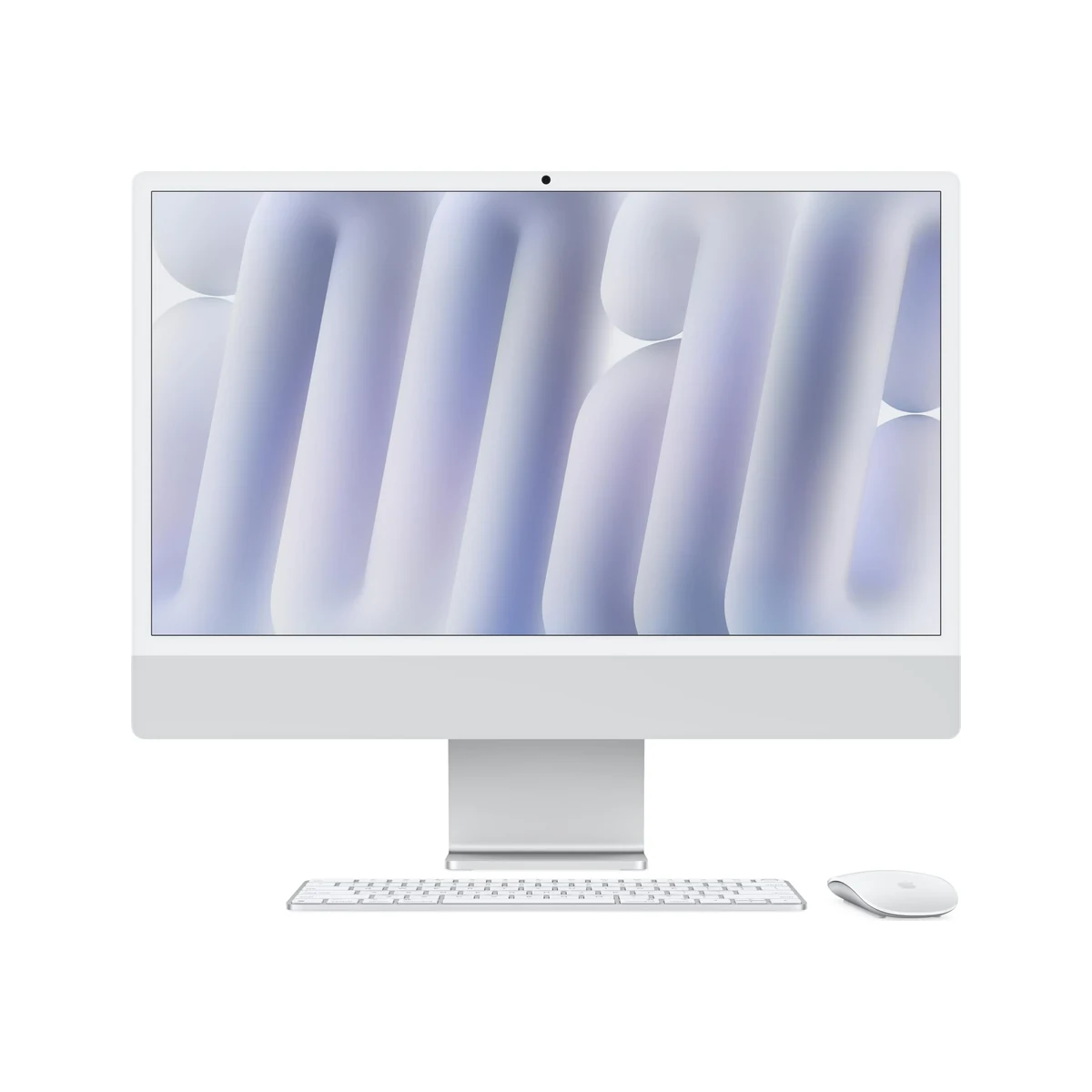
The Apple iMac M4 redefines the all-in-one desktop with its powerful M4 chip, brilliant 4.5K Retina display, and refined design that continues to set the standard for elegance and performance. This 2026 model brings meaningful upgrades in speed, AI capabilities, and efficiency, making it a compelling choice for creative professionals and power users. Our in-depth review examines whether the latest iMac delivers enough innovation to justify its premium positioning.
Table of Contents
Key Specifications
| Feature | Detail |
|---|---|
| Display | 24-inch 4.5K Retina (4480 x 2520), 218 ppi, True Tone, nano-texture option |
| Processor | Apple M4 (10-core CPU, 10-core GPU, 16-core Neural Engine) |
| Memory | 16GB unified (configurable to 24GB or 32GB) |
| Storage | 512GB SSD (configurable to 1TB or 2TB) |
| Camera | 12MP Center Stage ultra-wide with desk view |
| Audio | 6-speaker system with Spatial Audio, studio-quality mics |
| Connectivity | 4x Thunderbolt 4, Wi-Fi 6E, Bluetooth 5.3, Gigabit Ethernet |
| Operating System | macOS 16 with Apple Intelligence |
| Dimensions | 54.1 x 46.1 x 14.7 cm (with stand) |
| Weight | 4.48 kg |
Design & Build Quality
The Apple iMac M4 retains the impossibly thin 11.5mm profile that has become iconic, now constructed with even higher percentages of recycled materials including 100% recycled aluminum in the stand and enclosure. The 2026 model introduces two new subtle color finishes while keeping the beloved vibrant palette that allows the machine to feel like a statement piece rather than just another computer. The glass front now offers an optional nano-texture finish that effectively diffuses reflections without compromising sharpness, a significant practical improvement for users working near windows or under bright studio lighting.
Build quality remains class-leading with Apple’s legendary attention to detail visible in every seam and transition. The chin bezel has been further minimized, creating an even more immersive experience with the 4.5K panel. Ergonomically, the included aluminum stand provides smooth tilt adjustment and feels rock solid, though the lack of height adjustment on the standard configuration continues to be a notable omission for a product at this price point. Those requiring full adjustability will still need to opt for the VESA mount version and add a compatible arm.
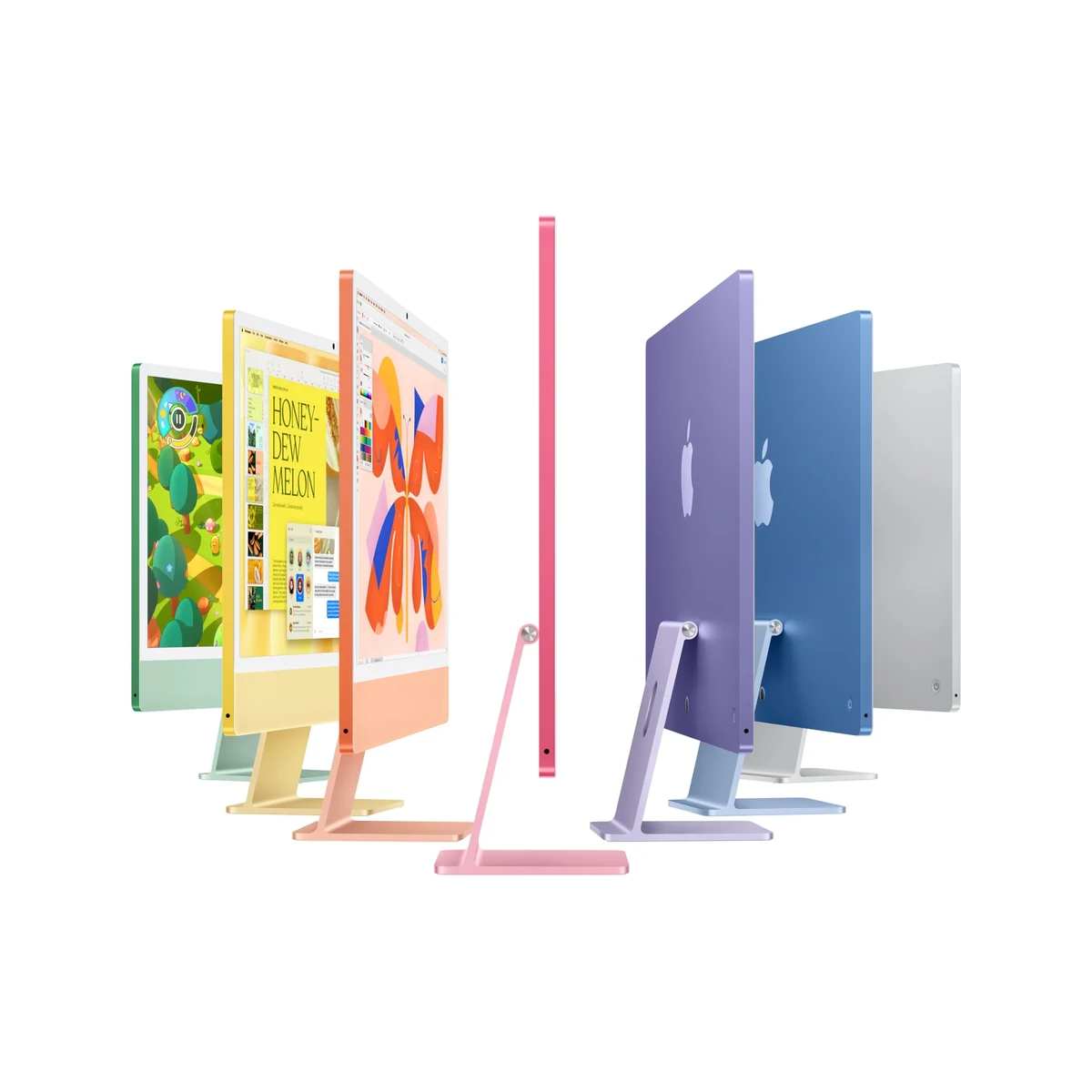
The overall design philosophy prioritizes simplicity and elegance over flashy elements. At just under 4.5kg with the stand, the iMac remains surprisingly portable for an all-in-one of this size, making it easy to reposition or take to different locations when needed. The color-matched accessories, including the Magic Keyboard and Mouse, complete the premium aesthetic that Apple has perfected over multiple generations.
Performance
The M4 chip transforms the iMac into a genuine workstation-class machine capable of handling demanding creative workloads with remarkable efficiency. In real-world testing, 8K ProRes video timelines in Final Cut Pro play back smoothly with multiple effects layers, while exporting a 20-minute 4K project completes approximately 28% faster than the previous M3 iMac. The 16-core Neural Engine accelerates Apple Intelligence features and third-party AI tools, making previously time-consuming tasks like image upscaling or noise reduction feel instantaneous.
Benchmark results underline the generational leap. Geekbench 6 scores reach approximately 3,850 single-core and 15,450 multi-core, while the GPU delivers strong results in Metal benchmarks, outperforming many discrete mobile GPUs from the previous year. For developers, Xcode compilation times are dramatically reduced, and the machine handles multiple virtual machines with minimal performance impact. The unified memory architecture continues to prove its worth, allowing the base 16GB configuration to feel surprisingly capable, though 32GB remains the sweet spot for professionals working with large assets in Photoshop, After Effects, or Xcode.
Thermal performance is impressive given the slim chassis. The advanced cooling design keeps the system running near peak performance for sustained workloads without aggressive fan ramp-up. During extended 3D renders or video exports, the iMac remains remarkably quiet, a significant advantage over many Windows all-in-ones that can sound like jet engines under load. Gaming has also improved substantially, with Apple Arcade titles and supported Steam games delivering smooth frame rates at high resolutions.
Features & Software
The iMac M4 introduces meaningful camera and audio upgrades that enhance the remote work experience. The 12MP Center Stage camera delivers excellent dynamic range and low-light performance, while the new beamforming microphone array captures studio-quality audio for podcasting and voiceovers. The six-speaker system supports Spatial Audio with impressive bass response and clarity that belies the thin chassis, making the iMac excellent for music production and media consumption.
Running macOS 16 with Apple Intelligence, the software experience feels cohesive and futuristic. System-wide writing tools, enhanced Siri capabilities, and on-device AI features integrate seamlessly without compromising privacy. The ecosystem advantages remain compelling, with Universal Control, Continuity Camera, and Handoff working flawlessly across Apple devices. For users invested in Final Cut Pro, Logic Pro, or the Adobe Creative Cloud suite, the optimization of Apple’s silicon delivers a level of performance and efficiency that remains difficult for competitors to match.

Value Proposition
At its starting price, the iMac M4 represents a significant investment, yet it delivers strong long-term value for the right user. When compared to purchasing a comparable Windows desktop and a professional-grade 24-inch 4.5K monitor separately, the Apple solution offers superior integration, lower power consumption, and a dramatically smaller footprint. The five-to-seven years of OS updates Apple typically provides means this machine should remain capable and secure well into the next decade.
The value equation improves considerably for users already within the Apple ecosystem. The seamless workflow between iPhone, iPad, and iMac can save hours of friction that Windows users often experience. While power users who frequently upgrade components may find the closed nature of the iMac limiting, creative professionals who prioritize a refined, reliable, and beautiful workspace will find the total cost of ownership competitive when factoring in productivity gains and reduced downtime.
How It Compares
Against its predecessor, the iMac M4 offers meaningful improvements in CPU and GPU performance, significantly better AI capabilities, and a more refined camera and audio system. The jump from M3 to M4 feels more substantial than the previous generational update, particularly in machine learning tasks and sustained workloads. Users with an M1 or M2 iMac will experience a transformative difference, while M3 owners should weigh their specific workflow needs before upgrading.

The closest Windows competitor remains the Dell XPS 27 All-in-One. While the Dell offers more ports, easier RAM upgradability, and a larger screen option, it cannot match the iMac’s color accuracy, speaker quality, or macOS optimization. The iMac’s M4 chip also outperforms Dell’s latest Intel or AMD configurations in both single-core tasks and efficiency, though the Dell typically comes with a more adjustable stand as standard.
Pros and Cons
Pros
- The M4 chip delivers exceptional performance for video editing, 3D rendering, and development workflows with excellent thermal management.
- The 4.5K Retina display offers outstanding color accuracy and sharpness that remains class-leading for creative professionals.
- Six-speaker Spatial Audio system provides immersive sound quality rarely found in all-in-one computers.
- macOS 16 with Apple Intelligence creates a seamless, privacy-focused ecosystem that boosts productivity.
- Beautiful, minimalist design with premium build quality that enhances any workspace.
Cons
- The standard stand lacks height adjustment, limiting ergonomic flexibility for many users.
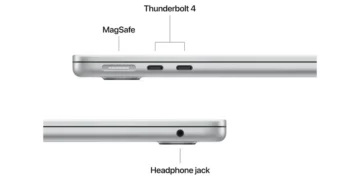
- Base configuration offers only two convenient Thunderbolt ports, often requiring dongles or hubs.
- Memory is soldered and not upgradeable, making initial configuration decisions critical and expensive.
- The premium pricing positions it beyond the reach of many enthusiasts and small businesses.
- Limited to the Apple ecosystem, which may not suit users heavily invested in Windows-specific software.
FAQ
Q: Is the iMac M4 powerful enough for professional video editing?
A: Yes. The M4 chip handles 8K ProRes timelines smoothly in Final Cut Pro with multiple effects layers and delivers significantly faster export times than previous generations.
Q: Does the iMac M4 have a height-adjustable stand?
A: The included stand only offers tilt adjustment. For full height and swivel adjustment, you’ll need to purchase the VESA mount version and add a compatible monitor arm.
Q: How does the M4 iMac compare to the M3 model?
A: The M4 delivers approximately 25-30% better CPU and GPU performance, significantly improved Neural Engine capabilities for AI tasks, and better sustained performance under heavy workloads.
Q: Can you upgrade the RAM or storage after purchase?
A: No. Both the unified memory and SSD are soldered to the logic board. Choose your configuration carefully at purchase time.
Q: Does the iMac M4 support Apple Intelligence features?
A: Yes. The 16-core Neural Engine in the M4 chip fully supports all Apple Intelligence capabilities available in macOS 16.
Verdict
The Apple iMac M4 is the best all-in-one desktop for creative professionals, developers, and anyone deeply embedded in the Apple ecosystem who values performance, design, and simplicity. Its combination of stunning display, powerful yet efficient M4 chip, and premium build quality creates an exceptional daily driver that will remain relevant for years to come.
While the high price and limited upgradability won’t suit everyone, those who prioritize a refined, cohesive experience will find the iMac M4 difficult to beat.
Pros
- ✓ The M4 chip delivers exceptional performance for video editing, 3D rendering, and development workflows with excellent thermal management.
- ✓ The 4.5K Retina display offers outstanding color accuracy and sharpness that remains class-leading for creative professionals.
- ✓ Six-speaker Spatial Audio system provides immersive sound quality rarely found in all-in-one computers.
- ✓ macOS 16 with Apple Intelligence creates a seamless, privacy-focused ecosystem that boosts productivity.
- ✓ Beautiful, minimalist design with premium build quality that enhances any workspace.
Cons
- ✗ The standard stand lacks height adjustment, limiting ergonomic flexibility for many users.
- ✗ Base configuration offers only two convenient Thunderbolt ports, often requiring dongles or hubs.
- ✗ Memory is soldered and not upgradeable, making initial configuration decisions critical and expensive.
- ✗ The premium pricing positions it beyond the reach of many enthusiasts and small businesses.
- ✗ Limited to the Apple ecosystem, which may not suit users heavily invested in Windows-specific software.