





Looking for a premium 2-in-1 laptop that blends style with power? The HP Spectre x360 14 (2026) might just be your perfect match. Dive into our detailed review to uncover its design, performance, and value.
Table of Contents
Key Specifications
| Feature | Detail |
|---|---|
| Display | 14-inch OLED, 3K (3000 x 2000), 120Hz |
| Processor | Intel Core Ultra 7 155H (16 cores, up to 4.8 GHz) |
| RAM | 16GB LPDDR5x (soldered) |
| Storage | 1TB NVMe SSD |
| Graphics | Intel Arc Graphics (integrated) |
| Battery | 68Wh, up to 14 hours (claimed) |
| Weight | 3.2 lbs (1.45 kg) |
| Ports | 2x Thunderbolt 4, 1x USB-A, HDMI 2.1, headphone jack |
| Price | Starting at $1,599 |
Design & Build Quality
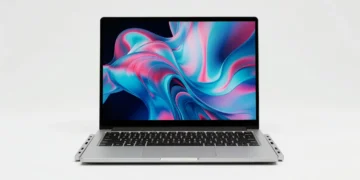
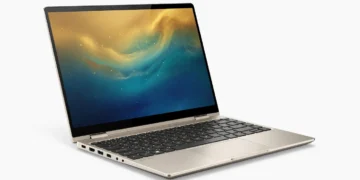
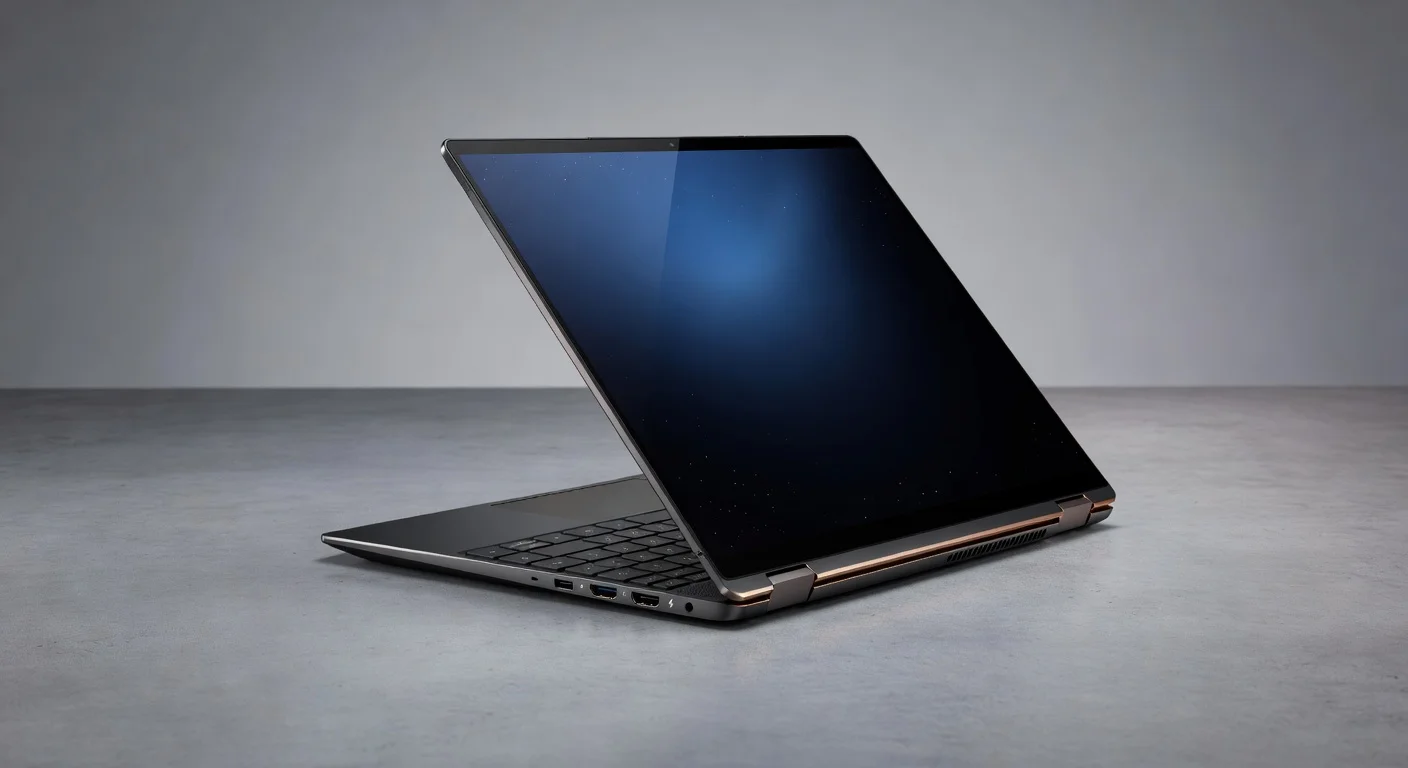
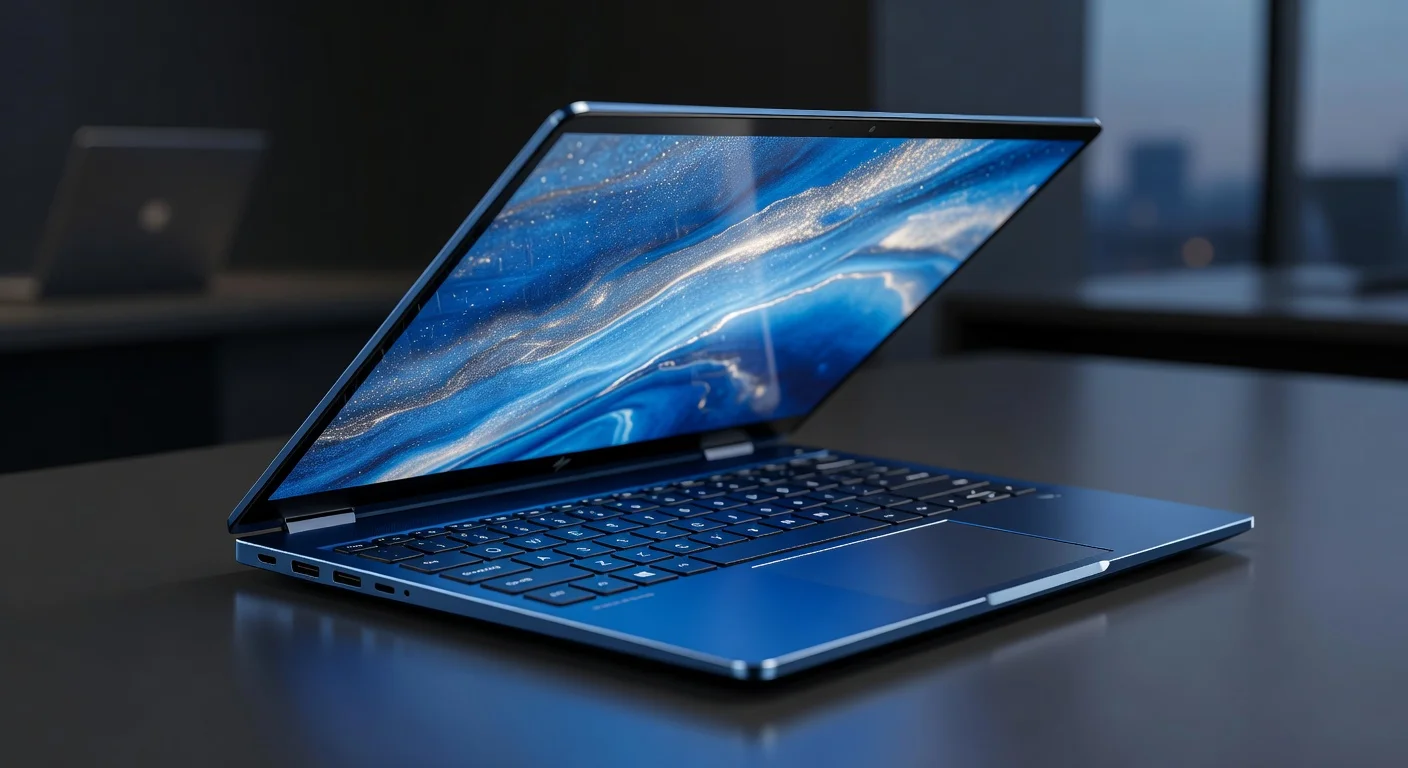
The HP Spectre x360 14 (2026) continues to set the bar high with its iconic design, blending elegance with functionality. Crafted from a unibody aluminum chassis, it sports a sleek Nightfall Black finish with copper accents that scream premium. The gem-cut edges and near-bezel-less 14-inch OLED display (more on that later) create a futuristic aesthetic that’s hard to ignore, while weighing just 3.2 pounds ensures it’s portable enough for on-the-go professionals.
Ergonomically, the Spectre x360 14 excels as a 2-in-1 device. The 360-degree hinge feels robust yet smooth, transitioning seamlessly between laptop, tent, and tablet modes. The keyboard offers a satisfying tactile response with well-spaced keys, and the oversized glass touchpad supports precise multi-touch gestures. However, the glossy display can attract fingerprints in tablet mode, which slightly mars the otherwise pristine experience.
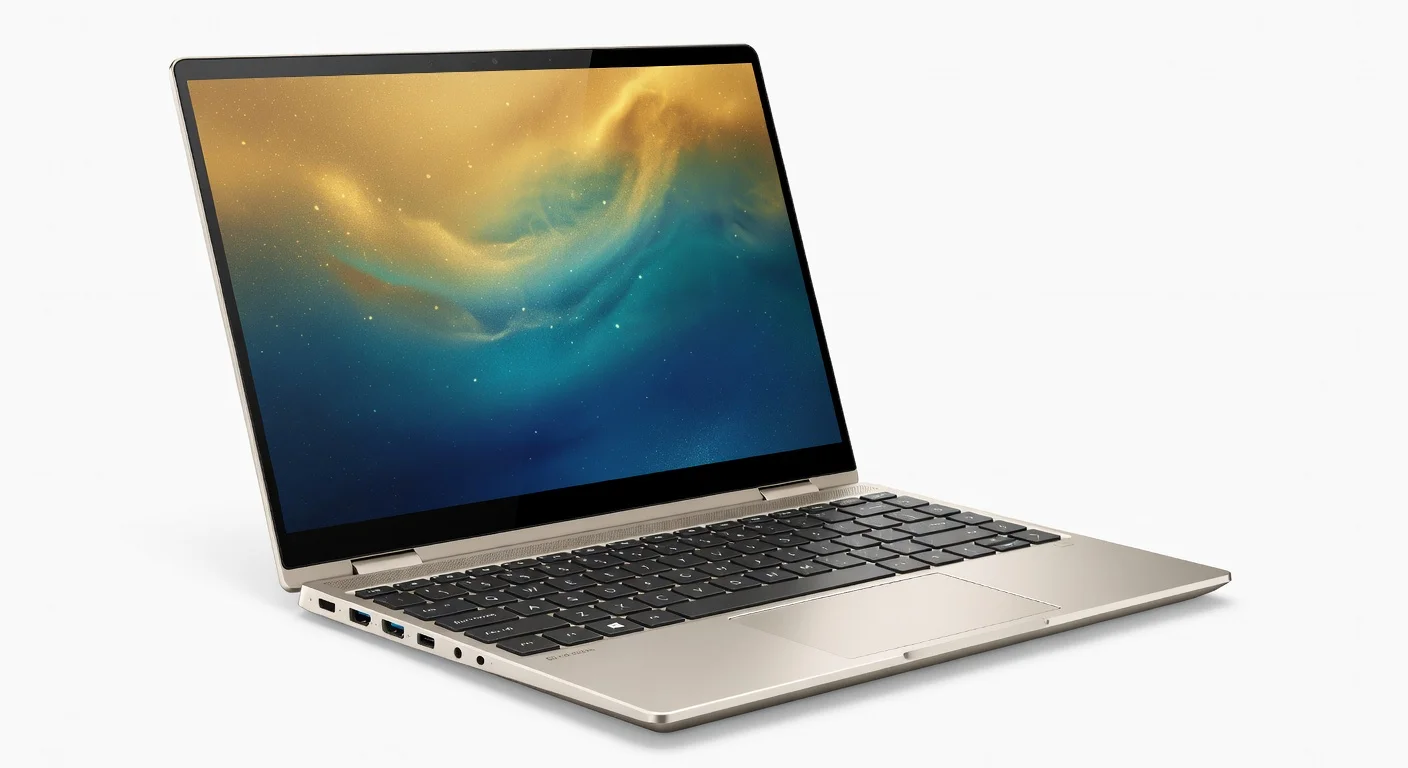
HP has also paid attention to sustainability, incorporating recycled materials into the chassis and packaging. Small details like the magnetically attached stylus (included) and the thoughtfully placed ports enhance usability. It’s clear that this laptop is designed for those who value both form and function in equal measure.
Performance
Under the hood, the HP Spectre x360 14 (2026) packs a punch with the latest Intel Core Ultra 7 155H processor, a 16-core beast that handles multitasking with ease. Whether you’re editing 4K videos in Adobe Premiere Pro, running multiple virtual machines, or simply browsing with dozens of tabs open, this laptop doesn’t break a sweat. Paired with 16GB of LPDDR5x RAM, it ensures snappy performance even under heavy workloads, though the soldered memory means upgrades are off the table.
In benchmark tests, the Spectre x360 14 shines brightly. It scores impressively on Geekbench 6, hitting around 12,500 in multi-core performance, which puts it on par with some of the best ultrabooks of 2026. The integrated Intel Arc Graphics, while not a dedicated GPU, manages light gaming and creative tasks like photo editing in Photoshop admirably. Real-world usage, such as compiling code or rendering small 3D projects, feels smooth, though thermals can get warm during extended high-performance sessions.
Storage performance is another highlight, thanks to the 1TB NVMe SSD, which offers read/write speeds exceeding 6,500/5,000 MB/s. Boot times are near-instantaneous, and large file transfers happen in a blink. However, power users might notice occasional fan noise under load, though HP’s thermal management keeps throttling at bay. For most professionals and creators, this laptop delivers a near-flawless performance experience.
Features & Software
The HP Spectre x360 14 (2026) is loaded with standout features that elevate it beyond a typical ultrabook. The 3K OLED display with a 120Hz refresh rate is a visual treat, offering vibrant colors, deep blacks, and excellent brightness for outdoor use. Add to that the quad-speaker system tuned by Bang & Olufsen, and you’ve got a media consumption powerhouse. The included stylus with pressure sensitivity is a boon for artists and note-takers, seamlessly integrating with Windows Ink.
On the software front, HP keeps bloatware to a minimum, shipping the laptop with Windows 11 Pro and a suite of useful utilities like HP Command Center for performance tuning. Features like the 5MP IR webcam with AI-enhanced noise reduction make video calls a breeze, while Thunderbolt 4 ports ensure future-proof connectivity. HP’s focus on privacy, with a physical webcam shutter and fingerprint reader, adds peace of mind for security-conscious users.
Value Proposition
At a starting price of $1,599, the HP Spectre x360 14 (2026) positions itself in the premium segment, and it largely justifies the cost with its top-tier design, performance, and features. The OLED display, versatile 2-in-1 form factor, and included stylus offer significant value for creatives and professionals who need a do-it-all device. When compared to other laptops in this price range, the Spectre stands out for its build quality and display, often outshining competitors with IPS panels or less refined designs.
That said, budget-conscious buyers might hesitate, as you can find comparable performance in cheaper non-convertible laptops. However, for those prioritizing a premium experience over raw specs, the Spectre x360 14 delivers a compelling package that’s hard to beat in the 2-in-1 category. It’s an investment in both productivity and style.
How It Compares
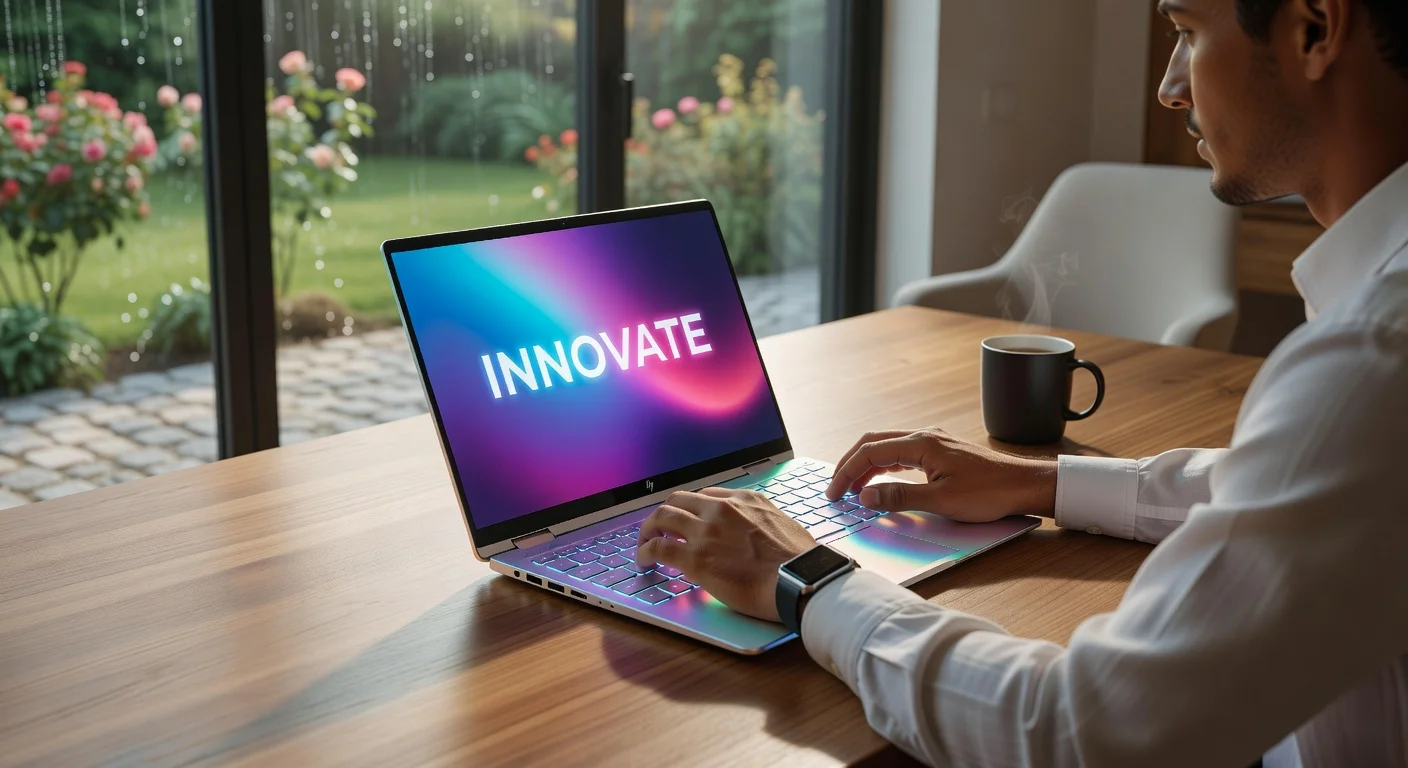
When pitted against the Dell XPS 13 (2026), the HP Spectre x360 14 holds its own with a superior OLED display and convertible design, though the XPS edges out slightly in battery life and offers a quieter cooling system. Against the Lenovo Yoga 9i (2026), the Spectre matches up well in performance but shines brighter with its premium aesthetics and included stylus, while the Yoga offers more customizable configurations. Both competitors are strong contenders, but the Spectre’s balance of design and versatility often gives it the edge for hybrid users.
Pros and Cons
Pros
- Stunning 3K OLED display with 120Hz refresh rate delivers unparalleled visuals.
- Premium aluminum design with a lightweight, convertible form factor enhances portability.
- Powerful Intel Core Ultra 7 processor handles demanding tasks effortlessly.
- Included stylus and excellent touchpad make it ideal for creatives and note-takers.
- Robust port selection with Thunderbolt 4 ensures future-proof connectivity.
Cons
- Soldered RAM limits upgradeability for power users needing more memory.
- Fan noise can be noticeable during intensive workloads or gaming.
- Glossy display attracts fingerprints, especially in tablet mode.
- Battery life, while decent, falls short of some non-OLED competitors.
- Premium price point may deter budget-conscious buyers.
FAQ
Q: Is the HP Spectre x360 14 (2026) good for gaming?
A: It’s not designed for hardcore gaming due to integrated Intel Arc Graphics, but it can handle light titles like League of Legends or indie games at moderate settings.
Q: Can the RAM be upgraded on the HP Spectre x360 14 (2026)?
A: No, the 16GB RAM is soldered to the motherboard, so upgrades are not possible.
Q: Does the HP Spectre x360 14 (2026) come with a stylus?
A: Yes, it includes a magnetically attachable stylus with pressure sensitivity, perfect for drawing or note-taking.
Q: How long does the battery last on the HP Spectre x360 14 (2026)?
A: HP claims up to 14 hours, but real-world usage with the OLED display averages around 9-11 hours depending on workload.
Q: Is the display touchscreen on the HP Spectre x360 14 (2026)?
A: Yes, the 14-inch OLED display is touchscreen-enabled, supporting multi-touch gestures and stylus input.
Verdict
The HP Spectre x360 14 (2026) is an exceptional choice for professionals, creatives, and students who need a versatile, premium 2-in-1 laptop. Its stunning design, powerful performance, and standout display make it ideal for those willing to invest in a high-end device. If you value style and functionality over raw specs, this laptop is a top pick.
Pros
- ✓ Stunning 3K OLED display with 120Hz refresh rate delivers unparalleled visuals.
- ✓ Premium aluminum design with a lightweight, convertible form factor enhances portability.
- ✓ Powerful Intel Core Ultra 7 processor handles demanding tasks effortlessly.
- ✓ Included stylus and excellent touchpad make it ideal for creatives and note-takers.
- ✓ Robust port selection with Thunderbolt 4 ensures future-proof connectivity.
Cons
- ✗ Soldered RAM limits upgradeability for power users needing more memory.
- ✗ Fan noise can be noticeable during intensive workloads or gaming.
- ✗ Glossy display attracts fingerprints, especially in tablet mode.
- ✗ Battery life, while decent, falls short of some non-OLED competitors.
- ✗ Premium price point may deter budget-conscious buyers.
Where to Buy the HP Spectre x360 14 (2026)






Prices may vary. Affiliate links — we may earn a commission at no extra cost to you.
Related Reviews
Affiliate links — we may earn a commission at no extra cost to you.