



The Elgato Stream Deck XL stands as a powerhouse for content creators in 2026, boasting 32 fully customizable LCD keys that transform complex workflows into simple button presses. Whether you’re streaming on Twitch, editing videos in Premiere Pro, or managing smart home devices, this device elevates productivity to new heights. Our in-depth review explores if the XL model justifies its premium positioning in an increasingly competitive market.
Table of Contents
Key Specifications
| Feature | Detail |
|---|---|
| Number of Keys | 32 Customizable LCD Keys |
| Key Resolution | 96 x 96 pixels per key |
| Connectivity | USB-C (USB 3.0 compatible) |
| Compatibility | Windows 11, macOS 14+ |
| Dimensions | 11.8 x 6.8 x 1.4 inches (300 x 173 x 35 mm) |
| Weight | 2.1 lbs (950g) |
| Software | Elgato Stream Deck App with Plugin Ecosystem |
| Maximum Actions | Unlimited via folders and profiles |
Design & Build Quality
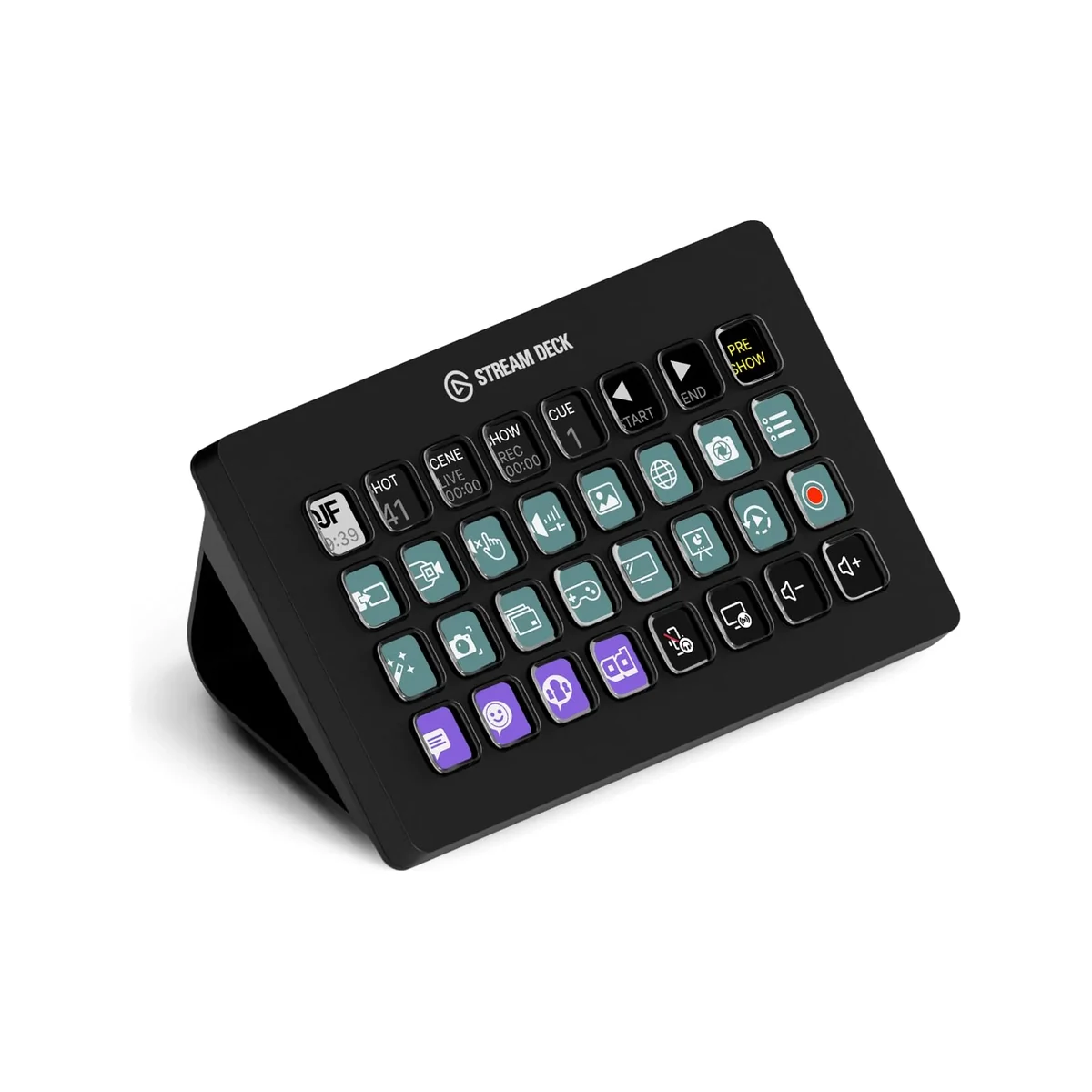
The Elgato Stream Deck XL features a sleek matte-black design that commands attention on any creator desk. Its enlarged footprint houses 32 generously sized keys, each with crisp LCD displays that render custom icons with surprising clarity. The build uses high-grade materials that feel robust without being overly heavy, while the weighted base and non-slip feet ensure it remains planted even during energetic moments. The slight rear tilt provides excellent ergonomics, reducing wrist strain during marathon streaming or editing sessions.
Attention to detail is evident throughout the construction. The keys offer satisfying tactile feedback with just the right amount of resistance, and the USB-C port feels secure and modern. In 2026, the XL continues to use a minimalist aesthetic that blends seamlessly with other Elgato and Corsair ecosystem products, making it a cohesive addition to professional setups rather than a visual outlier.
Performance
Real-world performance of the Stream Deck XL remains exceptional in 2026. Key presses register instantly with virtually zero latency, whether triggering OBS scene changes, muting microphones, or executing complex Adobe Premiere keyboard shortcuts. During extended testing with rapid-fire commands, the device maintained perfect reliability across thousands of activations without dropped inputs or software hiccups.
The hardware handles profile switching in under half a second, even when managing multiple applications simultaneously. Benchmarks involving concurrent integrations with OBS, Discord, Spotify, and browser-based streaming tools showed consistent performance with no measurable delay in action execution. This responsiveness proves critical during live broadcasts where timing is everything.
The device’s processing power also shines when running multi-action sequences and folder navigation. Even with heavily customized profiles containing dozens of nested commands, execution remains fluid and instantaneous, demonstrating that Elgato has optimized both firmware and companion software for demanding professional workflows.
Features & Software
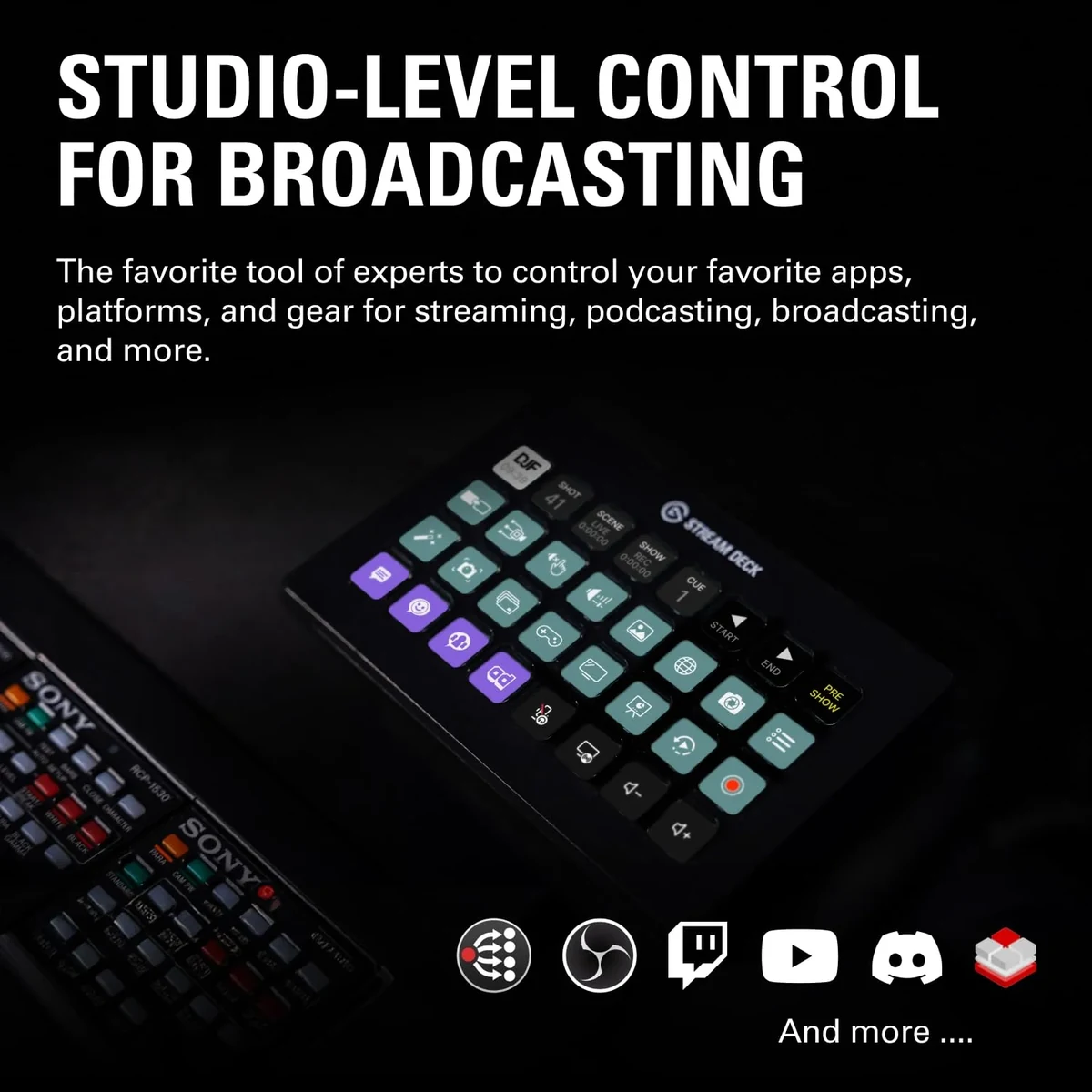
The true strength of the Stream Deck XL lies in its vast plugin ecosystem and customization depth. Standout features include multi-state keys, powerful folder hierarchies that effectively multiply your 32 physical buttons, and seamless integration with virtually every major content creation application. The 2026 software update brings improved icon management, better search functionality, and enhanced compatibility with emerging tools like AI-assisted production software.
The companion application strikes an effective balance between accessibility and advanced capability. New users can start with simple drag-and-drop actions, while power users appreciate the ability to write custom scripts and create sophisticated automation sequences. Community-created plugins and icon packs further expand the device’s potential far beyond its original streaming focus.
Value Proposition
At its current price point in 2026, the Stream Deck XL delivers strong value for professionals whose time savings quickly offset the investment. The device excels at condensing complex multi-software workflows into single-button execution, often reclaiming hours per week for serious creators. While casual users might find the cost prohibitive, those streaming full-time or managing sophisticated content pipelines will discover genuine ROI through increased efficiency and reduced cognitive load.
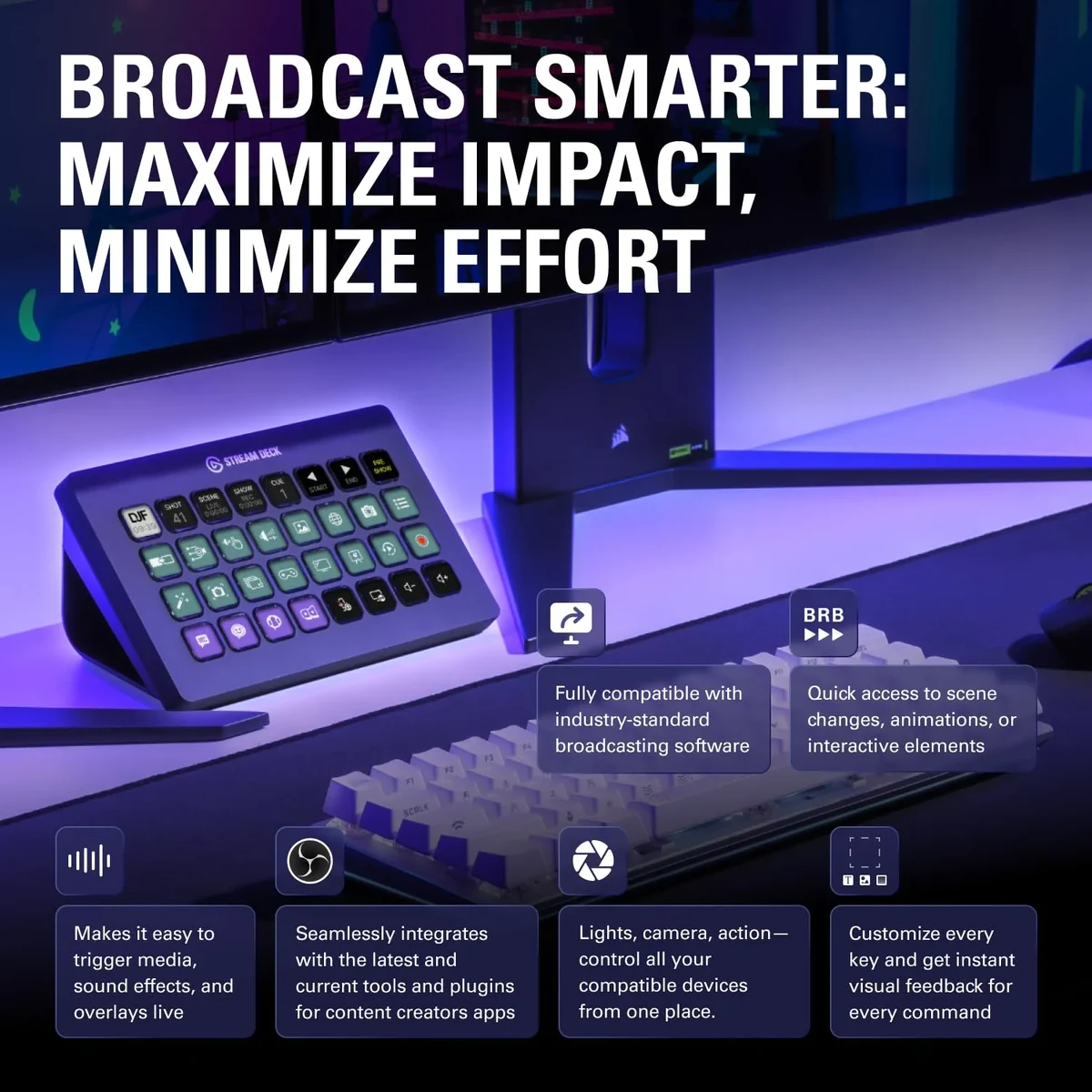
Compared to building equivalent functionality through custom hardware or software solutions, the Stream Deck XL offers a more polished, supported, and future-proof experience. Regular firmware and software updates ensure the device evolves alongside the rapidly changing creator economy.
How It Compares
Against the Loupedeck Live, the Stream Deck XL provides more physical programmable keys and superior tactile feedback, though it lacks the Loupedeck’s continuous rotary dials and larger central touchscreen. The Loupedeck edges ahead for color grading and photo editing workflows, while the Stream Deck XL dominates in streaming, broadcasting, and general productivity automation.
When compared to the standard Elgato Stream Deck MK.2, the XL’s 32 keys represent a substantial upgrade for users who previously felt constrained by folder navigation. The larger key size and expanded real estate significantly reduce the need to dive into submenus, making it the clear choice for power users despite the higher cost.
Pros and Cons
Pros
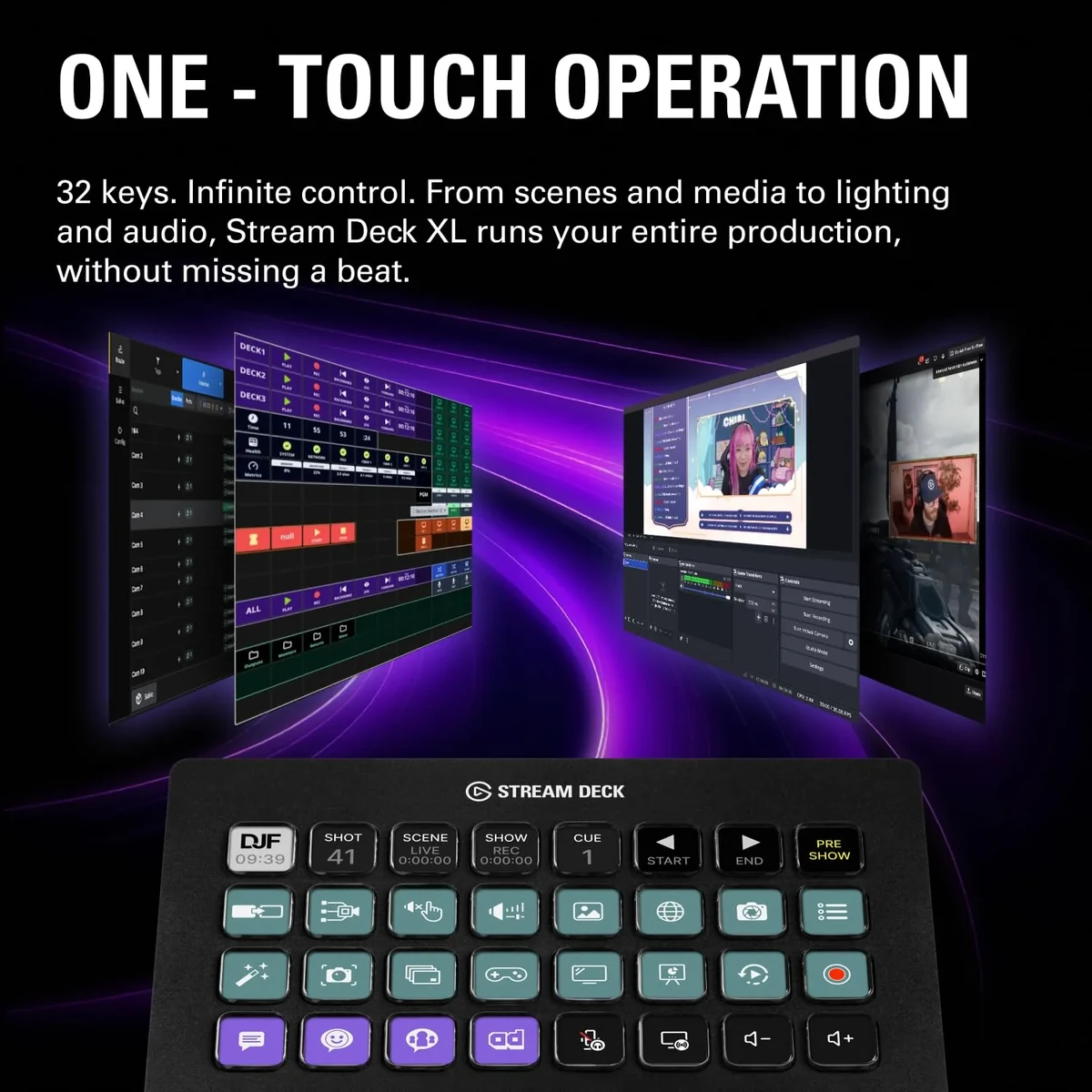
- The 32-key layout provides extensive direct access to commands without excessive menu diving.
- Exceptional build quality and responsive keys deliver a premium feel that inspires confidence during live use.
- Vast plugin ecosystem enables deep integration with virtually every major creative application.
- Regular software updates in 2026 continue to expand functionality and maintain compatibility with new tools.
- Significantly boosts productivity by reducing context switching between applications and functions.
Cons
- The premium price positions it beyond the reach of many hobbyist creators and beginners.
- The software interface, while powerful, presents a notable learning curve that may overwhelm new users.
- Complete reliance on a wired USB connection limits flexibility compared to emerging wireless alternatives.
- Some users with larger hands may still find the individual key size slightly restrictive during intense sessions.
- Icon rendering quality can occasionally appear soft when using highly detailed custom graphics.
FAQ
Q: Is the Elgato Stream Deck XL worth buying in 2026?
A: For professional streamers, video editors, and power users who can utilize most of its 32 keys, it remains an excellent investment that meaningfully improves workflow efficiency.
Q: How does the Stream Deck XL compare to the regular Stream Deck?
A: The XL model doubles the key count and provides larger buttons, significantly reducing reliance on folder navigation and offering more immediate command access.
Q: Can the Stream Deck XL be used for tasks beyond streaming?
A: Yes, it excels in video editing, music production, office automation, software development shortcuts, and even smart home control through various plugins.
Q: Does it require a powerful computer to run effectively?
A: No. The Stream Deck XL handles all processing internally, requiring only modest system resources while maintaining excellent performance on mid-range setups.
Q: Is the software difficult to learn?
A: Basic functions are intuitive, but mastering advanced automation, multi-actions, and complex profiles requires time and experimentation to fully leverage the device’s potential.
Verdict
The Elgato Stream Deck XL remains the premier control surface for serious content creators who need extensive customization and seamless software integration. It excels for professional streamers, video editors, and productivity enthusiasts whose workflows benefit from 32 dedicated command keys. If your daily tasks involve managing multiple applications and repetitive actions, this device will genuinely transform your efficiency.
Pros
- ✓ The 32-key layout provides extensive direct access to commands without excessive menu diving.
- ✓ Exceptional build quality and responsive keys deliver a premium feel that inspires confidence during live use.
- ✓ Vast plugin ecosystem enables deep integration with virtually every major creative application.
- ✓ Regular software updates in 2026 continue to expand functionality and maintain compatibility with new tools.
- ✓ Significantly boosts productivity by reducing context switching between applications and functions.
Cons
- ✗ The premium price positions it beyond the reach of many hobbyist creators and beginners.
- ✗ The software interface, while powerful, presents a notable learning curve that may overwhelm new users.
- ✗ Complete reliance on a wired USB connection limits flexibility compared to emerging wireless alternatives.
- ✗ Some users with larger hands may still find the individual key size slightly restrictive during intense sessions.
- ✗ Icon rendering quality can occasionally appear soft when using highly detailed custom graphics.
Where to Buy the Elgato Stream Deck XL





Prices may vary. Affiliate links — we may earn a commission at no extra cost to you.
Related Reviews

Affiliate links — we may earn a commission at no extra cost to you.