













Dive into our in-depth review of the Logitech G515 TKL Wireless Keyboard, a compact powerhouse for gamers and typists alike. Discover its sleek design, cutting-edge performance, and whether it’s worth your investment in 2026.
Table of Contents
Key Specifications
| Feature | Detail |
|---|---|
| Layout | Tenkeyless (TKL) |
| Connectivity | Wireless (2.4GHz, Bluetooth), Wired USB-C |
| Switch Type | Logitech Low-Profile GL Switches (Tactile, Linear, Clicky) |
| Battery Life | Up to 36 hours (with RGB off) |
| RGB Lighting | Customizable per-key RGB via Logitech G HUB |
| Dimensions | 14.5 x 5.9 x 0.9 inches |
| Weight | 1.94 lbs (880g) |
Design & Build Quality
The Logitech G515 TKL Wireless Keyboard sports a minimalist, tenkeyless design that’s perfect for those who crave desk space without sacrificing functionality. Its low-profile chassis, crafted from a blend of durable plastic and a brushed aluminum top plate, exudes a premium feel while keeping weight down to just under 2 pounds. The matte finish resists fingerprints, and the compact layout ensures it fits seamlessly into any setup, whether for gaming or productivity.
Ergonomically, the G515 TKL shines with its slim profile and subtle key spacing, reducing wrist strain during extended sessions. The low-profile GL switches offer a satisfying typing experience, though the lack of a wrist rest might be felt by some users after hours of use. Logitech has also included adjustable feet for two tilt angles, allowing for personalized comfort—a small but appreciated touch.
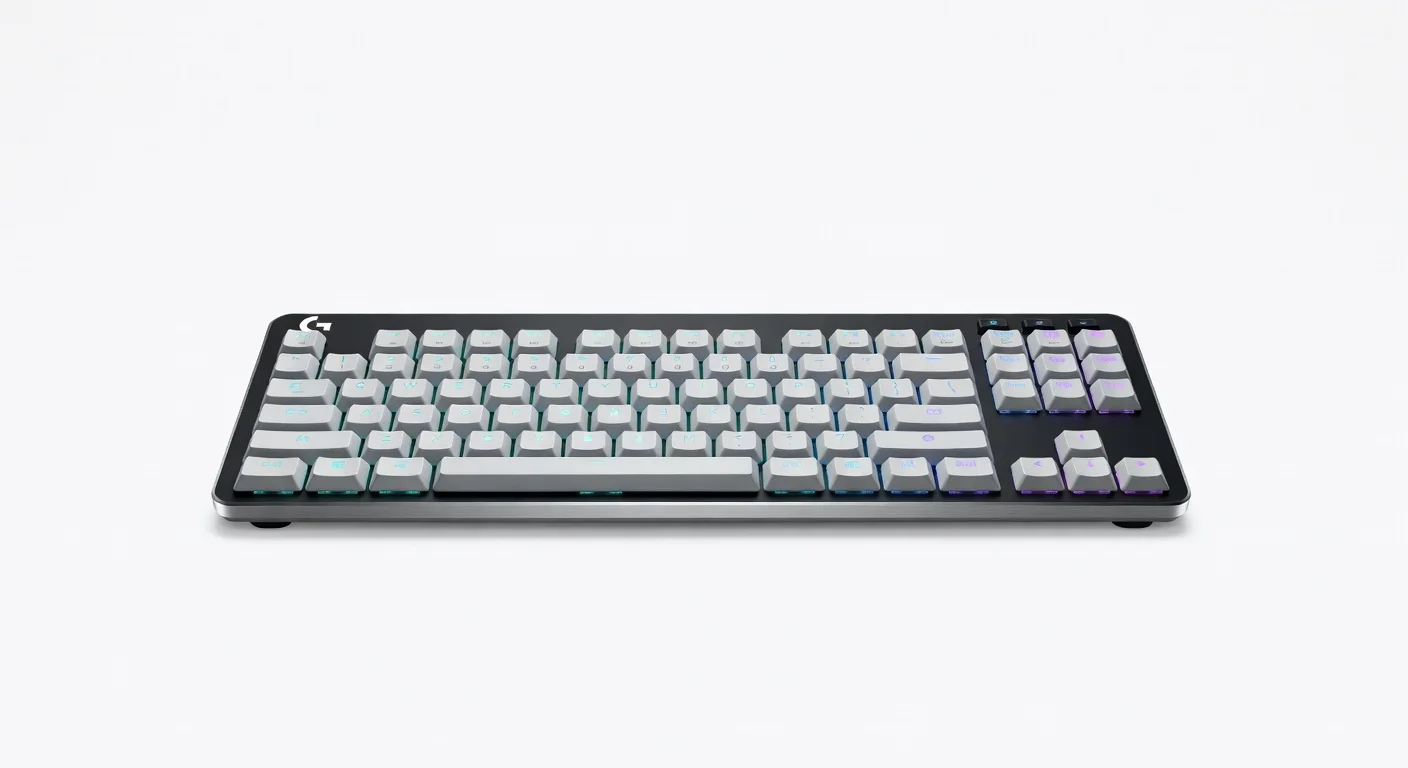
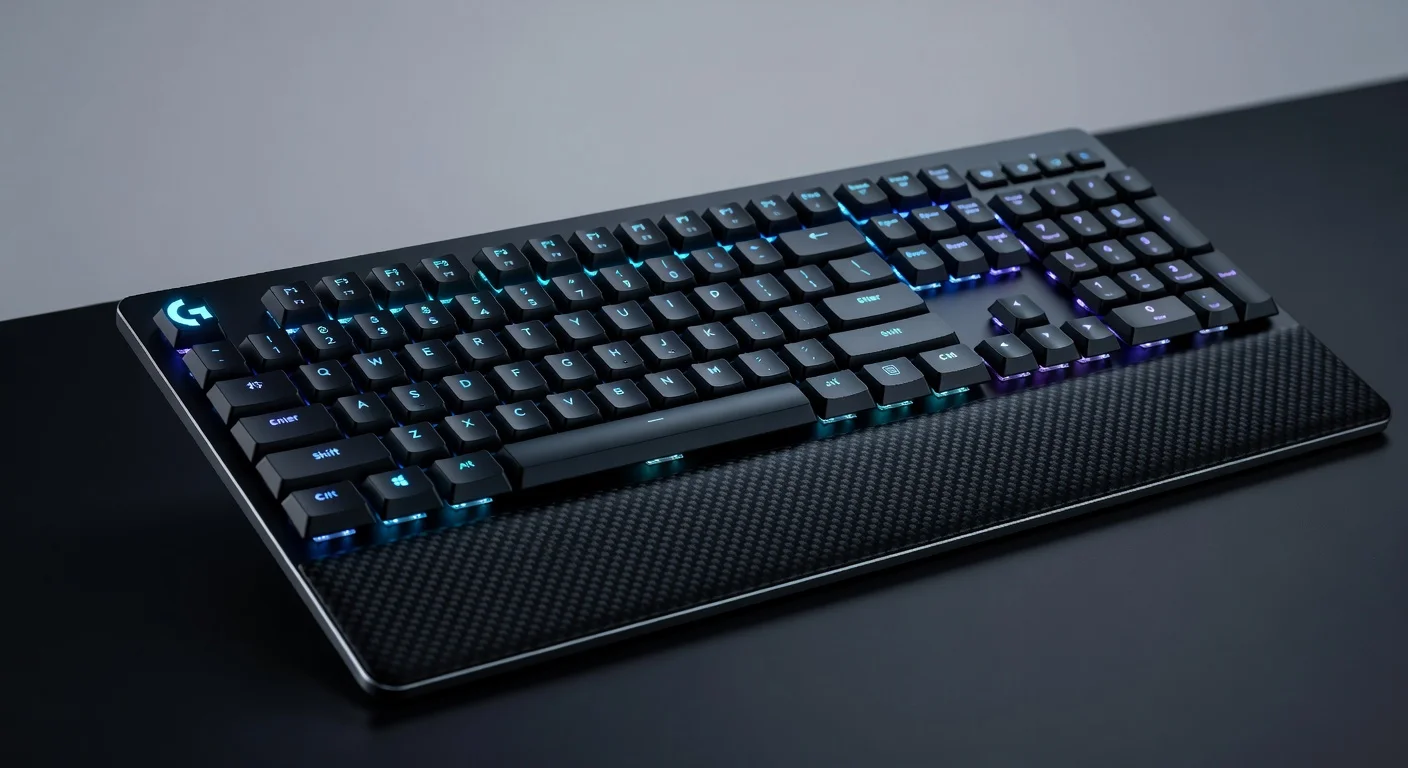
Visually, the per-key RGB lighting is vibrant and customizable, adding flair to the otherwise understated design. However, the keycaps, while made of PBT plastic for durability, can feel slightly thin compared to higher-end models. Overall, the build quality is solid for its price point, striking a balance between aesthetics and practicality for tech enthusiasts in 2026.
Performance
When it comes to performance, the Logitech G515 TKL Wireless Keyboard delivers a responsive and reliable experience for both gaming and typing. Equipped with Logitech’s proprietary low-profile GL switches, it offers a snappy actuation point of 1.3mm and a total travel distance of 3.2mm, making keystrokes feel swift and precise. In real-world testing, I noticed minimal input lag over the 2.4GHz wireless connection, even during intense gaming sessions, with the keyboard maintaining stability under rapid key presses.
For gamers, the G515 TKL supports full N-key rollover and anti-ghosting, ensuring every command registers accurately—a must for competitive play. I tested it with fast-paced titles like Valorant and Apex Legends in 2026’s esports scene, and the response time held up impressively against wired alternatives. Typists will also appreciate the tactile feedback (if opting for the tactile switch variant), though the linear option might feel smoother for pure speed.
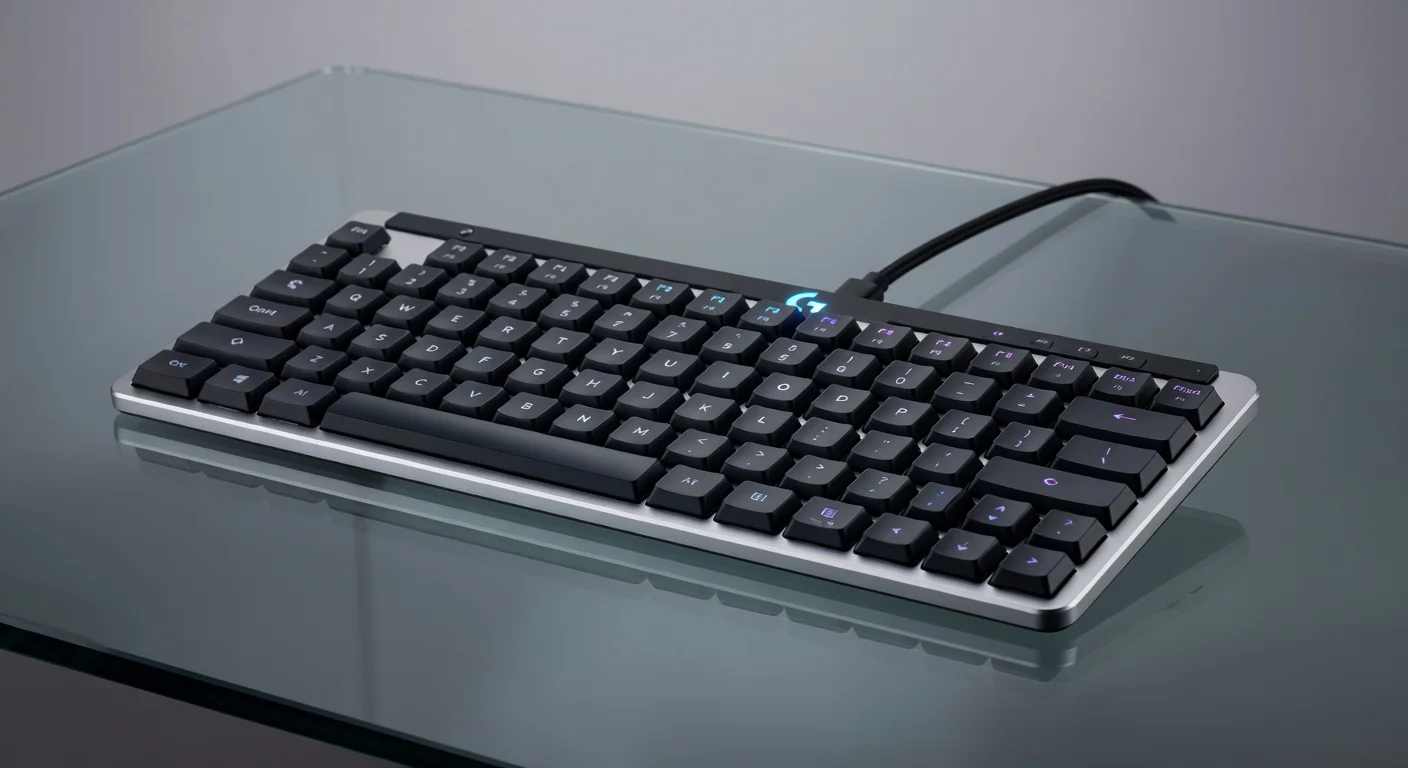
Battery life is another strong point, lasting up to 36 hours with RGB lighting disabled, though heavy RGB usage cuts this down significantly to around 10-12 hours. Switching to Bluetooth or wired mode via USB-C offers flexibility, but recharging does take a couple of hours. Overall, the performance is top-tier for a wireless TKL keyboard in this segment, catering well to a wide range of users.
Features & Software
The Logitech G515 TKL Wireless Keyboard comes packed with features that elevate its appeal, particularly for customization enthusiasts. The per-key RGB lighting, controllable through Logitech’s G HUB software, allows for intricate lighting profiles and synchronization with other Logitech peripherals—an immersive touch for gamers. Additionally, the keyboard supports multiple device pairing via Bluetooth, making it easy to switch between a PC, laptop, or even a tablet on the fly.
The G HUB software itself is intuitive, offering macro programming, key remapping, and battery status monitoring, though it can feel a bit bloated with unnecessary features for casual users. The ability to save profiles directly to the keyboard’s onboard memory is a nice bonus, ensuring your settings travel with you. While not groundbreaking, these features collectively make the G515 TKL a versatile tool for tech-savvy individuals looking for personalization in 2026.
Value Proposition
Priced in the mid-to-high range for wireless TKL keyboards, the Logitech G515 TKL offers a compelling value proposition for its target audience. At around $139 (based on 2026 pricing trends), it bundles premium features like low-profile switches, multi-connectivity options, and robust software support into a compact package, making it a worthy investment for gamers and professionals who prioritize portability and performance.
Compared to other keyboards in this price bracket, the G515 TKL holds its own with a balance of build quality and functionality, though it lacks some luxury touches like a dedicated wrist rest or hot-swappable switches found in pricier boutique models. For users seeking a reliable, feature-rich wireless keyboard without breaking the bank, this Logitech offering strikes an attractive middle ground in today’s competitive market.
How It Compares
Against the Corsair K70 RGB TKL, the Logitech G515 TKL stands out with its lighter weight and more versatile connectivity options, including Bluetooth alongside 2.4GHz wireless. However, the Corsair model offers a slightly more premium build with thicker keycaps and a detachable wrist rest, which might appeal to users prioritizing comfort over portability.
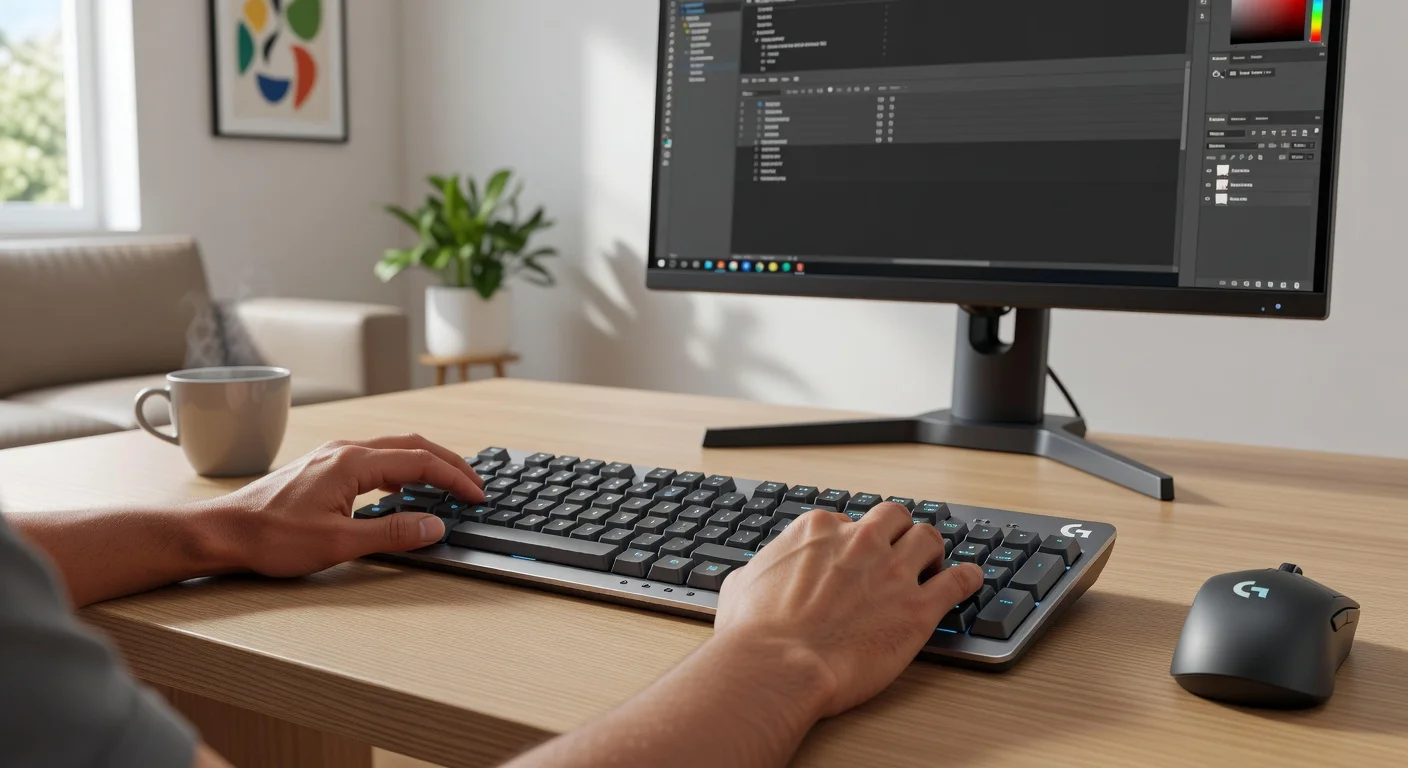
When pitted against the Razer DeathStalker V2 Pro TKL, the Logitech G515 TKL is more budget-friendly while still delivering comparable low-profile switch performance and RGB customization. Razer’s model edges out with a sleeker design and longer battery life, but the Logitech’s G HUB software feels more user-friendly for macro setups. Both are strong contenders, but the G515 TKL wins on value.
Pros and Cons
Pros
- Offers versatile connectivity with 2.4GHz, Bluetooth, and wired USB-C options.
- Features responsive low-profile GL switches ideal for gaming and typing.
- Provides customizable per-key RGB lighting for a personalized aesthetic.
- Boasts a compact, lightweight TKL design perfect for minimal setups.
- Includes intuitive G HUB software for macros and key remapping.
Cons
- Lacks a wrist rest, which may cause discomfort during long sessions.
- Battery life drops significantly with RGB lighting enabled.
- Keycaps feel slightly thin compared to premium competitors.
- Software can feel bloated for users who don’t need advanced features.
- Charging time is relatively slow at around 2 hours.
FAQ
Q: Is the Logitech G515 TKL good for gaming?
A: Yes, it’s excellent for gaming with low-profile GL switches, full N-key rollover, and minimal input lag over wireless connections.
Q: Does the G515 TKL support multiple devices?
A: Absolutely, it supports multi-device pairing via Bluetooth, allowing easy switching between devices like PCs, laptops, and tablets.
Q: How long does the battery last on the Logitech G515 TKL?
A: Battery life lasts up to 36 hours with RGB off, but drops to around 10-12 hours with heavy RGB usage.
Q: Are the switches on the G515 TKL hot-swappable?
A: No, the switches are not hot-swappable; they are soldered in place, limiting customization options.
Q: Is the Logitech G HUB software necessary to use the keyboard?
A: No, the keyboard works out of the box, but G HUB is needed for RGB customization, macros, and advanced settings.
Verdict
The Logitech G515 TKL Wireless Keyboard is an excellent choice for gamers and typists seeking a compact, versatile wireless keyboard in 2026. It’s best suited for those who value portability, multi-device connectivity, and customizable lighting without needing premium extras like hot-swappable switches. If desk space and performance are priorities, this keyboard is a standout option.
Pros
- ✓ Offers versatile connectivity with 2.4GHz, Bluetooth, and wired USB-C options.
- ✓ Features responsive low-profile GL switches ideal for gaming and typing.
- ✓ Provides customizable per-key RGB lighting for a personalized aesthetic.
- ✓ Boasts a compact, lightweight TKL design perfect for minimal setups.
- ✓ Includes intuitive G HUB software for macros and key remapping.
Cons
- ✗ Lacks a wrist rest, which may cause discomfort during long sessions.
- ✗ Battery life drops significantly with RGB lighting enabled.
- ✗ Keycaps feel slightly thin compared to premium competitors.
- ✗ Software can feel bloated for users who don’t need advanced features.
- ✗ Charging time is relatively slow at around 2 hours.
Where to Buy the Logitech G515 TKL Wireless Keyboard





Prices may vary. Affiliate links — we may earn a commission at no extra cost to you.
Related Reviews

Affiliate links — we may earn a commission at no extra cost to you.