Tech Essentials




Keychron’s mechanical keyboards have become a staple for enthusiasts, but their expansion into gaming mice has been a more measured affair. The Keychron M5 wireless mouse aims to change that, bringing a suite of premium features to a surprisingly accessible price point. It’s a bold move that challenges established players in a crowded market.
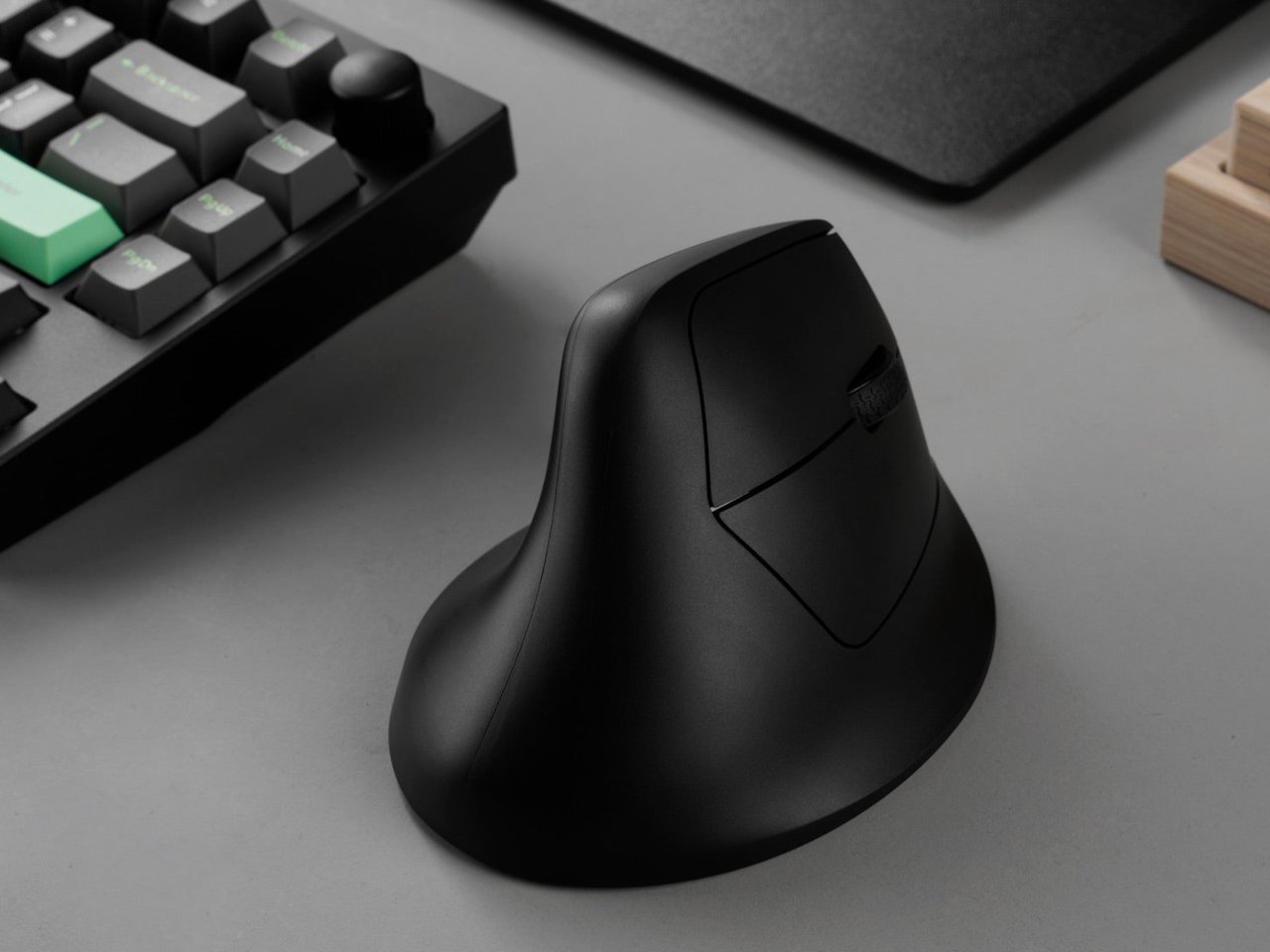
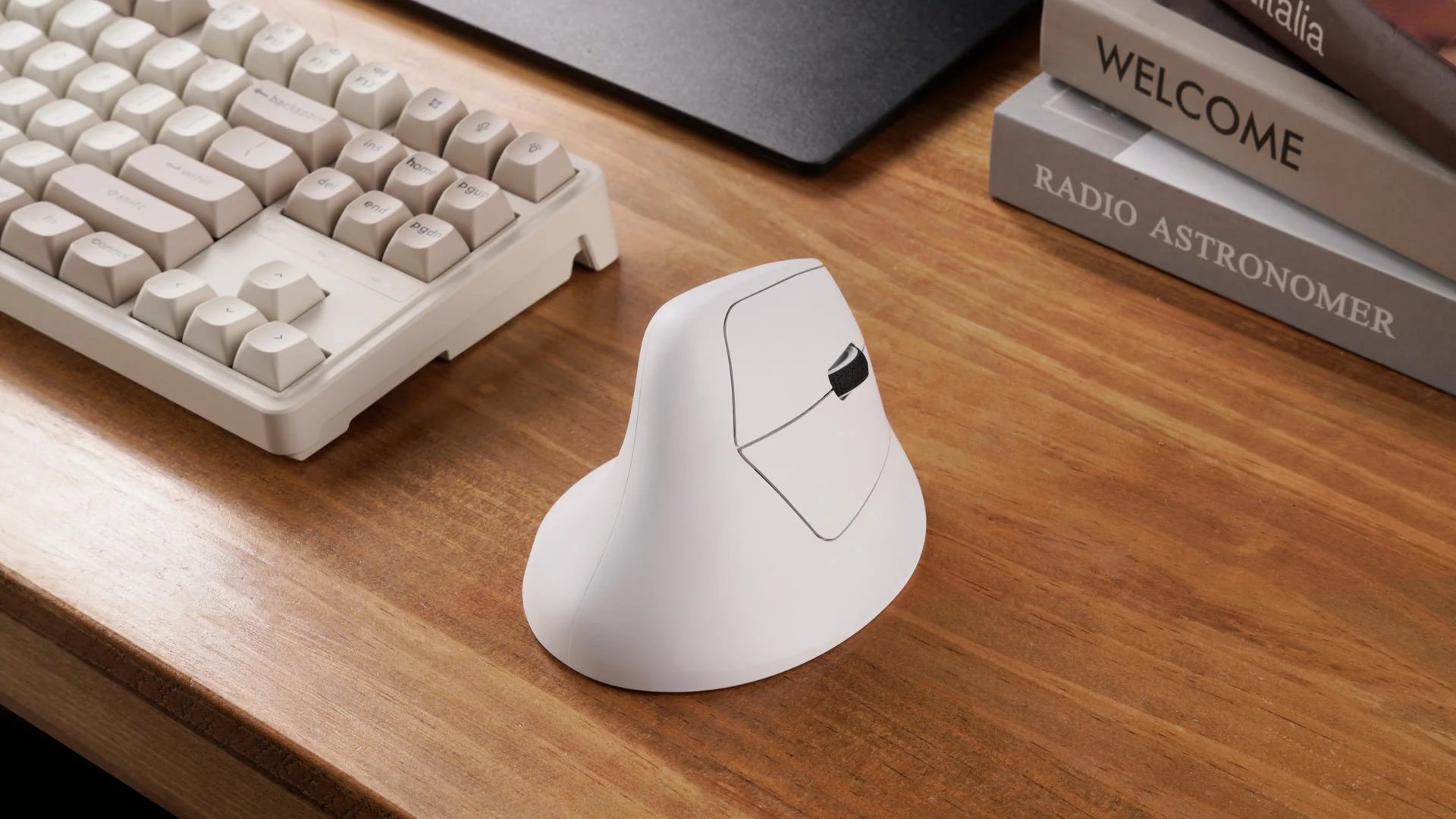
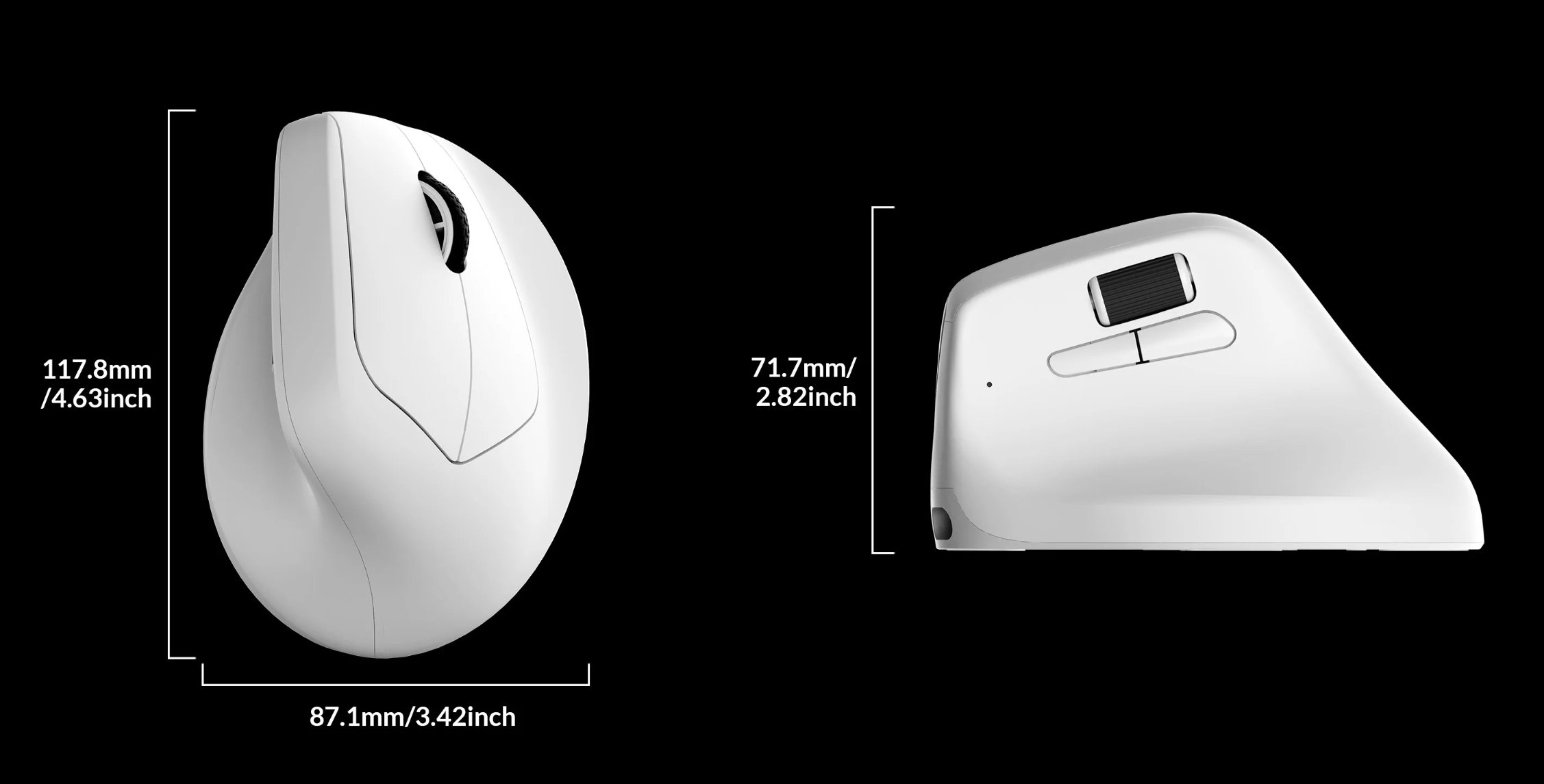
The first thing you’ll notice about the M5 is its familiar, ergonomic shape. It’s an unashamed nod to the classic Logitech G502 design, featuring a sculpted thumb rest and a comfortable right-handed grip that will feel immediately at home for many users. The build is a solid affair of matte black plastic that resists fingerprints well, and at 79 grams, it strikes a great balance—light enough for swift gaming maneuvers but with enough heft to feel substantial and controlled for productivity. While it won’t win awards for originality, the design is supremely functional and feels well-constructed, with no significant creaks or flex under normal use.
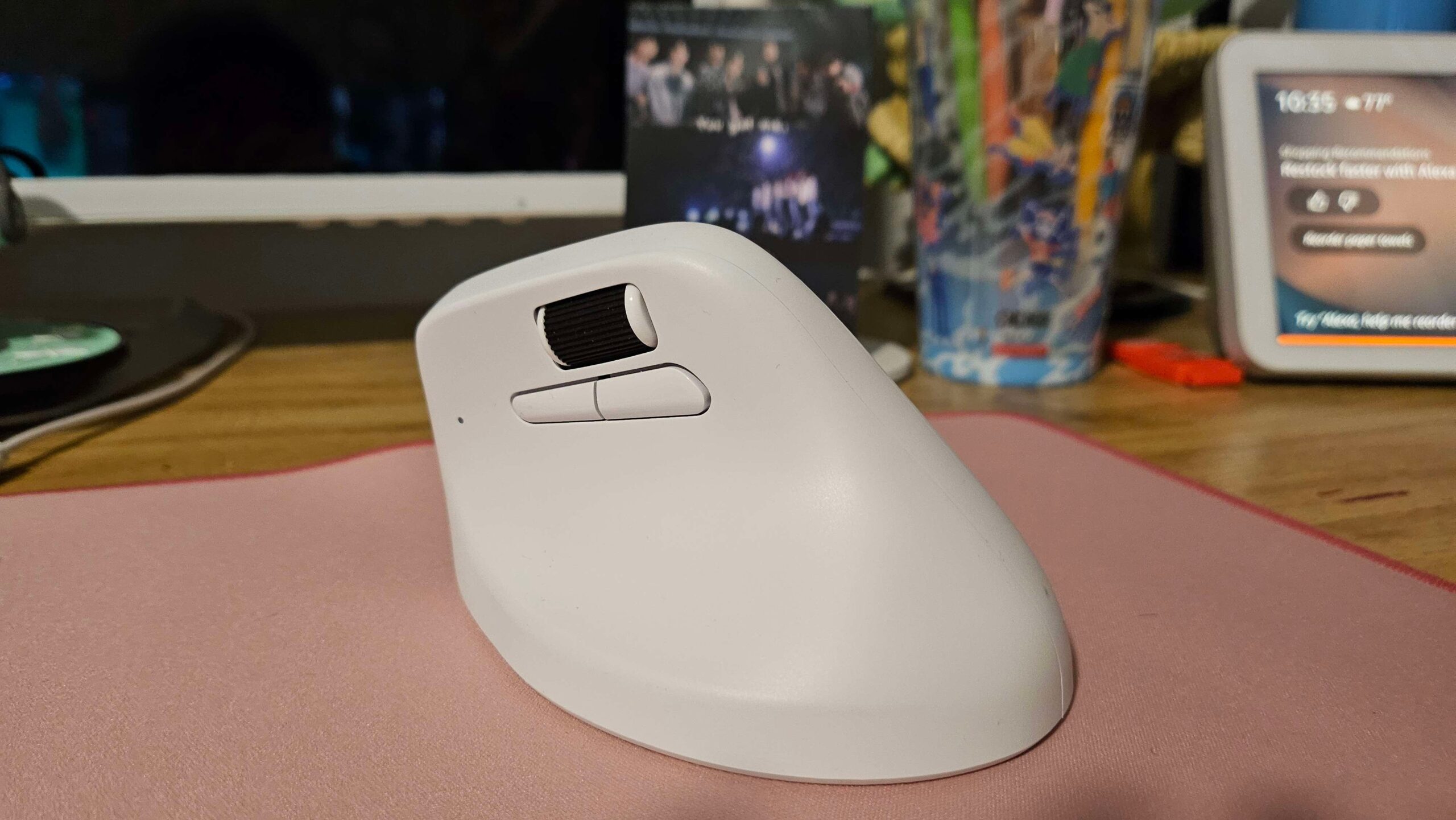
Under the hood, the M5 is all business. It’s built around the flagship PixArt 3395 sensor, a component found in mice often costing twice as much. This translates to flawless, one-to-one tracking with up to 26,000 DPI and a 1000Hz polling rate. Whether you’re making precise edits in Photoshop or flicking to a target in a fast-paced shooter, the sensor performance is impeccable. The main clicks, powered by crisp Huano micro switches, provide a satisfying tactile response. Connectivity is another strong suit, with low-latency 2.4GHz for gaming, Bluetooth 5.1 for on-the-go convenience, and a flexible braided USB-C cable for wired use and charging.
Where the Keychron M5 truly separates itself from the pack is its feature set, specifically the scroll wheel. It offers a free-spinning “infinite” scroll mode that’s an absolute game-changer for navigating long documents or websites, a feature typically locked to Logitech’s premium productivity mice. It also includes tilt-wheel functionality for horizontal scrolling. Combined with 11 programmable buttons, the M5 becomes a productivity powerhouse. The accompanying Keychron Engine software is functional, allowing for DPI adjustments, macro programming, and lighting control, but it lacks the polish and intuitive design of more mature software suites from Razer or Corsair.
Ultimately, the Keychron M5 is a masterclass in value. It successfully merges high-end gaming internals with indispensable productivity features, creating a do-it-all device that feels like a bargain. It may not have a unique design identity, and its software is merely adequate, but these are minor trade-offs for the performance and versatility on offer. This mouse is the perfect choice for the pragmatic power user who wants a single, high-performance tool for both work and play, without paying a premium for a brand name.
Where to Buy:
Keychron M5 Quick Summary
Key Scores:
-
Value:
90% -
Design:
88% -
Performance:
92% -
Quality:
89% -
Popularity:
85%
Top Pros
- ✅ The top-tier sensor provides incredibly accurate and responsive tracking.
- ✅ Hyperscroll and tilt-wheel functions are exceptional for productivity tasks.
- ✅ Tri-mode connectivity offers excellent versatility for multiple devices.
- …
Key Cons
- ❌ The ergonomic design is exclusively for right-handed users.
- ❌ Customization software feels less polished than mainstream competitors.
- ❌ Its shape is heavily inspired by other popular mouse designs.