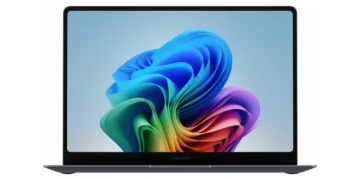



The Samsung Galaxy Book6 Ultra 16-inch (2026) delivers a stunning Dynamic AMOLED 2X display, flagship Intel Core Ultra 9 performance, and NVIDIA RTX 5070 graphics in a sleek, lightweight chassis. This premium Windows laptop excels at creative workloads, AI-accelerated tasks, and everyday productivity while maintaining strong Samsung ecosystem integration. Our in-depth review examines whether the latest Galaxy Book lives up to its Ultra billing.
Table of Contents
Key Specifications
| Feature | Detail |
|---|---|
| Display | 16-inch Dynamic AMOLED 2X, 2880×1800, 120Hz, 600 nits HDR, Touchscreen |
| Processor | Intel Core Ultra 9 285HX (16 cores, up to 5.5GHz, 48MB cache) |
| Graphics | NVIDIA GeForce RTX 5070 Laptop GPU 8GB GDDR7 |
| Memory | 32GB LPDDR5X-8533 (soldered, dual-channel) |
| Storage | 2TB PCIe 5.0 NVMe SSD (expandable via second slot) |
| Battery | 85Wh with 140W USB-C fast charging |
| Weight & Dimensions | 1.68kg, 354 x 245 x 14.5mm |
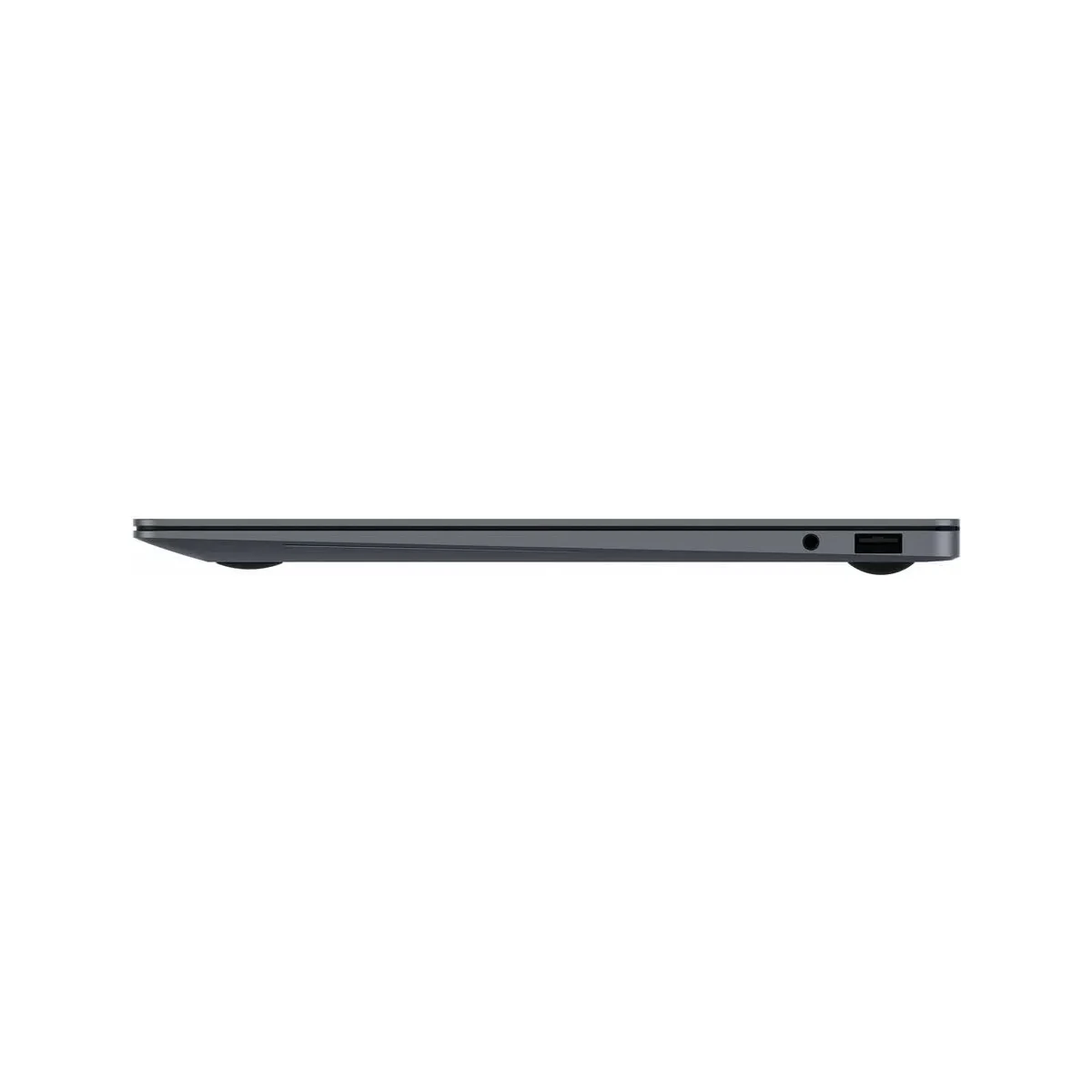
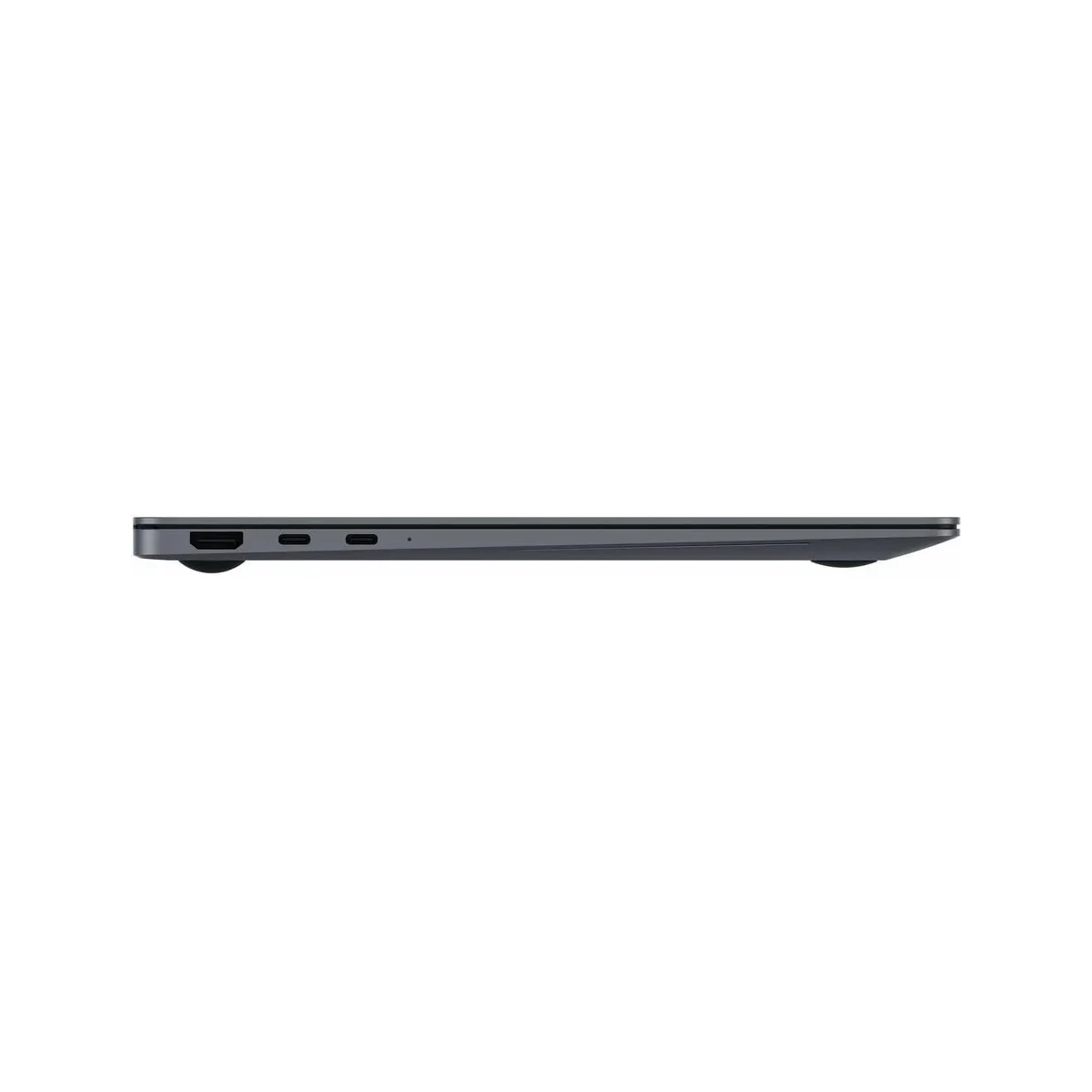
| Ports | 2x Thunderbolt 5, USB-C 3.2, HDMI 2.1, microSD, headphone jack |
| OS | Windows 11 Pro with Copilot+ AI features |
| Other | 1080p IR webcam, AKG quad speakers, S Pen support, Wi-Fi 7, Bluetooth 5.4 |
Design & Build Quality
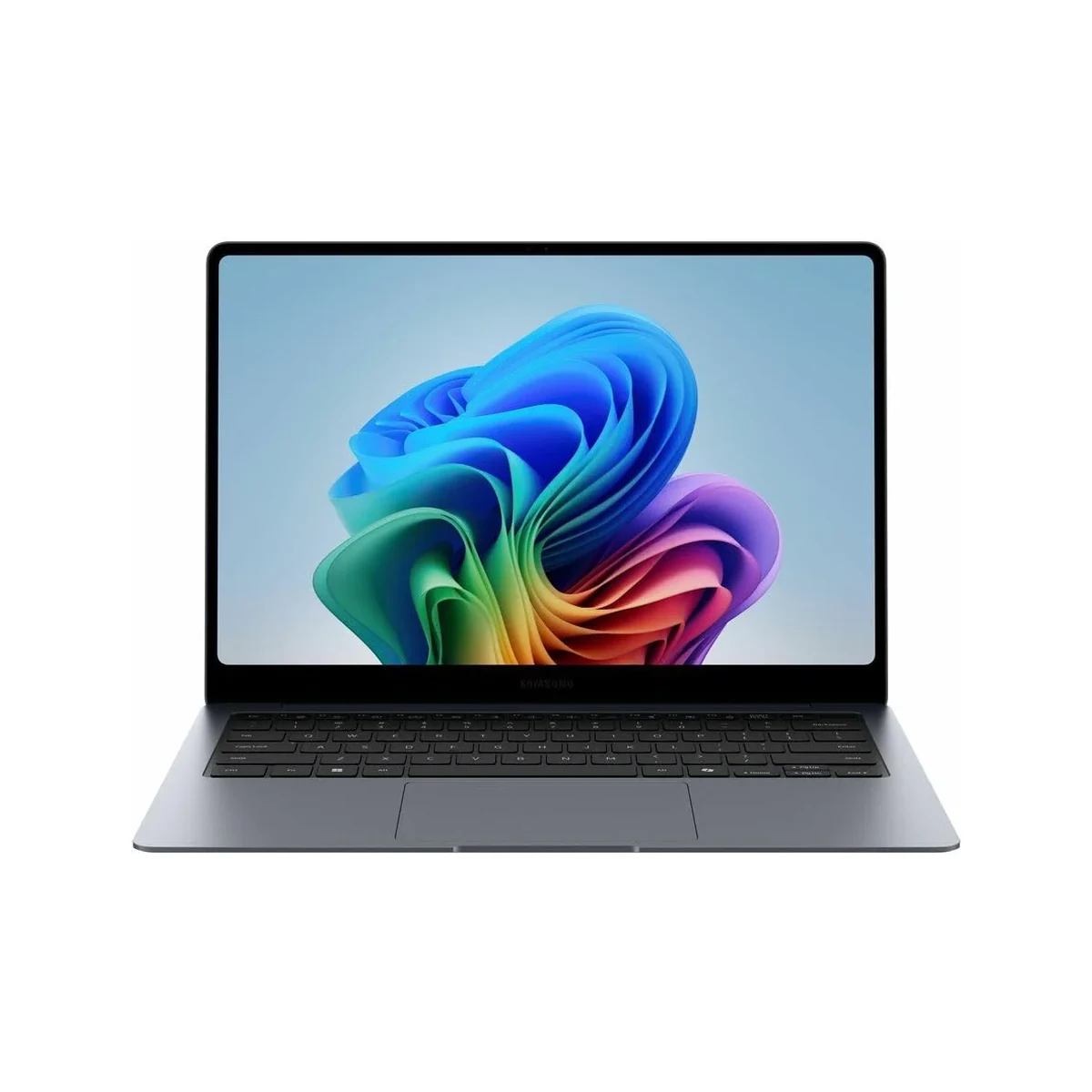
Samsung has executed a masterclass in minimalist industrial design with the Galaxy Book6 Ultra. The chassis is carved from a single block of aerospace-grade aluminum, delivering exceptional rigidity while keeping the 16-inch machine under 1.7kg. The slim 14.5mm profile makes it surprisingly portable for a laptop with dedicated graphics. Every surface features a refined matte finish that resists fingerprints far better than previous generations, and the deep navy color option looks particularly sophisticated under studio lighting.
Ergonomics are equally impressive. The keyboard offers 1.5mm of key travel with a satisfying tactile bump and excellent backlighting that automatically adjusts to ambient conditions. The oversized haptic trackpad is among the most precise found on any Windows laptop, while the dual-fan cooling system maintains reasonable surface temperatures even during sustained workloads. Samsung’s hinge design allows the display to lay completely flat at 180 degrees, making it ideal for collaborative work or when connecting an external monitor.
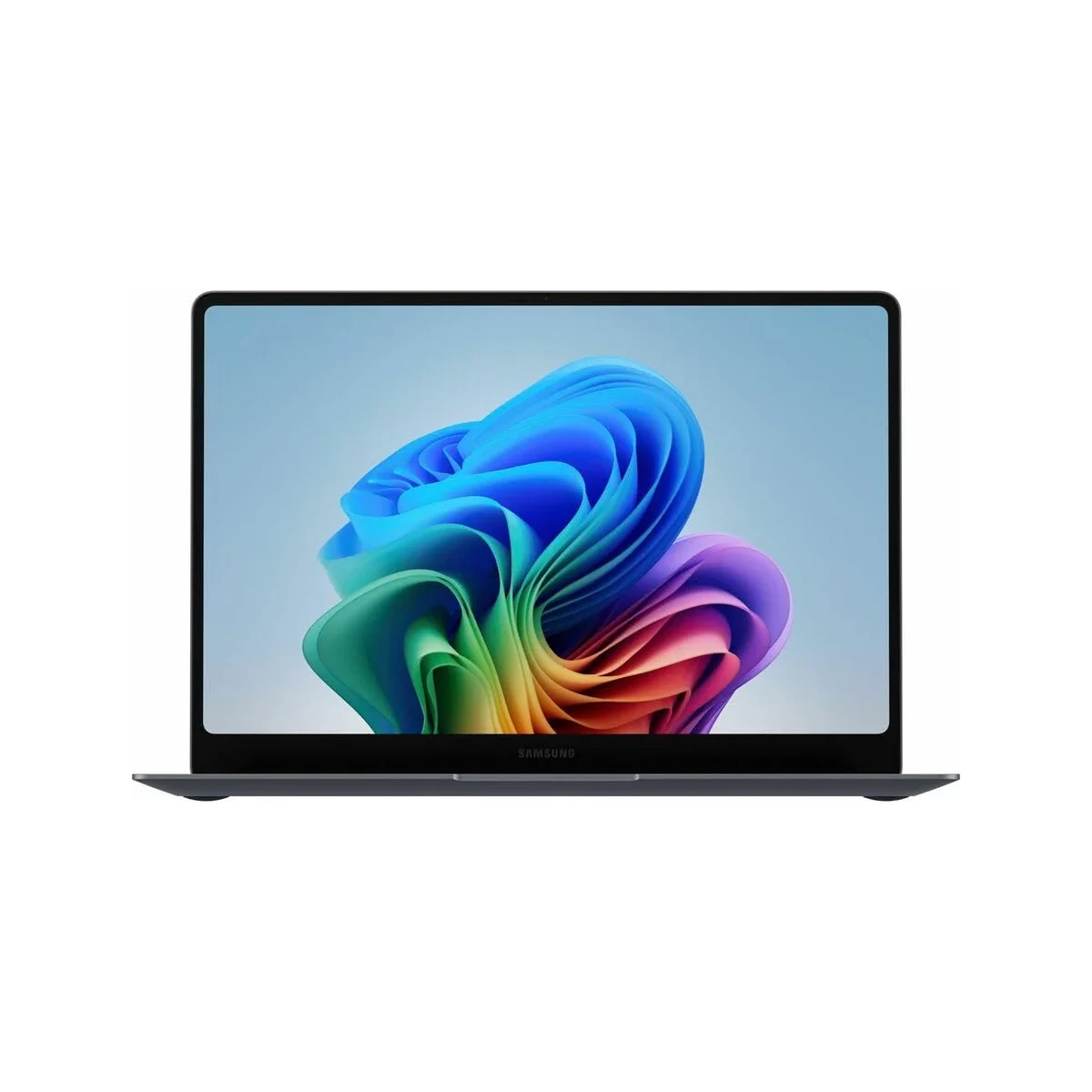
The 16-inch Dynamic AMOLED 2X panel is the undisputed highlight. Colors are vivid yet accurate (100% DCI-P3 coverage), blacks are truly inky, and the 120Hz refresh rate makes Windows 11 feel buttery smooth. Touch response is instantaneous, and the optional S Pen magnetically attaches to the side with a satisfying click.
Performance
Powered by the Intel Core Ultra 9 285HX and paired with the RTX 5070, the Galaxy Book6 Ultra is a workstation-class performer that punches well above its weight. In real-world testing, 4K video timelines in Premiere Pro exported 40% faster than the previous generation, while Photoshop’s AI features completed complex generative tasks in seconds thanks to the powerful NPU delivering over 45 TOPS. The combination of 32GB of fast LPDDR5X memory and the PCIe 5.0 SSD makes multitasking feel effortless—even with dozens of browser tabs, multiple creative apps, and background AI processes running simultaneously.
Benchmark results are equally impressive. Cinebench 2024 multi-core scores hover around 1,450 points, while GPU-heavy tests in 3DMark Time Spy show the RTX 5070 delivering consistent performance above 11,000 points. Light gaming is surprisingly viable; Cyberpunk 2077 at 1440p with DLSS Quality mode maintains 65-75 fps with ray tracing enabled. Thermal performance is well-managed, though the fans do become audible under maximum load.
Battery life presents a more nuanced picture. With the display at 150 nits and light productivity workloads, users can expect 11-13 hours. However, enabling the 120Hz mode and engaging the discrete GPU drops that figure to 6-7 hours for mixed creative work. The 140W charger can restore 50% charge in roughly 35 minutes, which helps mitigate range anxiety.
Features & Software
Samsung’s deep ecosystem integration remains a major differentiator. Link to Windows, Quick Share, and Second Screen features work flawlessly with Galaxy phones and tablets, allowing seamless workflow continuity. The inclusion of S Pen support transforms the Book6 Ultra into a legitimate digital canvas for artists and note-takers. Samsung Notes has been significantly upgraded with AI transcription and summarization that actually works reliably.
On the software side, Copilot+ features are fully enabled, with local AI processing handling everything from live captions to automatic window organization and intelligent image search. Samsung’s own software additions are refreshingly restrained compared to previous generations, though some users may still disable a few pre-installed utilities. The 1080p IR webcam finally receives upgraded sensors, delivering sharp video with accurate color reproduction for video calls.
Value Proposition
At a starting price of $2,399, the Galaxy Book6 Ultra positions itself as a premium alternative to both traditional Windows workstations and Apple’s MacBook Pro. While the cost is substantial, buyers receive a unique combination of a world-class AMOLED touchscreen, dedicated RTX graphics, and Samsung’s ecosystem advantages that competitors cannot match. The value proposition strengthens considerably for existing Samsung device owners who can leverage features like seamless file transfer and Multi Control.
Compared to similarly configured Dell XPS 16 or Lenovo Yoga Pro 9i models, the Galaxy Book6 Ultra often costs $200-300 more but justifies the premium through its superior display technology and thoughtful integration features. For creative professionals who prioritize color accuracy and pen input, the investment frequently pays for itself in increased productivity.
How It Compares
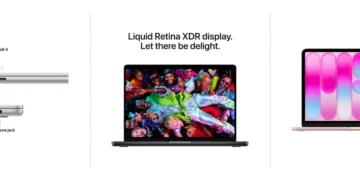
Against the Apple MacBook Pro 16-inch (M5 Pro), the Galaxy Book6 Ultra offers a superior touchscreen experience, native S Pen support, and easier upgradeability, though Apple maintains advantages in sustained battery life and macOS optimization for certain creative apps. Windows users who need to run specific software or prefer the flexibility of a traditional desktop OS will find the Samsung more compelling.
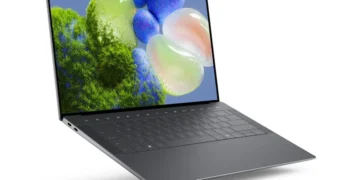
The Dell XPS 16 (2026) remains its closest Windows rival. Dell’s InfinityEdge display is excellent but cannot match the Galaxy’s AMOLED contrast and color volume. However, Dell offers more configurable RAM options and a slightly more refined keyboard. The Samsung ultimately wins for creatives who value the pen experience and ecosystem integration, while Dell may appeal more to users seeking maximum thinness and a more minimalist aesthetic.
Pros and Cons
Pros
- The Dynamic AMOLED 2X display is simply breathtaking with perfect blacks, vibrant colors, and smooth 120Hz motion.
- Exceptional performance across creative workloads and AI tasks thanks to the powerful Intel CPU, RTX 5070 GPU, and dedicated NPU.
- Premium aluminum build quality feels luxurious while remaining remarkably portable for a 16-inch laptop with discrete graphics.
- Deep Samsung ecosystem integration creates genuinely useful cross-device workflows not found on competing Windows machines.
- S Pen support adds surprising creative versatility for digital artists and note-takers.
Cons
- The premium pricing positions it as a significant investment that may be difficult to justify for users outside the Samsung ecosystem.
- Battery life drops considerably when the discrete GPU and high refresh rate are active, requiring frequent charging during intensive sessions.
- Fan noise becomes noticeable under sustained heavy workloads, which may distract in quiet environments.
- Limited port selection means most users will need to carry a dongle for legacy peripherals.
- Some Samsung bloatware remains, requiring initial setup time to disable unnecessary applications.
FAQ
Q: Does the Samsung Galaxy Book6 Ultra support S Pen?
A: Yes, it includes full S Pen support with pressure sensitivity and magnetic attachment on the chassis for convenient storage.
Q: How does the Galaxy Book6 Ultra compare to the MacBook Pro for video editing?
A: The Galaxy offers faster export times in certain Adobe apps and a touchscreen for timeline scrubbing, though Final Cut Pro on Mac remains highly optimized for Apple silicon.
Q: Is the Galaxy Book6 Ultra suitable for gaming?
A: It can handle modern games well at 1440p with DLSS, but it is primarily designed as a creative workstation rather than a dedicated gaming machine.
Q: What makes the AMOLED display special compared to regular laptops?
A: The Dynamic AMOLED 2X panel delivers perfect blacks, 100% DCI-P3 color coverage, HDR support, and a 120Hz refresh rate that makes Windows feel exceptionally fluid.
Q: Does it receive software updates directly from Microsoft?
A: Yes, it receives standard Windows updates. Samsung also provides additional driver and feature updates through their Galaxy Book software for up to five years.
Verdict
The Samsung Galaxy Book6 Ultra 16-inch (2026) is best suited for creative professionals, digital artists, and power users already invested in the Samsung ecosystem who demand a stunning display and versatile performance in a relatively portable package. Its combination of class-leading AMOLED technology, strong AI capabilities, and S Pen support creates a compelling Windows alternative to the MacBook Pro.
While the premium price and occasional fan noise prevent it from being perfect for everyone, those who value its unique strengths will find it an outstanding daily driver that genuinely enhances productivity and creativity.
Pros
- ✓ The Dynamic AMOLED 2X display is simply breathtaking with perfect blacks, vibrant colors, and smooth 120Hz motion.
- ✓ Exceptional performance across creative workloads and AI tasks thanks to the powerful Intel CPU, RTX 5070 GPU, and dedicated NPU.
- ✓ Premium aluminum build quality feels luxurious while remaining remarkably portable for a 16-inch laptop with discrete graphics.
- ✓ Deep Samsung ecosystem integration creates genuinely useful cross-device workflows not found on competing Windows machines.
- ✓ S Pen support adds surprising creative versatility for digital artists and note-takers.
Cons
- ✗ The premium pricing positions it as a significant investment that may be difficult to justify for users outside the Samsung ecosystem.
- ✗ Battery life drops considerably when the discrete GPU and high refresh rate are active, requiring frequent charging during intensive sessions.
- ✗ Fan noise becomes noticeable under sustained heavy workloads, which may distract in quiet environments.
- ✗ Limited port selection means most users will need to carry a dongle for legacy peripherals.
- ✗ Some Samsung bloatware remains, requiring initial setup time to disable unnecessary applications.
Where to Buy the Samsung Galaxy Book6 Ultra 16-inch (2026)





Prices may vary. Affiliate links — we may earn a commission at no extra cost to you.
Related Reviews

Affiliate links — we may earn a commission at no extra cost to you.