






Looking for a top-tier monitor for productivity and creative work in 2026? The Dell UltraSharp U3224Q offers stunning 4K visuals and cutting-edge features that cater to tech enthusiasts and professionals alike. Dive into our detailed review to see if it’s the right fit for you.
Table of Contents
Key Specifications
| Feature | Detail |
|---|---|
| Display Size | 31.5 inches |
| Resolution | 3840 x 2160 (4K UHD) |
| Panel Type | IPS |
| Refresh Rate | 60Hz |
| Response Time | 5ms (GtG) |
| Color Gamut | 100% sRGB, 98% DCI-P3 |
| Connectivity | HDMI 2.1, DisplayPort 1.4, USB-C (Thunderbolt 4), USB Hub |
| Brightness | 400 nits (peak) |
Design & Build Quality
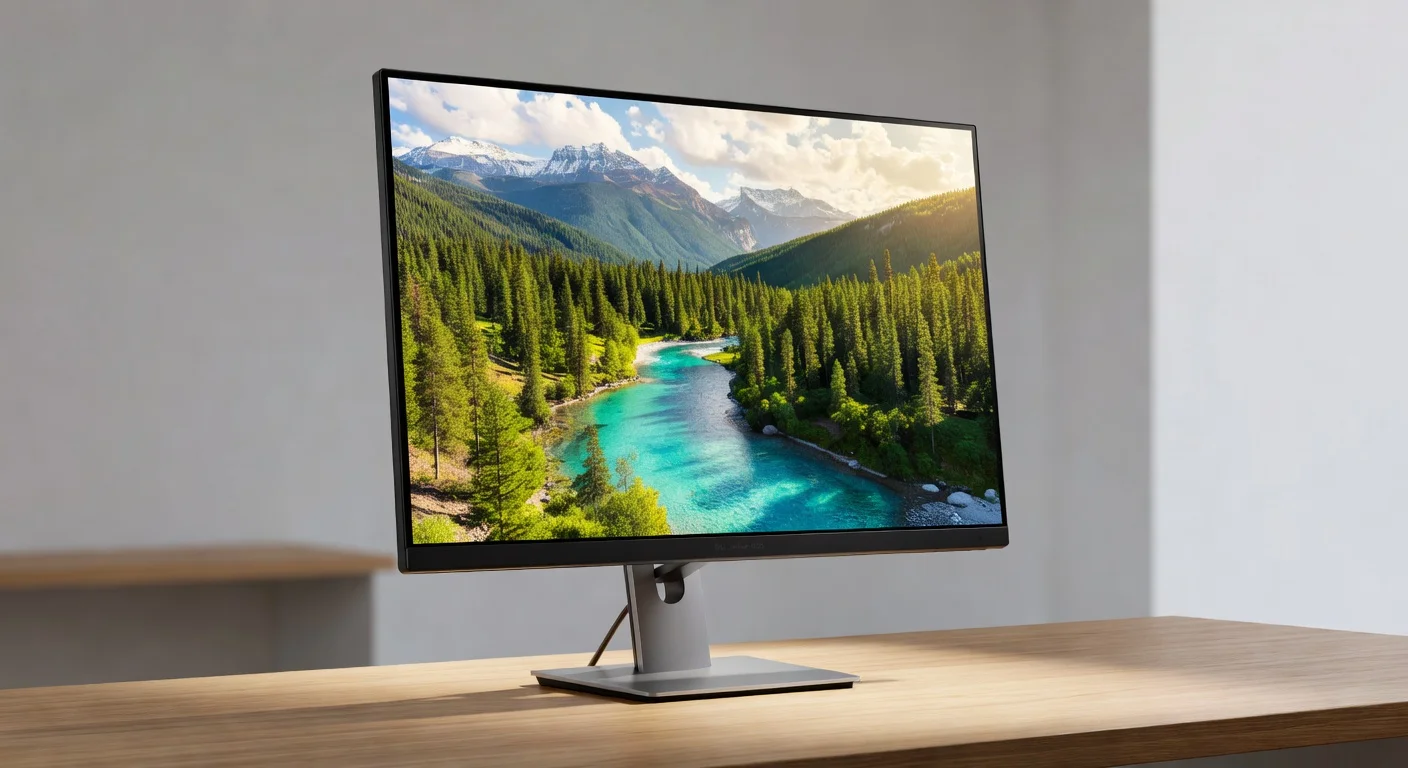
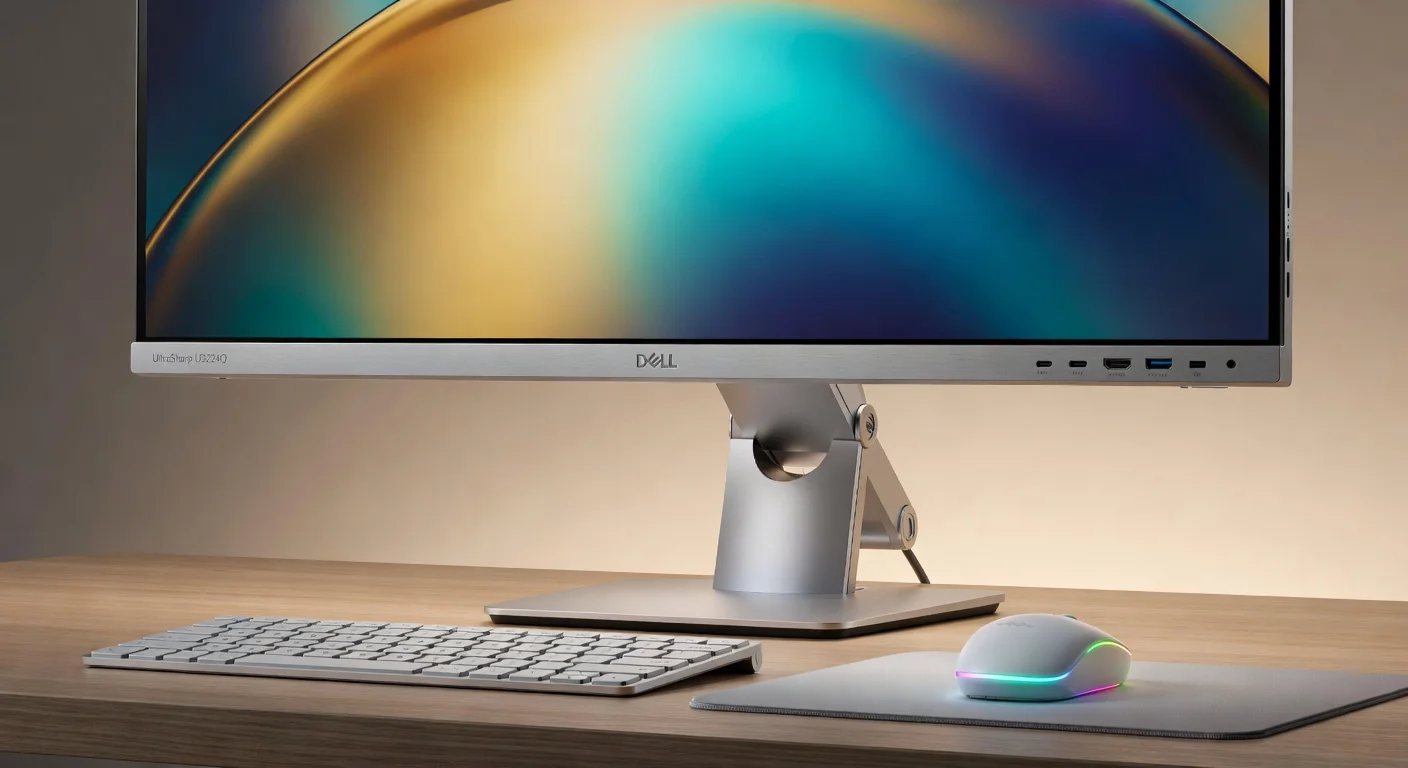
The Dell UltraSharp U3224Q embodies a sleek, modern aesthetic that fits seamlessly into any professional workspace. Its near-borderless InfinityEdge design maximizes screen real estate, offering an immersive viewing experience on its 31.5-inch panel. The monitor’s premium aluminum stand not only looks sophisticated but also provides robust stability, ensuring it stays firmly in place during intense work sessions.
Ergonomically, Dell has hit the mark with extensive adjustability options. The stand allows for height, tilt, swivel, and pivot adjustments, making it easy to find the perfect viewing angle whether you’re coding for hours or editing high-resolution images. The matte anti-glare coating on the display reduces reflections, which is a boon for users working in brightly lit environments.
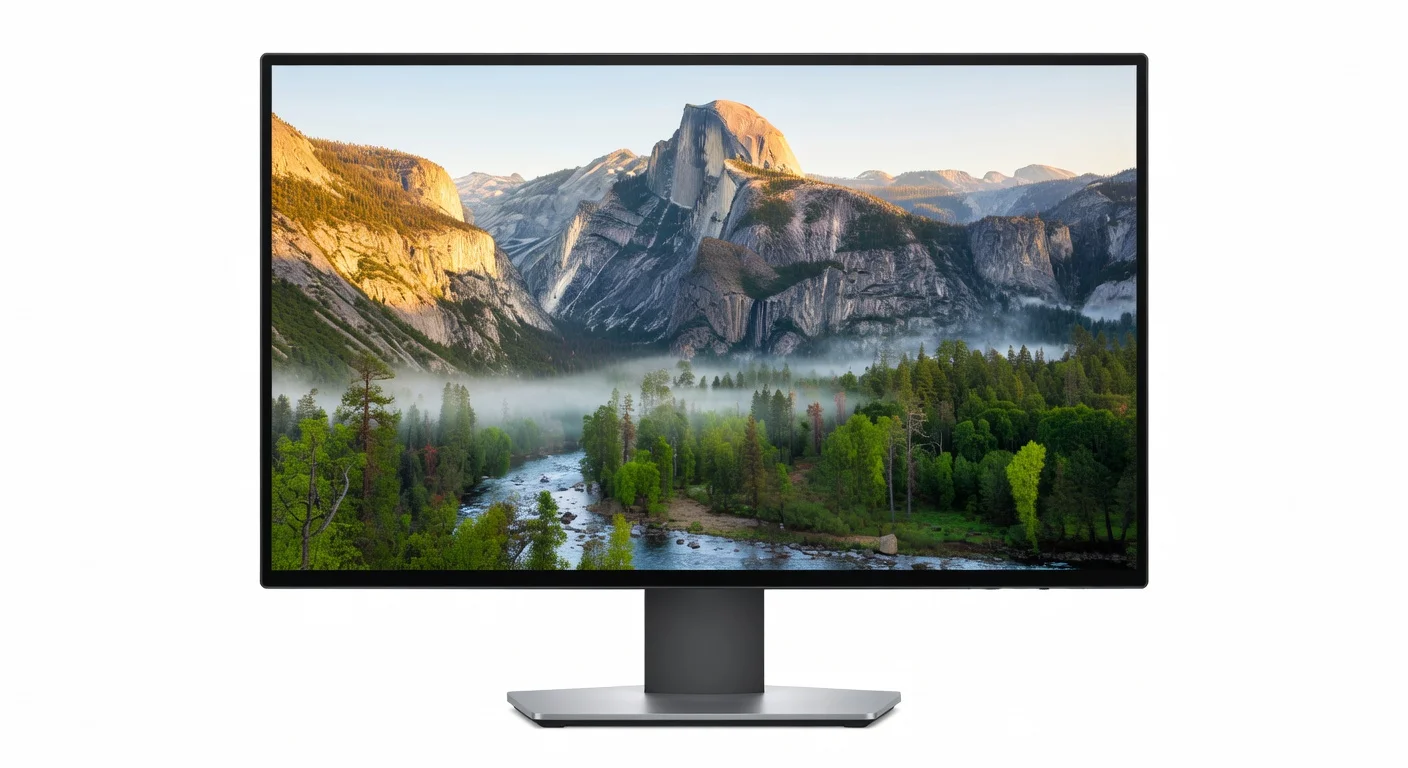
The build quality is top-notch, with a solid construction that feels durable and long-lasting. The rear panel is clean and minimalistic, with well-organized ports for easy cable management. Overall, the U3224Q strikes an excellent balance between form and function, catering to tech-savvy users who value both style and practicality in their gear.
Performance
When it comes to performance, the Dell UltraSharp U3224Q delivers exceptional results for both productivity and creative tasks. The 4K UHD resolution paired with an IPS panel ensures sharp, vibrant visuals with excellent color accuracy right out of the box. Whether you’re working on intricate graphic designs or binge-watching content in your downtime, the 98% DCI-P3 color gamut coverage offers rich, true-to-life hues that rival many competitors in its class.
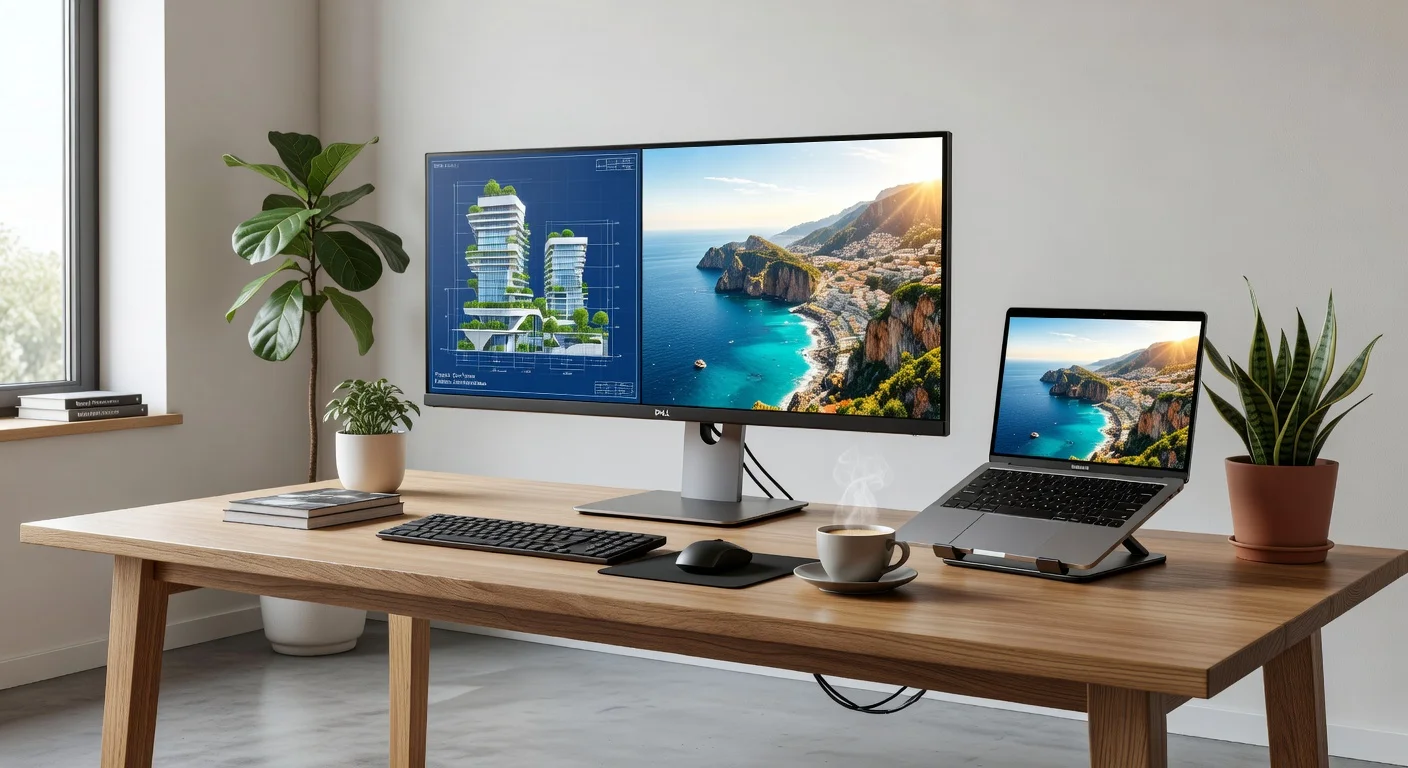
In real-world testing, the monitor handles multitasking with ease. Running multiple applications side by side on the expansive 31.5-inch screen feels fluid, and text rendering is crisp—ideal for programmers and content creators. While the 60Hz refresh rate and 5ms response time aren’t tailored for competitive gaming, they’re more than adequate for casual play and general use. Brightness peaks at 400 nits, making it suitable for most lighting conditions, though it may struggle slightly under direct sunlight.
Benchmark tests further highlight the U3224Q’s strengths, with minimal input lag and consistent performance across various workloads. Color calibration tools show near-perfect results after minor tweaks, cementing its appeal for photographers and videographers. For a non-gaming-focused monitor in 2026, the U3224Q offers a polished experience that meets the demands of most tech enthusiasts.
Features & Software
The Dell UltraSharp U3224Q is packed with features that enhance usability and connectivity. Its USB-C port with Thunderbolt 4 support not only delivers video and data but also provides up to 90W of power delivery, making it a one-cable solution for laptop users. Additionally, the built-in USB hub and KVM switch allow seamless control of multiple devices, a standout for professionals juggling complex setups. The monitor also supports Picture-by-Picture (PbP) and Picture-in-Picture (PiP) modes, perfect for multitasking.
On the software side, Dell’s Display Manager is intuitive and user-friendly, offering quick access to color presets, layout configurations, and energy-saving options. This tool elevates the user experience by simplifying monitor management, especially for those running dual or triple-monitor setups. Combined with factory calibration for accurate colors, these features make the U3224Q a versatile choice for both work and play.
Value Proposition
At its price point in 2026, the Dell UltraSharp U3224Q offers remarkable value for a 4K monitor with such premium features. While it’s not the cheapest option on the market, the combination of top-tier color accuracy, ergonomic design, and robust connectivity options justifies the cost for professionals and creatives who need a reliable, high-performance display. Compared to other monitors in its segment, the U3224Q often undercuts competitors on price while delivering comparable or superior specs.
When weighing the investment, consider the long-term benefits of its durability and versatility. The inclusion of Thunderbolt 4 and a comprehensive USB hub reduces the need for additional peripherals, saving both money and desk space. For users seeking a future-proof monitor that balances cost and cutting-edge technology, the U3224Q is a compelling choice in today’s competitive market.
How It Compares
Against the LG 32UN880-B, the Dell UltraSharp U3224Q holds a slight edge in color accuracy and build quality, though LG’s offering often comes at a lower price point with similar USB-C functionality. Dell’s InfinityEdge design also provides a more immersive experience compared to LG’s slightly thicker bezels. However, the LG model might appeal more to budget-conscious buyers who don’t need the extra color gamut coverage.
When pitted against the Samsung Odyssey G7 (32-inch), the U3224Q falls behind in refresh rate and gaming performance, as Samsung’s monitor boasts a 240Hz refresh rate tailored for gamers. Yet, for non-gaming tasks like video editing or office work, Dell’s superior color fidelity and ergonomic stand make it the better pick. The U3224Q clearly targets a productivity-focused audience over gaming enthusiasts.
Pros and Cons
Pros
- Exceptional 4K resolution with vivid, accurate colors ideal for creative professionals.
- Versatile connectivity options, including Thunderbolt 4 and a built-in USB hub.
- Highly adjustable stand for optimal ergonomic comfort during long work hours.
- Sleek, near-borderless design enhances workspace aesthetics.
- Intuitive Dell Display Manager software for easy customization.
Cons
- Refresh rate limited to 60Hz, not ideal for competitive gaming.
- Brightness could be higher for use in extremely bright environments.
- Price may feel steep for casual users who don’t need premium features.
- Lack of built-in speakers means additional audio solutions are required.
- Response time of 5ms may feel sluggish for fast-paced content.
FAQ
Q: Is the Dell UltraSharp U3224Q good for gaming?
A: It’s decent for casual gaming with its 4K resolution, but the 60Hz refresh rate and 5ms response time aren’t suited for competitive or fast-paced games.
Q: Does the U3224Q support HDR?
A: Yes, it supports HDR10, providing enhanced contrast and brightness for compatible content, though it’s not as impactful as higher-end HDR displays.
Q: Can I use the U3224Q with a MacBook?
A: Absolutely, the USB-C port with Thunderbolt 4 support ensures seamless connectivity with MacBooks, including video, data, and power delivery.
Q: Is the monitor VESA mount compatible?
A: Yes, it supports VESA mounting (100x100mm), allowing you to use alternative stands or wall mounts if desired.
Q: How is the color accuracy for photo editing?
A: The U3224Q offers excellent color accuracy with 98% DCI-P3 coverage and factory calibration, making it a great choice for photo and video editing.
Verdict
The Dell UltraSharp U3224Q is an outstanding choice for professionals, creatives, and tech enthusiasts who prioritize color accuracy and productivity in 2026. It’s best suited for graphic designers, video editors, and office workers seeking a high-quality 4K display with versatile connectivity. If gaming isn’t your focus, this monitor is a worthy investment for a premium workspace setup.
Pros
- ✓ Exceptional 4K resolution with vivid, accurate colors ideal for creative professionals.
- ✓ Versatile connectivity options, including Thunderbolt 4 and a built-in USB hub.
- ✓ Highly adjustable stand for optimal ergonomic comfort during long work hours.
- ✓ Sleek, near-borderless design enhances workspace aesthetics.
- ✓ Intuitive Dell Display Manager software for easy customization.
Cons
- ✗ Refresh rate limited to 60Hz, not ideal for competitive gaming.
- ✗ Brightness could be higher for use in extremely bright environments.
- ✗ Price may feel steep for casual users who don’t need premium features.
- ✗ Lack of built-in speakers means additional audio solutions are required.
- ✗ Response time of 5ms may feel sluggish for fast-paced content.