Tech Essentials




In a market saturated with ultra-thin laptops, standing out is a monumental task. Yet, Samsung continues its relentless push, not just to compete, but to define the premium Windows experience. The Galaxy Book 5 Pro is the latest salvo in this campaign, an impeccably thin and light machine armed with Intel’s new Core Ultra processors and Samsung’s signature display technology. It’s more than just an update; it’s a statement of intent, aiming to be the nexus of productivity, portability, and ecosystem synergy. But does this featherweight contender pack a heavyweight punch?
Design: Impossibly Thin, Impressively Solid
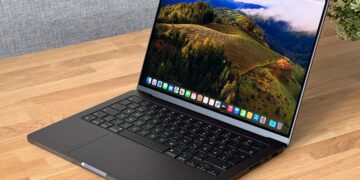
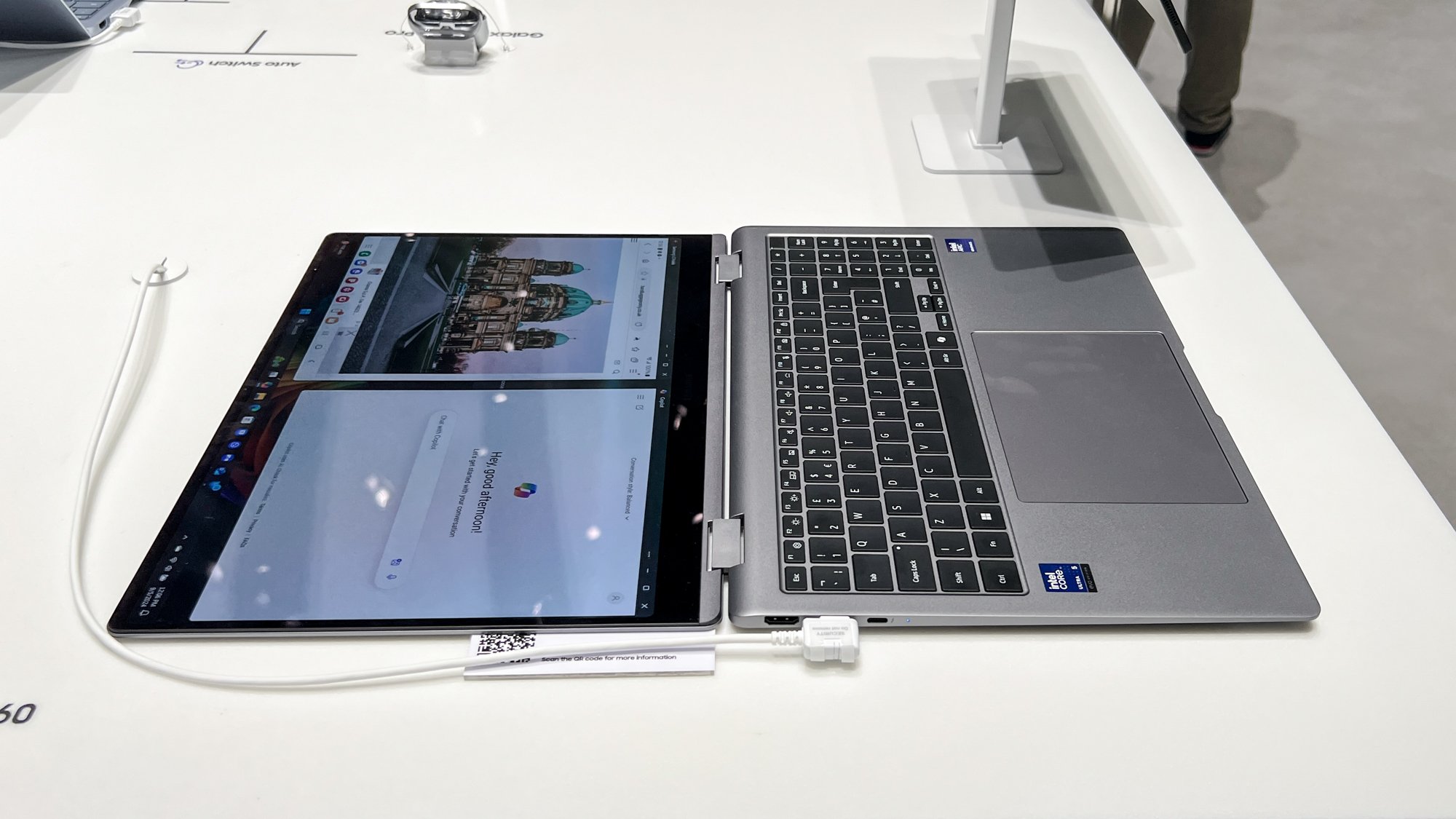
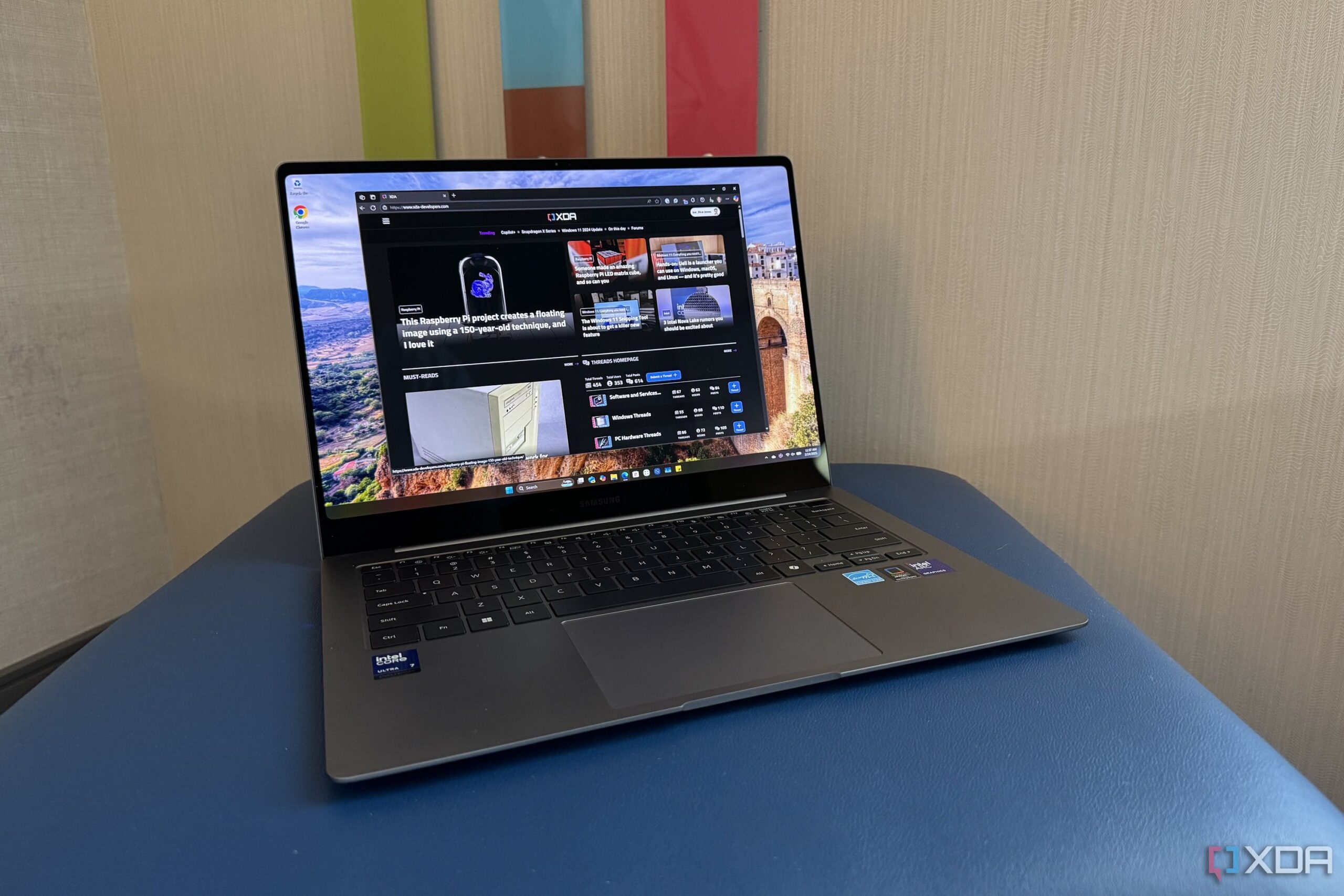
Picking up the Galaxy Book 5 Pro is an experience in itself. Samsung has mastered the art of “less is more,” delivering a chassis that feels almost impossibly thin and light without sacrificing a premium feel. The full aluminum build is rigid, exhibiting minimal flex in the keyboard deck and lid. The clean lines and muted graphite finish exude a professional aesthetic that wouldn’t look out of place in any boardroom.
However, this aggressive pursuit of thinness comes with a familiar trade-off: port selection. You get two Thunderbolt 4 ports, a single USB-A 3.2, an HDMI 2.1 port, and a microSD card reader. While this is adequate for many, “Pro” users who frequently juggle multiple peripherals, full-sized SD cards, and wired connections might find themselves reaching for a dongle. The large, responsive trackpad is a joy to use, and the keyboard offers decent travel and a satisfyingly quiet typing experience, making it comfortable for long writing sessions.
Display: The AMOLED Advantage
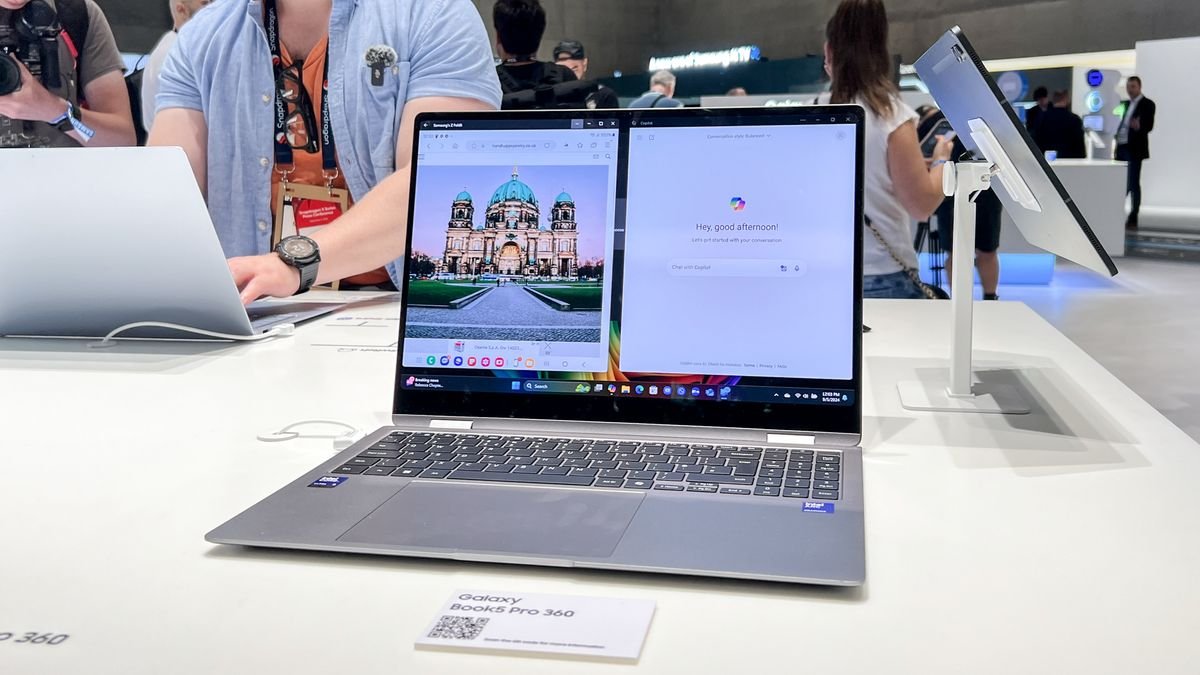
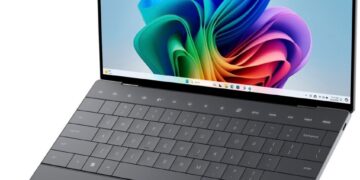
If there’s one area where Samsung consistently leads, it’s the display, and the Galaxy Book 5 Pro is a triumphant showcase of this expertise. The 16-inch Dynamic AMOLED 2X panel is, in a word, spectacular. With a sharp 2880×1800 resolution and a fluid 120Hz variable refresh rate, everything from scrolling through documents to watching 4K content is incredibly smooth and detailed. Colors are punchy and vibrant, and the infinite contrast ratio delivers true, inky blacks that LCD panels simply can’t replicate. It’s a gorgeous screen for media consumption and a color-accurate canvas for photo editors. The optional S Pen support adds a layer of versatility for digital artists and note-takers, further blurring the line between laptop and creative tablet.
Performance: The Core Ultra Era Begins
At the heart of the Galaxy Book 5 Pro is Intel’s new Core Ultra 7 155H processor. This isn’t just an iterative update; the chip’s architecture, featuring a dedicated Neural Processing Unit (NPU), is built for the coming wave of on-device AI tasks. For today’s workload, this translates to snappy, efficient performance across the board. The machine handles demanding productivity tasks, heavy browser tab loads, and multitasking with absolute ease.
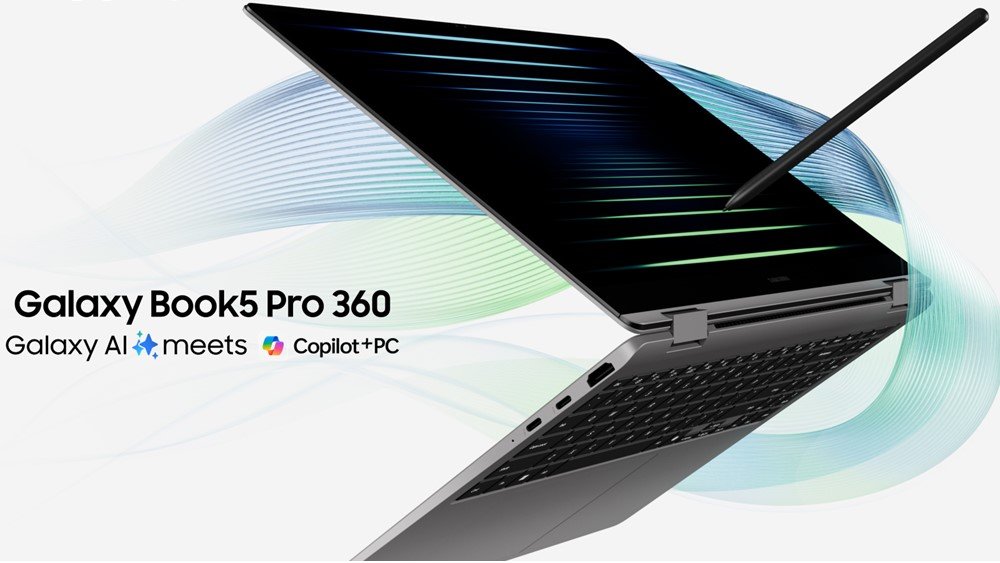
The integrated Intel Arc graphics are a significant step up from previous Iris Xe solutions, making light photo editing in Photoshop and some 1080p gaming on lower settings perfectly viable. However, let’s be clear: this is not a mobile workstation for heavy video editing or a dedicated gaming rig. Under sustained heavy loads, the slim chassis can get quite warm, and performance will throttle to manage temperatures. This is a common compromise in the ultrabook space, but one that “Pro” users should be aware of.
Ecosystem and Final Verdict
Where the Galaxy Book 5 Pro truly sets itself apart is within the Samsung ecosystem. Features like Multi Control (using your laptop’s keyboard and mouse to control your Galaxy phone or tablet), Second Screen (using your tablet as a wireless display), and seamless Quick Share file transfers are genuinely useful and create a cohesive user experience that rivals Apple’s. When paired with the excellent AKG-tuned speakers and a battery that can comfortably last a full workday of moderate use, the package becomes incredibly compelling.
So, who is the Galaxy Book 5 Pro for? It’s for the professional on the move, the student who values portability, and, most importantly, the user already invested in the Samsung Galaxy ecosystem. It’s an outstanding machine for productivity, media consumption, and light creative work, all wrapped in a beautifully designed, lightweight package. While it may not have the raw power to satisfy hardcore creative professionals or the port selection to appease dongle-haters, its stunning display, excellent keyboard, and unparalleled ecosystem integration make it one of the best premium Windows ultrabooks you can buy today.
Where to Buy:
Samsung Galaxy Book 5 Pro Quick Summary
Key Scores:
- Value: 89%
- Design: 94%
- Performance: 93%
- Quality: 92%
- Popularity: 90%
Top Pros
- ✅ The Dynamic AMOLED 2X display is absolutely stunning and vibrant.
- ✅ Its incredibly thin and lightweight design enhances overall portability.
- ✅ Seamless ecosystem integration greatly benefits existing Samsung device users.
- …
Key Cons
- ❌ Integrated graphics limit performance for demanding creative or gaming tasks.
- ❌ The chassis can get noticeably warm under a sustained workload.
- ❌ Its premium price tag places it against very stiff competition.