Tech Essentials

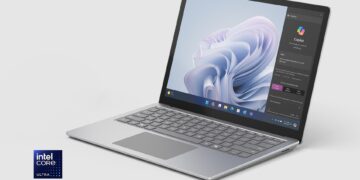



The New King of Windows Laptops? Microsoft’s Surface Laptop 7 Bets It All on ARM
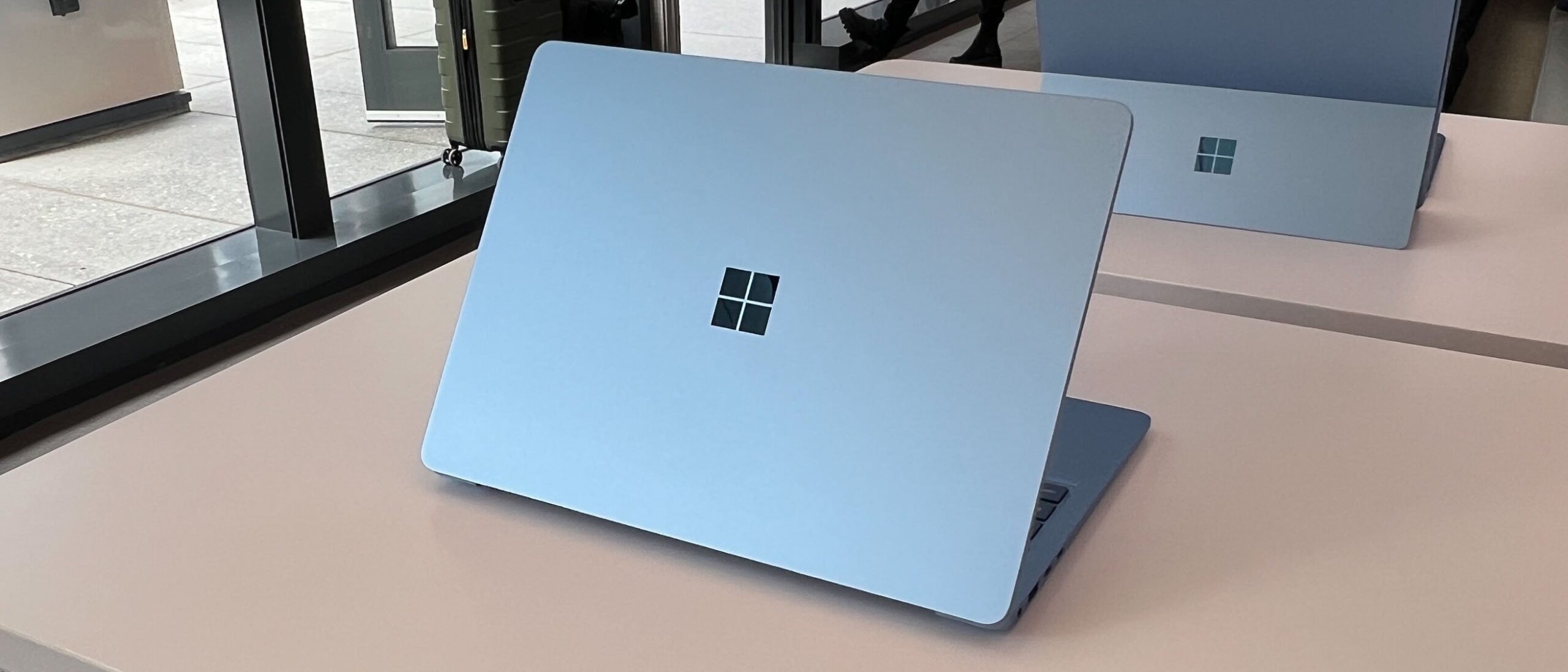
For years, the narrative has been the same: if you want a thin, light, and powerful laptop with all-day battery life, you buy a MacBook. With the Surface Laptop 7, Microsoft isn’t just offering a counter-argument; it’s rewriting the entire playbook for Windows portables. This isn’t another incremental update. This is the debut of the Copilot+ PC, powered by Qualcomm’s Snapdragon X Elite chip—a bold move that repositions the Surface Laptop as a direct, no-compromises competitor to Apple’s best. But does the reality live up to the revolution?
An Evolved and Refined Design
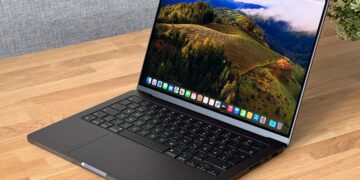
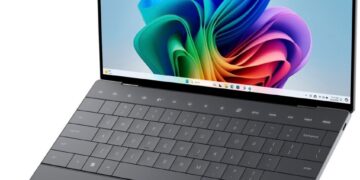
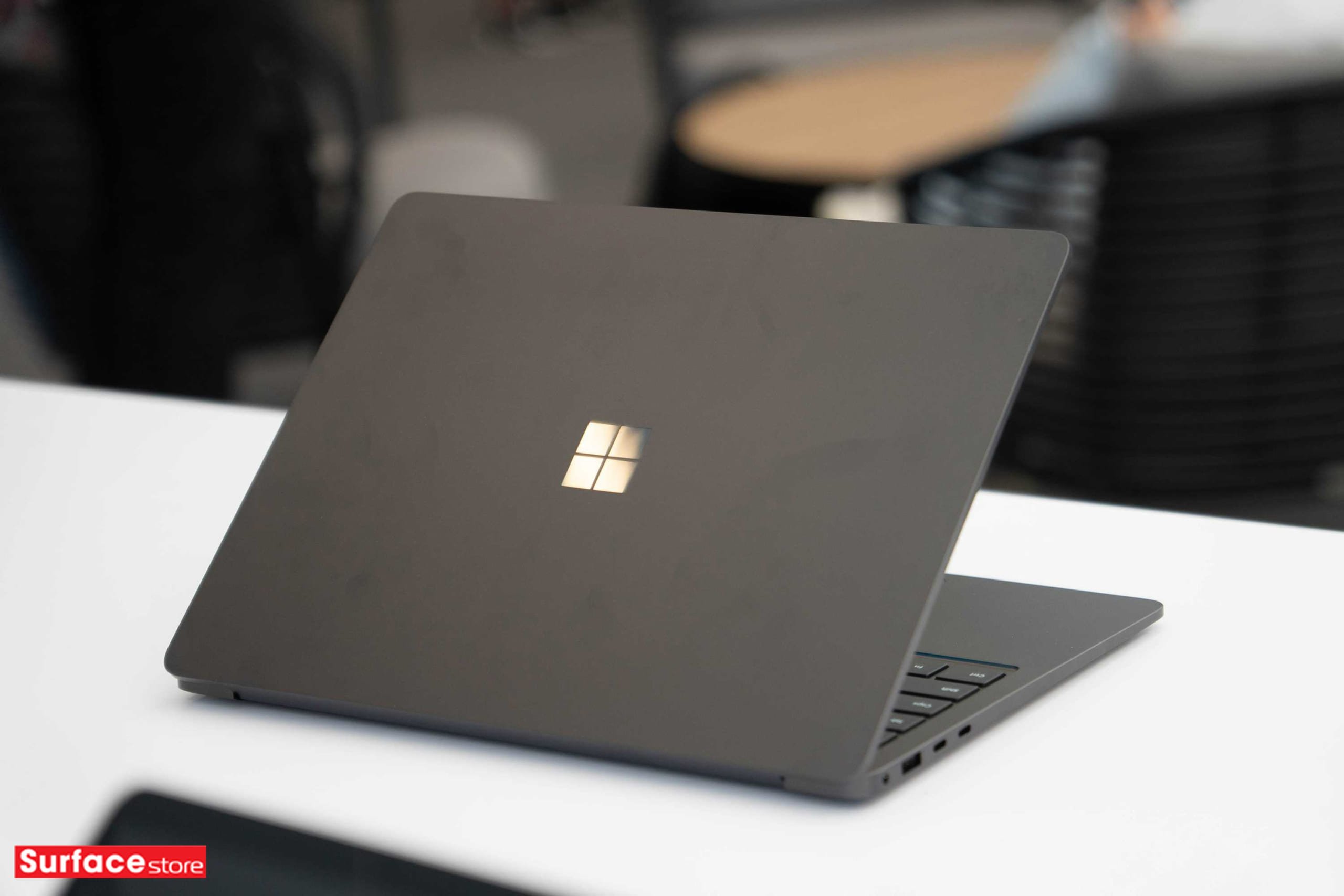
At a glance, the Surface Laptop 7 is unmistakably a Surface. It retains the minimalist, CNC-machined aluminum unibody that has defined the lineup for generations. It’s clean, rigid, and exudes a premium feel that few Windows OEMs can match. This year, the bezels around the gorgeous PixelSense display are noticeably slimmer, and the addition of a new haptic touchpad is a game-changer. It’s large, responsive, and finally gives Microsoft an answer to Apple’s industry-leading Force Touch trackpad.
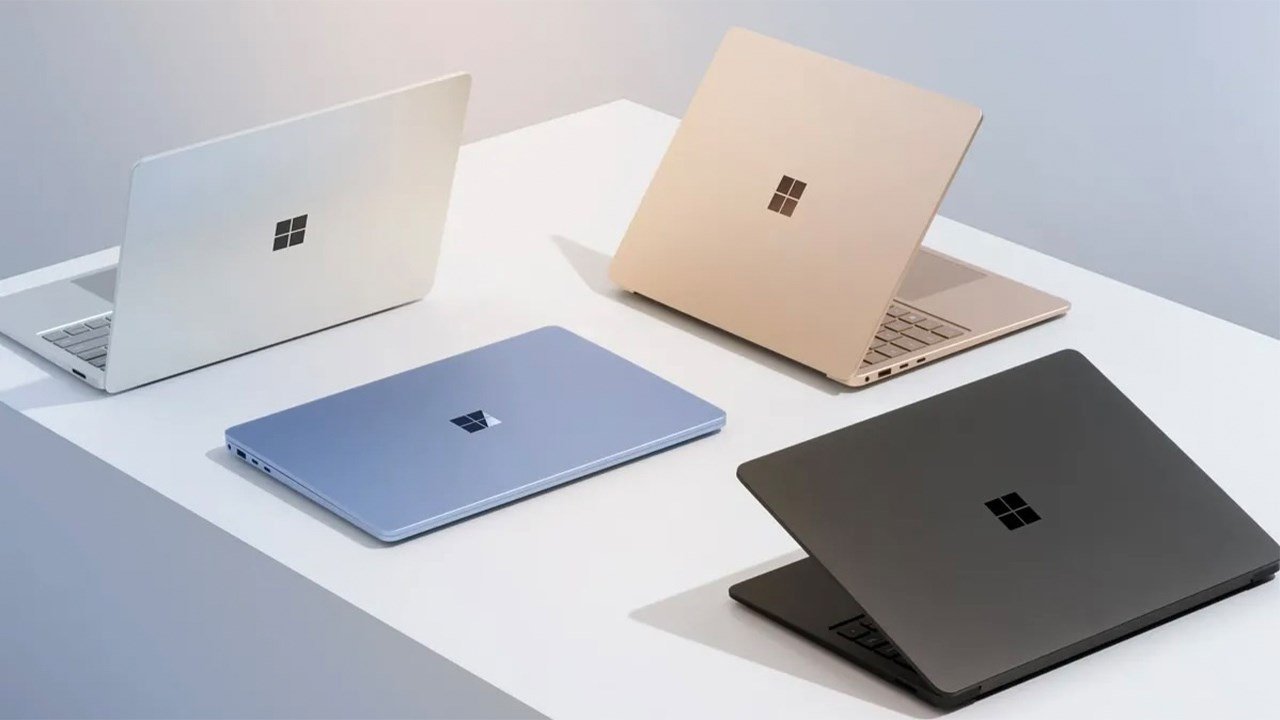
While the design is refined, it’s also incredibly safe. Placed next to its predecessor, you’d be hard-pressed to spot the differences immediately. The DNA is so consistent that it borders on staid. Still, the fundamentals are flawless. The keyboard remains one of the best in the business, offering satisfying travel and a comfortable layout for long typing sessions. The 13.8-inch and 15-inch display options are sharp, color-accurate, and beautifully bright, with the signature 3:2 aspect ratio that’s perfect for productivity.
Performance: A New Chapter for Windows
The real story is under the hood. The move to the ARM-based Snapdragon X Elite (or Plus) processor is the most significant hardware shift in the Surface’s history. For everyday tasks—browsing with dozens of tabs, juggling Office documents, streaming 4K video—the Surface Laptop 7 is breathtakingly fast and fluid. Native ARM64 apps fly, launching instantly and running without a whisper from the fans. The efficiency is the star of the show, delivering on the promise of multi-day battery life under typical workloads. This is a machine you can confidently leave the charger at home for.
Of course, the ARM transition brings the inevitable question of app compatibility. Microsoft’s Prism emulation layer, which translates traditional x86 apps to run on the Snapdragon chip, is impressively capable. Most mainstream applications, including the full Adobe Creative Suite and a vast library of other programs, run with surprising stability. However, there is a performance penalty. While perfectly usable, emulated creative apps or specialized professional software won’t feel as snappy as they do on a native Intel or AMD system. This isn’t a deal-breaker for most, but it’s a crucial consideration for power users who live inside specific, demanding applications that haven’t yet been recompiled for ARM.

The Copilot+ Promise
This device is the flagship for Microsoft’s Copilot+ PC initiative, which integrates AI features directly into the OS. Features like Recall, which creates a searchable timeline of everything you’ve done on your PC, and Live Captions with real-time translation are powered by the chip’s potent Neural Processing Unit (NPU). Right now, these features feel like a promising glimpse into the future rather than essential, must-have tools. Their utility will grow as more AI-powered functions are integrated into Windows and third-party apps, but for now, you’re buying into the potential as much as the present-day reality.
The Verdict: A Bold Step Forward
The Microsoft Surface Laptop 7 is a landmark achievement. It successfully closes the battery life and efficiency gap with the MacBook Air while delivering a premium Windows experience in a beautifully crafted chassis. For the vast majority of users—students, office professionals, and anyone prioritizing a sleek design and marathon battery life—this is arguably the best Windows laptop you can buy today.
However, it’s not without its caveats. The reliance on emulation for legacy apps means it isn’t the top choice for developers, video editors, or professionals who depend on niche, high-performance x86 software. For them, a traditional x64-based machine remains a safer bet for now. But for the mainstream, the Surface Laptop 7 is a resounding success and a clear signal that the future of Windows is fast, efficient, and intelligent.
Where to Buy:
Microsoft Surface Laptop 7 Quick Summary
Key Scores:
- Value: 90%
- Design: 94%
- Performance: 92%
- Quality: 91%
- Popularity: 90%
Top Pros
- ✅ Exceptional battery life easily lasts through a full workday.
- ✅ Snapdragon X Elite chip offers snappy, efficient daily performance.
- ✅ The premium aluminum build and haptic touchpad feel fantastic.
- …
Key Cons
- ❌ App compatibility for legacy x86 software can be inconsistent.
- ❌ The minimalist design is starting to look slightly dated.
- ❌ Performance in emulated apps does not match native speeds.