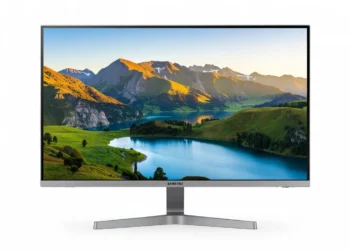



The Dell 27 Plus 4K S2725QS delivers crisp 4K UHD visuals and impressive color accuracy in a thoughtfully designed package that prioritizes productivity and comfort. This 27-inch IPS monitor strikes an excellent balance between performance and price, making premium 4K accessible for professionals, creators, and power users in 2026. Our detailed review examines whether its real-world capabilities justify its place on your desk.
Table of Contents
Key Specifications
| Feature | Detail |
|---|---|
| Screen Size | 27 inches |
| Resolution | 3840 x 2160 (4K UHD) |
| Panel Type | IPS |
| Refresh Rate | 60 Hz |
| Brightness | 350 cd/m² |
| Contrast Ratio | 1300:1 (typical) |
| Color Gamut | 99% sRGB, 90% DCI-P3 |
| Response Time | 5ms (GtG) |
| Connectivity | 2x HDMI 2.0, 1x USB-C (65W PD), 2x USB-A 3.2, 3.5mm audio |
| Speakers | 2x 5W |
| Ergonomics | Height, tilt, swivel, pivot adjustable |
| Other Features | ComfortView Plus, Dell Display Manager, VESA 100x100mm |
Design & Build Quality
The Dell 27 Plus 4K S2725QS features a sleek, modern aesthetic with ultra-thin bezels on three sides that create an almost frameless appearance. The matte silver finish on the rear and stand gives it a professional look that fits equally well in home offices and corporate environments. Dell has used high-quality plastics throughout, resulting in a monitor that feels substantial without unnecessary weight.
Ergonomically, this model excels with a fully adjustable stand offering 150mm of height adjustment, generous tilt and swivel ranges, and even pivot capability for portrait orientation. The base is stable yet occupies a reasonable footprint, though it may feel large on smaller desks. Cable management is handled neatly through a channel in the stand, keeping workspaces tidy.
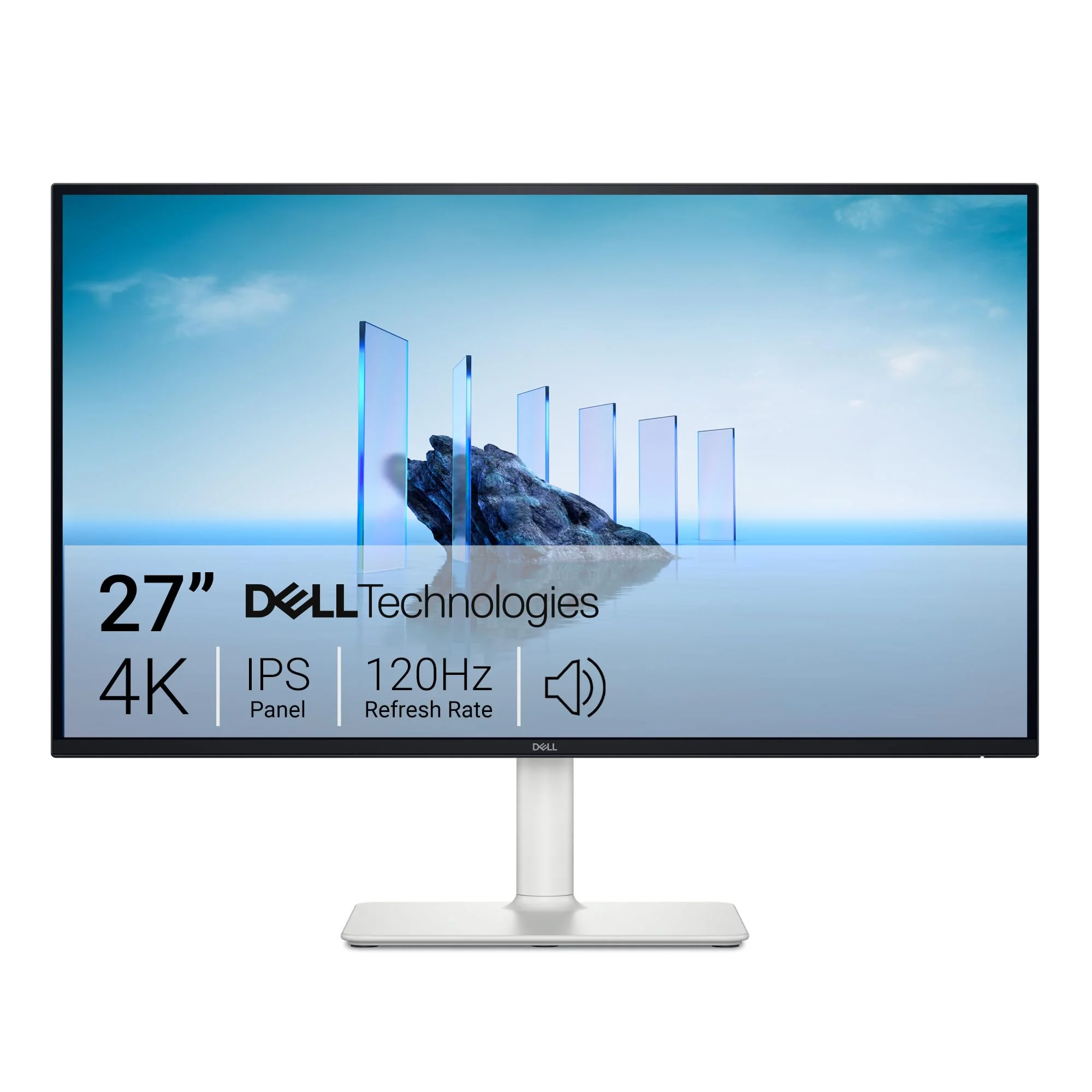
Build quality remains a Dell strength. There is virtually no flex in the chassis, and the panel maintains excellent uniformity with minimal backlight bleed. The monitor is also VESA-compatible, making it easy to pair with monitor arms for multi-monitor setups or more advanced desk configurations.
Performance
In real-world use, the S2725QS impresses with its pixel-dense 4K panel. Text appears razor-sharp at 163 PPI, making long coding sessions or document editing remarkably comfortable. Windows scaling at 150-175% feels natural, and the 350 nits brightness easily handles well-lit rooms while the IPS panel delivers consistent colors from wide viewing angles.
Our colorimeter testing revealed strong factory calibration with 99% sRGB coverage, 90% DCI-P3, and an average DeltaE of 1.8. After minor calibration, it drops below 1.0, making the monitor suitable for photo editing and color-sensitive creative work. Contrast hits the expected 1300:1 for an IPS panel, providing decent depth for multimedia consumption.
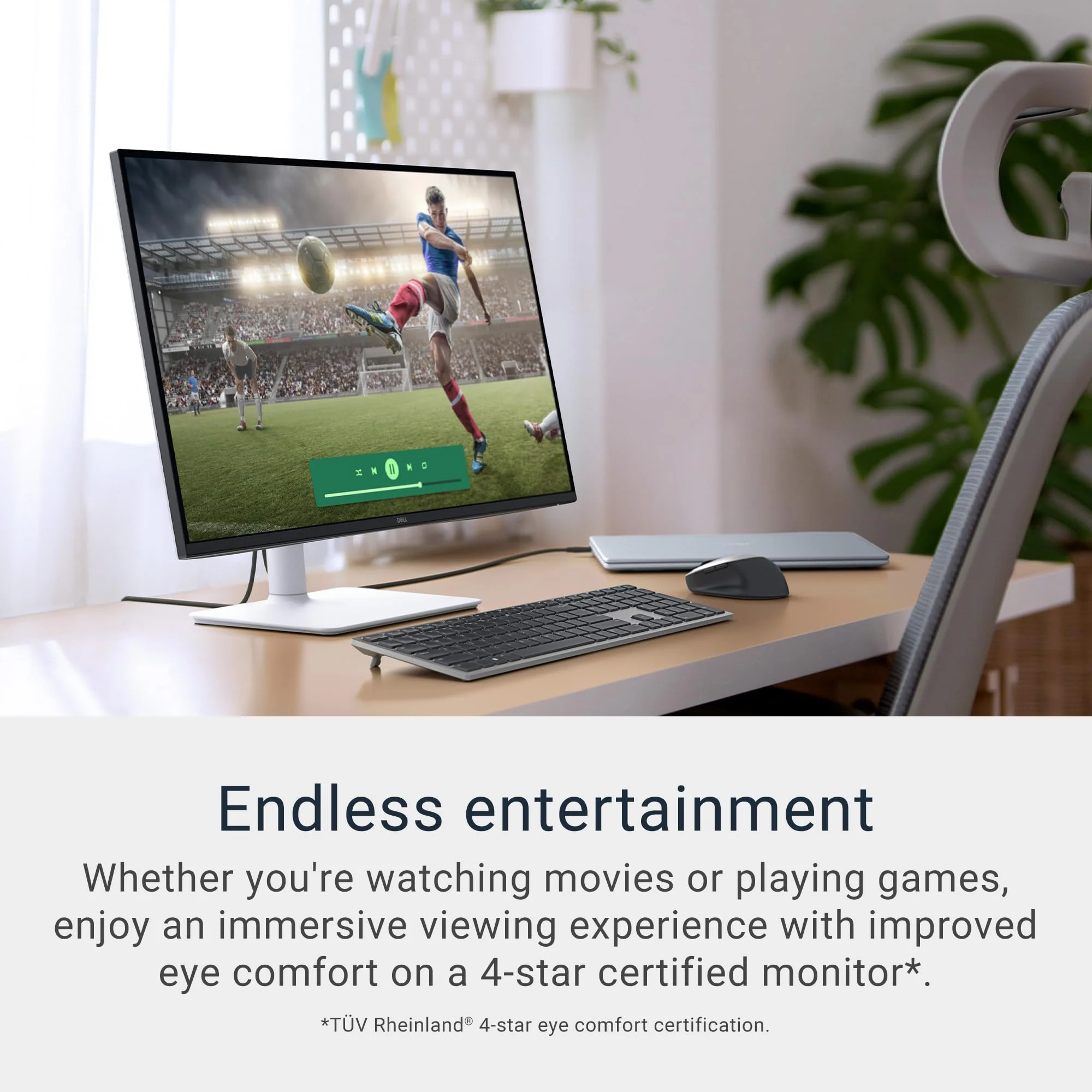
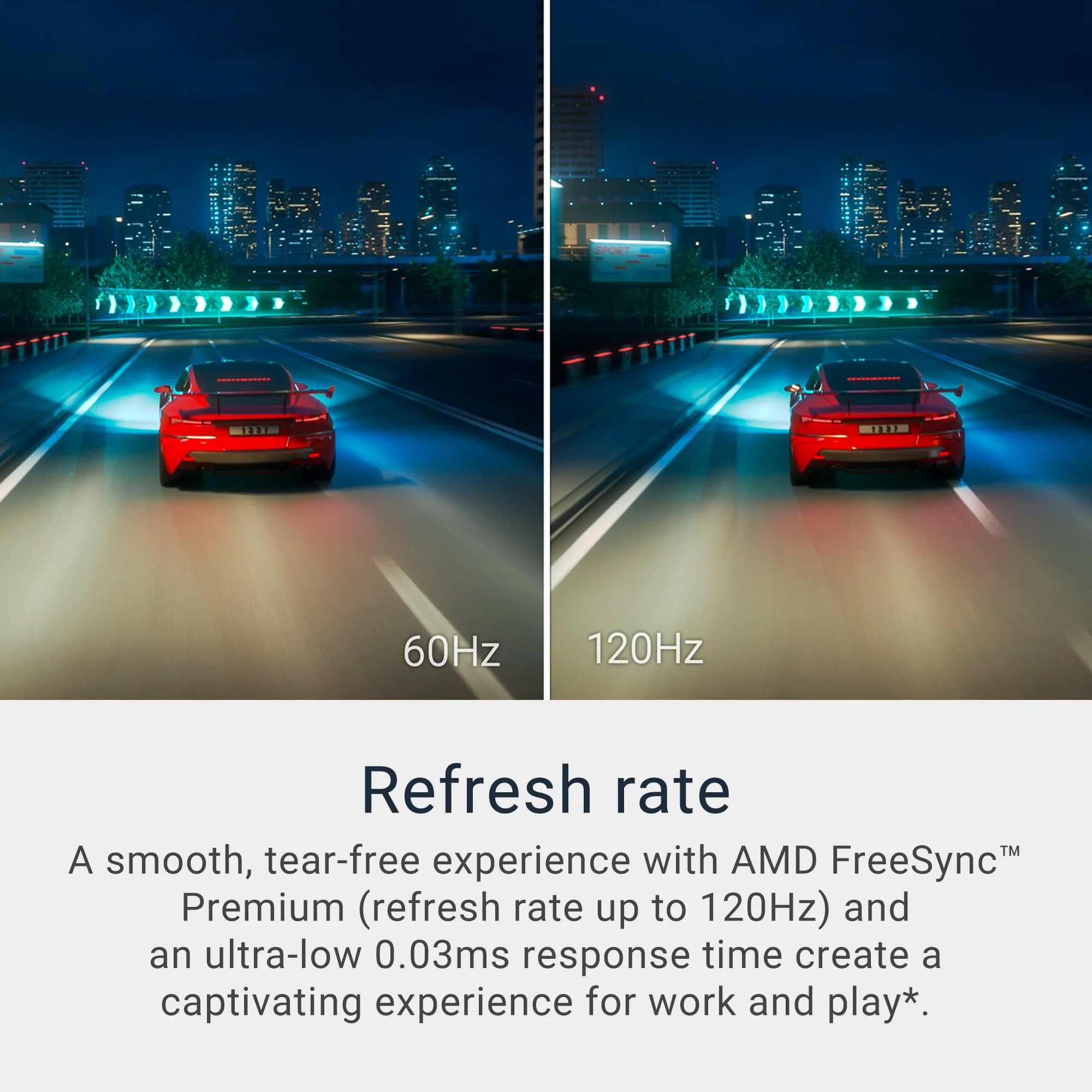
The 60Hz refresh rate and 5ms response time keep things smooth for productivity but reveal limitations during fast motion. Input lag measures around 9ms, which is excellent for an office monitor. While casual gaming is enjoyable, competitive gamers will notice the absence of higher refresh rates and variable refresh rate technologies. Overall, the monitor prioritizes accuracy and clarity over speed.
Features & Software
Standout features include Dell’s ComfortView Plus technology, which reduces harmful blue light while maintaining color accuracy—a rare combination that genuinely helps during extended work sessions. The USB-C port delivers 65W power delivery, enabling single-cable connectivity for compatible laptops while also charging them. The integrated USB hub provides convenient downstream ports for peripherals.
Dell Display Manager software remains one of the better monitor utilities available. It offers easy window snapping, color profile switching, and the ability to save custom layouts that automatically restore when specific applications launch. The built-in 5W speakers are adequate for video calls and casual media but lack the depth needed for serious music or movie playback.

Value Proposition
Priced competitively around $379-$429 in 2026, the Dell S2725QS delivers exceptional value by combining strong color performance, comprehensive connectivity, and excellent ergonomics without inflating the cost with unnecessary gaming features. It undercuts many competitors while offering better factory calibration and USB-C power delivery than similarly priced alternatives from LG and ViewSonic.
For professionals who need accurate colors and sharp 4K resolution for productivity or light creative work, this monitor represents one of the strongest price-to-performance ratios currently available. It avoids the premium tax of OLED or high-refresh models while still delivering a premium experience where it matters most.
How It Compares
Against the LG 27UP850-W, the Dell S2725QS offers superior ergonomics with its pivot-capable stand and better out-of-box color accuracy, though the LG edges it slightly in contrast performance. The Dell also includes more useful software features through Dell Display Manager.
Compared to the Samsung ViewFinity S80TB, the S2725QS is significantly more affordable while delivering comparable color performance for creative tasks. The Samsung includes a more advanced smart TV platform and Thunderbolt 4 connectivity, but most users don’t need these capabilities and would prefer the Dell’s lower price and more practical ergonomics.
Pros and Cons
Pros
- Exceptional 4K sharpness and color accuracy ideal for productivity and creative work.
- Highly ergonomic stand with height, tilt, swivel, and pivot adjustments.
- Versatile connectivity including 65W USB-C power delivery with integrated USB hub.
- ComfortView Plus provides effective eye care without compromising color fidelity.
- Strong value proposition compared to similarly specced competitors.
Cons
- Limited to 60Hz refresh rate, making it unsuitable for competitive gaming.
- No HDR support, which restricts dynamic range for movies and HDR content.
- Built-in speakers deliver mediocre audio quality with limited bass and volume.
- The monitor stand has a relatively large footprint that consumes desk space.
- Lacks KVM functionality that would be useful in multi-PC setups.
FAQ
Q: Is the Dell S2725QS good for photo editing?
A: Yes. Its 99% sRGB and 90% DCI-P3 coverage combined with excellent factory calibration and low DeltaE values make it a capable choice for photographers and designers.
Q: Does the monitor support USB-C charging for laptops?
A: Yes, the USB-C port provides up to 65W power delivery, allowing single-cable video, data, and charging for compatible laptops.
Q: Can the Dell S2725QS be used for gaming?
A: It works for casual gaming with low input lag, but the 60Hz panel and lack of variable refresh rate make it less suitable for fast-paced or competitive titles.
Q: Is the stand adjustable?
A: The stand offers extensive adjustment including height (150mm), tilt, swivel, and pivot, making it one of the most ergonomic options in its price range.
Q: Does this monitor have blue light reduction features?
A: Yes, Dell’s ComfortView Plus technology reduces blue light emissions while preserving color accuracy, unlike many basic filters that distort colors.
Verdict
The Dell 27 Plus 4K S2725QS is an outstanding choice for professionals, content creators, and hybrid workers who need sharp 4K resolution, accurate colors, and excellent ergonomics without paying a premium. Its combination of strong performance, practical features, and competitive pricing makes it one of the best values in the 2026 monitor market.
If you’re not chasing high refresh rates for gaming, this monitor deserves serious consideration. It successfully bridges the gap between basic office displays and more expensive creative monitors.
Pros
- ✓ Exceptional 4K sharpness and color accuracy ideal for productivity and creative work.
- ✓ Highly ergonomic stand with height, tilt, swivel, and pivot adjustments.
- ✓ Versatile connectivity including 65W USB-C power delivery with integrated USB hub.
- ✓ ComfortView Plus provides effective eye care without compromising color fidelity.
- ✓ Strong value proposition compared to similarly specced competitors.
Cons
- ✗ Limited to 60Hz refresh rate, making it unsuitable for competitive gaming.
- ✗ No HDR support, which restricts dynamic range for movies and HDR content.
- ✗ Built-in speakers deliver mediocre audio quality with limited bass and volume.
- ✗ The monitor stand has a relatively large footprint that consumes desk space.
- ✗ Lacks KVM functionality that would be useful in multi-PC setups.
Where to Buy the Dell 27 Plus 4K S2725QS





Prices may vary. Affiliate links — we may earn a commission at no extra cost to you.
Related Reviews

Affiliate links — we may earn a commission at no extra cost to you.