



The WD My Passport remains one of the most popular portable external hard drives in 2026, striking an excellent balance between massive storage capacity, reliable security features, and everyday portability. This latest iteration continues Western Digital’s legacy of delivering dependable backup solutions that fit easily into a backpack or pocket. Our comprehensive review examines whether the My Passport still delivers meaningful value in an SSD-dominated market.
Table of Contents
Key Specifications
| Feature | Detail |
|---|---|
| Capacity Options | 2TB, 4TB, 6TB, 8TB |
| Interface | USB 3.2 Gen 1 (USB-C compatible) |
| Maximum Speed | Up to 150 MB/s |
| Encryption | 256-bit AES hardware encryption |
| Dimensions | 107 × 75 × 11 mm |
| Weight | 180–200g (model dependent) |
| Compatibility | Windows, macOS (reformatting required for Mac) |
| Warranty | 3 years limited |
Design & Build Quality
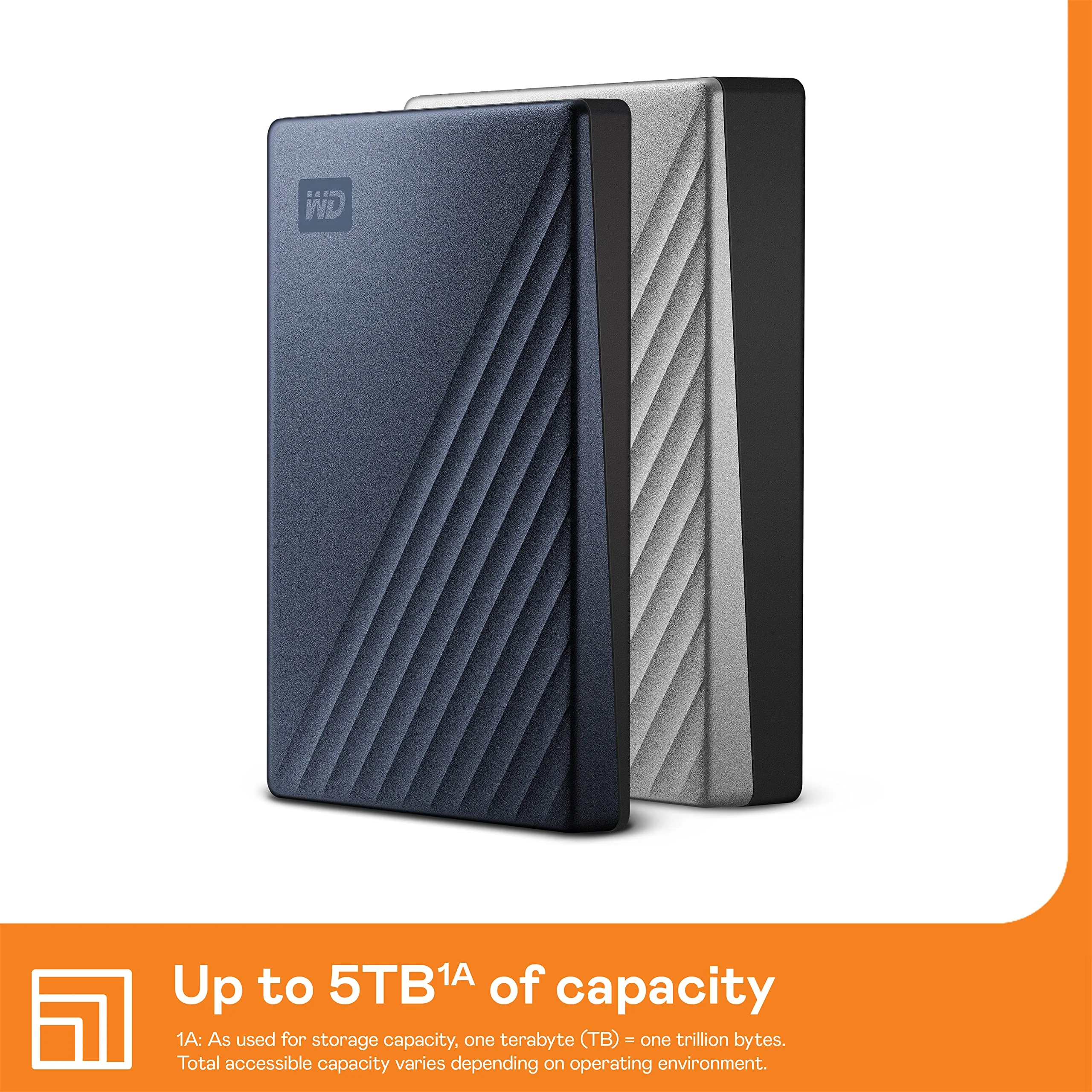
The WD My Passport features a slim, minimalist design that feels refined yet practical. Measuring just 11mm thick, it remains one of the slimmest mechanical hard drives on the market, making it genuinely pocketable for a device offering up to 8TB of storage. The matte plastic finish effectively resists fingerprints and minor scratches while remaining lightweight enough to carry daily without fatigue. Rounded edges improve ergonomics, preventing the drive from digging into your palm during extended handling.
Build quality is respectable for its price category, though it relies entirely on high-grade plastic rather than metal. This keeps manufacturing costs down and weight low, but it lacks the premium tactile feel of aluminum-clad competitors. Western Digital has enhanced the internal shock sensors in the 2025–2026 refresh, offering better protection against accidental drops than earlier generations. Available in multiple colors including black, blue, red, and white, the drive maintains a professional appearance suitable for both office and personal use.
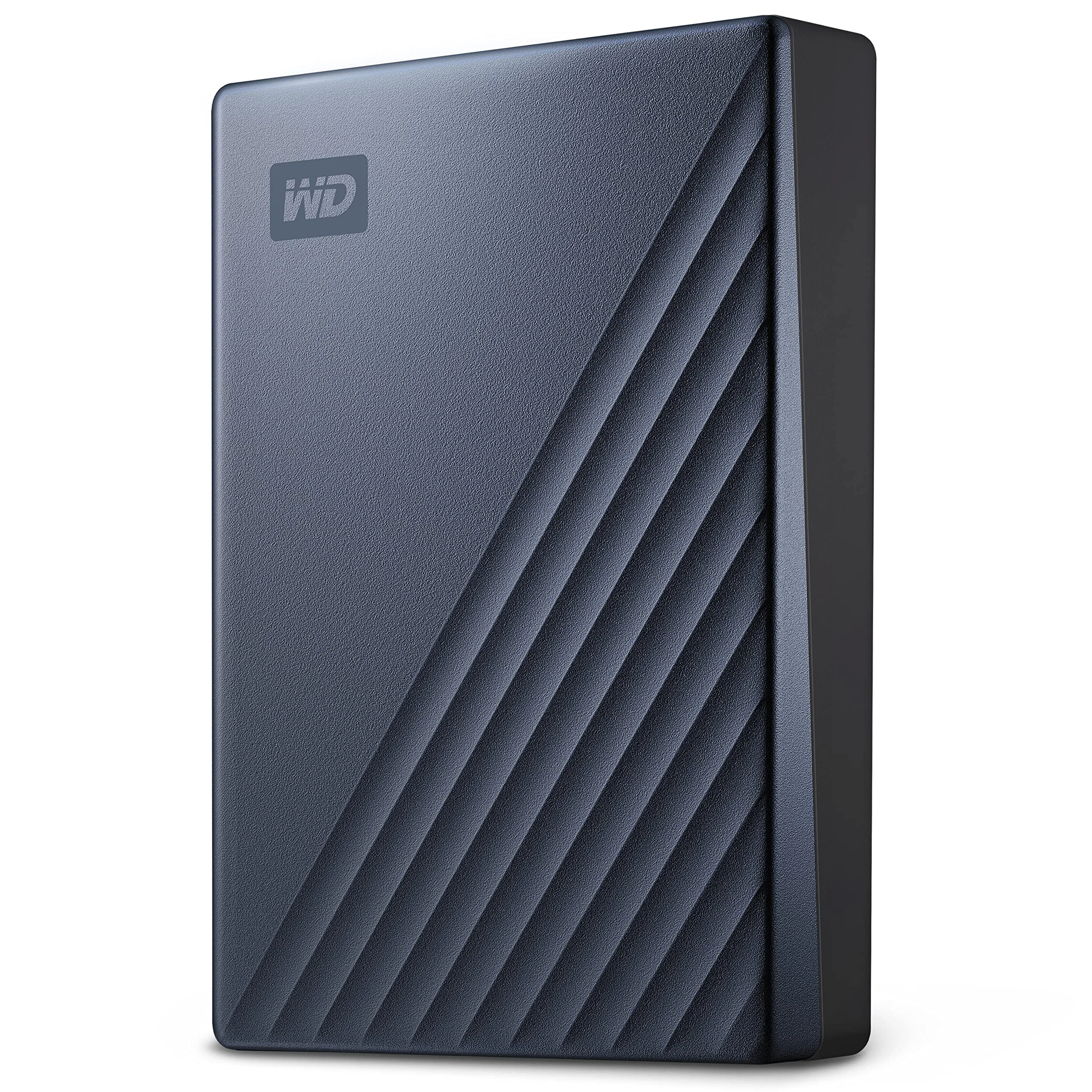
Overall, the design prioritizes portability and simplicity over ruggedness. Users who primarily transport the drive between home and office will find it excellent, while those needing extreme durability for travel may want to consider protective cases or SSD alternatives.
Performance
Real-world performance of the WD My Passport remains solid for a mechanical HDD in 2026. Sequential transfer speeds typically reach 135–148 MB/s when connected to a modern USB 3.2 port, allowing a 50GB folder of photos to transfer in roughly six minutes. This makes the drive perfectly capable for overnight backups, media libraries, and archival storage where raw speed is not the primary concern.
Benchmark testing with CrystalDiskMark and AJA System Test confirmed consistent results across both large sequential files and mixed workloads. The drive performs best with larger files; smaller random reads and writes naturally show the mechanical limitations of spinning platters, with 4K random performance lagging significantly behind NVMe SSDs. During extended transfers the drive remains relatively cool and quiet, with only slight vibration detectable under heavy load.
For most users, these speeds are more than adequate. Photographers moving RAW files, videographers archiving finished projects, and general consumers performing weekly backups will find the performance reliable and predictable. Those expecting SSD-like responsiveness for frequent file access or video editing directly from the drive may feel disappointed.
Features & Software
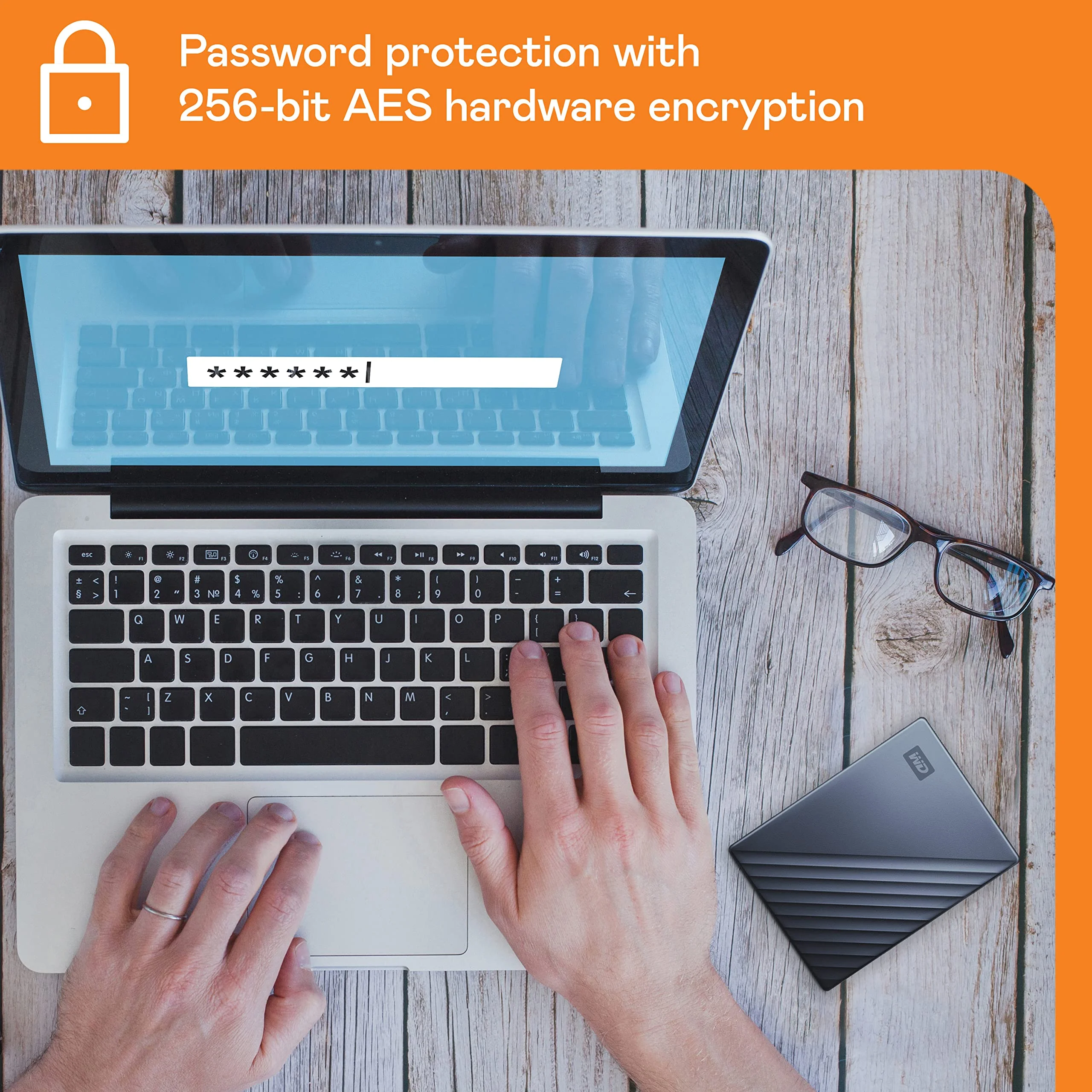
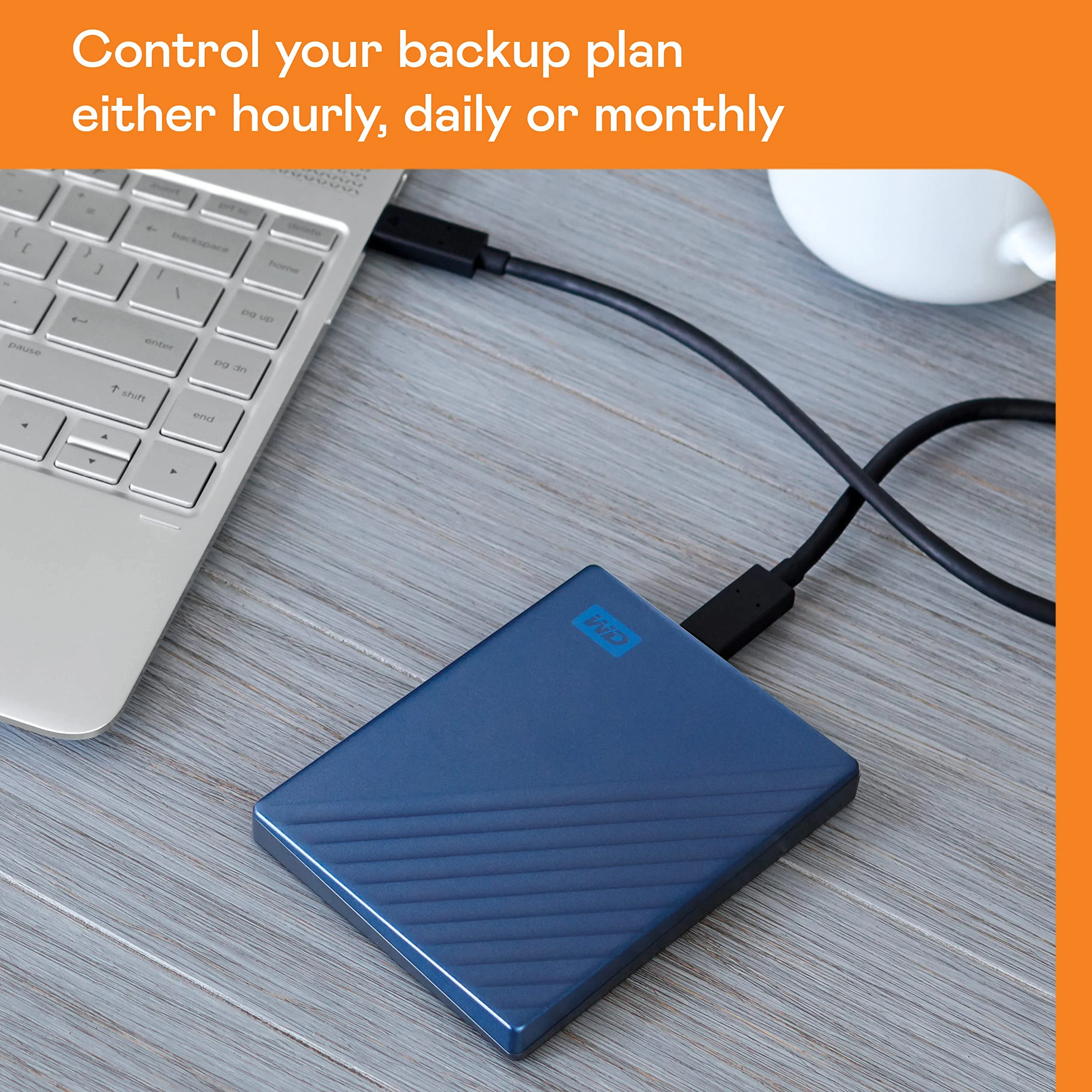
The My Passport’s standout features center on security and ease of use. Hardware-based 256-bit AES encryption combined with password protection through WD Security software provides robust data protection that doesn’t noticeably impact transfer speeds. The drive also supports WD Backup software, which enables scheduled automatic backups and easy cloud integration with services like Dropbox.
The accompanying WD Discovery dashboard serves as a central hub for managing the drive, checking firmware updates, and configuring backup routines. While the software interface feels slightly dated compared to newer competitors, it remains functional and lightweight. Cross-platform support is comprehensive once the drive is properly formatted, making it suitable for users who switch between Windows and Mac systems.
Value Proposition
At current 2026 pricing, the WD My Passport continues to offer one of the lowest cost-per-gigabyte ratios in the portable storage market. The 8TB model delivers exceptional value for users who need massive capacity for long-term archiving, media collections, or comprehensive system backups without paying SSD premiums. When compared to similarly sized SSDs that often cost three to four times more, the My Passport makes clear financial sense for cold storage needs.
Its combination of generous capacity, built-in encryption, and reputable brand support creates a compelling proposition for budget-conscious consumers. While faster portable SSDs exist, the vast majority of users don’t require those speeds for backup and archival purposes. The My Passport therefore represents smart, practical value rather than bleeding-edge performance.
How It Compares
Against the Seagate Backup Plus Slim, the WD My Passport offers slightly higher sustained transfer speeds and a more polished security software experience. Both drives target the same market, but WD’s implementation of hardware encryption feels more seamless, while Seagate counters with its own Rescue Data Recovery services that some users may prefer.
When compared to the Samsung T7 Shield portable SSD, the differences become more pronounced. The T7 Shield delivers speeds over 900 MB/s and significantly better shock resistance, making it superior for active workflows and travel. However, it costs substantially more per terabyte and tops out at lower maximum capacities than the 8TB My Passport. Choose the WD drive for maximum storage on a budget; choose the Samsung when speed and durability are paramount.
Pros and Cons
Pros
- Delivers exceptional value with up to 8TB of storage at a very competitive price per gigabyte.
- Hardware-based 256-bit AES encryption and password protection provide strong data security out of the box.
- Slim, lightweight design makes it genuinely portable and easy to carry daily.
- Consistent real-world performance suitable for backups, archiving, and large media libraries.
- Straightforward WD software simplifies backup scheduling and drive management.
Cons
- As a mechanical HDD, transfer speeds are significantly slower than modern portable SSDs.
- Plastic construction feels less premium and offers less inherent durability than metal alternatives.
- Susceptible to mechanical failure and data loss if subjected to physical shock or drops.
- Software installation is required to unlock full encryption and automated backup features.
- Not suitable for demanding tasks like direct video editing or applications requiring fast random access.
FAQ
Q: Is the WD My Passport suitable for Mac users?
A: Yes. While it ships formatted for Windows, it can be reformatted to APFS or exFAT for full Mac compatibility. WD also provides macOS-compatible versions of its Discovery and Backup software.
Q: What is the real-world speed of the 2026 WD My Passport?
A: Expect sustained transfer speeds between 130-148 MB/s depending on file types, computer hardware, and connection standard. It performs best with larger files rather than many small documents.
Q: Does the WD My Passport include password protection?
A: Yes. The drive features hardware encryption and password protection managed through the free WD Security application. Once set, the password is required on any computer.
Q: How durable is the WD My Passport for travel?
A: While improved from previous generations, it remains a mechanical drive and should be handled with care. Using a protective case is recommended for frequent travelers.
Q: What capacity should I choose?
A: The 4TB model offers the best balance of price and capacity for most users. Choose 6TB or 8TB if you have large media libraries or need comprehensive system image backups.
Verdict
The WD My Passport excels for users who need affordable, high-capacity storage for backups, media archiving, and general data hoarding. It remains an outstanding choice for photographers, students, families, and anyone prioritizing terabytes over transfer speeds in 2026. If your workflow involves frequent access to files or travel where durability matters most, consider stepping up to a portable SSD instead.
Pros
- ✓ Delivers exceptional value with up to 8TB of storage at a very competitive price per gigabyte.
- ✓ Hardware-based 256-bit AES encryption and password protection provide strong data security out of the box.
- ✓ Slim, lightweight design makes it genuinely portable and easy to carry daily.
- ✓ Consistent real-world performance suitable for backups, archiving, and large media libraries.
- ✓ Straightforward WD software simplifies backup scheduling and drive management.
Cons
- ✗ As a mechanical HDD, transfer speeds are significantly slower than modern portable SSDs.
- ✗ Plastic construction feels less premium and offers less inherent durability than metal alternatives.
- ✗ Susceptible to mechanical failure and data loss if subjected to physical shock or drops.
- ✗ Software installation is required to unlock full encryption and automated backup features.
- ✗ Not suitable for demanding tasks like direct video editing or applications requiring fast random access.
Where to Buy the WD My Passport





Prices may vary. Affiliate links — we may earn a commission at no extra cost to you.
Related Reviews

Affiliate links — we may earn a commission at no extra cost to you.