


Looking for a budget laptop that doesn’t skimp on essentials? The Acer Aspire 3 (A315-59) offers a compelling mix of performance and affordability for students and casual users. Dive into our detailed review to see if it’s the right fit for you.
Table of Contents
Key Specifications
| Feature | Detail |
|---|---|
| Processor | Intel Core i3-1215U (12th Gen) |
| RAM | 8GB DDR4 (expandable to 16GB) |
| Storage | 512GB SSD |
| Display | 15.6-inch Full HD (1920×1080), IPS |
| Graphics | Intel UHD Graphics |
| Battery Life | Up to 7.5 hours |
| Weight | 1.78 kg (3.92 lbs) |
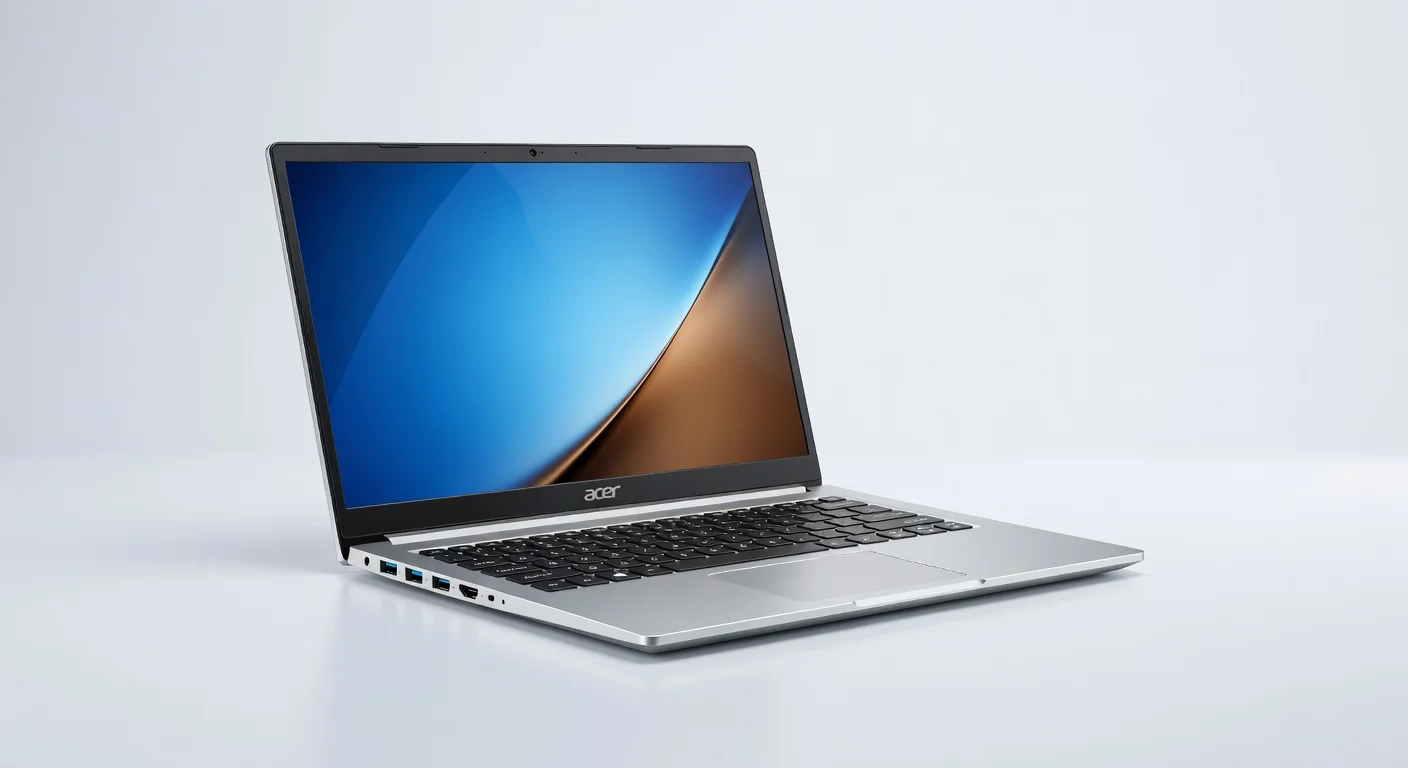
| Ports | 3x USB, HDMI, Ethernet, 3.5mm audio |
| OS | Windows 11 Home |
Design & Build Quality
The Acer Aspire 3 (A315-59) sports a minimalist, no-frills design that prioritizes functionality over flair. Its plastic chassis, finished in a sleek silver or black, feels sturdy enough for daily use but lacks the premium touch of metal-bodied laptops. At 1.78 kg, it’s not the lightest in its class, yet it remains portable for students or professionals on the go. The slim bezels around the 15.6-inch display give it a modern look, though the overall aesthetic is utilitarian rather than eye-catching.
Ergonomically, the Aspire 3 delivers a comfortable typing experience with a well-spaced keyboard and decent key travel, ideal for long study or work sessions. The touchpad is responsive, though it can feel a bit cramped for multi-finger gestures. The hinge mechanism is solid, allowing for a good range of screen angles without wobbling, and the build withstands minor bumps—perfect for tossing into a backpack. However, the plastic body does attract fingerprints and smudges, so you might need to wipe it down often.
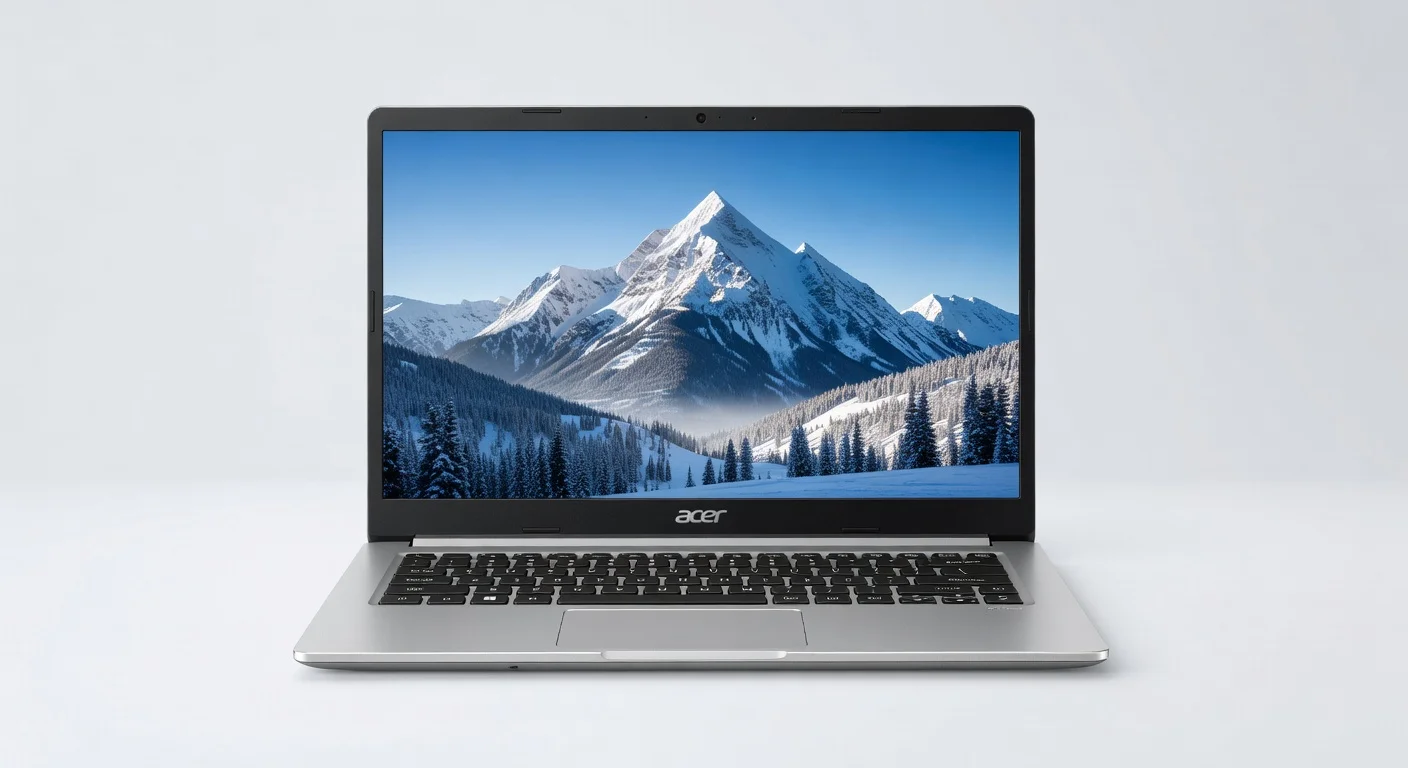
While durability isn’t a concern for casual use, don’t expect it to survive rough handling or drops. Ventilation is adequate, with vents positioned to prevent overheating during moderate tasks, though the bottom can get warm under heavy loads. Overall, the design and build cater to practicality, making it a reliable choice for budget-conscious buyers who don’t need a flashy device.
Performance
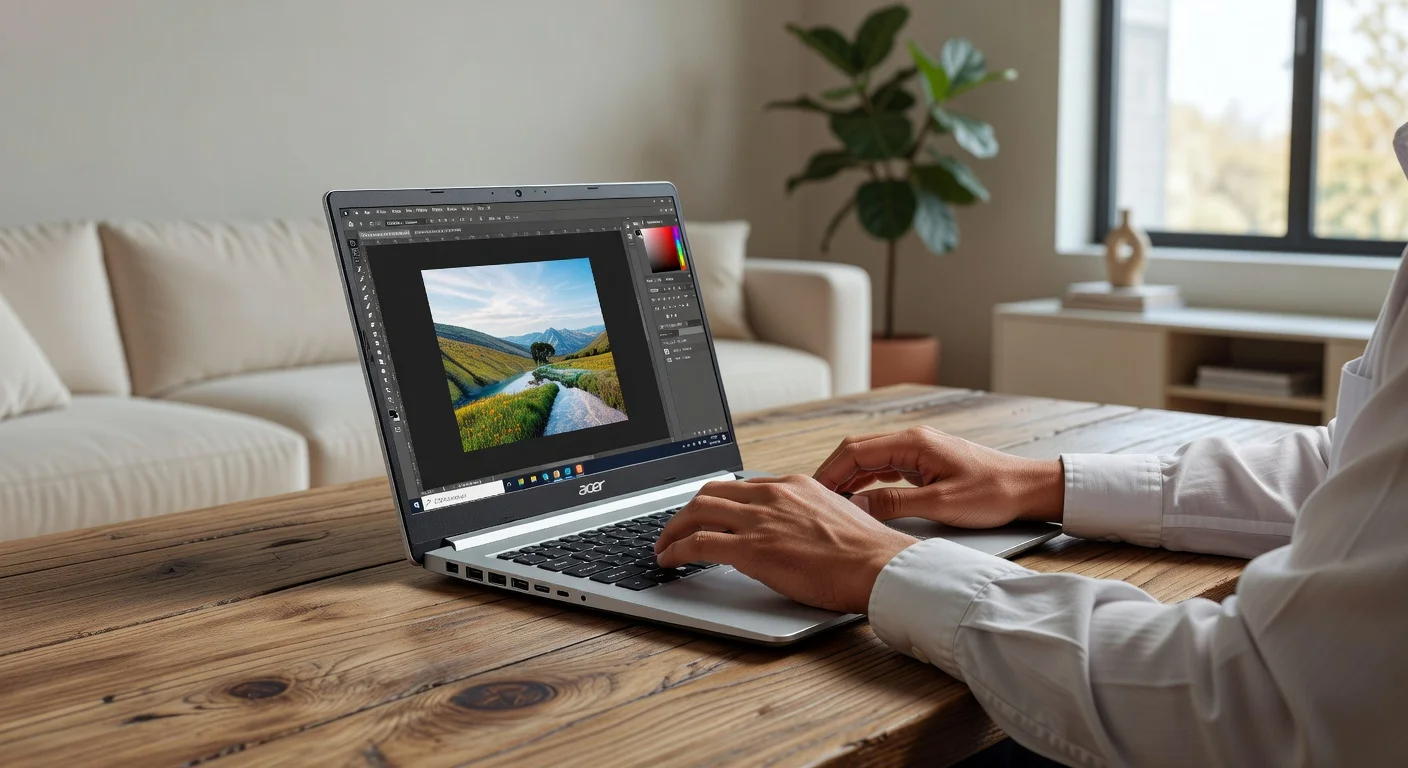
Under the hood, the Acer Aspire 3 (A315-59) is powered by a 12th Gen Intel Core i3-1215U processor, paired with 8GB of DDR4 RAM and a 512GB SSD. For a budget laptop in 2026, this configuration handles everyday tasks like web browsing, document editing, and media streaming with ease. Multitasking is smooth as long as you’re not pushing it with too many heavy applications—think 10-12 browser tabs or light photo editing in tools like Canva. The SSD ensures snappy boot times and quick file access, a significant upgrade over older HDD models in this price range.
For more demanding workloads, such as video editing or gaming, the Aspire 3 starts to show its limitations. The integrated Intel UHD Graphics can manage casual games like Minecraft or older titles at low settings, but modern AAA games are out of reach. Benchmark-wise, it scores respectably for its category, with Cinebench R23 multi-core results hovering around 4,000 points, competitive with other entry-level laptops. However, thermal performance isn’t stellar; extended heavy use can lead to throttling, and the fan noise becomes noticeable.
Real-world usage paints a picture of a dependable workhorse for students or remote workers. Running Zoom calls, Microsoft Office, and Spotify simultaneously doesn’t cause hiccups, though upgrading to 16GB RAM (a supported option) could future-proof it for heavier multitasking. If your needs are basic to moderate, the Aspire 3 delivers consistent performance without breaking a sweat—or your bank.
Features & Software
The Acer Aspire 3 (A315-59) comes with a few standout features that enhance its appeal in the budget segment. The 15.6-inch Full HD IPS display is a highlight, offering decent color accuracy and wide viewing angles for its price—perfect for binge-watching shows or working on presentations. It also includes a solid port selection with USB-A, HDMI, and Ethernet, ensuring connectivity for peripherals and external displays. The inclusion of Windows 11 Home out of the box provides a modern, user-friendly interface with access to productivity tools like Microsoft Teams pre-installed.
On the software side, Acer keeps bloatware to a minimum, though you’ll still find a few preloaded apps like Acer Care Center for system maintenance. These can be easily uninstalled if unwanted. The webcam (720p) and built-in microphone are serviceable for video calls, though low-light performance is subpar. Overall, the feature set and software experience are tailored for practicality, ensuring you get the essentials without unnecessary fluff.
Value Proposition
At its price point—often hovering around $400-$500 in 2026—the Acer Aspire 3 (A315-59) offers excellent value for budget-conscious buyers. It strikes a balance between performance and affordability, delivering a reliable experience for students, remote workers, or anyone needing a secondary device for basic tasks. The SSD, Full HD display, and expandable RAM are features often missing in competitors at this price, making the Aspire 3 a standout in the entry-level market.
When pitted against other budget laptops, it holds its own by avoiding the common pitfalls of sluggish HDDs or outdated processors. While it doesn’t offer the build quality or battery life of mid-range options, the cost savings are hard to ignore. For those prioritizing function over form, the Aspire 3 is a smart investment that punches above its weight in terms of specs and usability.
How It Compares
Compared to the HP 15s (2026 model), the Acer Aspire 3 (A315-59) offers a similar Intel Core i3 processor and SSD storage but edges out with a slightly better display thanks to its IPS panel—HP’s equivalent often sticks to TN panels with narrower viewing angles. However, the HP 15s tends to have a lighter build and better battery life (closer to 8-9 hours), making it more travel-friendly. Against the Lenovo IdeaPad 1, the Aspire 3 again matches on core specs but benefits from a more robust port selection, while Lenovo’s offering often feels cheaper in build quality. If display quality and connectivity matter most, the Aspire 3 takes the lead, though it sacrifices some portability.
Pros and Cons
Pros
- Offers a vibrant Full HD IPS display, rare at this price point.
- Provides snappy performance for daily tasks with a 12th Gen Intel processor and SSD.
- Includes a good variety of ports for connectivity, including Ethernet.
- Supports RAM upgrades for future-proofing.
- Comes at an affordable price, delivering solid value.
Cons
- Features a plastic build that feels less premium and attracts smudges.
- Suffers from average battery life, lasting only about 7.5 hours under light use.
- Lacks power for demanding tasks like gaming or video editing.
- Experiences noticeable fan noise and warmth during extended heavy usage.
- Has a subpar webcam quality, especially in low-light conditions.
FAQ
Q: Is the Acer Aspire 3 (A315-59) good for students?
A: Yes, it’s an excellent choice for students due to its affordability, decent performance for schoolwork, and lightweight design for portability.
Q: Can I upgrade the RAM on the Acer Aspire 3?
A: Absolutely, it supports RAM upgrades up to 16GB, allowing for better multitasking and performance.
Q: Is this laptop suitable for gaming?
A: It’s not ideal for gaming; it can handle light or older games at low settings but struggles with modern titles due to integrated graphics.
Q: How long does the battery last on a single charge?
A: Under typical usage (web browsing, streaming), expect around 7.5 hours, though heavy tasks will drain it faster.
Q: Does it come with Windows pre-installed?
A: Yes, it ships with Windows 11 Home, ready to use out of the box.
Verdict
The Acer Aspire 3 (A315-59) is best suited for students, casual users, and budget-conscious buyers seeking a reliable laptop for everyday tasks. It excels in delivering essential performance and a decent display without breaking the bank. If your needs are basic—think schoolwork, streaming, or light productivity—this is a solid pick.
Pros
- ✓ Offers a vibrant Full HD IPS display, rare at this price point.
- ✓ Provides snappy performance for daily tasks with a 12th Gen Intel processor and SSD.
- ✓ Includes a good variety of ports for connectivity, including Ethernet.
- ✓ Supports RAM upgrades for future-proofing.
- ✓ Comes at an affordable price, delivering solid value.
Cons
- ✗ Features a plastic build that feels less premium and attracts smudges.
- ✗ Suffers from average battery life, lasting only about 7.5 hours under light use.
- ✗ Lacks power for demanding tasks like gaming or video editing.
- ✗ Experiences noticeable fan noise and warmth during extended heavy usage.
- ✗ Has a subpar webcam quality, especially in low-light conditions.
Where to Buy the Acer Aspire 3 (A315-59)





Prices may vary. Affiliate links — we may earn a commission at no extra cost to you.
Related Reviews

Affiliate links — we may earn a commission at no extra cost to you.