Tech Essentials










In a world saturated with smart displays, the Divoom Times Frame carves out a unique niche by blending retro pixel art charm with modern connectivity. It’s more than just a clock or a notification hub; it’s a dynamic piece of digital art for your desk or wall. This device promises to bring a vibrant, customizable aesthetic to any space, but does its performance live up to its visual flair?
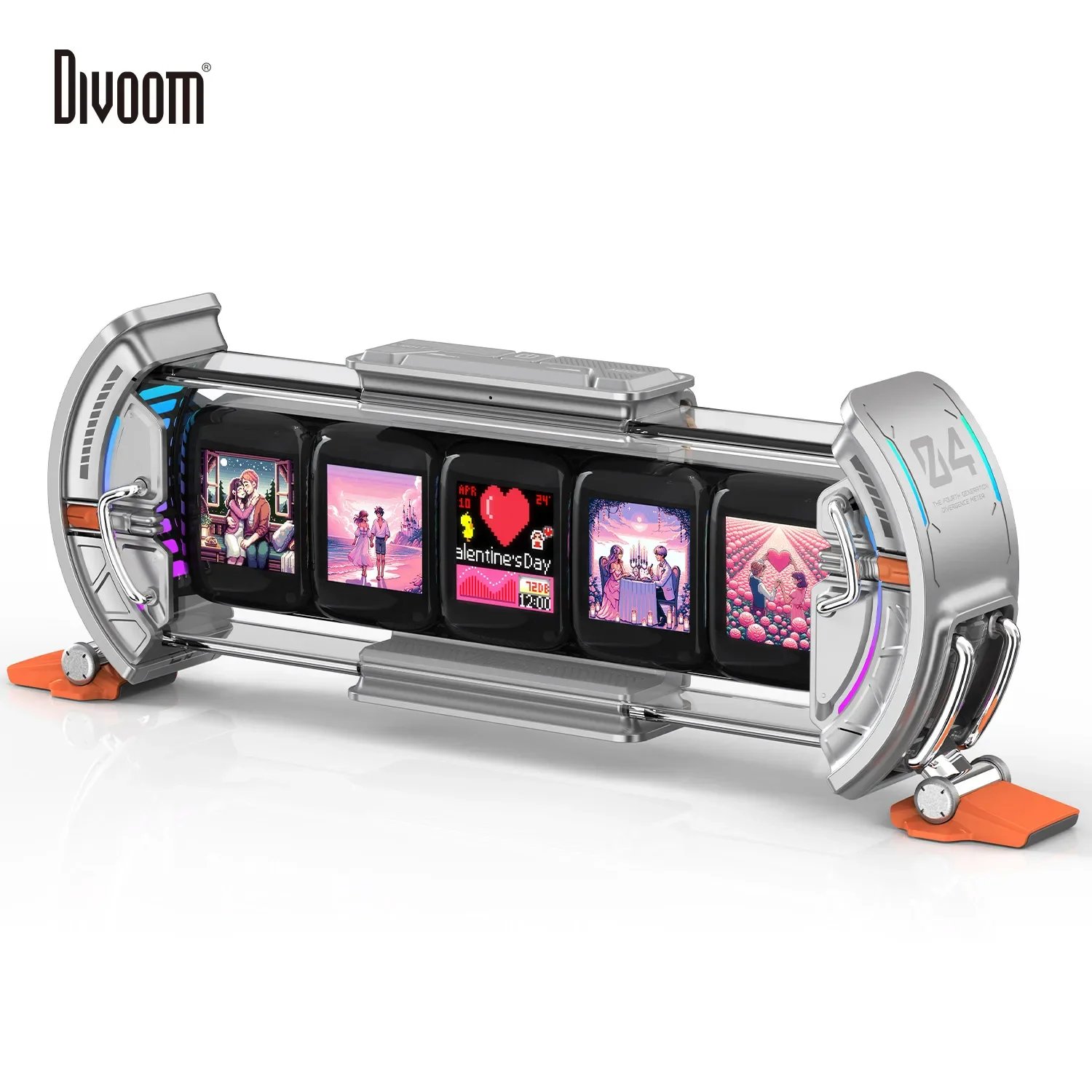
The Divoom Times Frame immediately distinguishes itself with a clever, dual-screen design. The main attraction is the front-facing 11.8-inch display, a brilliant 128×128 pixel canvas that brings digital art to life with impressive vibrancy and brightness. Unlike its lower-resolution predecessors, this panel is sharp enough to render intricate animations and detailed static images with clarity, making it a genuine centerpiece. The build is solid plastic, but it feels dense and well-constructed, with a matte finish that resists fingerprints. Around back, a secondary screen provides at-a-glance information like the time, date, and weather, freeing up the main display to be a dedicated art piece—a thoughtful touch that enhances its practical utility without compromising its aesthetic purpose.
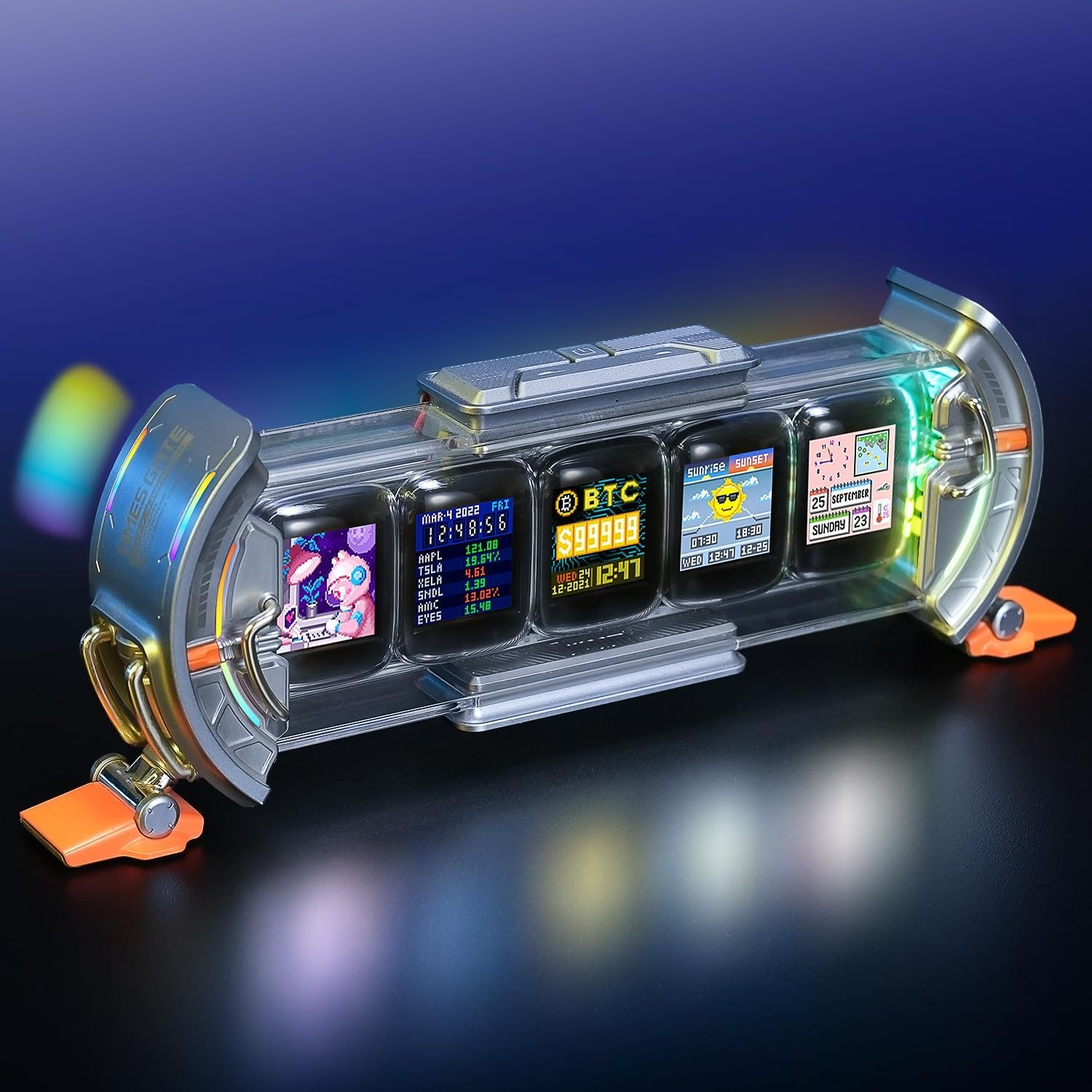
Functionality is driven entirely by the Divoom app, which is both the Times Frame’s greatest strength and a notable weakness. The app provides access to a massive, ever-growing online gallery of user-created pixel art. Within minutes, you can browse thousands of animations—from retro gaming sprites to serene landscapes—and display them on the frame. The sheer volume of content is staggering and ensures the device never feels stale. However, while the app is powerful, its user interface can feel clunky and occasionally unintuitive, with a definite learning curve for creating your own art or setting up custom display cycles.
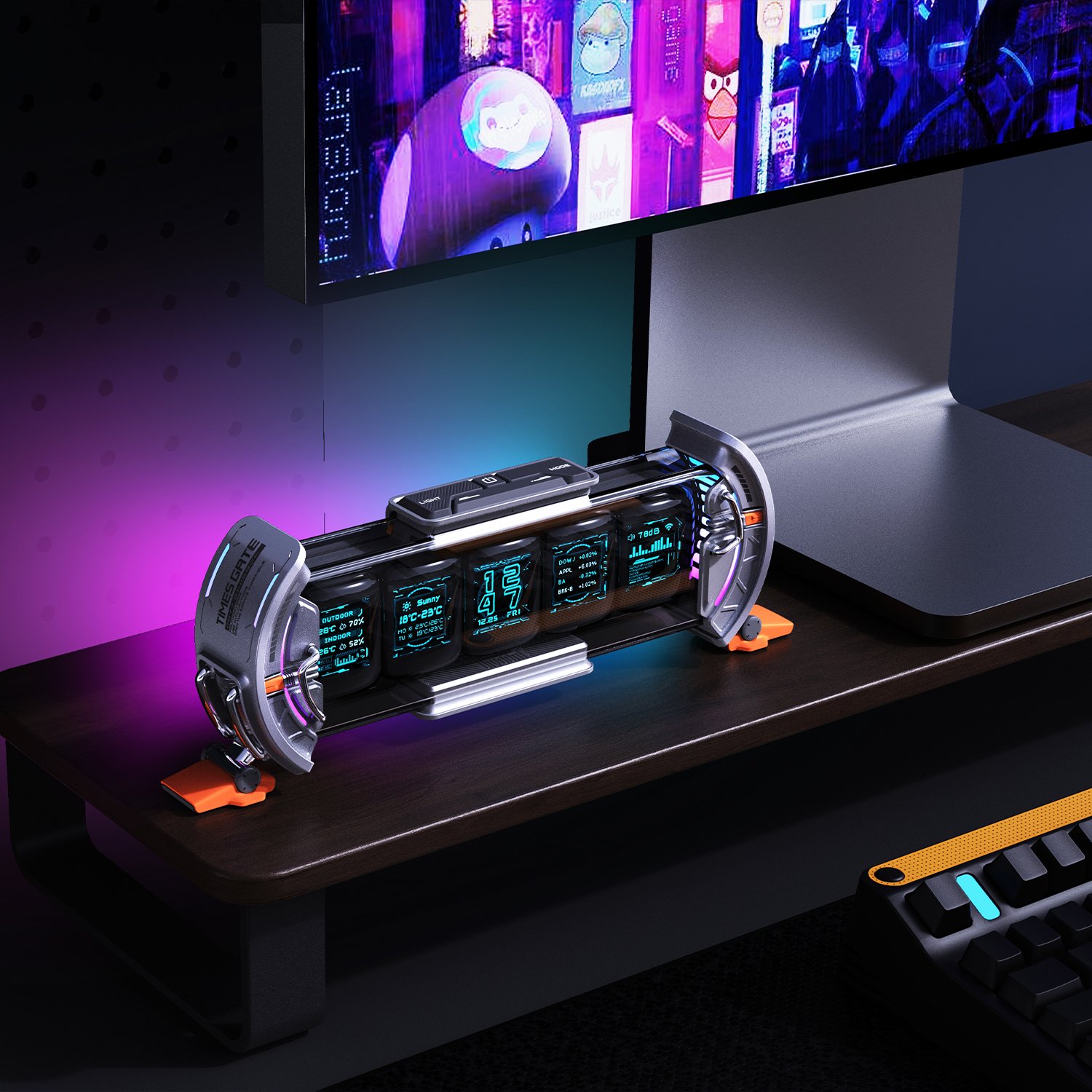
Beyond its function as an art display, the Times Frame offers a suite of smart features. It can display pixelated icons for social media notifications, track cryptocurrency and stock prices, and even function as a visualizer for computer audio when connected via USB. These features work as advertised, but they are more ambient than informative; a tiny Instagram logo will pop up, but you won’t see any details. This isn’t a replacement for a Nest Hub. It’s a different beast entirely, one that prioritizes form and artistic expression over raw data delivery. One critical omission is the lack of any speaker, meaning it can’t play music or provide audio alerts, cementing its role as a purely visual device.
Ultimately, the Divoom Times Frame is a triumph of niche design. It’s not trying to be the smartest display on the market, but it is unequivocally one of the most interesting. For a creative professional, a streamer looking for a unique background element, or any tech enthusiast with an appreciation for pixel art, the value proposition is clear. It’s an expensive gadget, to be sure, but it delivers a unique and endlessly customizable experience that no standard smart display can match. It succeeds brilliantly as a piece of living, connected art for the modern desk.
Where to Buy:

Divoom Times Frame Quick Summary
Key Scores:
-
Value:
85% -
Design:
95% -
Performance:
90% -
Quality:
90% -
Popularity:
80%
Top Pros
- ✅ The high-resolution 128×128 pixel display is exceptionally bright and vibrant.
- ✅ An extensive community art library offers nearly endless customization options.
- ✅ The secondary rear display adds useful at-a-glance information.
- …
Key Cons
- ❌ The companion mobile app interface can feel somewhat unintuitive to navigate.
- ❌ It completely lacks any form of speaker for audio playback or alerts.
- ❌ The premium price point positions it as a niche luxury gadget.