Tech Essentials





Finding a home surveillance system that balances powerful features with user-friendly simplicity can feel like an impossible task. Ubiquiti’s UniFi Protect ecosystem aims to solve this dilemma, offering a polished, all-in-one solution that sidesteps the cloud subscription trap. But does its streamlined approach come at the cost of flexibility?
When it comes to local-first, prosumer video surveillance, the conversation inevitably circles back to two major contenders: Ubiquiti’s UniFi Protect and Synology’s Surveillance Station. While both promise to keep your video data on-site and free from monthly fees, they represent fundamentally different philosophies. UniFi Protect is a vertically integrated, walled-garden ecosystem, while Synology offers a flexible, bring-your-own-camera software platform. After running both systems, it’s clear that UniFi Protect makes a compelling case for being the best turn-key solution for the modern, tech-savvy homeowner.
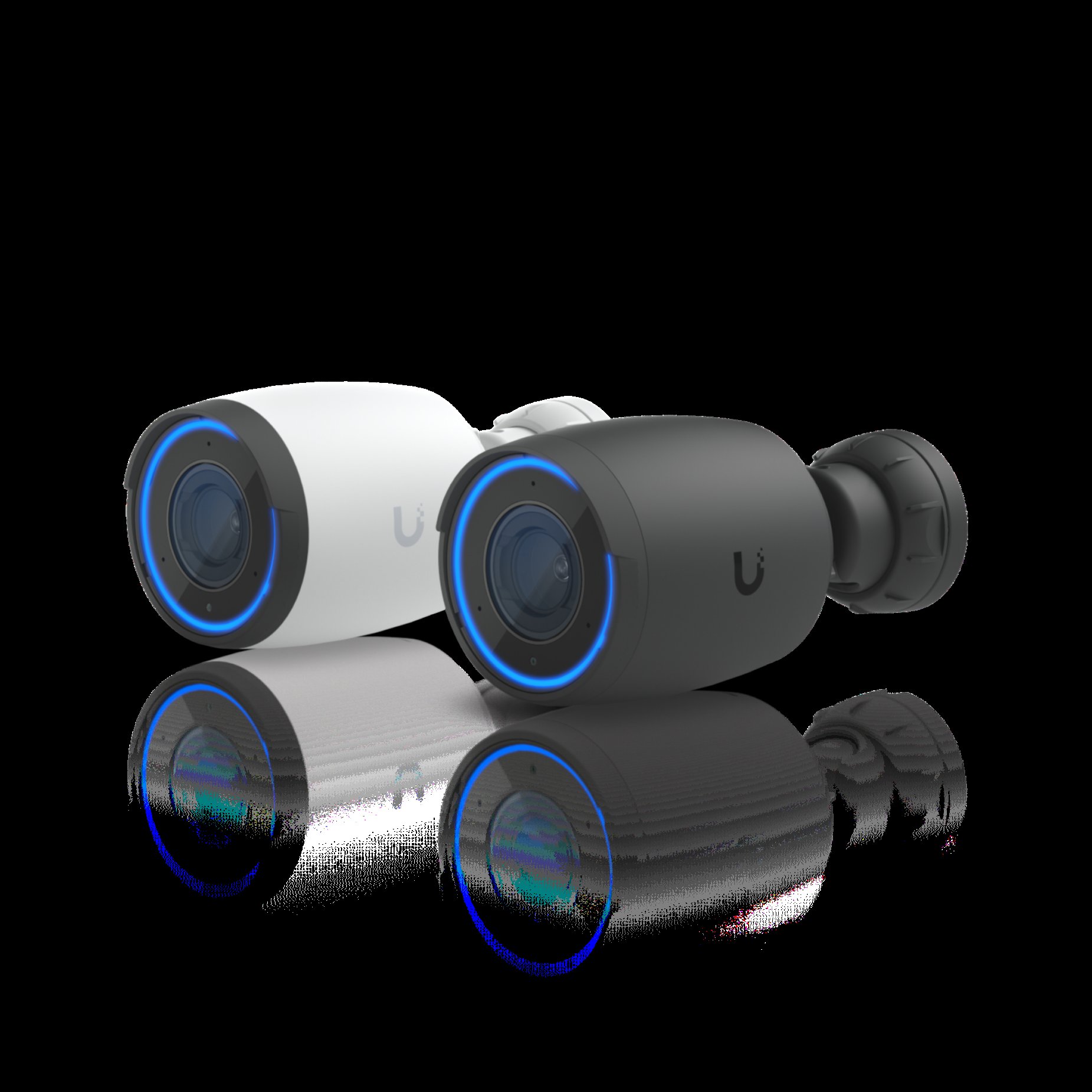
The first thing you notice about the UniFi ecosystem is the design and build quality. From the sleek NVRs like the Dream Machine Pro or UNVR to the cameras themselves, the hardware feels premium. Cameras like the G5 Pro boast metal enclosures and a heft that inspires confidence, a stark contrast to the plastic-dominated feel of many consumer brands. This commitment to a cohesive aesthetic means your security hardware doesn’t have to be an eyesore. Synology, on the other hand, is purely utilitarian; the NAS boxes are well-built but generic, and the camera aesthetics are entirely dependent on which third-party models you choose to buy.
Where UniFi Protect truly pulls away from the competition is in performance and user experience. The setup is remarkably simple: plug in a UniFi camera, and the Protect controller automatically discovers and adopts it. That’s it. There’s no need to hunt for IP addresses, fiddle with RTSP stream settings, or check compatibility lists. The web interface and mobile app are modern, snappy, and incredibly intuitive. Scrubbing through hours of footage is buttery smooth, with near-instantaneous loading that makes cloud-based competitors feel archaic. Synology’s Surveillance Station, while powerful, feels like a generation behind in its user interface. It’s dense, slightly clunky, and the mobile experience isn’t nearly as fluid.
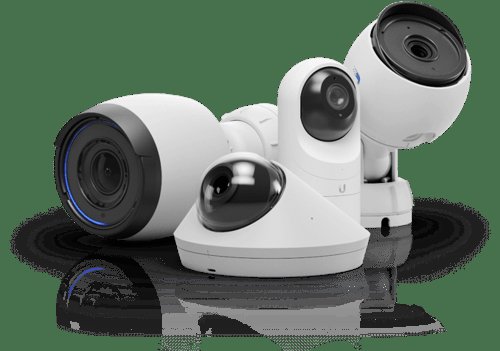
Of course, UniFi’s “it just works” magic comes from its tightly controlled ecosystem. This is both its greatest strength and its most significant weakness. You can only use UniFi cameras with UniFi Protect. While their camera lineup is solid and now includes options like AI-powered DSLRs and panoramic domes, it can’t compete with the sheer variety available on the open market that Synology supports via ONVIF standards. Furthermore, Synology offers far deeper customization for power users, with complex I/O triggers, extensive event rules, and integration with a wide array of smart home platforms. UniFi Protect’s AI-based person, vehicle, and package detection is excellent and included for free, but its automation capabilities are comparatively basic.
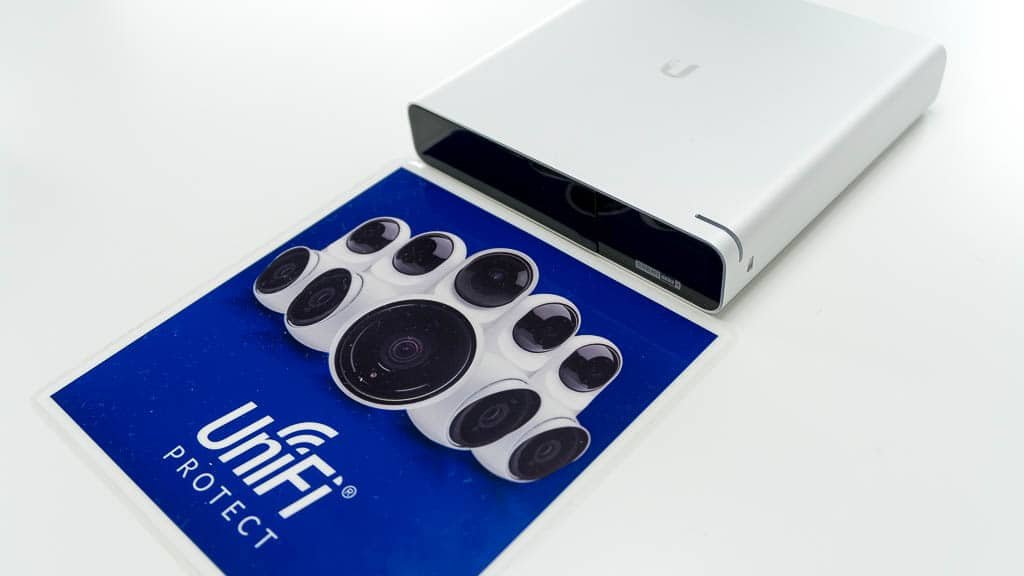
The value proposition is the final, crucial piece of the puzzle. UniFi Protect requires a significant upfront investment in a controller (NVR) and cameras. However, the total cost of ownership is refreshingly simple: zero. There are no subscriptions, no per-camera license fees, and no feature paywalls. Synology Surveillance Station requires you to purchase licenses for any cameras beyond the two included for free, which can add hundreds of dollars to a multi-camera setup. While you might save money with cheaper third-party cameras, the license costs can easily close that gap over time.
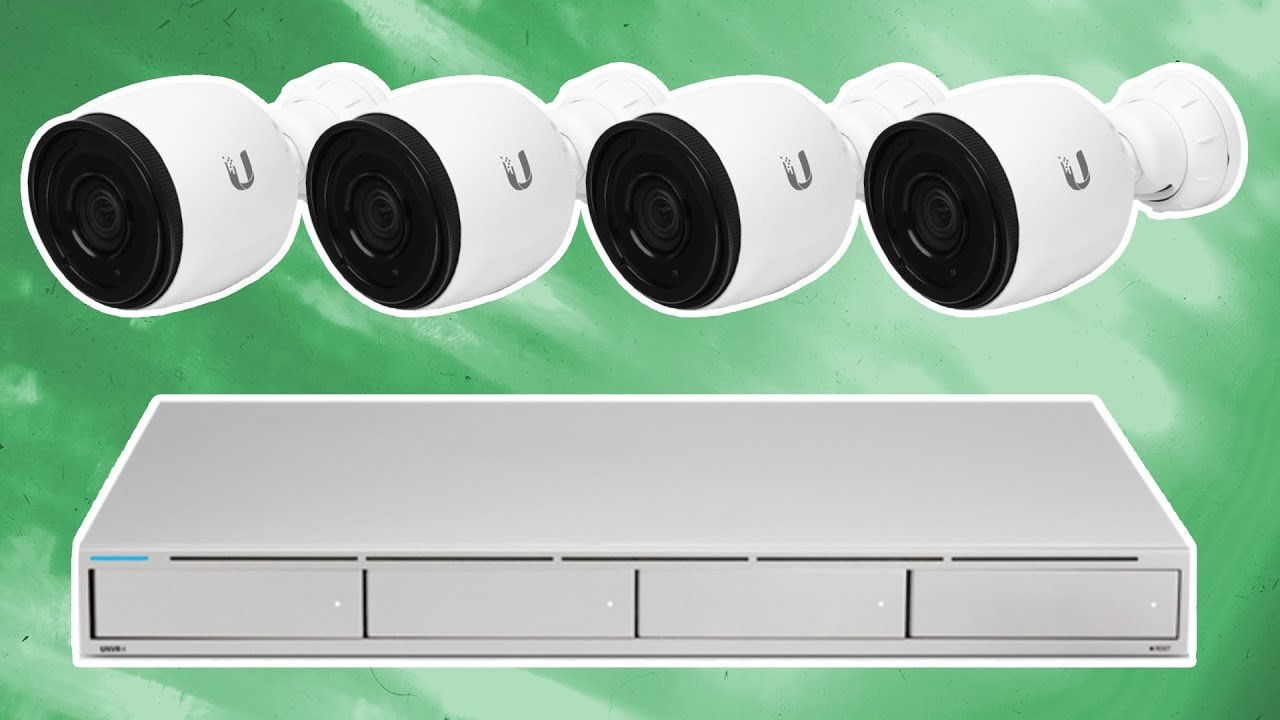
For the user who wants a high-performance, aesthetically pleasing surveillance system that is simple to set up and manage without ever paying a monthly fee, UniFi Protect is arguably the best choice on the market. It prioritizes a seamless user experience over infinite customizability. If you are a tinkerer who demands support for specific third-party cameras or needs complex, granular control over automation rules, the flexibility of Synology Surveillance Station remains a powerful alternative, provided you can tolerate its more dated interface and licensing model.
Where to Buy:
Ubiquiti UniFi Protect Review (vs. Synology Surveillance Station): Arguably the Best Surveillance System for the Home Quick Summary
Key Scores:
- Value:
85% - Design:
92% - Performance:
90% - Quality:
93% - Popularity:
88%
Top Pros
- ✅ The user interface is exceptionally polished and intuitive to use.
- ✅ There are absolutely no cloud subscriptions or camera license fees.
- ✅ System performance offers incredibly smooth, low-latency video playback.
- …
Key Cons
- ❌ The system locks you into using only UniFi Protect cameras.
- ❌ The initial hardware investment cost can be quite significant.
- ❌ Lacks advanced customization and third-party integration options.