Tech Essentials







In a world of complex digital workflows, the need for a simple, tactile interface to manage our myriad applications has never been greater. Elgato has long been the master of this domain, and their new Stream Deck Neo brings that powerful control to a sleeker, more accessible form factor. This isn’t just about streamlining a gaming broadcast; it’s about reclaiming focus and efficiency across your entire digital life.
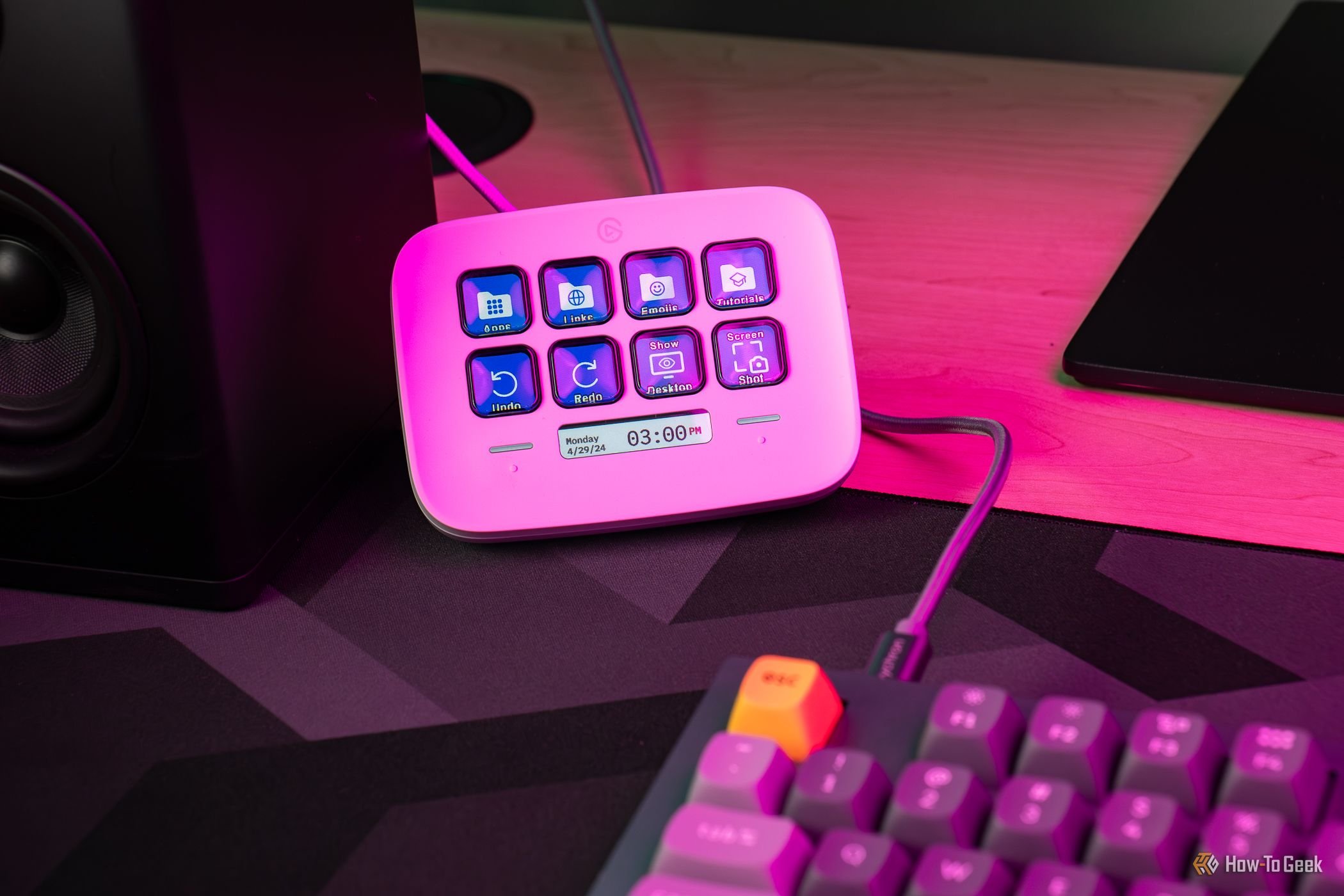
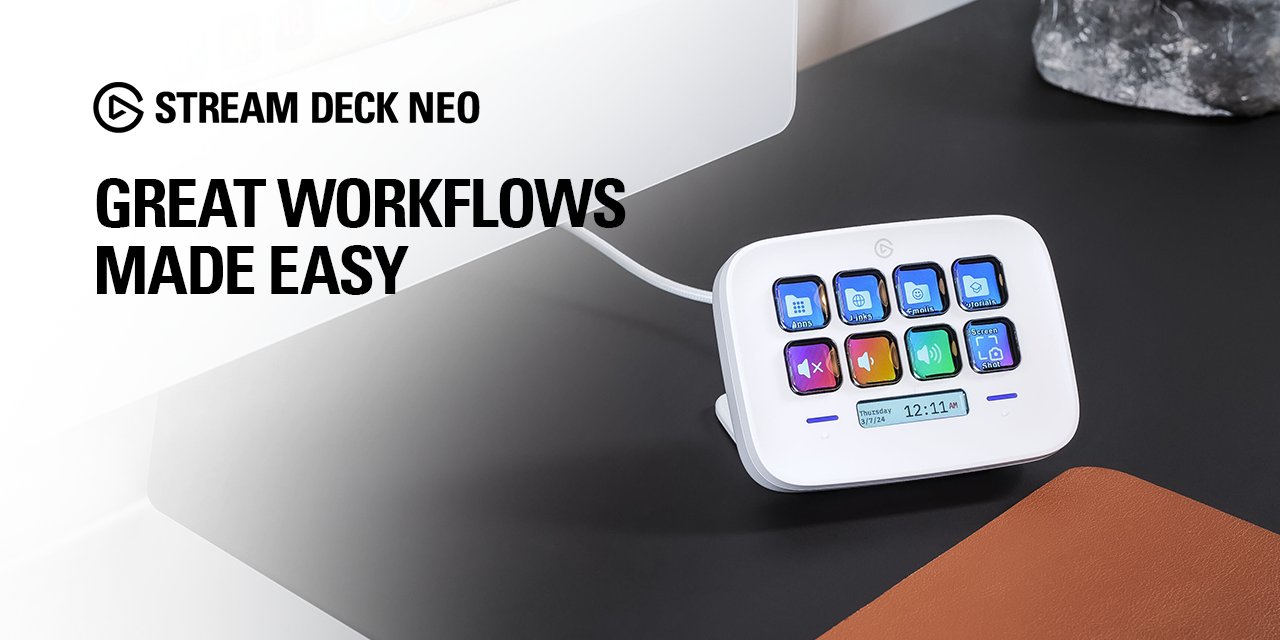
The Elgato Stream Deck Neo immediately presents itself as a more refined and focused member of the family. Its compact, minimalist design, available in both black and white, is clearly aimed at the modern desk aesthetic where space is at a premium. The build is entirely plastic, which keeps it lightweight but does lack the reassuring heft of more premium peripherals. However, the integrated stand provides a perfect viewing angle, and the non-slip base keeps it firmly planted during even the most frantic mashing of keys. The eight customizable LCD keys are the main event, and they are as bright, clear, and responsive as we’ve come to expect from Elgato, providing satisfying tactile feedback with every press.
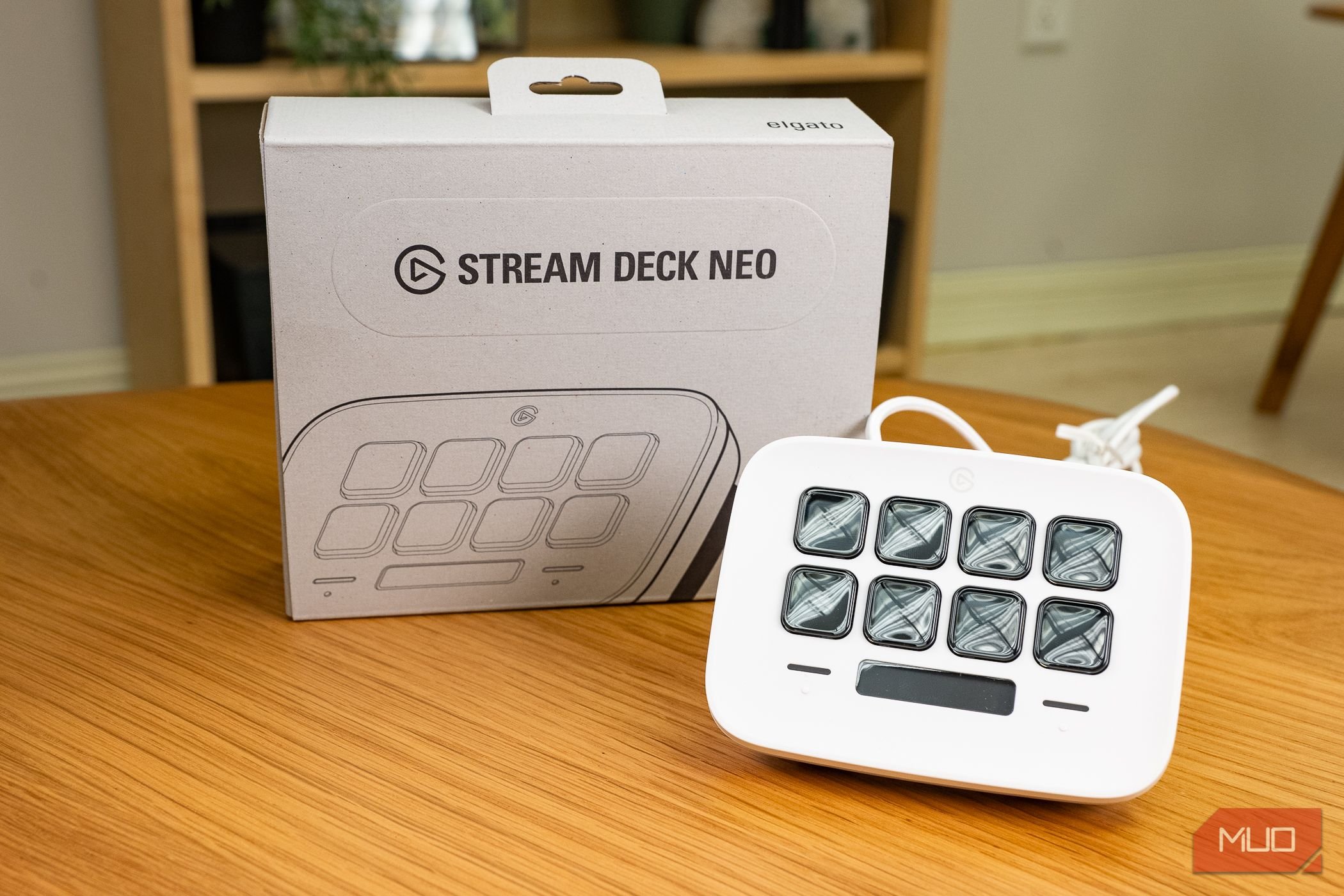
Where the Neo truly carves its own identity is with the new additions that flank the familiar key grid. Below the keys lies the “Infobar,” a narrow dynamic display that shows the date and time by default but can be customized to display other information. Above the keys are two capacitive touch points, marked with simple arrows, used for swiping between key pages. This is the Neo’s core design gambit: replacing two physical buttons from the Stream Deck Mini with a more elegant, touch-based solution. In practice, the touch points are responsive and intuitive, allowing you to cycle through an infinite number of pages and layouts with a simple tap. While some may miss the physical click of a button, this implementation feels futuristic and works flawlessly.
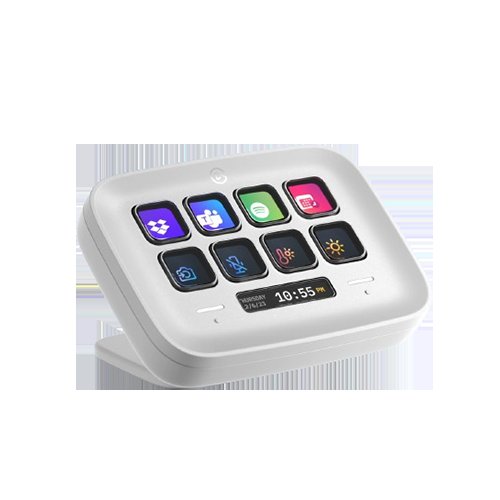
Performance is powered by Elgato’s robust Stream Deck software, the secret sauce that makes these devices so powerful. The Neo integrates seamlessly, giving you access to a vast marketplace of plugins for everything from OBS and Discord to Spotify and Microsoft Teams. Setting up actions, from simple hotkeys to complex multi-action macros, is a drag-and-drop affair that remains accessible to beginners while offering deep customization for power users. The Neo handles every command instantly, with no perceptible lag between a key press and the resulting action on your PC or Mac. The Infobar, while currently limited in its customization, is a promising feature that provides useful context without sacrificing a valuable key slot.
Ultimately, the Stream Deck Neo’s value proposition is clear. It’s priced to be the perfect entry point for those curious about the Stream Deck ecosystem or an ideal secondary controller for seasoned veterans. It offers more functionality than the aging Stream Deck Mini thanks to its Infobar and touch navigation, yet it maintains a much smaller footprint than the larger Stream Deck MK.2. While the eight-key limit will be a dealbreaker for professional streamers running complex productions, it’s a fantastic productivity tool for everyday users. It excels at managing video calls, controlling media playback, launching applications, and automating repetitive tasks, making it a powerful companion for anyone who spends significant time at a computer.
Where to Buy:
Elgato Stream Deck Neo Quick Summary
Key Scores:
-
Value:
85% -
Design:
92% -
Performance:
93% -
Quality:
91% -
Popularity:
88%
Top Pros
- ✅ The compact design and integrated stand fit perfectly on crowded desks.
- ✅ The dynamic Infobar provides useful at-a-glance information and context.
- ✅ Intuitive touch points make navigating between pages incredibly fluid and simple.
- …
Key Cons
- ❌ The all-plastic construction feels less premium than its price tag suggests.
- ❌ Eight physical keys can feel restrictive for complex streaming or editing workflows.
- ❌ The touch points lack the definitive tactile feedback of physical buttons.
- …