Tech Essentials
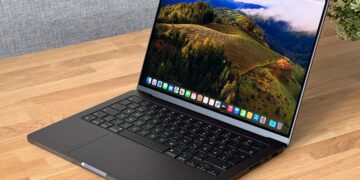




The age of the AI PC has officially dawned, and Dell’s latest XPS 13 is one of its first and most compelling ambassadors. This isn’t just another incremental upgrade; it’s a fundamental rethinking of what a premium ultraportable can be. Dell is betting big that its blend of iconic design and next-gen silicon represents the future of mobile computing.
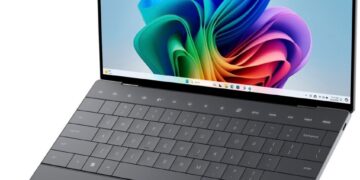
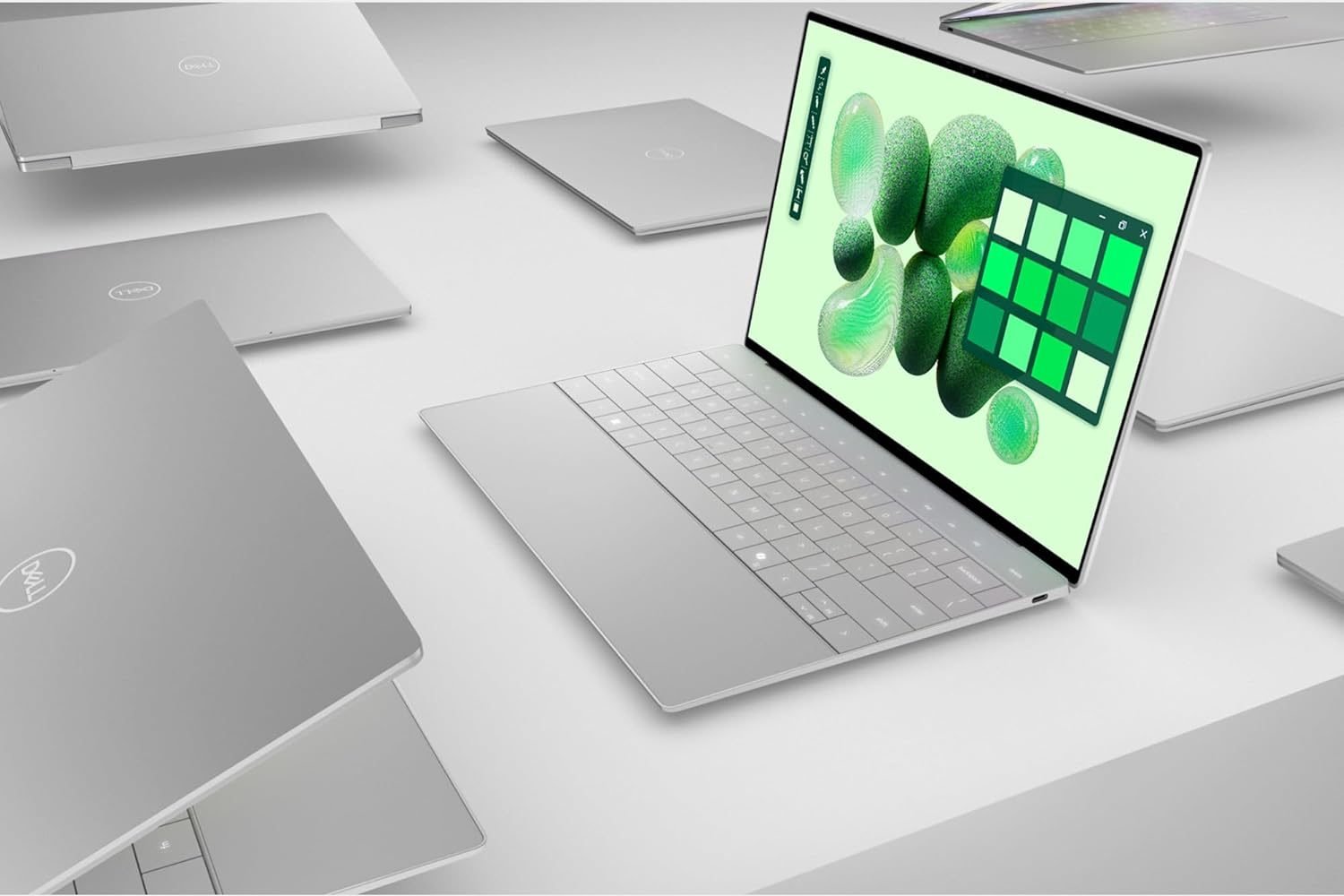
The Dell XPS 13 Copilot+ PC is a masterclass in minimalist design, continuing the lineage of its predecessors with a sleek, CNC-machined aluminum chassis and Gorilla Glass 3. It feels impossibly dense and rigid, with zero flex or creak, reinforcing its premium standing. The move to a haptic function row and a seamless glass touchpad, first seen on the XPS 13 Plus, remains a bold choice. Aesthetically, it creates an uninterrupted, futuristic look. Practically, however, the lack of physical feedback for function keys can be disorienting, and hunting for the invisible trackpad boundaries is a learning curve some may not appreciate.
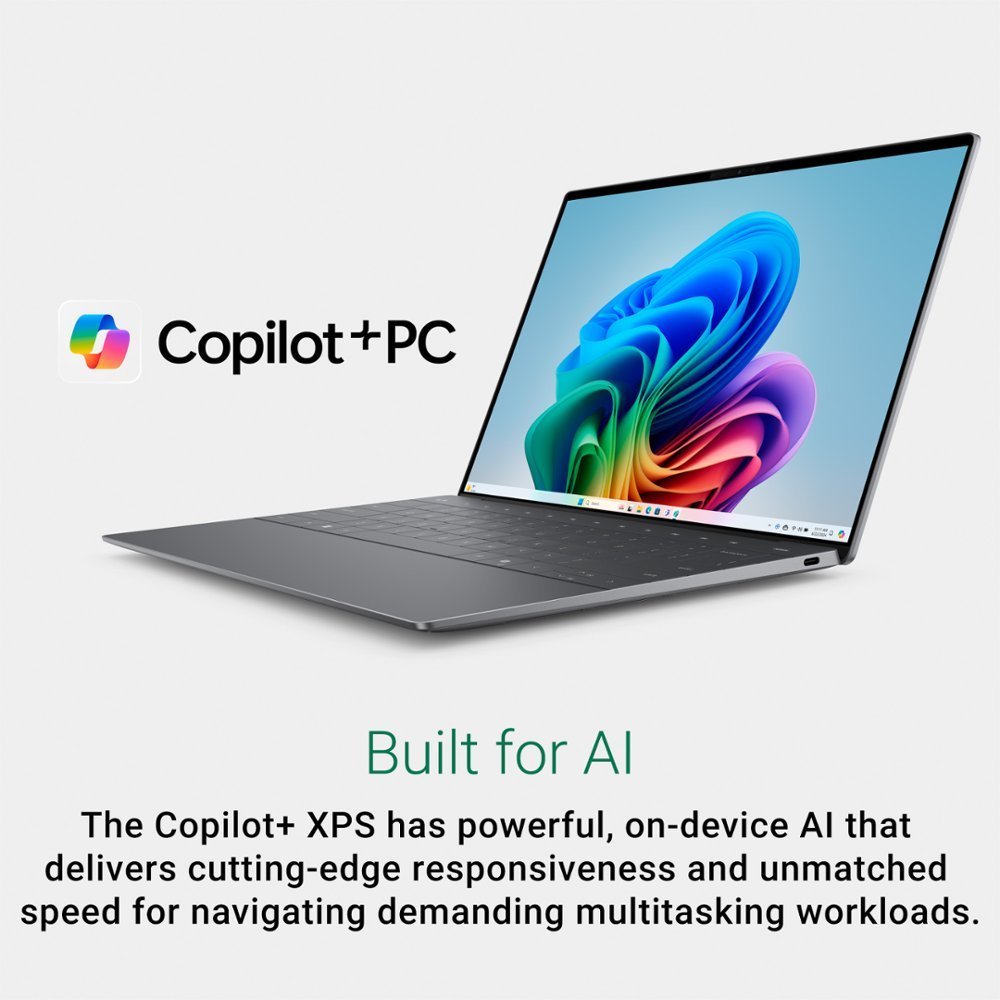
At the heart of this machine is Qualcomm’s Snapdragon X Elite processor. This isn’t just another chip; it’s the engine for Microsoft’s new Copilot+ experiences. Performance in native ARM64 applications is impressively snappy, handling everyday productivity, browsing, and media consumption without breaking a sweat. The real story is the NPU (Neural Processing Unit), which offloads AI tasks from the CPU and GPU. This is what powers features like Recall, an AI-powered timeline of everything you’ve done on your PC, and enhanced Windows Studio Effects that can blur your background or maintain eye contact during video calls with startling accuracy and minimal power drain. The result is a system that feels intelligent and responsive in new ways.
Of course, the transition to ARM-based architecture isn’t without its challenges. While Microsoft’s Prism emulation layer for running traditional x86 apps has improved dramatically, it’s not flawless. Most mainstream software runs well, but users who rely on specialized or older applications, particularly those involving complex plugins or drivers, may encounter compatibility or performance hiccups. The major upside, however, is battery life. The efficiency of the Snapdragon chip delivers truly all-day longevity that can often stretch into a second day of light use, a game-changer that finally puts Windows ultraportables on par with Apple’s MacBook Air.
The optional 3K OLED touch display is nothing short of spectacular, with perfect blacks and vibrant, punchy colors that make both work and media a joy to view. The speaker system is also surprisingly robust for such a compact laptop. The main compromise, as is XPS tradition, is port selection. With only two Thunderbolt 4 (USB-C) ports, you’ll be living the dongle life if you need to connect legacy peripherals, an external monitor, and power simultaneously.
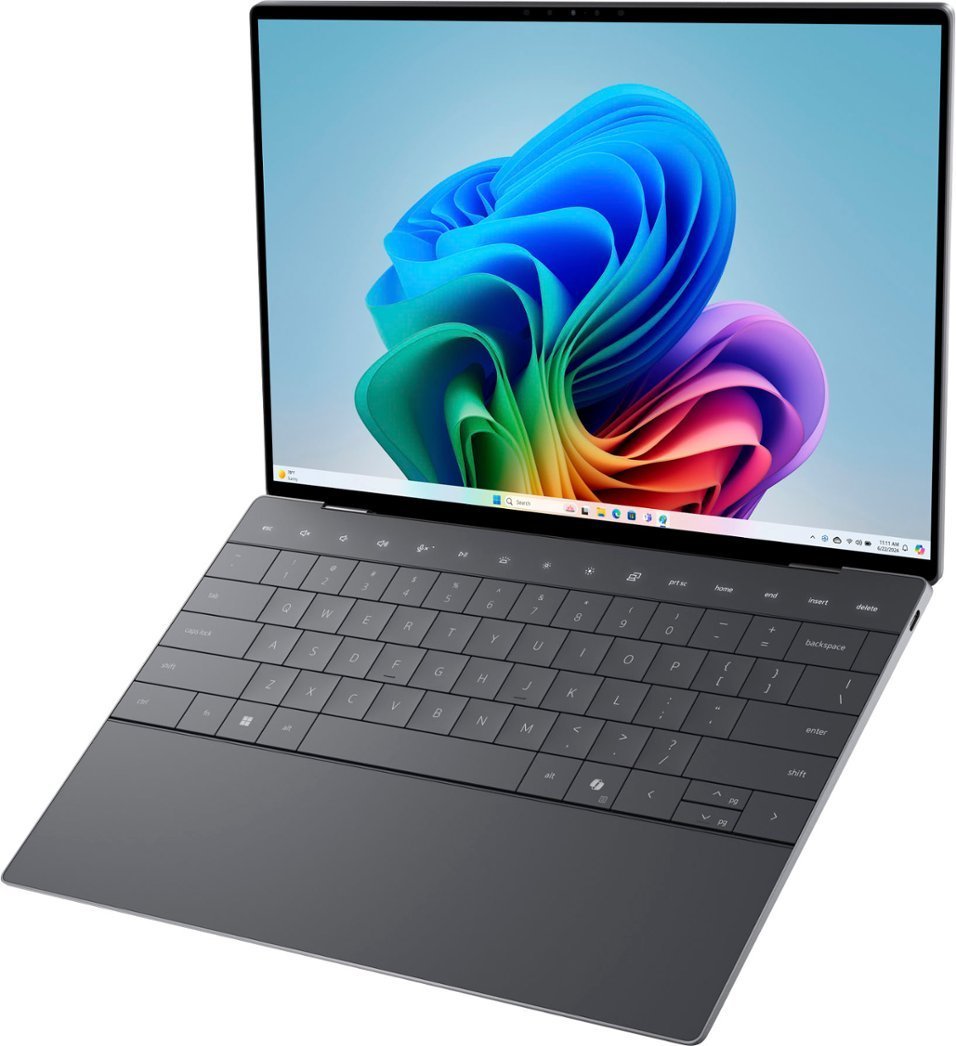
The Dell XPS 13 Copilot+ PC is less of a device for today and more of a beautifully crafted investment in tomorrow. It’s a statement piece for the early adopter, the tech enthusiast, or the mobile professional who values cutting-edge AI features, phenomenal battery life, and a sublime physical design above all else. If your workflow lives in the cloud and modern applications, and you’re excited by the promise of on-device AI, this machine is a compelling, polished glimpse of the future.
Where to Buy:
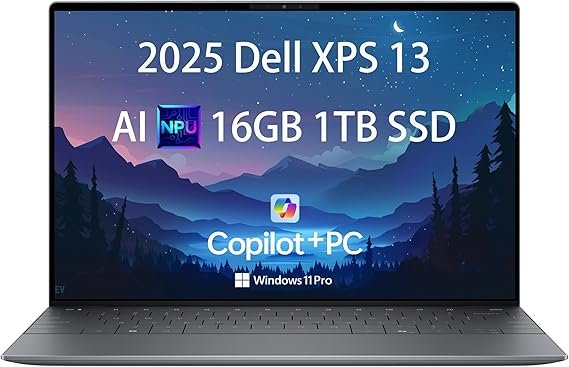
Dell XPS 13 Copilot+ PC Quick Summary
Key Scores:
-
Value:
80% -
Design:
93% -
Performance:
89% -
Quality:
92% -
Popularity:
85%
Top Pros
- ✅ Exceptional battery life redefines the meaning of all-day usage.
- ✅ The NPU delivers genuinely useful and efficient AI-powered features.
- ✅ Its minimalist design and premium materials feel incredibly well-built.
- …
Key Cons
- ❌ Extremely limited port selection necessitates carrying dongles or a hub.
- ❌ Application compatibility for emulated x86 software can be inconsistent.
- ❌ The haptic function row can be less practical than physical keys.
- …