Tech Essentials




In the search for the ultimate professional workspace, the monitor is the undisputed centerpiece, and Dell’s latest flagship is a formidable contender for the crown. The UltraSharp U4025QW is more than just a large curved screen; it’s a meticulously engineered command center that promises to declutter your desk and amplify your productivity. For power users who live in complex timelines, sprawling spreadsheets, or multiple code windows, this display makes a powerful case for itself as a singular, unifying solution.
The star of the show is undeniably the 40-inch, 5K2K (5120×2160) IPS Black panel. This resolution, stretched across a 21:9 aspect ratio, is a productivity nirvana, offering the horizontal real estate of two QHD monitors without a distracting bezel in the middle. Text is incredibly sharp, and the sheer pixel density allows for multiple full-size application windows to sit side-by-side comfortably. The upgrade to a 120Hz refresh rate from its 60Hz predecessor is a game-changer, not for gaming, but for everyday use. Every scroll, window drag, and cursor movement is exceptionally fluid, reducing eye fatigue and making the entire user experience feel more responsive and modern. Paired with IPS Black technology, which delivers noticeably deeper blacks and a higher contrast ratio than standard IPS panels, the image quality is simply superb for creative and professional work.
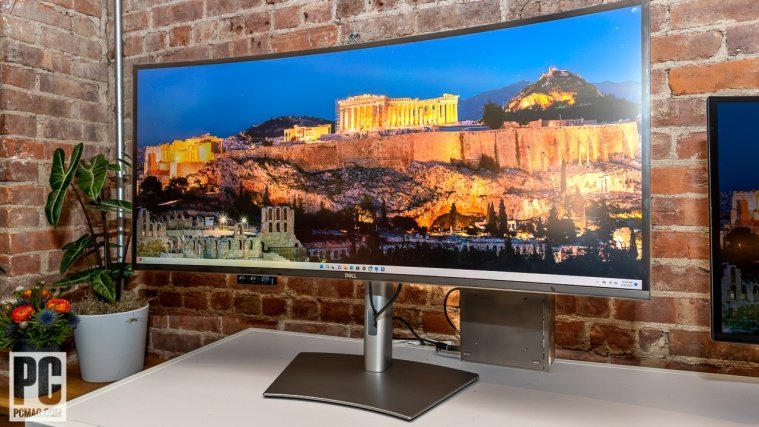
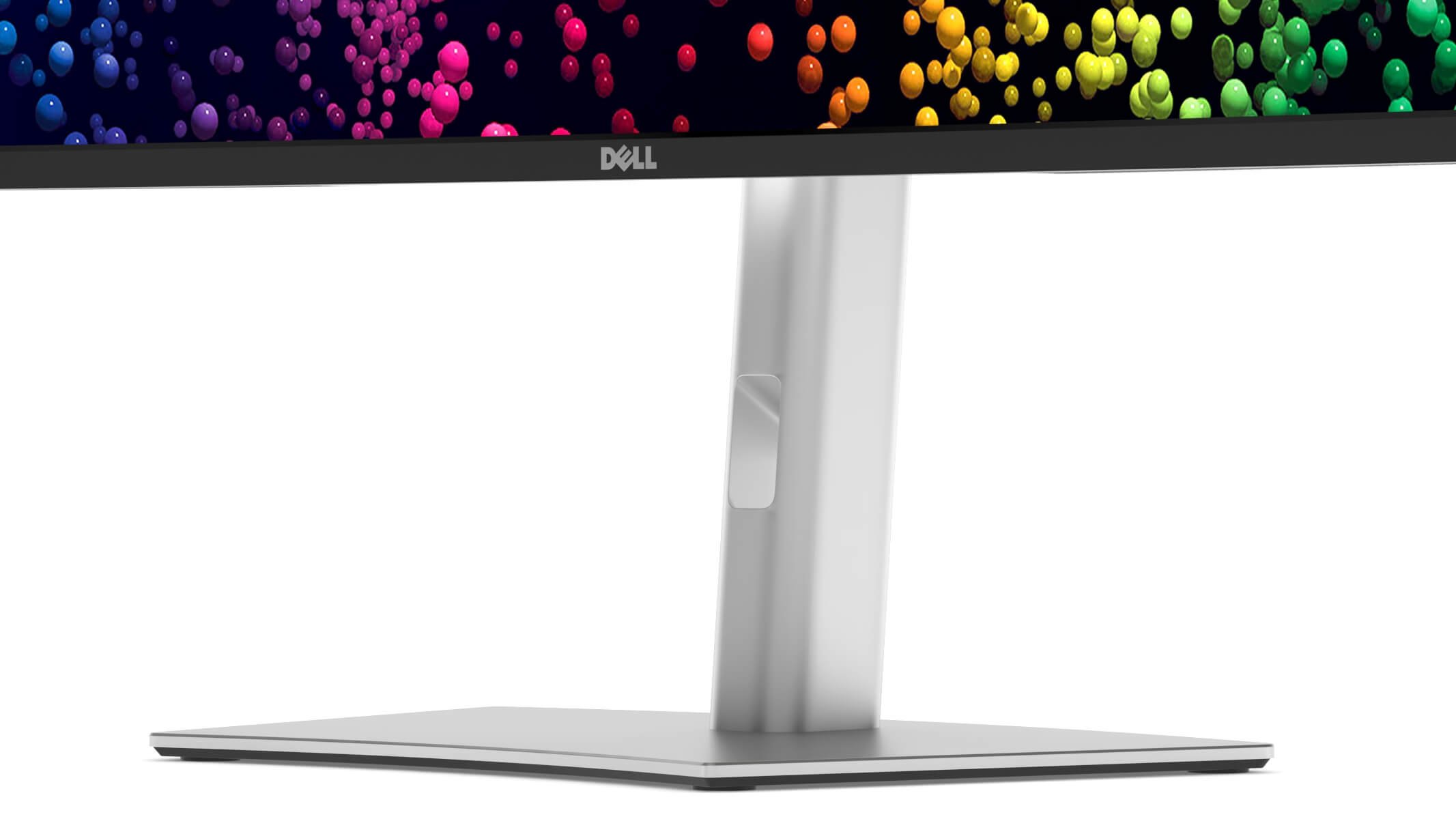
Dell’s design language for the UltraSharp line is one of understated professionalism, and the U4025QW is no exception. Clad in a platinum silver finish, the monitor features a robust stand with excellent ergonomics, offering height, tilt, and swivel adjustments. The 2500R curve is gentle, providing immersive viewing without aggressive distortion at the edges, making it ideal for tasks that demand straight lines, like design and video editing. The build quality is impeccable, feeling solid and premium from the base to the thin bezels.
Where this monitor truly becomes a “Thunderbolt Hub” is in its connectivity. A single Thunderbolt 4 cable to a compatible laptop delivers a staggering 140W of power—enough for even the most demanding mobile workstations—along with video and data. The integrated hub is stacked, featuring a 2.5Gbps Ethernet port for high-speed wired networking, multiple USB-C and USB-A ports, and a smart KVM switch. Dell’s cleverest addition is a pop-out compartment on the bottom left bezel that reveals a USB-C and USB-A port for quick, hassle-free access to plug in a flash drive or charge a device. This comprehensive I/O transforms the monitor into the brain of your desk, eliminating the need for a separate docking station.
However, the U4025QW is a specialized tool, not a jack-of-all-trades. While its 120Hz refresh rate is a boon for productivity, the lack of adaptive sync (G-Sync/FreeSync) and slower pixel response times mean it is not built for high-end gaming. Furthermore, while it carries a VESA DisplayHDR 600 certification, its edge-lit local dimming can’t compete with the true HDR performance of Mini-LED or OLED displays, resulting in blooming and less impactful highlights. These aren’t deal-breakers for its target audience, but they are important considerations given the substantial investment required.
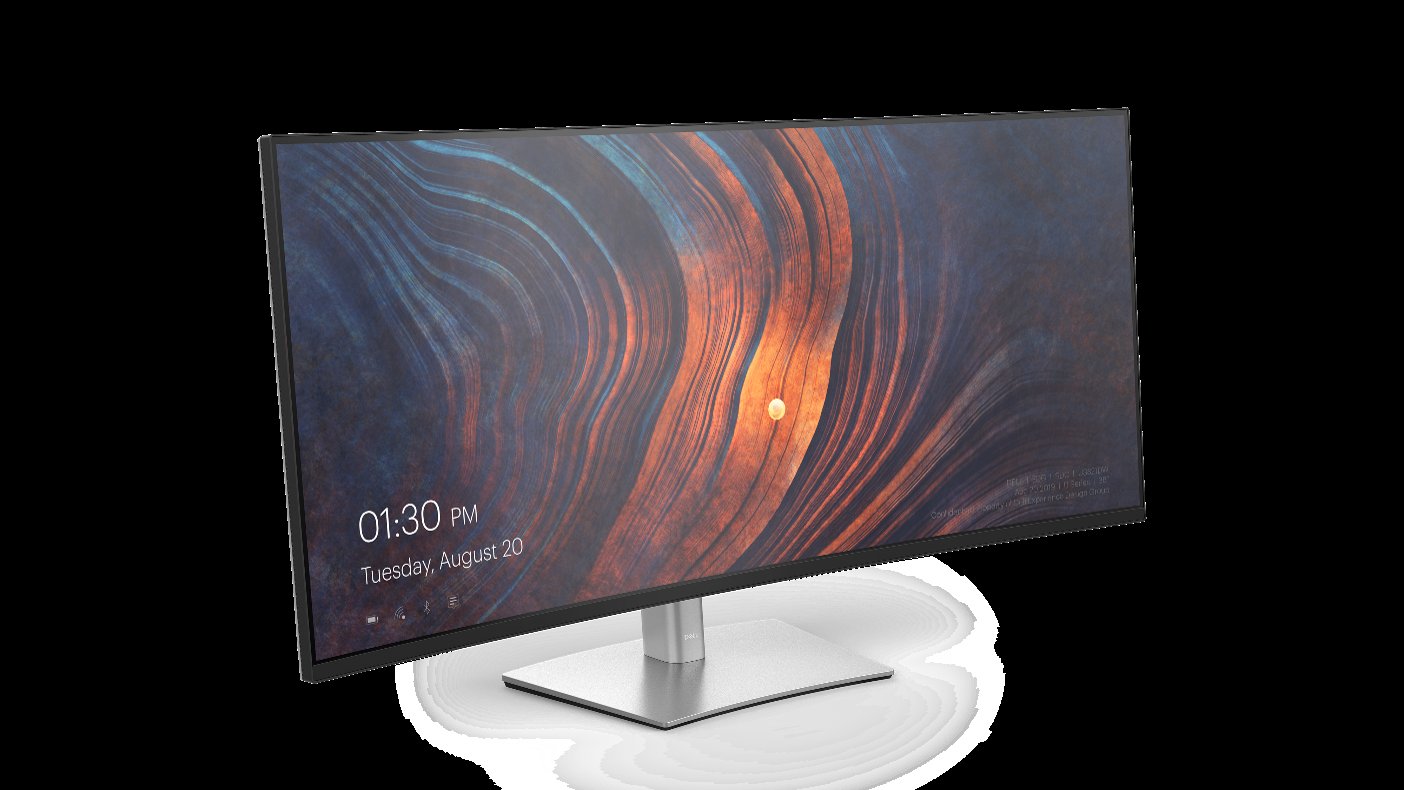
Ultimately, the Dell UltraSharp U4025QW is an unapologetically premium monitor for a specific type of professional. If your workflow benefits from immense screen real estate, pixel-perfect clarity, and a best-in-class single-cable docking solution, this display is one of the most complete and refined packages on the market. For the developer, creative professional, or financial analyst whose productivity is measured by screen space and efficiency, this monitor is less of a purchase and more of a powerful investment in their craft.
Where to Buy:
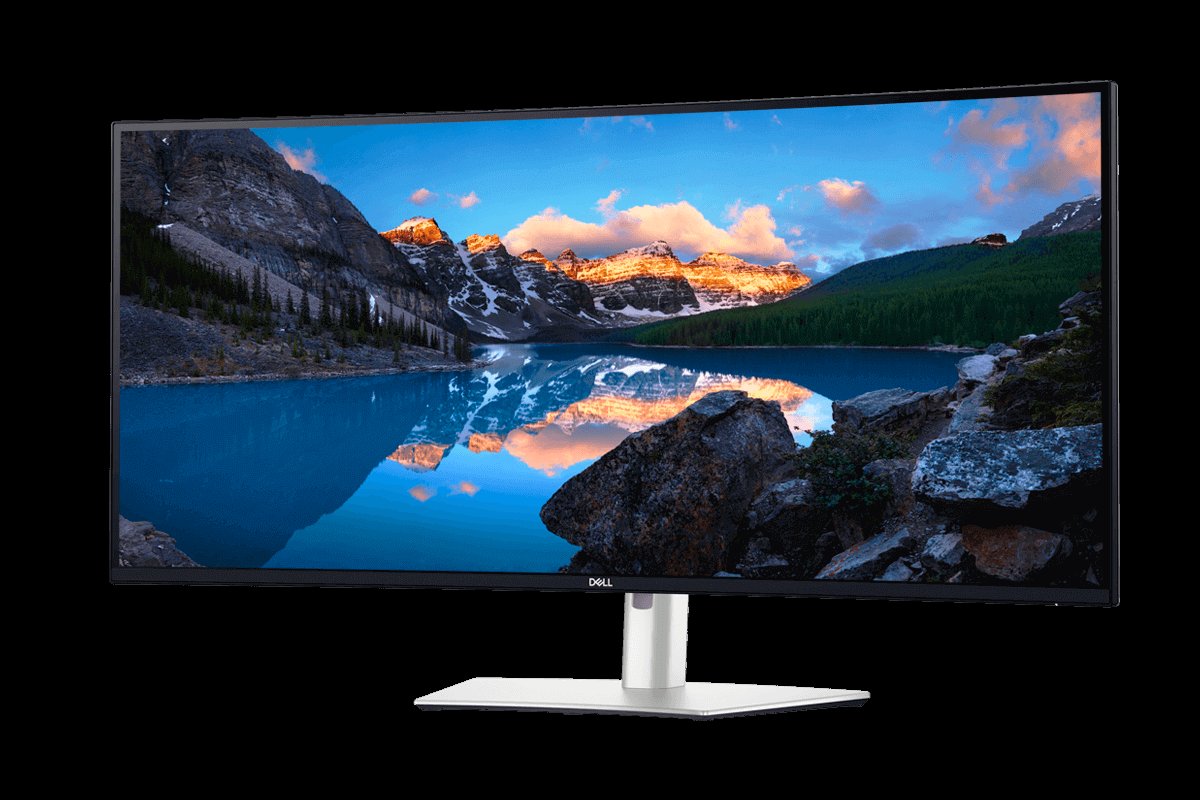
Dell UltraSharp 40 Curved Thunderbolt Hub Monitor (U4025QW) Quick Summary
Key Scores:
-
Value:
83% -
Design:
92% -
Performance:
94% -
Quality:
93% -
Popularity:
78%
Top Pros
- ✅ Vast 5K2K resolution offers exceptional clarity and multitasking space.
- ✅ The integrated Thunderbolt hub provides powerful single-cable connectivity.
- ✅ A smooth 120Hz refresh rate enhances the daily user experience.
- …
Key Cons
- ❌ The premium price tag places it out of reach for many.
- ❌ It lacks adaptive sync for a high-end gaming experience.
- ❌ HDR performance is limited compared to Mini-LED or OLED displays.