Tech Essentials





The 15-inch MacBook Air was a revelation, finally giving users a large screen without the ‘Pro’ price tag. Apple’s new M3 chip now elevates this winning formula, promising more power in the same impossibly thin chassis. It’s a subtle evolution, but one that could redefine the standard for mainstream laptops.
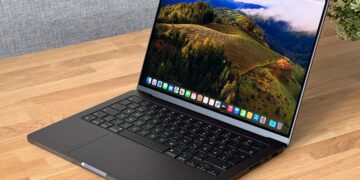
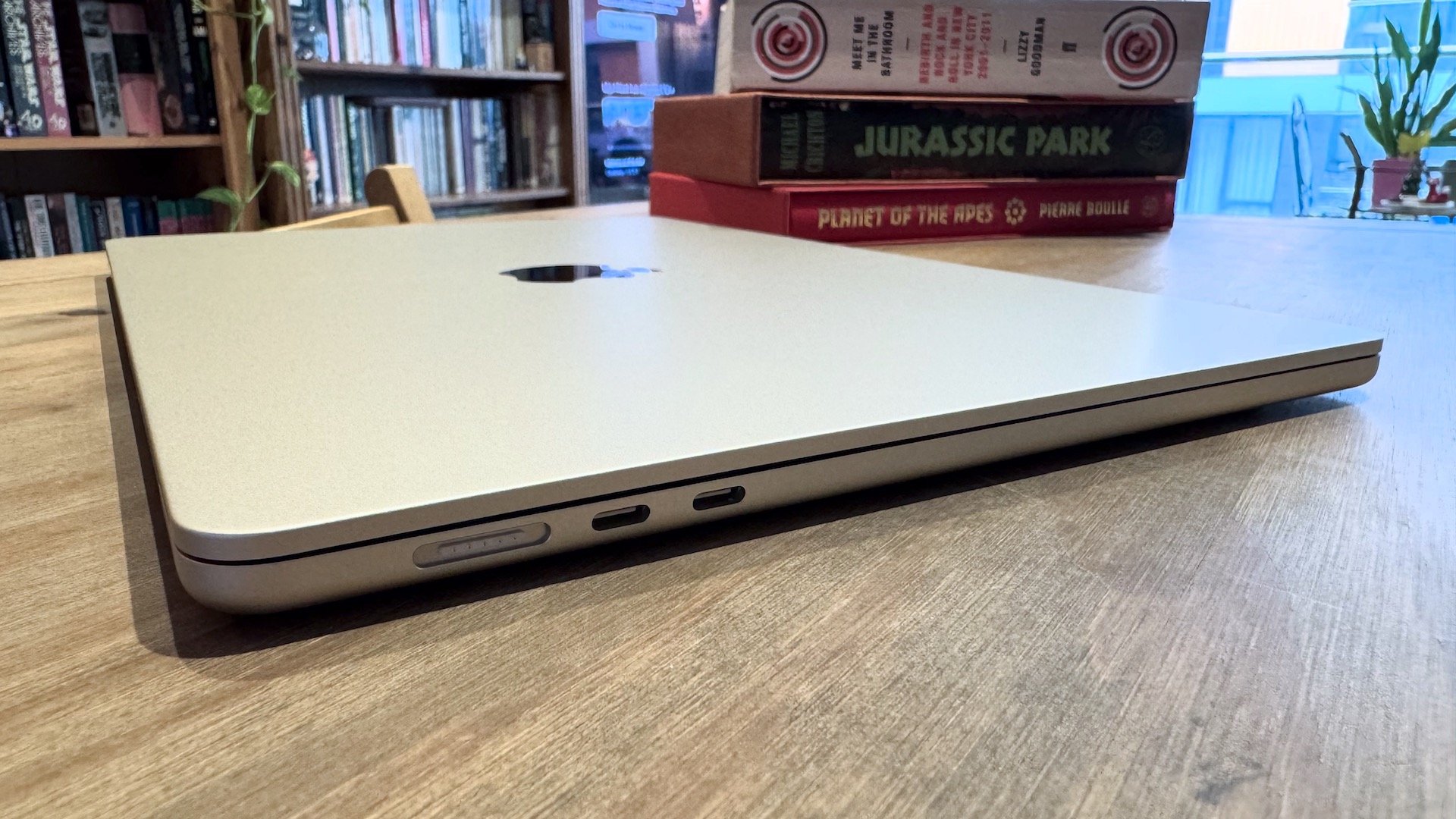
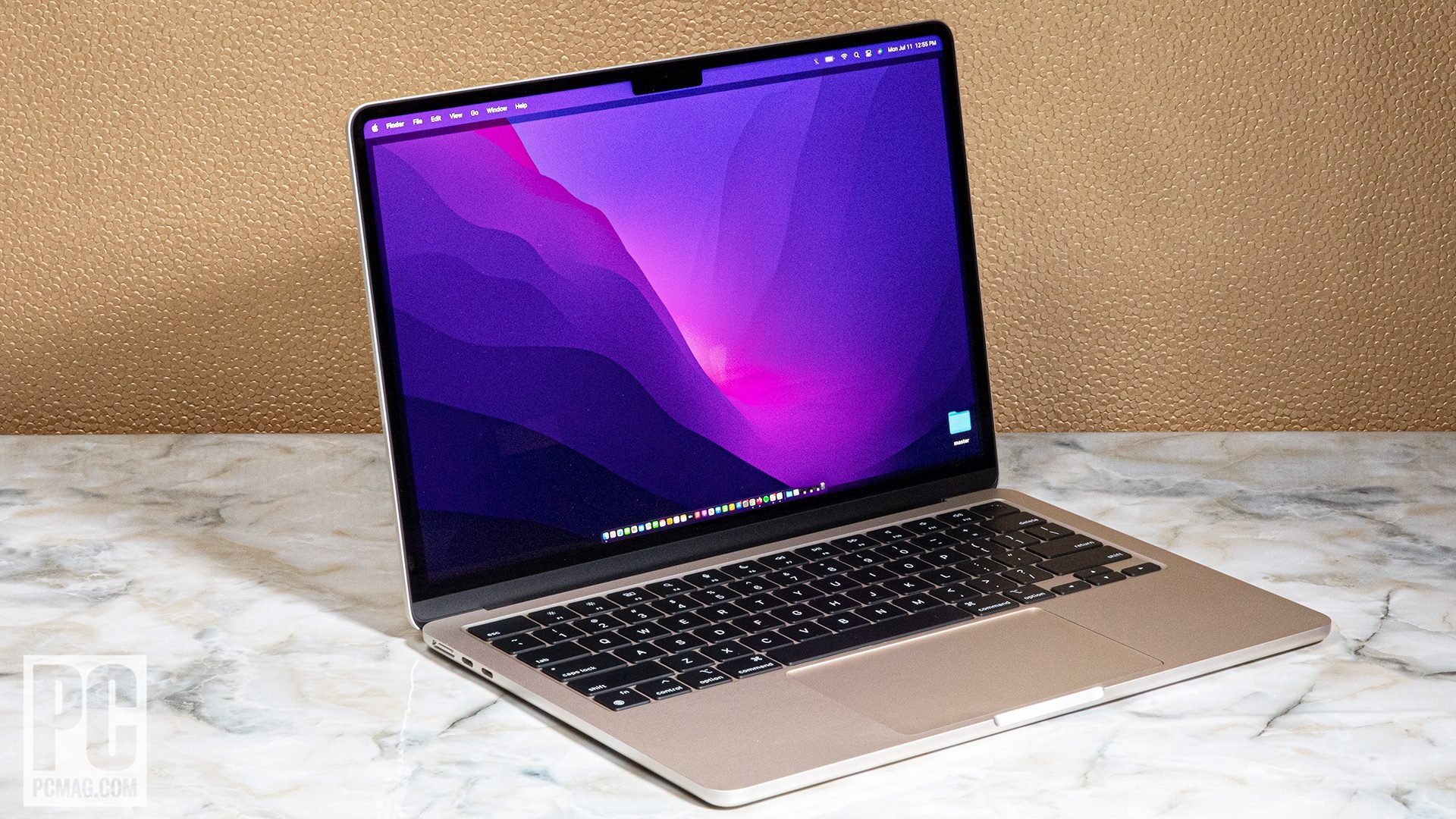
The MacBook Air 15-inch with M3 doesn’t reinvent the wheel—it perfects it. Visually, it’s identical to its M2 predecessor, which is no bad thing. The machine retains its elegant, rigid aluminum unibody, feeling premium and durable despite being just 11.5mm thick and weighing a mere 3.3 pounds. For a 15-inch laptop, it remains astonishingly portable. One small but welcome update is the new anodization seal on the Midnight color, which does a noticeably better job of resisting the fingerprints that plagued the previous version. The design is minimalist and clean, though the port selection remains a point of contention: just two Thunderbolt/USB 4 ports and a MagSafe 3 charging port. On a device with this much screen real estate, an extra port or an SD card slot would have been a game-changer.
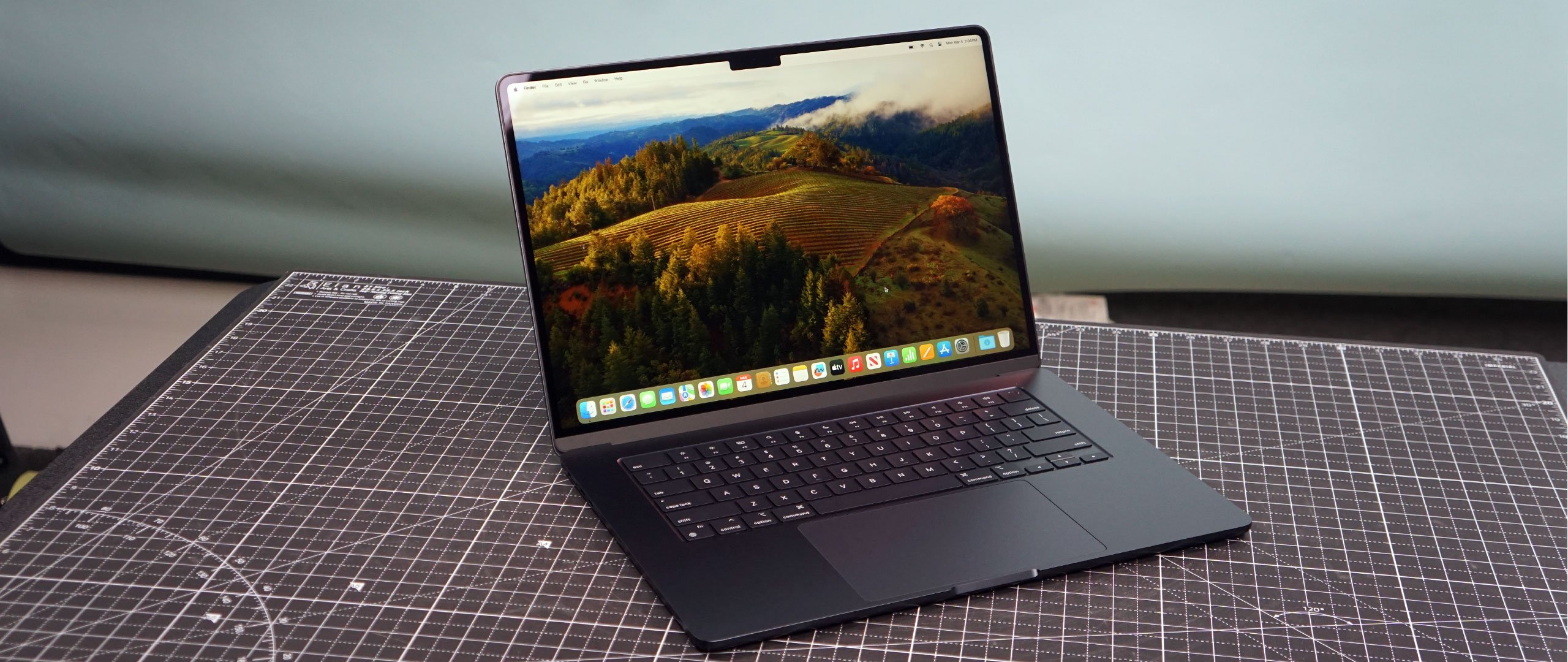
At the heart of this machine is the new M3 chip, and it delivers exactly what you’d expect: a tangible boost in capability. For everyday tasks like web browsing, document editing, and streaming media, the M3 is comically overpowered, ensuring a fluid and instantaneous experience. Where it shines over the M2 is in more demanding workloads. The M3’s more efficient performance cores and, crucially, its updated GPU with hardware-accelerated mesh shading and ray tracing, make a real difference in creative apps and even some light gaming. Editing 4K video timelines in Final Cut Pro is smoother, and tasks in Adobe Photoshop feel snappier. However, it’s essential to remember this is a fanless design. For short bursts of intense activity, it’s a beast. But under sustained, heavy loads, it will eventually thermal throttle to manage heat. This is the clear line in the sand separating the Air from its Pro siblings.
Perhaps the single most important functional upgrade is the M3’s new display controller. The M2 model was frustratingly limited to a single external monitor, a bizarre limitation for a modern laptop. The M3 Air finally remedies this, now supporting dual external displays—with one major caveat. This feature only works when the laptop’s lid is closed, operating in what’s known as “clamshell mode.” While not a perfect solution for those who want to use the laptop’s screen alongside two external monitors, it’s a massive quality-of-life improvement for anyone with a desk-based setup, finally allowing the Air to properly power a multi-monitor workstation.
Combined with its other stellar features—the bright and beautiful 15.3-inch Liquid Retina display, the best-in-class keyboard and trackpad, and a battery that genuinely lasts all day—the M3 15-inch MacBook Air presents a compelling package. It isn’t a revolutionary leap, and owners of the M2 version have little reason to upgrade. However, Apple has addressed the previous model’s most significant shortcoming while boosting performance and future-proofing the device with features like Wi-Fi 6E.
The final verdict is clear. This is the best large-screen laptop for the overwhelming majority of people. It’s for the student who needs more screen space for research papers, the professional who juggles spreadsheets and video calls, and the casual user who simply wants a beautiful, fast, and reliable machine for home use. If your workflow involves constant, hours-long video exports or 3D rendering, you still need a MacBook Pro. For everyone else, the 15-inch MacBook Air with M3 is the new gold standard, perfectly balancing size, power, and portability.
Where to Buy:

Apple MacBook Air 15-inch (M3) Quick Summary
Key Scores:
-
Value:
85% -
Design:
95% -
Performance:
90% -
Quality:
94% -
Popularity:
92%
Top Pros
- ✅ Large, vibrant 15-inch display is perfect for productivity.
- ✅ The M3 chip provides excellent performance for daily tasks.
- ✅ Finally supports two external displays when the lid is closed.
- …
Key Cons
- ❌ Base model still includes a meager 8GB of unified memory.
- ❌ Port selection remains limited to just two Thunderbolt ports.
- ❌ Upgrades for RAM and storage are prohibitively expensive.