Tech Essentials







In a world of disparate monitors, towers, and cable spaghetti, the All-in-One (AiO) computer remains an elegant, if often compromised, proposition. It promises the power of a desktop within the clean footprint of a monitor, a minimalist dream that few manufacturers truly perfect. HP, however, has consistently refined its formula, and the Envy 27 All-in-One feels like a culmination of that effort—a direct and compelling challenge to Apple’s iMac for the throne of the ultimate creative workspace. It’s a machine that doesn’t just aim to look good on a desk; it aims to be the desk.
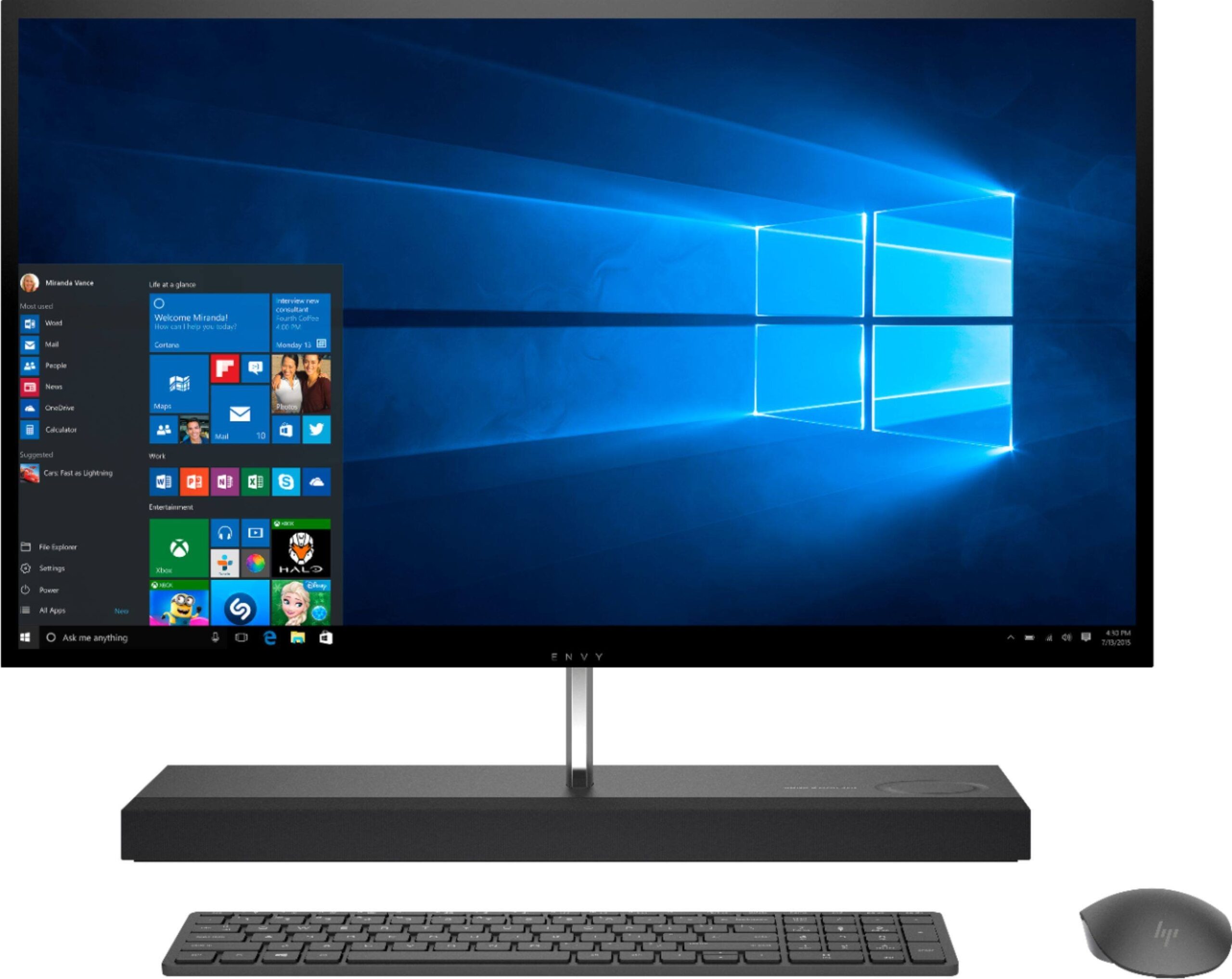
Design and Display: A Masterclass in Understated Elegance
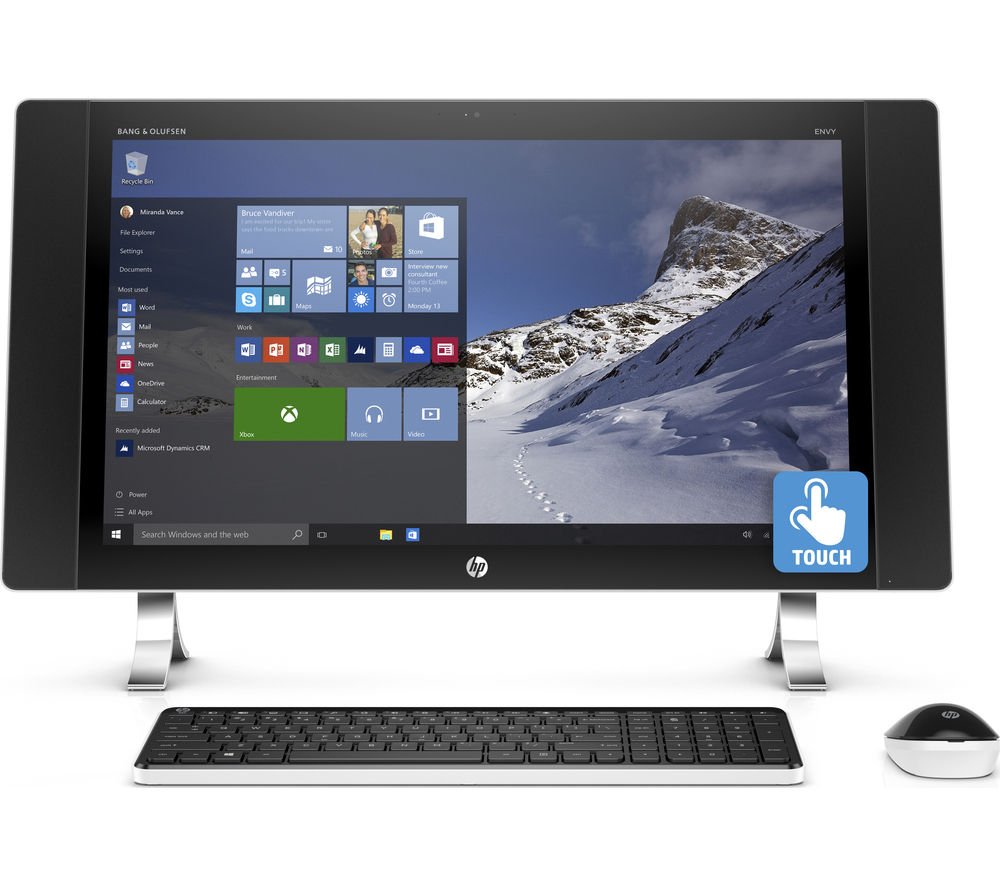
Pulling the Envy 27 from its box is a statement in itself. The design is immediately striking, with a gorgeous 27-inch 4K IPS display that appears to float above its substantial, fabric-accented base. HP has nailed the aesthetics, using a blend of machined aluminum and soft-touch materials to create a machine that looks more like a piece of high-end furniture than a computer. The bezels are razor-thin on three sides, immersing you completely in the vibrant panel.
And what a panel it is. The 4K resolution (3840 x 2160) is pin-sharp, and with 500 nits of brightness and 98% DCI-P3 color gamut coverage, it’s a dream for photo and video editors. Colors are rich and accurate right out of the box, and the anti-reflection coating does an admirable job of taming glare without creating a hazy, matte finish. This is, without a doubt, a flagship-quality display that serves as the machine’s centerpiece.
Features That Actually Make Sense
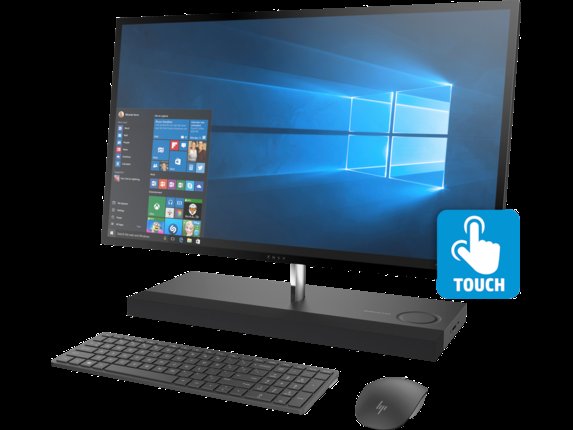
HP has loaded the Envy 27 with thoughtful features that enhance the user experience rather than just padding a spec sheet. The most brilliant of these is the detachable 16MP magnetic webcam. You can snap it onto any of the four bezels, or even use it handheld, offering incredible flexibility for video calls and content creation. Its quality far surpasses the grainy, built-in webcams we’ve become accustomed to.
The base isn’t just a stand; it’s a command center. It houses a powerful, room-filling Bang & Olufsen speaker system that delivers impressive audio clarity and depth for an AiO. It also features a convenient 15W Qi wireless charging pad, allowing you to top up your phone by simply placing it on the stand. Port selection is robust, including two Thunderbolt 4 ports, four USB-A ports, and an HDMI input—a fantastic inclusion that lets you use this stunning 4K display with a laptop or gaming console. The only slight annoyance is that most of these ports are on the back, making them a bit of a reach for frequent plug-and-play.
Performance: A Creative Powerhouse, Not a Gaming Rig
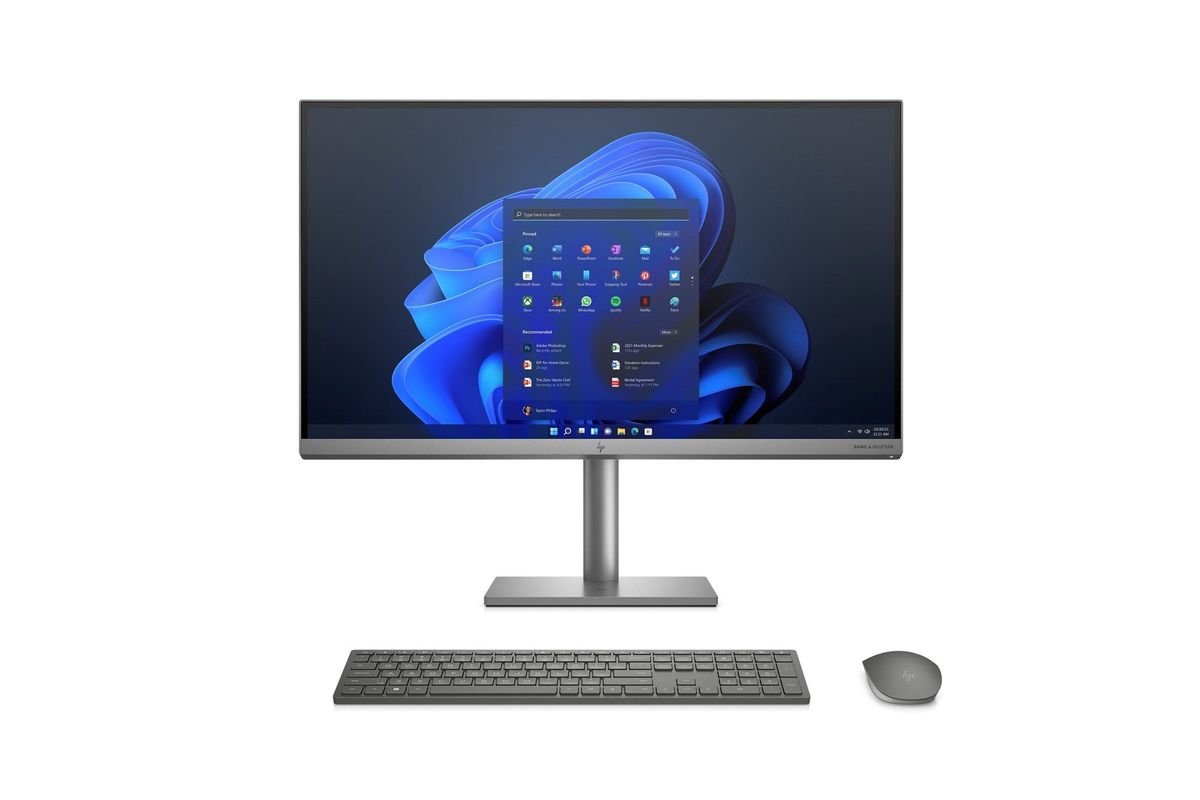
Inside, the Envy 27 packs serious desktop-grade components. Configured with up to an Intel Core i9 processor and an NVIDIA GeForce RTX 3060 Laptop GPU, this machine chews through demanding creative tasks. Compiling code, editing 4K video timelines in Premiere Pro, or managing complex projects in Photoshop is a smooth, responsive experience. Paired with a fast NVMe SSD and ample RAM, the Envy 27 rarely feels sluggish, proving it’s more than just a pretty face.
However, it’s crucial to set expectations correctly. While the RTX 3060 is a capable card, this is not a dedicated gaming machine. It will handle modern titles at 1080p or 1440p with respectable frame rates, but pushing for 4K gaming in demanding AAA games will require significant compromises in settings. For the creative professional who enjoys some light gaming on the side, it’s perfect. For the hardcore gamer, a traditional tower is still the way to go.
The Final Verdict
The HP Envy 27 All-in-One is a triumph of design and engineering. It successfully merges a breathtaking 4K display, potent performance for creative work, and a suite of genuinely useful features into a single, elegant package. It’s a machine built for the professional who values a clean, powerful, and consolidated workspace—the graphic designer, video editor, or developer who wants a no-compromise hub for their productivity.
Of course, this level of integration and polish comes at a premium price, placing it firmly in the same territory as the Apple iMac. The lack of meaningful upgradability is an inherent trade-off with any AiO. But if you fit its target demographic and are willing to pay for a seamless, powerful, and beautiful computing experience, the HP Envy 27 is one of the best All-in-Ones on the market today.
Where to Buy:
HP Envy 27 All-in-One Quick Summary
Key Scores:
- Value: 94%
- Design: 92%
- Performance: 93%
- Quality: 92%
- Popularity: 94%
Top Pros
- ✅ The stunning 4K display offers superb color and clarity.
- ✅ Its versatile magnetic webcam provides excellent video call quality.
- ✅ The elegant design integrates a wireless charger and speakers.
- …
Key Cons
- ❌ Upgradability is extremely limited compared to a traditional desktop.
- ❌ Its graphics card is not suitable for serious 4K gaming.
- ❌ The premium price point places it in a niche market.
- …