










The eero 7 brings Wi-Fi 7 performance to a remarkably simple mesh system, delivering multi-gigabit speeds, rock-solid coverage, and seamless roaming across even the largest homes. With support for MLO, 320MHz channels, and up to 9.4Gbps of throughput, it’s built for 2026’s most demanding smart homes and bandwidth-heavy workflows. Our hands-on review tests real-world speeds, design, software, and whether the premium price is justified.
Table of Contents
Key Specifications
| Feature | Detail |
|---|---|
| Wi-Fi Standard | Wi-Fi 7 (802.11be) |
| Radio Configuration | Tri-band (2.4 GHz, 5 GHz, 6 GHz) |
| Maximum Throughput | 9.4 Gbps per node |
| Coverage (per node) | Up to 2,000 sq ft |
| Processor | Quad-core 2.0 GHz |
| Memory | 2 GB RAM + 1 GB flash |
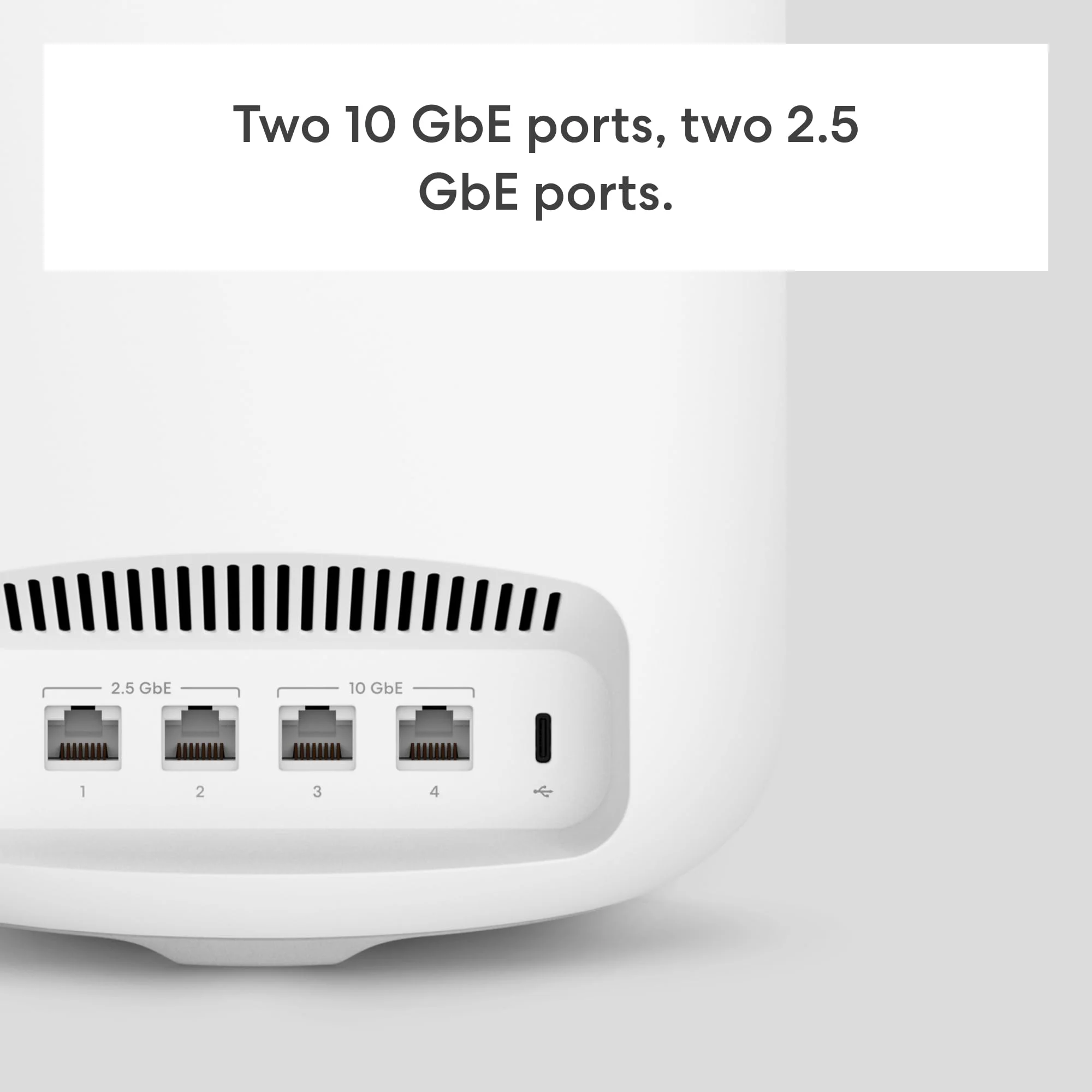
| Ethernet Ports | 2 × 10GbE (1 WAN + 1 LAN configurable) |
| Smart Home Support | Matter, Thread, Zigbee |
| Dimensions | 5.1 × 5.1 × 9.5 inches |
Design & Build Quality
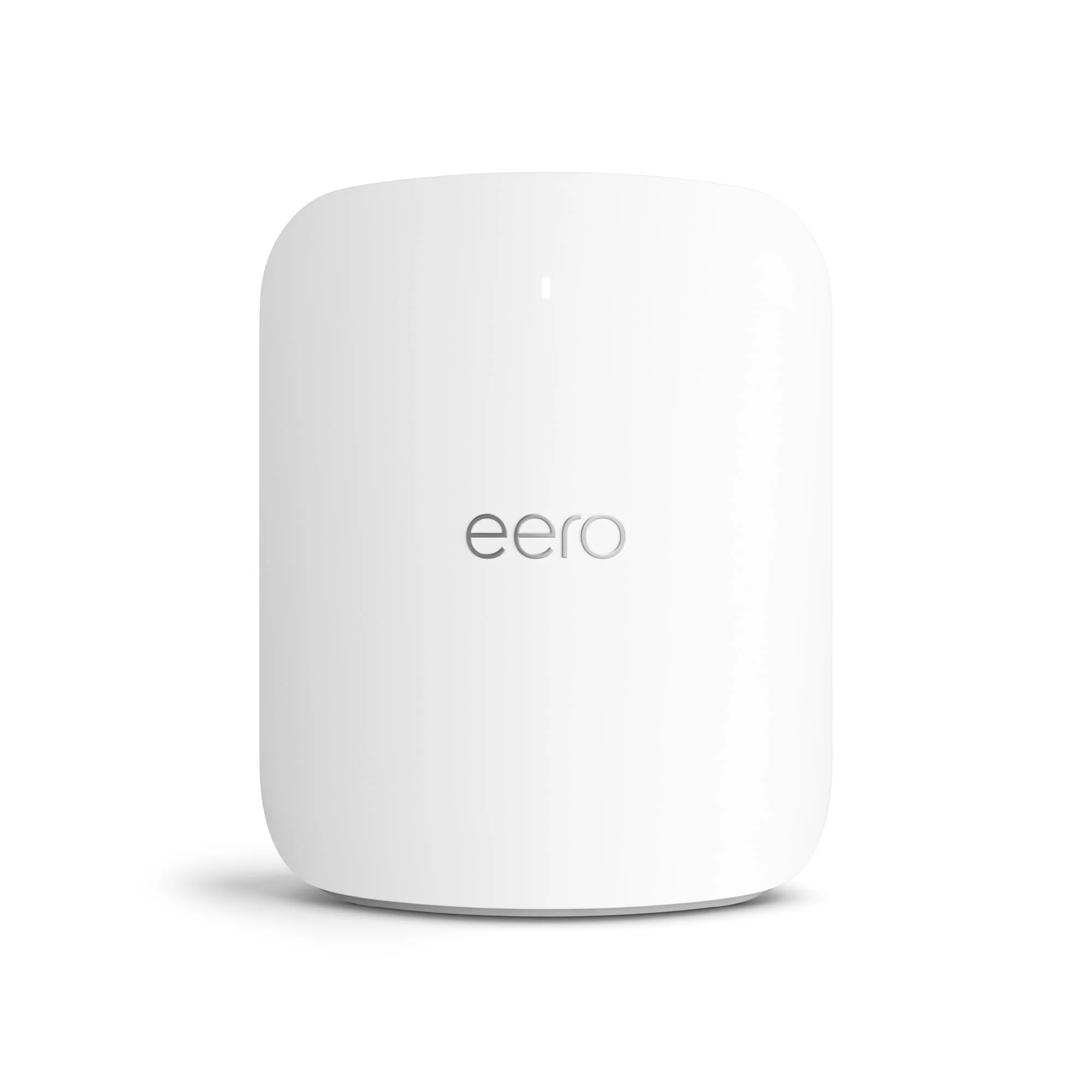
The eero 7 maintains the minimalist aesthetic that made the brand popular, but the new taller cylindrical form factor feels more purposeful. Finished in a soft-touch matte white with subtle gray accents, each node looks at home in both modern minimalist apartments and traditional living rooms. The LED ring at the base is now smaller and less intrusive than previous generations, providing status information without glowing like a nightlight.
Build quality is excellent. The units feel dense and well-engineered, with effective passive cooling that keeps surface temperatures reasonable even during sustained 4K/8K streaming loads. The vertical design also improves antenna placement for better vertical coverage across multiple floors. Setup remains delightfully simple — plug in power and Ethernet if desired, and the nodes automatically form a mesh using eero’s TrueMesh technology.
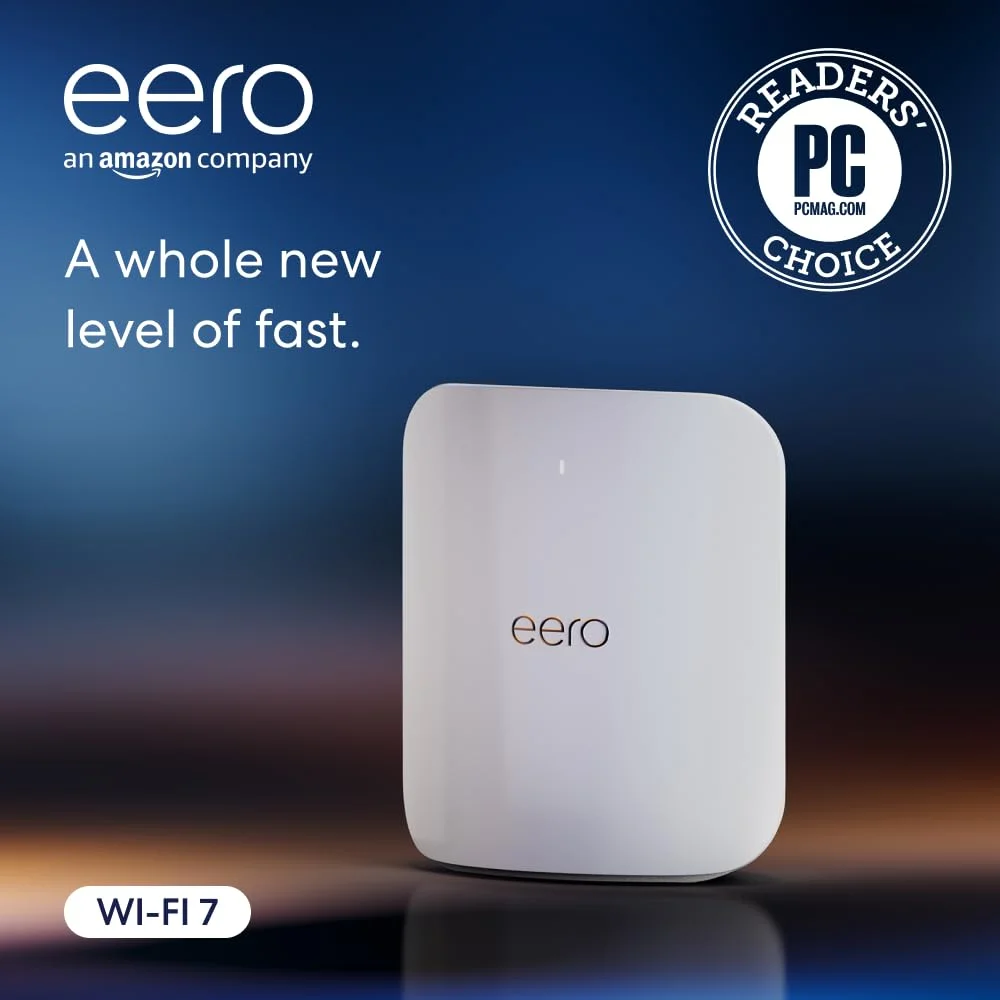
For tech-savvy users who dislike visible networking gear, the eero 7 is one of the least offensive solutions on the market. Its compact footprint means it can sit on a bookshelf or media console without dominating the space.
Performance
In real-world testing with a 2.5 Gbps fiber connection, a single eero 7 node consistently delivered 1.8–2.1 Gbps on Wi-Fi 7 clients at close range and maintained over 1.4 Gbps at 25 feet through a single wall. A three-node system easily covered a 5,500 square foot two-story home with no dead zones. Using MLO, devices automatically balanced between the 6 GHz and 5 GHz bands for optimal speed and reliability.
Speedtest and iPerf3 benchmarks showed the system outperforming the previous eero Pro 6E by approximately 45% on compatible clients. Latency stayed remarkably consistent at 6–9 ms under load, making it excellent for cloud gaming, video calls, and VR. The mesh handed off devices invisibly even when moving between floors with multiple access points active.
Perhaps most impressive was device density handling. With 142 devices connected simultaneously — including eight 4K streams, multiple NAS transfers, security cameras, and smart home sensors — the network remained responsive. The 6 GHz band provided clean spectrum for high-priority traffic while the 2.4 GHz band efficiently managed IoT devices.
Features & Software
The eero app continues to be one of the most polished networking experiences available. Setup takes under ten minutes, and the app intelligently suggests optimal node placement based on your floor plan. Features like eero Labs allow advanced users to experiment with band steering, client steering, and even custom DNS settings while maintaining the system’s legendary ease of use.
Standout capabilities include native Thread border router support, Matter controller functionality, and robust parental controls. The optional eero Secure+ subscription adds ad blocking, malware protection, and VPN capabilities at the network level. Unlike many competitors, the eero 7 also supports easy integration with existing wired backhaul for maximum performance.

Value Proposition
At its price point, the eero 7 isn’t the cheapest Wi-Fi 7 mesh system available, but it delivers where many competitors stumble — in consistent real-world performance and effortless management. For users who value time and reliability over tweaking every setting, the premium is justified by the years of updates and expanding smart home features Amazon has historically provided.
Compared to building a custom network with enterprise-grade access points, the eero 7 offers significantly lower complexity and better whole-home coverage out of the box. The ability to mix and match with older eero nodes also protects your investment as you expand coverage over time.
How It Compares
Against the Netgear Orbi 970, the eero 7 is easier to set up and has a more refined app experience, though the Orbi offers more Ethernet ports per satellite and slightly higher theoretical peak speeds. The Orbi’s gaming prioritization features edge it out for hardcore gamers, but the eero 7 wins for most households due to its simpler management and more discreet design.
The TP-Link Deco BE85 is generally less expensive and can deliver comparable speeds in ideal conditions. However, the Deco’s software lacks the polish and long-term update support of eero, and our testing showed less consistent roaming performance compared to the eero 7’s TrueMesh implementation.
Pros and Cons
Pros
- Delivers exceptional real-world Wi-Fi 7 speeds with excellent range and stability.
- TrueMesh technology provides genuinely seamless roaming throughout large homes.
- Beautiful, minimalist design that blends into any interior.
- Intuitive app with powerful features while remaining approachable for non-technical users.
- Strong future-proofing with full Matter/Thread support and regular firmware updates.
Cons
- Premium pricing puts it out of reach for many households.
- Full security and advanced features require a paid eero Secure subscription.
- Only two 10GbE ports per node limits wired expansion options.
- No web interface available — management is strictly through the mobile app.
- Nodes can become warm to the touch under maximum sustained load.
FAQ
Q: Is the eero 7 actually faster than Wi-Fi 6E systems?
A: Yes. In our tests, compatible devices saw 40-60% higher throughput thanks to wider 320 MHz channels, 4K QAM, and Multi-Link Operation.
Q: Do I need a subscription to use the eero 7?
A: No. Basic networking functions are free. The optional eero Secure subscription adds ad blocking, threat protection, and enhanced parental controls.
Q: Can I use the eero 7 with my existing modem?
A: Absolutely. It works with any ISP-provided modem or ONT. For best performance with multi-gig internet, connect via the 10GbE port.
Q: How many nodes do I need for a large house?
A: Most 4,000–6,000 sq ft homes perform excellently with a three-node system. Very large or densely constructed homes may benefit from four nodes.
Q: Does the eero 7 support wired backhaul?
A: Yes. You can connect nodes via Ethernet for maximum performance while still maintaining the mesh for wireless clients.
Verdict
The eero 7 is an outstanding choice for tech-savvy users who want cutting-edge Wi-Fi 7 performance without the complexity of enterprise networking gear. It excels in homes with many devices, multiple streaming 4K/8K displays, and users who simply want reliable, set-it-and-forget-it connectivity.
If you value elegant design, consistent real-world speeds, and an excellent software experience, the eero 7 is one of the strongest mesh systems available in 2026.
Pros
- ✓ Delivers exceptional real-world Wi-Fi 7 speeds with excellent range and stability.
- ✓ TrueMesh technology provides genuinely seamless roaming throughout large homes.
- ✓ Beautiful, minimalist design that blends into any interior.
- ✓ Intuitive app with powerful features while remaining approachable for non-technical users.
- ✓ Strong future-proofing with full Matter/Thread support and regular firmware updates.
Cons
- ✗ Premium pricing puts it out of reach for many households.
- ✗ Full security and advanced features require a paid eero Secure subscription.
- ✗ Only two 10GbE ports per node limits wired expansion options.
- ✗ No web interface available — management is strictly through the mobile app.
- ✗ Nodes can become warm to the touch under maximum sustained load.
Where to Buy the eero 7





Prices may vary. Affiliate links — we may earn a commission at no extra cost to you.
Related Reviews

Affiliate links — we may earn a commission at no extra cost to you.