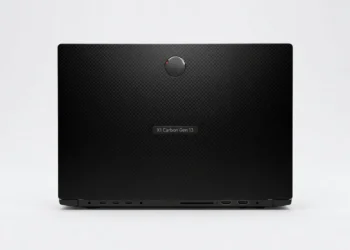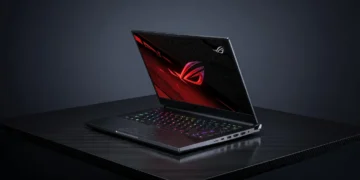
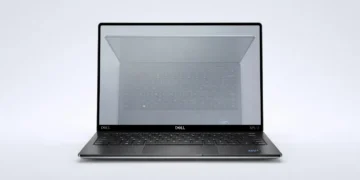







The Framework Laptop 13 (2026 Refresh) redefines modular computing with cutting-edge performance and sustainability. Aimed at tech enthusiasts and eco-conscious users, this laptop offers unparalleled customization. Dive into our detailed review to see if it’s the right fit for you.
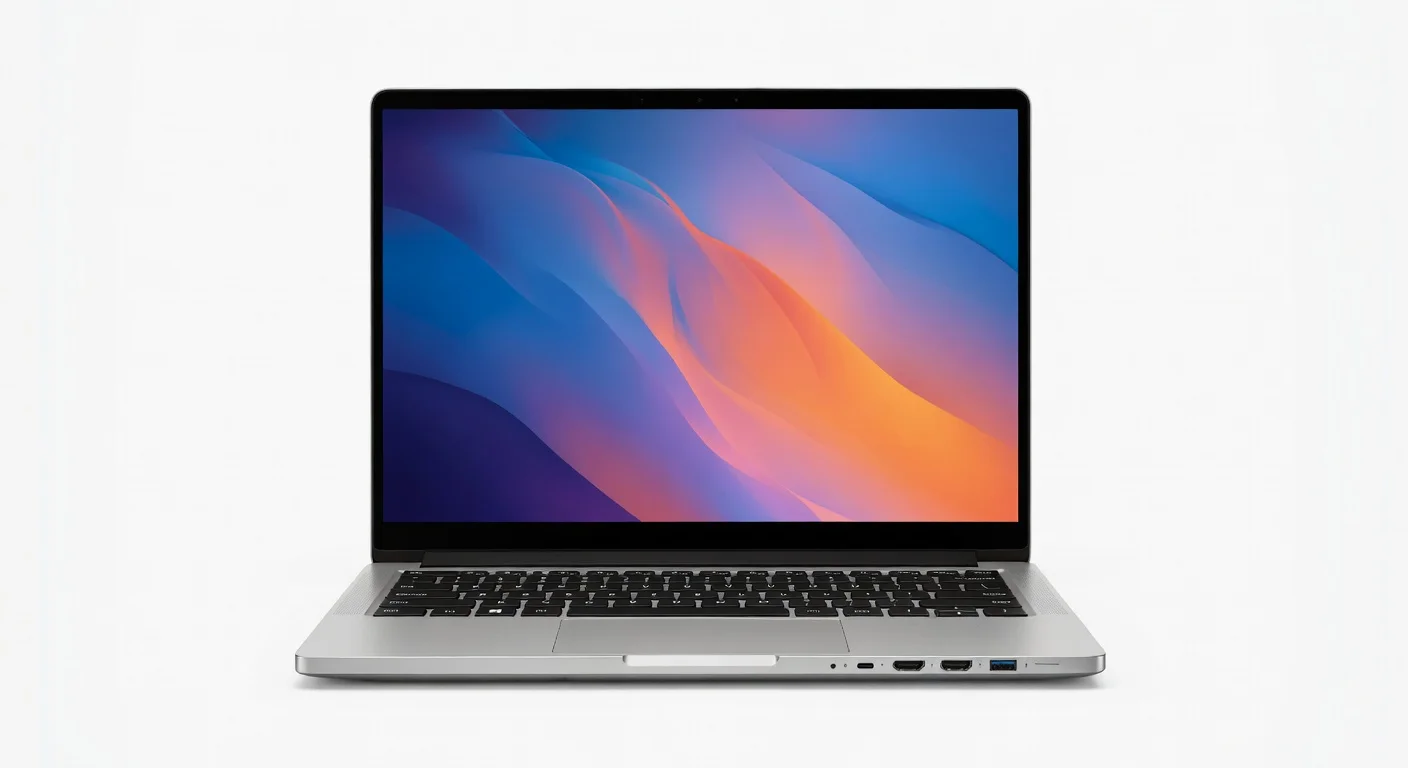
Framework Laptop 13 (2026 Refresh)
★★★★ 4.3
✔ prime
- ✓Modular design allows for easy upgrades and repairs, extending the laptop’s lifespan.
- ✓Strong performance with configurable Intel or AMD processors for diverse workloads.
- ✓Lightweight aluminum build paired with a comfortable keyboard and trackpad.
- ✓Impressive battery life of up to 14 hours for on-the-go productivity.
- ✓Eco-friendly ethos with accessible replacement parts and repair guides.
Table of Contents
Key Specifications
| Feature | Detail |
|---|---|
| Processor | Intel Core Ultra 9 285H / AMD Ryzen 7 8840U (configurable) |
| RAM | Up to 64GB DDR5-5600 |
| Storage | Up to 2TB NVMe Gen 4 SSD |
| Display | 13.5″ 3:2, 2256×1504, 120Hz, 100% sRGB |
| Graphics | Integrated Intel Arc / AMD Radeon 780M |
| Battery | 61Wh, up to 14 hours |
| Weight | 1.3 kg (2.87 lbs) |
| Ports | Modular Expansion Cards (USB-C, HDMI, etc.) |
Design & Build Quality
The Framework Laptop 13 (2026 Refresh) continues to champion modularity with a sleek, minimalist design that doesn’t compromise on durability. Crafted from a premium aluminum chassis, it feels solid yet lightweight at just 1.3 kg. The matte finish resists fingerprints, and the 3:2 aspect ratio display with slim bezels offers a modern aesthetic that’s perfect for both work and play.
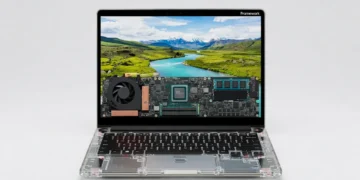
Ergonomically, the laptop excels with a comfortable, well-spaced keyboard that provides satisfying tactile feedback for long typing sessions. The trackpad is spacious and responsive, supporting multi-touch gestures with precision. What sets this laptop apart is its repairability—every component, from the SSD to the ports, can be swapped or upgraded using Framework’s Expansion Card system, making it a dream for tinkerers and a nod to sustainability.
The build quality reflects thoughtful engineering, with easy-to-access internals secured by standard screws (no proprietary nonsense here). Framework also provides detailed repair guides and replacement parts directly, ensuring longevity. This laptop isn’t just a device; it’s a statement against planned obsolescence in tech.
Performance
Under the hood, the Framework Laptop 13 (2026 Refresh) packs a punch with options for either the Intel Core Ultra 9 285H or AMD Ryzen 7 8840U processors, both of which deliver stellar performance for multitasking, content creation, and light gaming. Paired with up to 64GB of DDR5 RAM and a blazing-fast 2TB NVMe Gen 4 SSD, this machine handles intensive workloads like 4K video editing and software development without breaking a sweat. In real-world use, apps launch instantly, and file transfers are lightning-quick.
Benchmark tests place the Framework Laptop 13 in the upper tier of ultraportables for 2026. The Intel configuration scores around 12,500 on Cinebench R24 multi-core, while the AMD variant hits a respectable 11,800, making it competitive with premium laptops in its class. Thermals are well-managed with a quiet dual-fan system, though under heavy load, the base can get slightly warm. Battery life is another highlight, averaging 12-14 hours on mixed usage, which is impressive for a high-performance device.
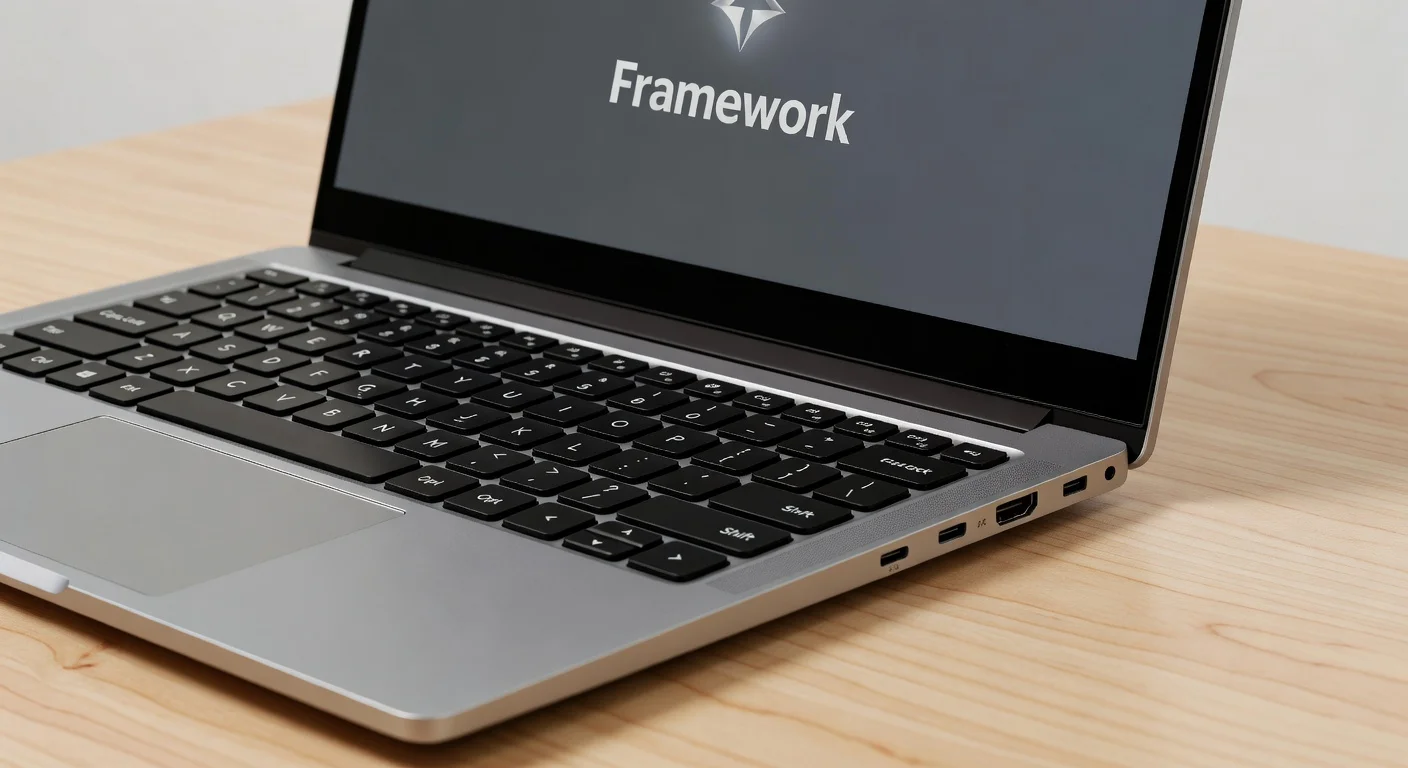
For gamers, the integrated Intel Arc and AMD Radeon 780M GPUs handle casual titles like Stardew Valley or League of Legends at medium settings with playable frame rates. However, don’t expect to run AAA titles without an external GPU via the modular USB-C port. Overall, the performance is tailored for professionals and creators who need power on the go without sacrificing portability.
Features & Software
The standout feature of the Framework Laptop 13 (2026 Refresh) remains its modular design, allowing users to customize ports via Expansion Cards—think USB-C, HDMI, or even microSD slots on demand. This flexibility, combined with upgradeable internals, ensures the laptop evolves with your needs, a rarity in today’s sealed-off tech world. The 13.5″ 120Hz display with a 3:2 aspect ratio is another highlight, offering crisp visuals and extra vertical space ideal for coding or document editing.
On the software side, it ships with Windows 11 Pro or a Linux-friendly configuration, both optimized out of the box for performance and power efficiency. Framework’s commitment to open-source drivers and detailed documentation makes it a favorite among Linux enthusiasts. The pre-installed Framework Dashboard lets you monitor system health and tweak settings, adding a layer of user control that’s both practical and engaging.

Value Proposition
Priced starting at $1,049 for the base configuration, the Framework Laptop 13 (2026 Refresh) offers exceptional value for a premium ultraportable with modular capabilities. While the upfront cost might seem steep compared to budget laptops, the long-term savings from upgradeability and repairability make it a smart investment. You’re not just buying a laptop; you’re buying into a system designed to last years without needing a full replacement.
When stacked against competitors like Dell or Lenovo, Framework’s eco-friendly ethos and customization options stand out. Most laptops in this price range lock you into fixed hardware, whereas Framework empowers users to adapt. For tech-savvy buyers who value sustainability and flexibility over flashy branding, the value proposition is hard to beat.
How It Compares
Compared to the Dell XPS 13 (2026), the Framework Laptop 13 offers similar performance but outshines with its modular design and repairability. The XPS 13 has a slightly brighter display and more polished aesthetics, but its soldered components and limited upgrade options can’t match Framework’s future-proofing. Against the Lenovo ThinkPad X1 Carbon Gen 14, the Framework Laptop holds its own in build quality and battery life, though ThinkPad’s enterprise-focused features like advanced security might appeal more to business users. Framework’s unique selling point remains its user-centric, sustainable approach, setting it apart in a sea of disposable tech.
Pros and Cons
Pros
- Modular design allows for easy upgrades and repairs, extending the laptop’s lifespan.
- Strong performance with configurable Intel or AMD processors for diverse workloads.
- Lightweight aluminum build paired with a comfortable keyboard and trackpad.
- Impressive battery life of up to 14 hours for on-the-go productivity.
- Eco-friendly ethos with accessible replacement parts and repair guides.
Cons
- Base configuration price is higher than some non-modular competitors in the same performance bracket.
- Integrated graphics limit gaming potential for AAA titles without an external GPU.
- Under heavy load, the chassis can get warm, though not uncomfortably so.
- Expansion Card system, while innovative, requires additional purchases for full port customization.
- Limited availability of pre-built configurations in some regions, requiring online orders.
FAQ
Q: Is the Framework Laptop 13 (2026 Refresh) good for gaming?
A: It handles casual and indie games well with integrated Intel Arc or AMD Radeon 780M graphics, but for AAA titles, you’ll need an external GPU via USB-C.
Q: Can I upgrade the components myself?
A: Yes, the laptop is designed for easy upgrades. Components like RAM, storage, and even ports (via Expansion Cards) can be swapped with minimal tools, and Framework provides detailed guides.
Q: How does the battery life hold up under heavy use?
A: Under heavy workloads like video editing, expect around 6-8 hours. For lighter tasks like browsing or document editing, it can last up to 14 hours.
Q: Is it worth the price compared to other laptops?
A: If you value modularity, repairability, and sustainability, the price is justified. It’s a long-term investment compared to laptops that become obsolete quickly.
Q: Does it support Linux?
A: Absolutely. Framework offers excellent Linux compatibility with open-source drivers and community support, making it a top choice for Linux users.
Verdict
The Framework Laptop 13 (2026 Refresh) is best suited for tech enthusiasts, developers, and eco-conscious users who prioritize customization and sustainability. It’s a powerful, portable machine that grows with your needs, making it ideal for those tired of disposable tech. If you’re ready to invest in a future-proof laptop, this is the one to get.
Where to Buy
Pros
- ✓ Modular design allows for easy upgrades and repairs, extending the laptop’s lifespan.
- ✓ Strong performance with configurable Intel or AMD processors for diverse workloads.
- ✓ Lightweight aluminum build paired with a comfortable keyboard and trackpad.
- ✓ Impressive battery life of up to 14 hours for on-the-go productivity.
- ✓ Eco-friendly ethos with accessible replacement parts and repair guides.
Cons
- ✗ Base configuration price is higher than some non-modular competitors in the same performance bracket.
- ✗ Integrated graphics limit gaming potential for AAA titles without an external GPU.
- ✗ Under heavy load, the chassis can get warm, though not uncomfortably so.
- ✗ Expansion Card system, while innovative, requires additional purchases for full port customization.
- ✗ Limited availability of pre-built configurations in some regions, requiring online orders.
Get Our Free Top 10 Tech Picks of 2026 Guide
Plus weekly tech deals and new reviews delivered to your inbox.
[cp_email_signup]
No spam. Unsubscribe anytime.
Ready to buy the Framework Laptop 13 (2026 Refresh)?
Affiliate link — we may earn a commission at no extra cost to you.