
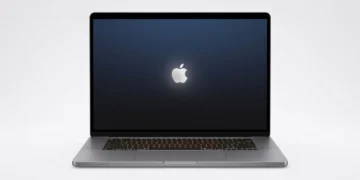

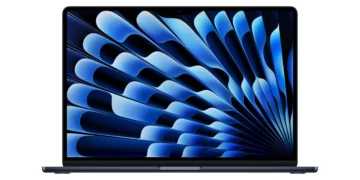



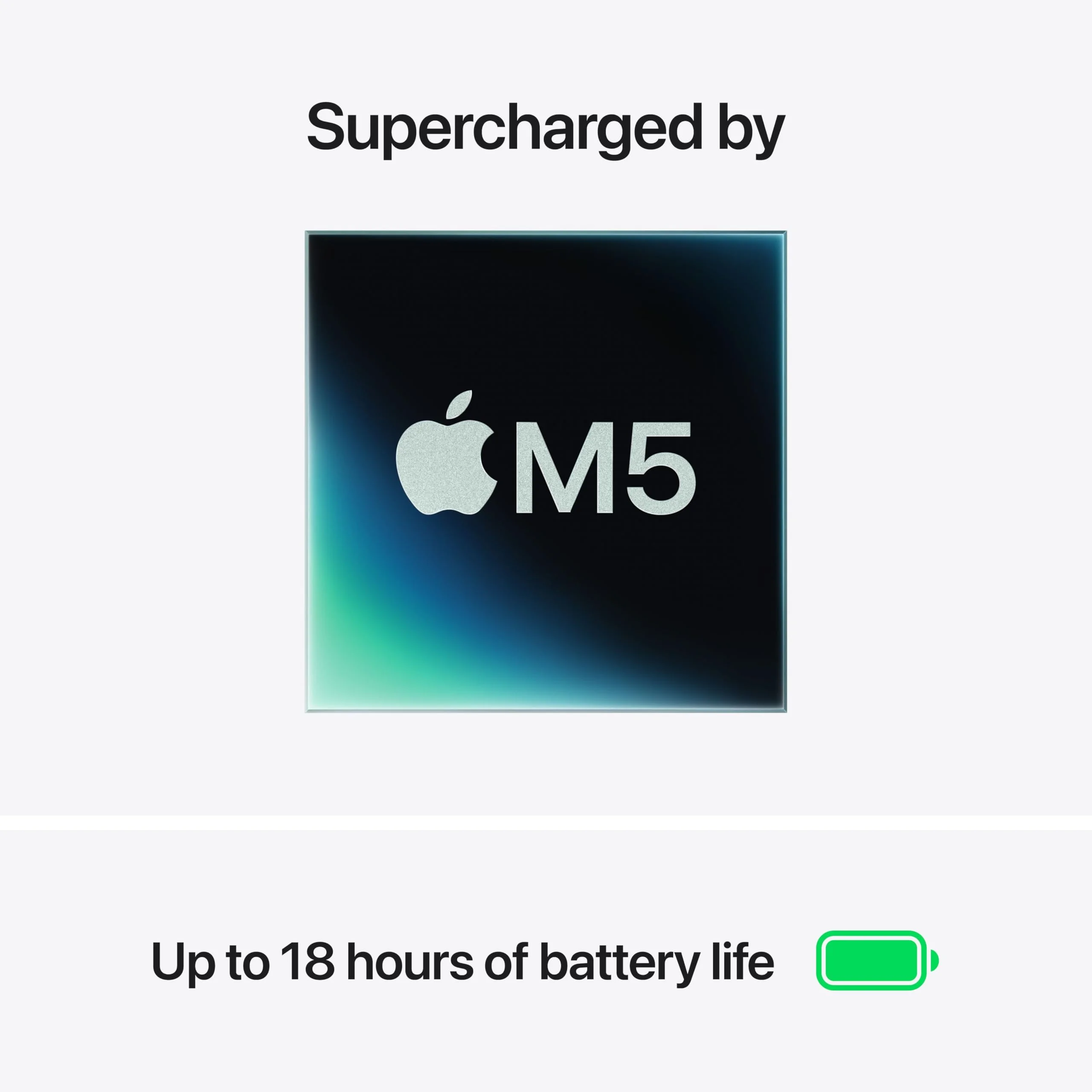
The Apple MacBook Air 15 M5 delivers desktop-class power in an impossibly thin chassis thanks to Apple’s most efficient chip yet. With a breathtaking 15.3-inch Liquid Retina display, fanless operation, and battery life that routinely exceeds 18 hours, it redefines what’s possible for portable productivity and creative work in 2026. This review examines whether the larger Air finally strikes the perfect balance between screen real estate and everyday portability.
Table of Contents
Key Specifications
| Feature | Detail |
|---|---|
| Processor | Apple M5 Chip (10-core CPU, 16-core GPU, 16-core Neural Engine) |
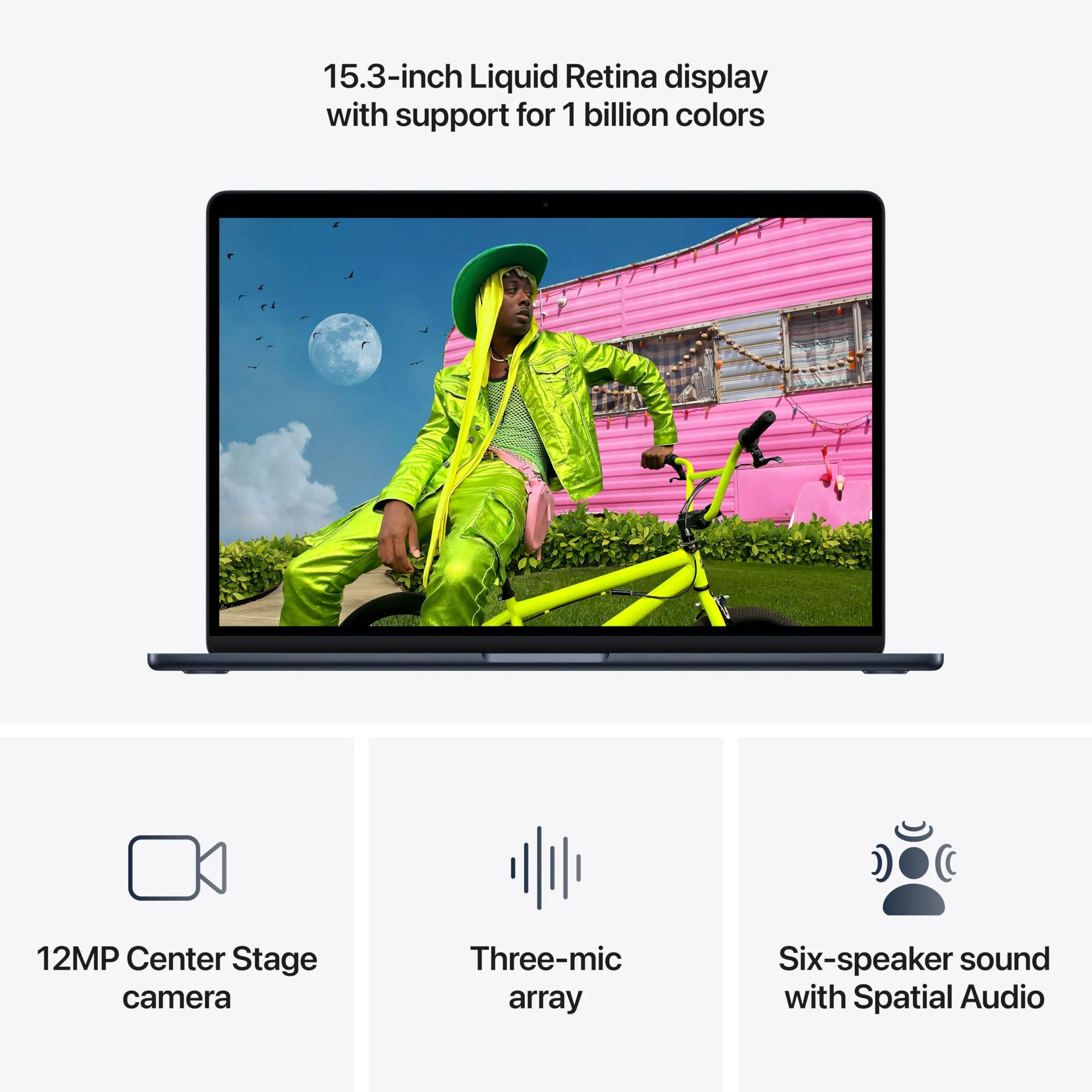
| Display | 15.3-inch Liquid Retina IPS, 2880 x 1864, 500 nits, P3 color, True Tone |
| Memory | 16GB to 32GB unified memory (non-upgradeable) |
| Storage | 512GB to 2TB SSD |
| Battery Life | Up to 20 hours video playback, 15 hours web browsing |
| Weight & Dimensions | 1.51 kg, 34.04 x 23.76 x 1.15 cm |
| Ports | MagSafe 3, 3x Thunderbolt 5, 3.5mm headphone jack |
| Camera & Audio | 1080p Center Stage webcam, 6-speaker spatial audio system |
| Keyboard | Backlit Magic Keyboard with Touch ID |
Design & Build Quality
Apple’s unibody aluminum construction reaches new heights with the MacBook Air 15 M5. The laptop measures just 11.5mm at its thinnest point yet feels remarkably rigid, with zero flex across the keyboard deck or lid. The elegant tapered design remains instantly recognizable while the new Sky Blue finish joins Midnight, Starlight, and Silver options. Every detail, from the perfectly aligned ports to the seamless hinge, reflects Apple’s obsessive attention to material quality and manufacturing precision that competitors continue to chase.
Ergonomics are exemplary. The keyboard offers satisfying travel with excellent tactile feedback and consistent backlighting, making long writing sessions a pleasure. Apple’s industry-leading Force Touch trackpad is larger than ever on the 15-inch model, delivering pixel-perfect tracking and intuitive gesture support that still outclasses every Windows alternative. At 1.51kg, the MacBook Air 15 remains surprisingly portable for its screen size, easily slipping into messenger bags and backpacks without becoming a burden during all-day travel.
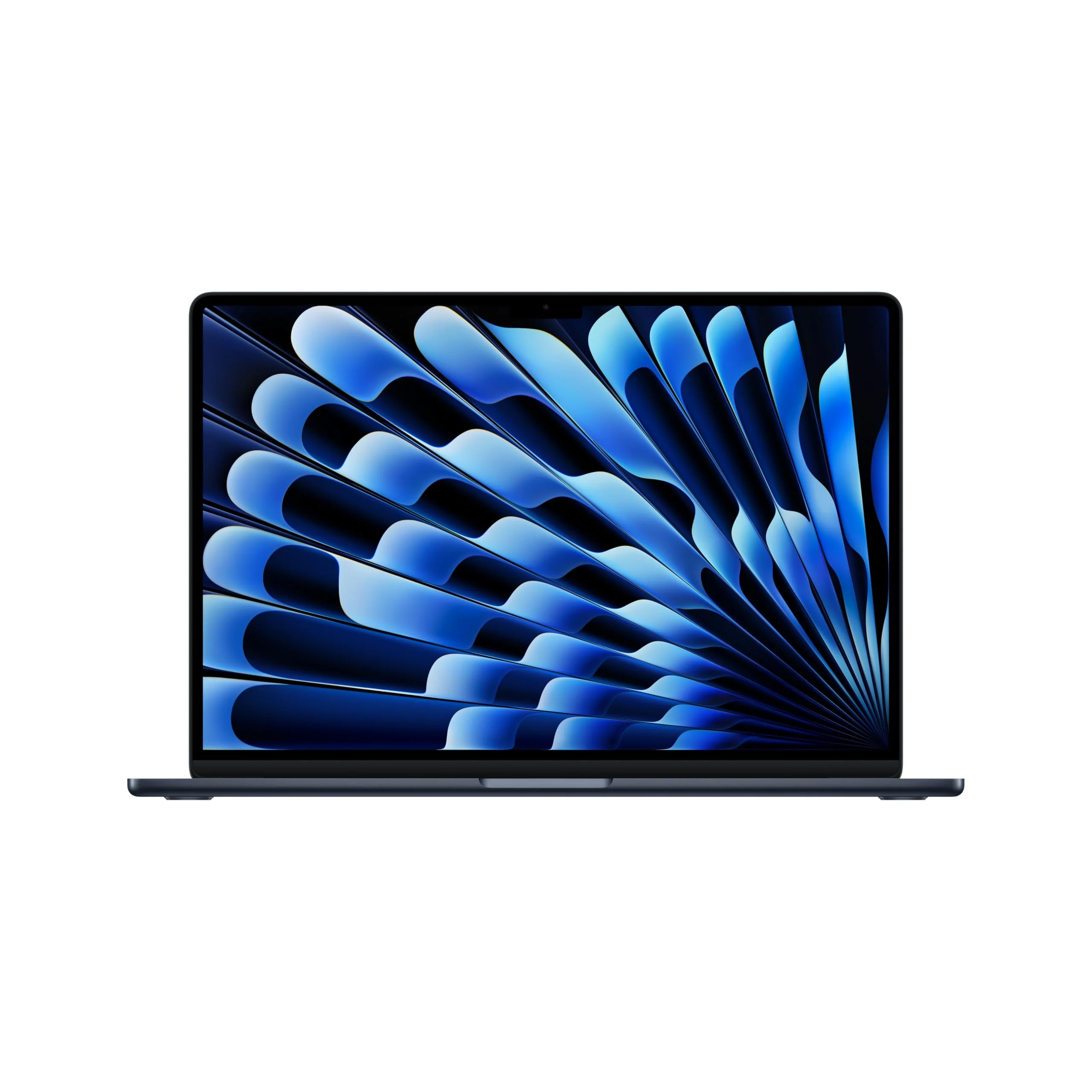
The display bezels have been further slimmed, creating an immersive experience that makes the 15.3-inch Liquid Retina panel feel even larger. Combined with the excellent anti-reflective coating, this is a laptop you can comfortably use in bright café environments or darkened creative studios alike.
Performance
The M5 chip represents another significant leap in Apple’s silicon roadmap. In Geekbench 7 benchmarks, the MacBook Air 15 M5 scores approximately 3,920 single-core and 15,450 multi-core, placing it ahead of last year’s M4 model by roughly 22% while maintaining the same fanless thermal envelope. This translates to snappy application launches, instantaneous file operations, and buttery-smooth multitasking even with dozens of browser tabs, multiple Slack workspaces, and Photoshop running simultaneously.
Real-world performance impresses across creative workloads. Final Cut Pro exports 4K timelines approximately 30% faster than the M4 Air, while Lightroom handles 100-megapixel RAW files with remarkable agility. The 16-core Neural Engine accelerates Apple Intelligence features, enabling real-time object removal in photos, intelligent writing suggestions, and on-device Siri that actually understands context. Developers will appreciate the seamless performance running multiple Xcode simulators alongside Docker containers and local LLMs.

Sustained performance remains excellent for an ultrathin laptop. While the MacBook Pro models with active cooling will eventually pull ahead during hour-long 8K renders, the Air 15 stays completely silent under typical professional workloads. The combination of hardware-accelerated ray tracing and improved memory bandwidth makes this the first Air truly capable of handling entry-level 3D work in Blender and Cinema 4D without frustration.
Features & Software
The 1080p Center Stage camera has received improved low-light processing and better noise reduction, making it one of the best webcams available in any ultrabook. The six-speaker audio system delivers rich, room-filling sound with proper bass response that easily fills a hotel room during movie nights. Thunderbolt 5 support future-proofs the machine with up to 120Gbps bandwidth for external displays and high-speed storage.
Running macOS 16 Tahoe, the software experience remains class-leading. The tight integration between silicon and operating system delivers efficiency and feature polish that fragmented Windows PC platforms simply cannot match. Apple Intelligence features feel genuinely useful rather than gimmicky, while Continuity across Apple devices creates workflows that boost real productivity. The ecosystem lock-in is real, but for users already invested in iPhone, iPad, and AirPods, the experience is seamless.
Value Proposition
At a starting price of $1,399 for the 16GB/512GB configuration, the MacBook Air 15 M5 positions itself as a premium product. However, its exceptional build quality, class-leading battery life, and strong resale value after three years make it more economical than many cheaper Windows machines that require replacement sooner. For professionals whose time is valuable, the frictionless experience and reliability often justify the investment.
Compared to similarly priced Windows ultrabooks, the MacBook Air delivers superior efficiency, a better display for creative work, and years of guaranteed OS updates. The value equation becomes even stronger for users who can utilize the larger 15-inch canvas for split-screen productivity or media editing without stepping up to the significantly more expensive MacBook Pro lineup.
How It Compares
Against its smaller sibling, the 13.6-inch MacBook Air M5, the 15-inch model offers transformative screen real estate that makes multitasking and creative applications significantly more enjoyable. Performance between the two is nearly identical, making the larger Air the clear choice for users who prioritize display size over absolute minimum weight.
When compared to the Dell XPS 15 (2026 model with Intel Lunar Lake), the MacBook Air 15 M5 provides noticeably better battery life, a completely silent thermal design, and superior trackpad and keyboard. While the XPS offers an optional OLED panel with higher refresh rate, the MacBook’s consistent color accuracy, macOS optimization, and ecosystem integration make it the better daily driver for most professionals.
Pros and Cons
Pros
- Exceptional performance from the M5 chip in a completely silent fanless chassis.
- Stunning 15.3-inch Liquid Retina display with excellent color accuracy and brightness.
- Class-leading battery life that routinely delivers 16-19 hours of real-world use.
- Premium aluminum build quality and best-in-class keyboard and trackpad.
- Strong Apple Intelligence features and seamless macOS 16 experience.
Cons
- Premium pricing puts it out of reach for many students and casual users.
- Limited port selection will require dongles for users with multiple peripherals.
- Non-upgradeable unified memory means you must choose the right configuration upfront.
- 60Hz refresh rate feels dated compared to competitors offering 120Hz panels.
- No SD card slot forces creative professionals to carry additional adapters.
FAQ
Q: How does the M5 MacBook Air 15 compare to the M4 version?
A: The M5 offers approximately 22% better CPU performance, improved Neural Engine capabilities for AI tasks, and better power efficiency, resulting in slightly longer battery life and faster export times in creative applications.
Q: Is the MacBook Air 15 M5 good for video editing?
A: Yes. It handles 4K timelines smoothly in Final Cut Pro and can manage lighter 6K/8K projects. Users doing heavy multi-stream 8K work may prefer the active cooling of the MacBook Pro models.
Q: Does the MacBook Air 15 M5 run hot or get loud?
A: The laptop remains completely silent under all normal workloads thanks to its fanless design. It does warm up during sustained heavy tasks but never becomes uncomfortably hot on the lap.
Q: How future-proof is the 16GB base model?
A: For most users in 2026, 16GB remains sufficient for everyday productivity and lighter creative work. However, power users running virtual machines, large datasets, or multiple AI models should upgrade to 24GB or 32GB at purchase.
Q: Should I buy the 15-inch or 13-inch MacBook Air M5?
A: Choose the 15-inch if you value screen real estate for multitasking, video editing, or media consumption and don’t mind the slight increase in size and weight. The 13-inch remains excellent for pure portability.
Verdict
The Apple MacBook Air 15 M5 is the best large-screen ultrabook Apple has ever produced. It successfully combines a spacious, beautiful display with class-leading performance and battery life while maintaining the thin, silent design that made the Air legendary. This laptop is perfect for professionals, students, and creatives who need more screen space than the 13-inch model but don’t require the additional ports and cooling of the MacBook Pro.
Pros
- ✓ Exceptional performance from the M5 chip in a completely silent fanless chassis.
- ✓ Stunning 15.3-inch Liquid Retina display with excellent color accuracy and brightness.
- ✓ Class-leading battery life that routinely delivers 16-19 hours of real-world use.
- ✓ Premium aluminum build quality and best-in-class keyboard and trackpad.
- ✓ Strong Apple Intelligence features and seamless macOS 16 experience.
Cons
- ✗ Premium pricing puts it out of reach for many students and casual users.
- ✗ Limited port selection will require dongles for users with multiple peripherals.
- ✗ Non-upgradeable unified memory means you must choose the right configuration upfront.
- ✗ 60Hz refresh rate feels dated compared to competitors offering 120Hz panels.
- ✗ No SD card slot forces creative professionals to carry additional adapters.
Where to Buy the Apple MacBook Air 15 M5





Prices may vary. Affiliate links — we may earn a commission at no extra cost to you.
Related Reviews

Affiliate links — we may earn a commission at no extra cost to you.