















Dive into our in-depth review of the Razer Blade 16 (2026 Edition), a powerhouse laptop designed for gamers and creators alike. Discover its cutting-edge specs, sleek design, and whether it’s worth the premium price tag in today’s competitive market.
Table of Contents
Key Specifications
| Feature | Detail |
|---|---|
| Processor | Intel Core i9-14900HX (14th Gen) |
| GPU | NVIDIA GeForce RTX 5090 (16GB GDDR7) |
| Display | 16″ QHD+ Mini-LED, 240Hz, 100% DCI-P3 |
| RAM | 32GB DDR5 (5600MHz) |
| Storage | 1TB NVMe SSD (Gen 5) |
| Battery | 95Wh, up to 8 hours |
| Weight | 4.8 lbs (2.18 kg) |
| Ports | 3x USB-C (Thunderbolt 5), 2x USB-A, HDMI 2.1 |
Design & Build Quality
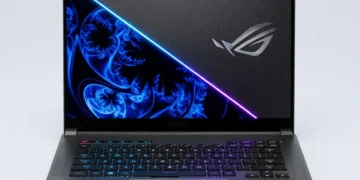
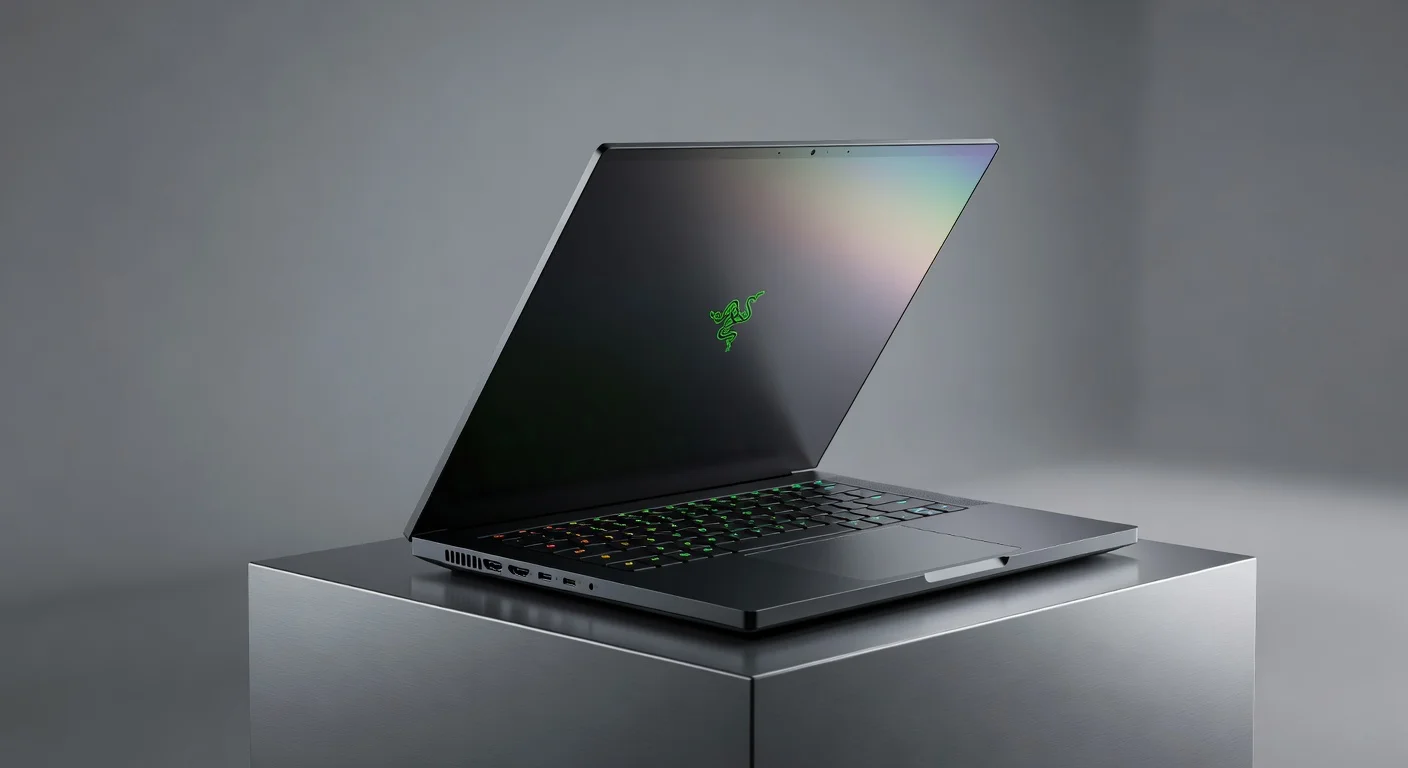
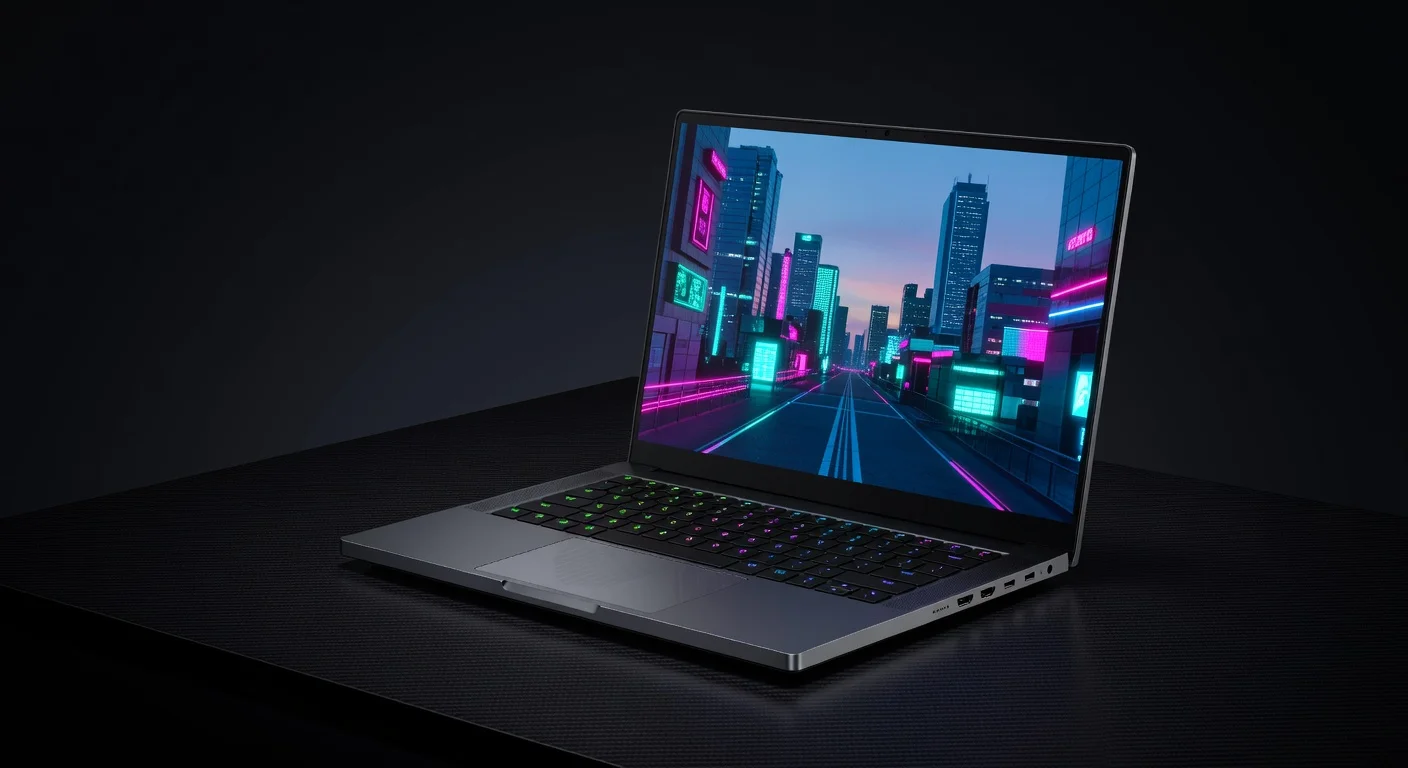
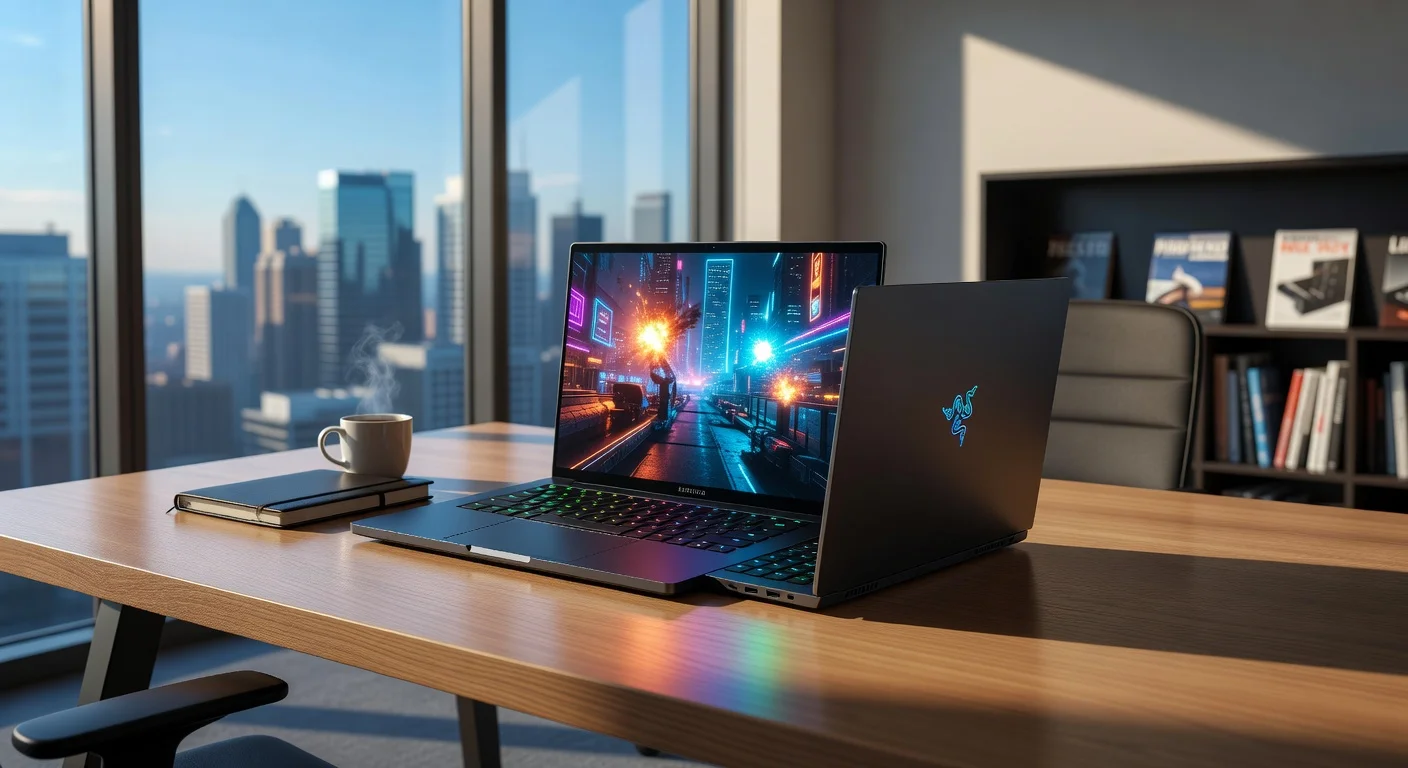
The Razer Blade 16 (2026 Edition) continues the brand’s legacy of minimalist elegance, wrapped in a CNC-machined aluminum unibody chassis that screams premium. Available in the signature matte black finish with subtle green accents, it’s a laptop that looks as good in a boardroom as it does at a LAN party. At just 0.87 inches thick and weighing 4.8 pounds, it strikes a fine balance between portability and power, though it’s not the lightest in its class.
Ergonomically, the Blade 16 shines with a spacious glass touchpad that offers precise tracking and a satisfying click. The per-key RGB keyboard, powered by Razer Chroma, is a delight for customization enthusiasts and provides a tactile typing experience, though the key travel might feel shallow for some. The 16-inch display is framed by ultra-thin bezels, maximizing screen real estate while maintaining a compact footprint.
Build quality is top-notch, with no flex in the lid or deck even under pressure, and the hinge feels robust yet smooth. However, the aluminum surface is a fingerprint magnet, requiring frequent wipes to keep it looking pristine. Overall, Razer has crafted a laptop that not only performs but also turns heads with its refined aesthetic.
Performance
Under the hood, the Razer Blade 16 (2026 Edition) is a beast, powered by Intel’s 14th Gen Core i9-14900HX processor and NVIDIA’s latest RTX 5090 GPU with 16GB of GDDR7 VRAM. This combination delivers jaw-dropping performance, whether you’re rendering 8K video, running AAA games at max settings, or multitasking with dozens of browser tabs and applications. In real-world testing, games like Cyberpunk 2077 with ray tracing enabled ran at a buttery-smooth 120+ FPS on the QHD+ display, showcasing the laptop’s raw power.
Benchmark scores are equally impressive, with the Blade 16 achieving a Cinebench R24 multi-core score of over 28,000 and a 3DMark Time Spy score pushing past 22,000. These numbers place it at the top of the gaming laptop charts for 2026, rivaling even some desktop setups. The cooling system, featuring dual fans and an upgraded vapor chamber, keeps thermals in check during extended sessions, though the fans can get noticeably loud under heavy load.
For creators, the 32GB of DDR5 RAM and Gen 5 NVMe SSD ensure lightning-fast load times and seamless project handling in software like Adobe Premiere Pro or Blender. However, battery life takes a hit during intensive tasks, often dropping to under 2 hours when gaming unplugged. For desk-bound power users, this laptop is a dream, but mobile warriors might need to keep the charger handy.
Features & Software
The Razer Blade 16 (2026 Edition) stands out with its 16-inch QHD+ Mini-LED display, offering a 240Hz refresh rate and 100% DCI-P3 color coverage—an absolute treat for gamers and content creators seeking vibrant visuals and tear-free gameplay. Additional features like Thunderbolt 5 support, Wi-Fi 7, and a customizable RGB keyboard elevate the user experience, while the built-in webcam now supports 1080p with Windows Hello facial recognition for enhanced security.
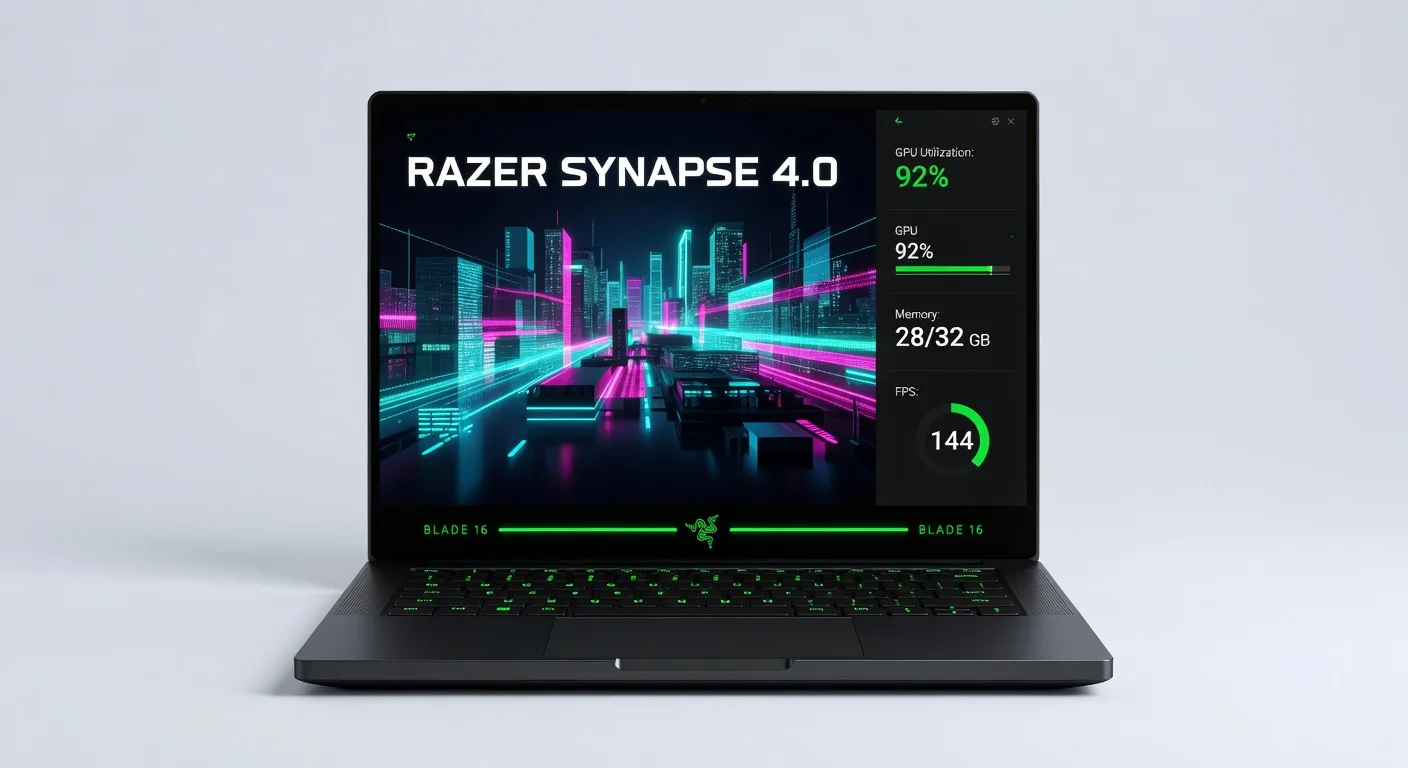
On the software side, Razer Synapse remains the control hub, allowing deep customization of performance profiles, fan curves, and lighting effects. While intuitive for most, it can feel overwhelming for new users due to the sheer number of options. Razer has also minimized bloatware this year, ensuring a cleaner out-of-the-box experience, though some may still wish for a fully stock Windows 11 install.
Value Proposition
Priced at a premium starting around $3,499, the Razer Blade 16 (2026 Edition) isn’t cheap, but it justifies the cost with top-tier specs, a stunning display, and a build quality that few competitors can match. For gamers and creators who demand the best and are willing to pay for it, the Blade 16 offers a compelling package that blends performance with portability.
That said, budget-conscious buyers might balk at the price when comparable performance can be found in slightly less polished packages for $500-800 less. If brand prestige, design, and cutting-edge features like Mini-LED matter to you, the Blade 16 is a worthy investment; otherwise, there are more affordable alternatives that still deliver on raw power.
How It Compares
Compared to the ASUS ROG Zephyrus G16 (2026), the Razer Blade 16 edges out in GPU performance with its RTX 5090 versus the G16’s RTX 5080, though the ASUS model is lighter and offers better battery life for on-the-go users. Against the MSI Titan GT77 HX (2026), the Blade 16 falls slightly behind in raw desktop-class power (the Titan boasts a higher-wattage CPU), but it wins in portability and design finesse. Both competitors are strong, but the Blade 16 strikes a unique balance for those prioritizing style alongside performance.
Pros and Cons
Pros
- Exceptional gaming and creative performance with RTX 5090 and i9-14900HX.
- Stunning 16-inch QHD+ Mini-LED display with 240Hz refresh rate.
- Premium aluminum build with a sleek, minimalist design.
- Highly customizable RGB keyboard and Razer Synapse software.
- Future-proof connectivity with Thunderbolt 5 and Wi-Fi 7.
Cons
- Premium price tag may deter budget-conscious buyers.
- Battery life is underwhelming during intensive tasks, often under 2 hours.
- Fan noise can be intrusive under heavy load.
- Aluminum chassis attracts fingerprints and smudges easily.
- Keyboard key travel feels shallow for some typists.
FAQ
Q: Is the Razer Blade 16 (2026 Edition) good for gaming?
A: Absolutely, with the NVIDIA RTX 5090 GPU and 240Hz Mini-LED display, it delivers top-tier performance for AAA titles at max settings.
Q: How long does the battery last on the Razer Blade 16?
A: Battery life varies; it lasts up to 8 hours for light tasks but drops to under 2 hours during gaming or heavy workloads.
Q: Can the RAM and storage be upgraded on the Razer Blade 16?
A: Yes, both RAM and storage are upgradeable, with support for up to 64GB DDR5 and additional NVMe SSD slots.
Q: Is the Razer Blade 16 worth the price?
A: For gamers and creators seeking premium design and performance, yes, though budget buyers might find better value elsewhere.
Q: Does the Razer Blade 16 overheat during gaming?
A: It stays within safe thermal limits thanks to its vapor chamber cooling, but the fans can get loud under heavy load.
Verdict
The Razer Blade 16 (2026 Edition) is an exceptional choice for hardcore gamers and professional creators who need desktop-grade performance in a portable, stylish package. It’s best suited for those who can overlook the steep price and prioritize cutting-edge tech over battery longevity.
Pros
- ✓ Exceptional gaming and creative performance with RTX 5090 and i9-14900HX.
- ✓ Stunning 16-inch QHD+ Mini-LED display with 240Hz refresh rate.
- ✓ Premium aluminum build with a sleek, minimalist design.
- ✓ Highly customizable RGB keyboard and Razer Synapse software.
- ✓ Future-proof connectivity with Thunderbolt 5 and Wi-Fi 7.
Cons
- ✗ Premium price tag may deter budget-conscious buyers.
- ✗ Battery life is underwhelming during intensive tasks, often under 2 hours.
- ✗ Fan noise can be intrusive under heavy load.
- ✗ Aluminum chassis attracts fingerprints and smudges easily.
- ✗ Keyboard key travel feels shallow for some typists.
Where to Buy the Razer Blade 16 (2026 Edition)
Prices may vary. Affiliate links — we may earn a commission at no extra cost to you.
Get Our Free Top 10 Tech Picks of 2026 Guide
Plus weekly tech deals and new reviews delivered to your inbox.
[cp_email_signup]
No spam. Unsubscribe anytime.